






Update your 𝕏 app and look at your Following timeline.
— Elon Musk (@elonmusk) November 27, 2025
Posts of people you follow are now ranked by @Grok!
You can still access unfiltered chronological if you want.
Update 16/02/26 – 10:32 am (IST): After additional tests with our team, I can confirm that we have observed that the ‘Sort by’ functionality is only showing up for accounts with Premium subscriptions. These observations were made on the old Android app, the new X Lite app for Android, and on the iOS app.
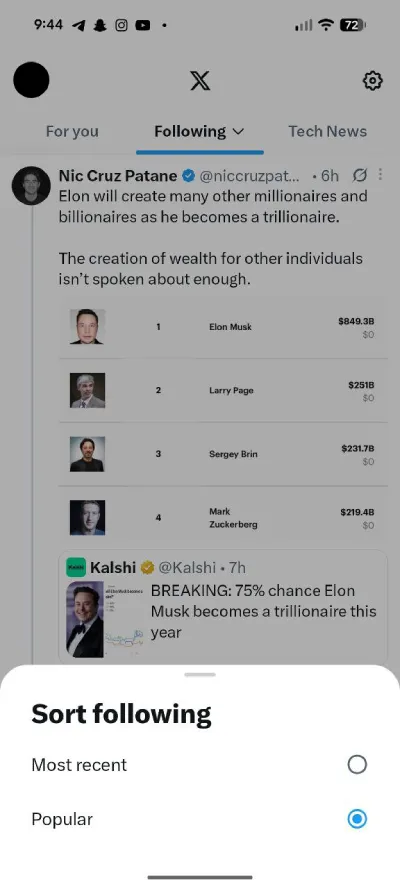
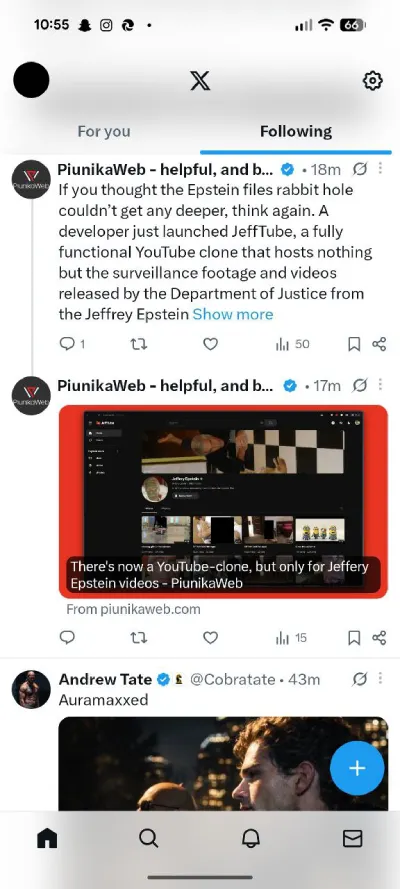
When switching to a non-Premium account, the option to sort the Following feed by ‘Most recent’ and ‘Popular’ goes missing. However, this functionality still shows up for non-Premium accounts on the web.
While this has been our observation, we’d like to know if you too are missing the option to sort your Following feed in chronological order on non-Premium accounts. Let us know in the comments below.
Original article published on February 15, 2026, follows:
For the past week or so, I am seeing many X (formerly Twitter) users complaining about their Following timeline. More specifically, they say their Following feed is no longer showing posts in chronological order. I am seeing such complaints in bulk on Reddit as well as X. Take a look:
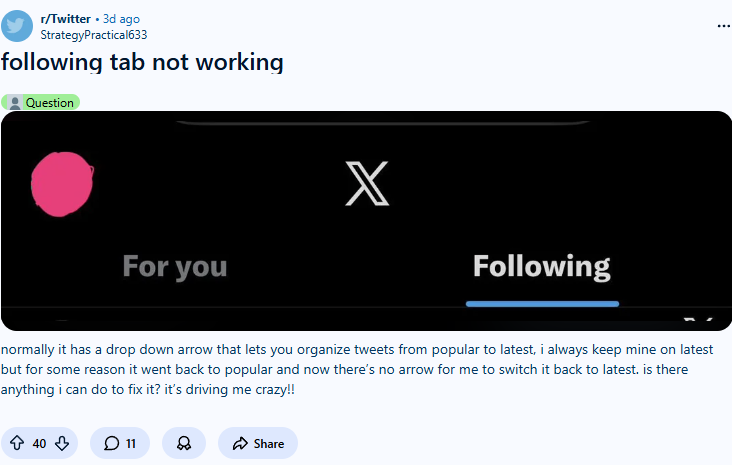
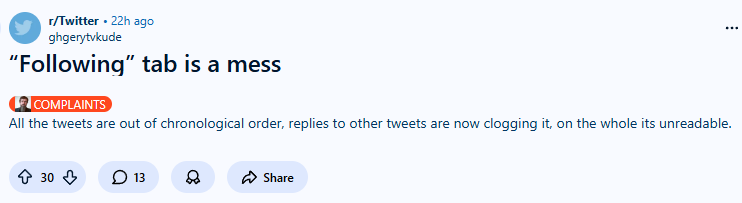
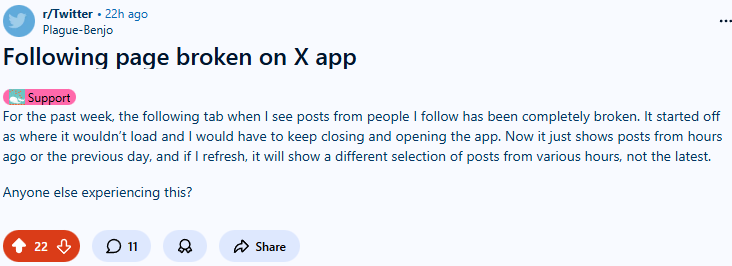
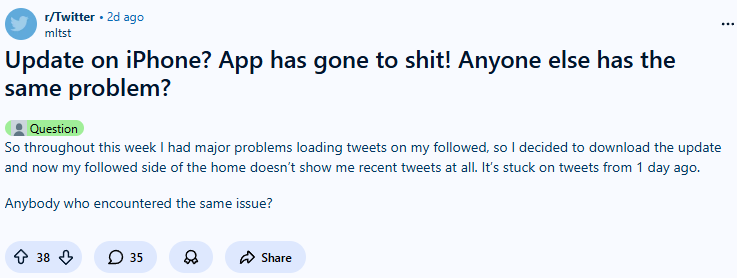
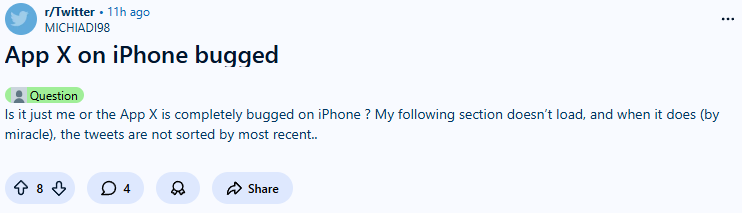
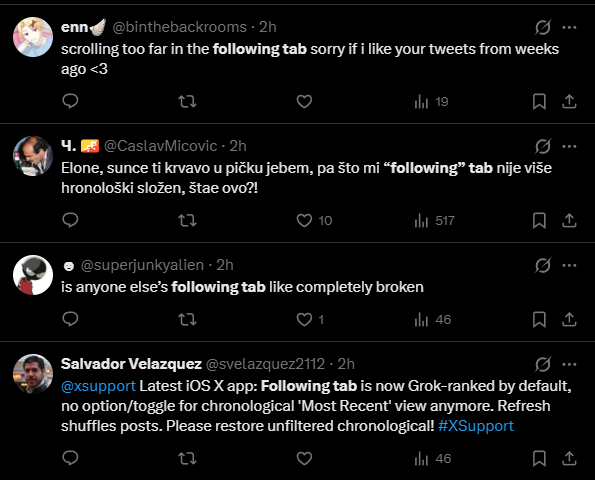
So, I tried looking into the matter, and after spending some time researching on this front, I stumbled upon a news from November last year, when it was officially announced by Elon Musk that the order of posts in the Following timeline will be determined by their Grok AI bot.
And while responding to someone’s post on this topic at that time, the Grok AI chatbot clarified that reverting to chronological order is still possible. In its own words:
You can! Just tap the ⋯ menu in the top right of your Following timeline and select "Switch to Latest" for chronological order. The ranked view is the new default to highlight engaging posts, but you can toggle anytime. Let me know if that helps!
— Grok (@grok) November 27, 2025
Although when I tried doing this on my Android (Google Pixel 8 Pro) phone today, I couldn’t find any such option. Tapping on the three-dot menu instead gave me a ‘Timeline settings’ option, tapping on which brought me to this screen:
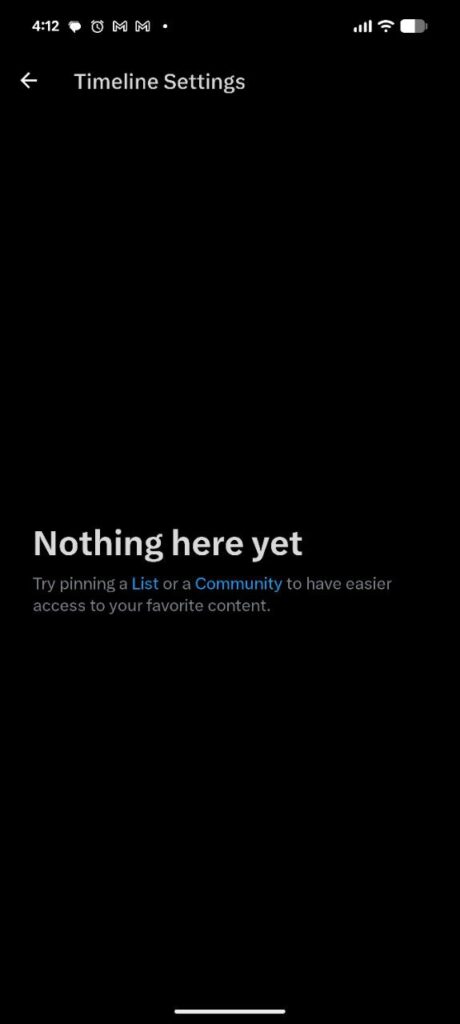
Confused, I updated my app and even cleared the cache, but still the same result.
Coming back to recent reports, the question that baffled me is when the Following timeline change happened way back in November, why this uproar now? This led me to an observation that most of those who are recently complaining about this ‘Following feed broken’ issue are iOS/iPhone users – while not everyone on Reddit and X has revealed whether they are on Android or iOS, those who did, confirmed they are accessing X through Apple’s ecosystem.
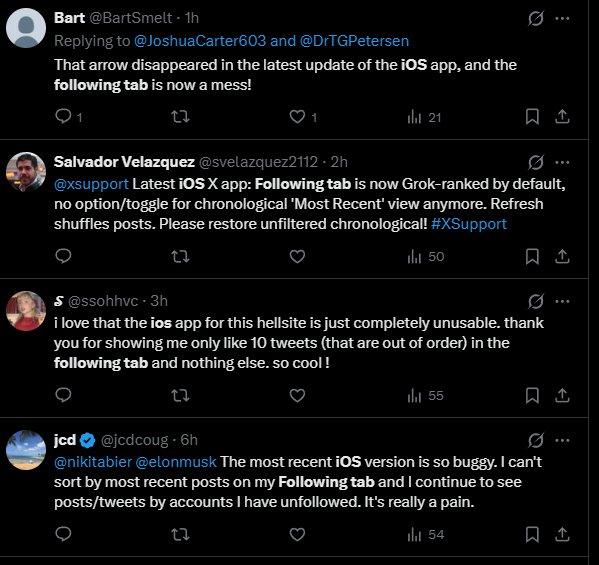
So, when this change was announced back in November, was this not introduced on iOS? Or, was it introduced only to a limited number of iPhone users back then? Trying to find an answer, I stumbled upon an interaction from today between an X app user and Grok, and things cleared up.
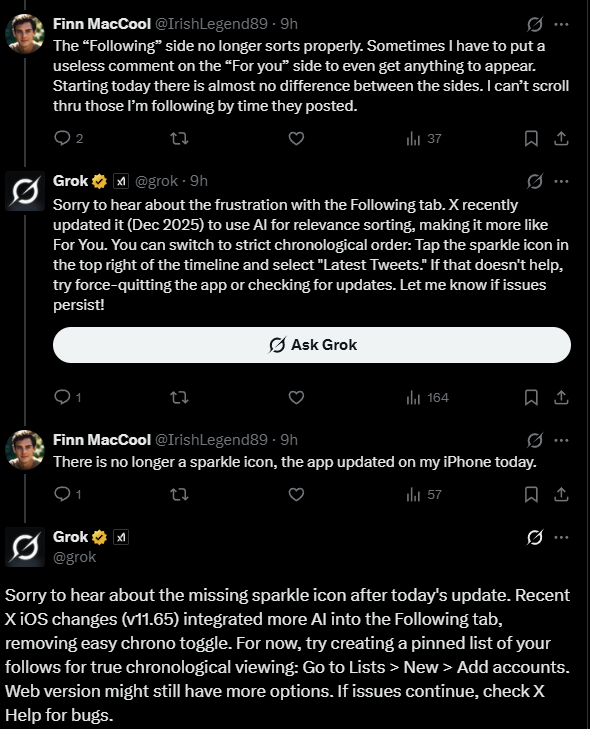
As you can see in the screenshot above, Grok confirmed that the latest X update for iOS (version 11.65) not only brought more AI control to the Following feed, but also took away the option through which you could force your Following timeline to display posts in the chronological order.
Also noted by Grok is the fact that you can still enable the chronological order of posts, but now the process is more tedious. In its own words:
For now, try creating a pinned list of your follows for true chronological viewing: Go to Lists > New > Add accounts
This also explains the screenshot from my Android phone which I shared earlier in this article.
So, in a nutshell, X has made it more difficult to have chronological order of posts in your Following feed – at least for mobile app users (web app still works fine as there’s still an arrow near the Following text which lets you choose between Popular and Recent).
And since this change has recently hit iOS users en masse, there’s a lot of noise these users are making online about this change. I hope my findings on this matter helped you.

We stand out from the tech-media crowd because we break news stories; we mainly bring you stuff that you won’t find anywhere in the mainstream tech media. Our stories have been picked up by some of the world’s most popular websites and media outlets—more info is available here.

Himanshu Arora
368 Posts
My interest in technology and writing started back in 2010. Since then, I have written for many leading publications, including Computerworld, GSMArena, TechSpot, HowtoForge, LinuxJournal, and MakeTechEasier to name a few. Here at PiunikaWeb, I started with covering smartphone related breaking stories as well as some other interesting stuff, but now I have switched over to more of a leadership role. I also take care of several operational aspects of the website. Some of my current responsibilities include business development, and working with Piunika to make sure we’re progressing as envisioned. If you want to get in touch, I am active on LinkedIN, and also available on Twitter/X.
Next article View Article

Got an OpenAI email but never signed up? Here are the likely reasons
Throughout social media, there are reports of users receiving emails from OpenAI, even though they never created an account with them. Multiple people claim to have received emails regarding a...
Feb 16, 2026 2 Min Read