





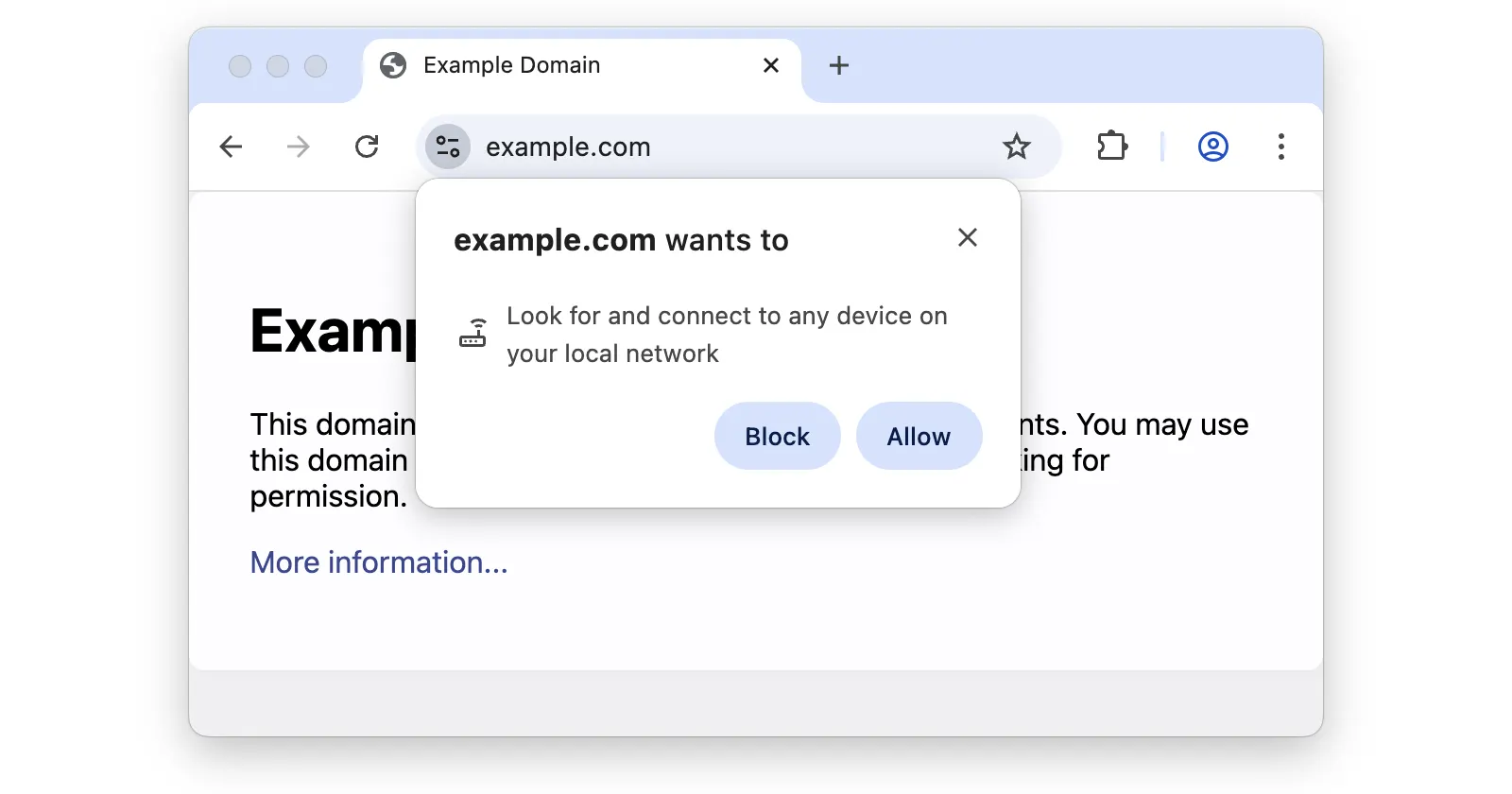
Chrome users across Reddit and X are asking the same question: why is this random website asking to connect to devices on my local network? The prompt looks alarming at first glance. It says a site wants to “look for and connect to any device on your local network” with two buttons, Allow or Block. The confusion is real because it’s not just one site doing this.
A Reddit user posted a screenshot of chatgpt.com triggering the prompt, which quickly got hundreds of upvotes and jokes about AI escaping its cage. But then people in the comments started sharing their own experiences.
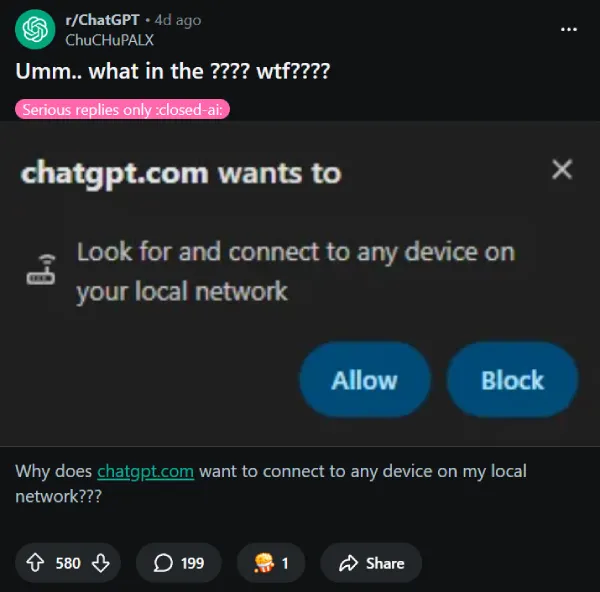
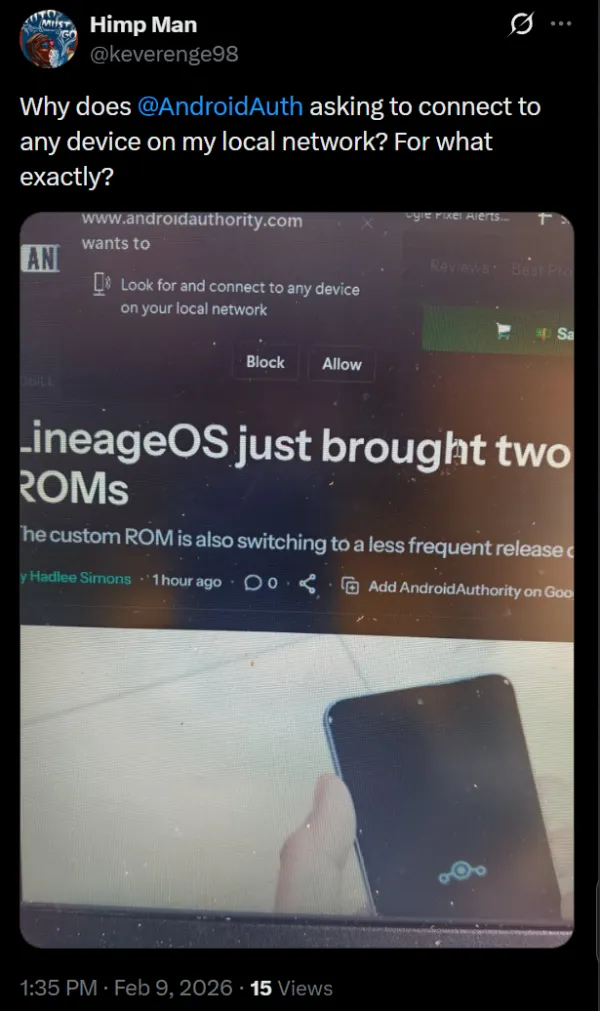
One person said Forbes.com asked for the same thing. Another mentioned seeing it on Wired while reading an article. Even Hillary, one of our writers, ran into it and posted asking what a popular tech publication was doing requesting local network access.
The truth is less sinister than it looks. This is Chrome doing its job, not websites going rogue. Starting with Chrome 142 in late October 2025, Google rolled out a new security feature called Local Network Access permissions. Any time a website tries to send a request to a local IP address like 192.168.x.x or localhost, Chrome now stops it and asks you first. Before this update, sites could silently poke around your local network without you knowing.
Google says the goal is to block cross-site request forgery attacks that target your router or smart home devices. Attackers used to exploit the fact that your browser could quietly talk to devices on your home network without permission. They could mess with router settings, fingerprint your network setup, or worse. The new prompt puts that power back in your hands.
The problem is context. The permission dialog doesn’t explain why a site needs access or what breaks if you block it. That’s why users are confused when Forbes or ChatGPT trigger it. In most cases, you can safely hit Block and nothing important stops working.
Normal browsing, video playback, and text chat don’t need local network access. But some legitimate use cases exist. Enterprise authentication tools that ping a local helper app will ask for this. Intel’s driver update page uses it to scan your hardware. Chromecast-style features might need it too.
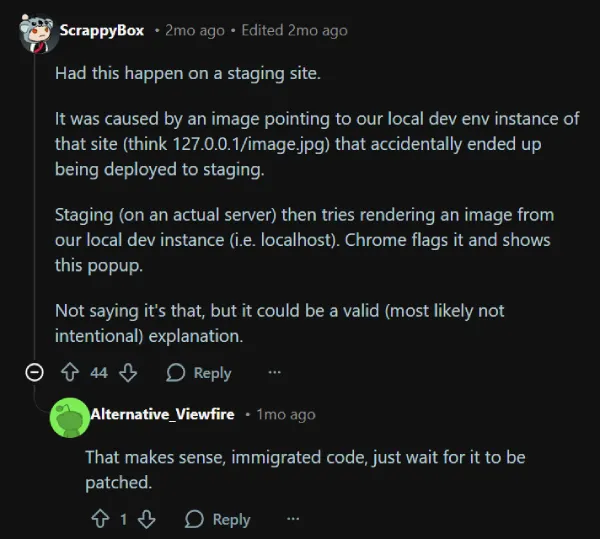
Some sites are triggering the prompt by accident. A Reddit developer explained that their staging site had an image pointing to a local dev environment that accidentally got pushed to production. When the live site tried loading that image from localhost, Chrome flagged it. Wired likely hit a similar issue when users reported the prompt on their article pages.
Reddit user egg_breakfast summed it up well in the ChatGPT thread, saying, “the morally gray stuff that these sites are doing hasn’t changed, the browser is just telling you about it now”. That’s the real story here.
Chrome isn’t creating a new threat. It’s making visible something that was always happening in the background. Other Chromium-based browsers like Edge are rolling out the same behavior since they share Chrome’s engine.
Chrome 145 later split the permission into two types: local-network for devices on your home network like routers, and loopback-network for apps running on your computer. Enterprise environments might behave differently if IT has set policies to allow or block specific sites. For all the details on this, you can check this official document.
If you see this prompt pop up, take a second to think about whether that particular site has any reason to talk to your router or local devices. If the answer is no, block it. For most people on most sites, blocking is the safe bet. The web will keep working just fine.


Dwayne Cubbins
3147 Posts
I cover fast-moving stories across apps, online platforms, and everyday tech — phones, wearables, consoles, and whatever else people are fighting with this week. Bugs, rollouts, scams, policy enforcement, and the occasional internet-culture rabbit hole are all fair game. My goal is simple — make confusing tech news readable. When I'm not working, I'm working out or chilling with my dog. Got a tip? You can find me on X @dcubbins.
Next article View Article
