





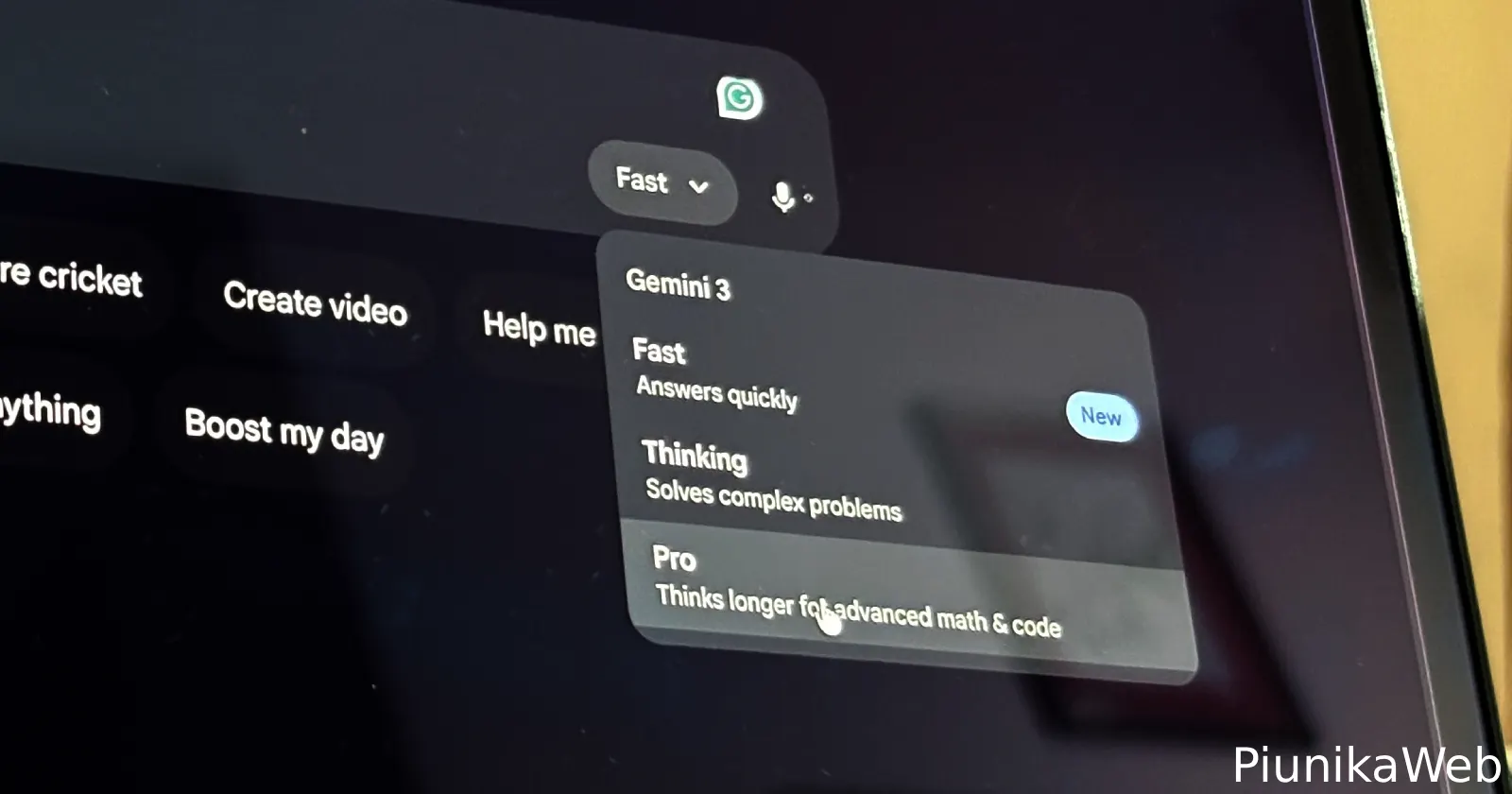
A few Google AI Pro (2TB) subscribers have woken up to an odd change inside the Gemini app and gemini.google.com: the model picker that previously showed Fast, Thinking, and Pro now shows only Fast and Thinking for them.
The complaint is not that Pro is rate-limited or greyed out, but that the Pro option seems to vanish entirely once they’re signed in.
The reports are picking up on Reddit, with one r/GeminiAI thread describing how the Pro toggle disappeared across browsers and even the mobile app, after the user logged in. The same user claims their company-provided Gemini account still shows the full three-mode selector, while their personal Google AI Pro (2TB) plan doesn’t.
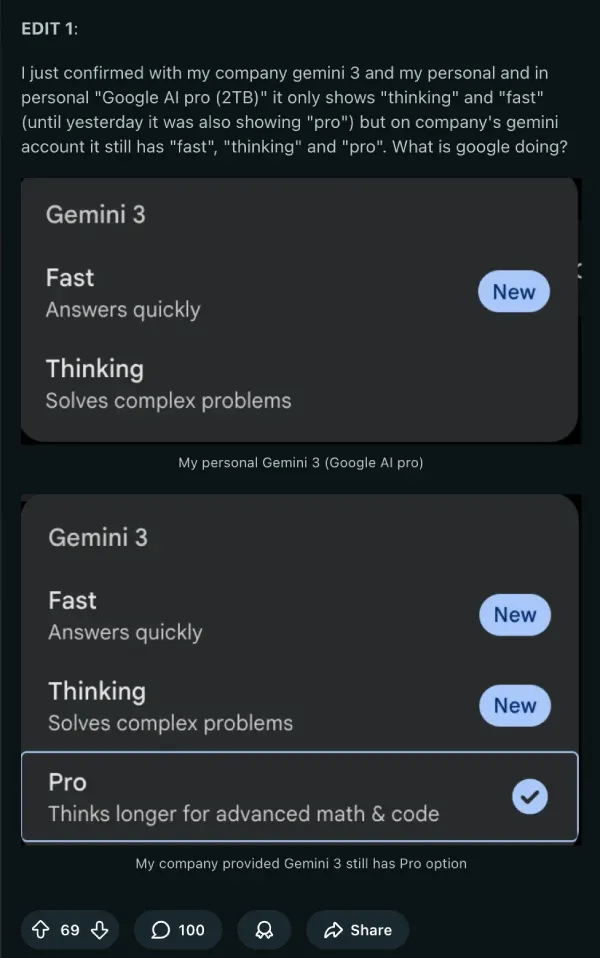
Some other commenters in the thread note that they still see all three options. In fact, in my brief testing (with the AI Pro plan), I was also able to see the Fast, Thinking, and Pro options.
But given that the thread still has comments rolling in from others who have been impacted by this issue, it’s clear that it’s not just isolated to a few users.
Separately, a Google Gemini Help Community post with a similar title also popped up around the same time, reporting the Pro option missing and only Fast and Thinking showing in the drop-down.
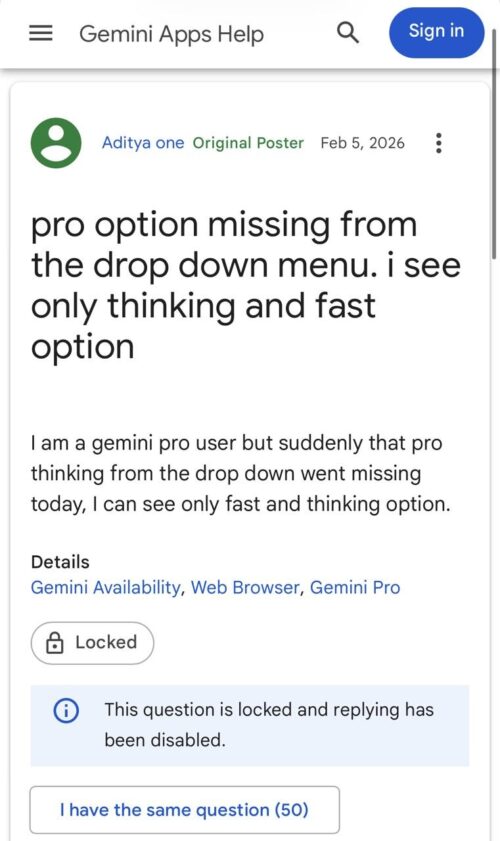
What makes it messier is that at least a few people say they contacted support and got a lot of basic troubleshooting (incognito, different browsers, other devices), only to be told it looked like a system issue and was being escalated.
Adding to that confusion, one commenter said they received an explanation that this might be an intentional interface change where Google is collapsing the old Fast/Thinking/Pro picker into just Fast and Thinking, with Thinking automatically scaling up to Pro when needed.
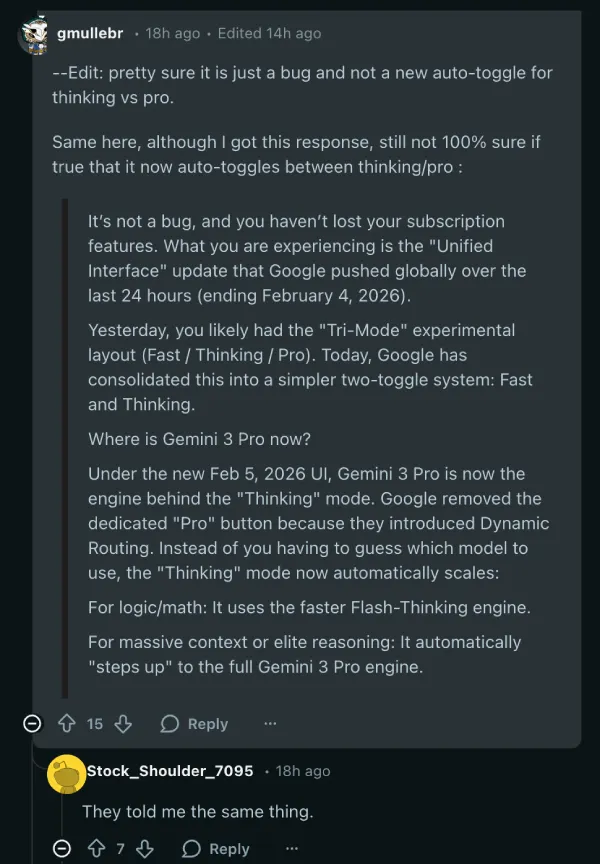
The same user also added a follow-up noting they suspect it could still just be a bug, and there’s no clear proof yet that Google has officially merged Pro into Thinking for everyone.
I’m also leaning towards this just being a bug, rather than an intended change. Google only recently introduced these three separate options with the release of Gemini 3, so it’s unclear why the company would change the model selector options mid-way.
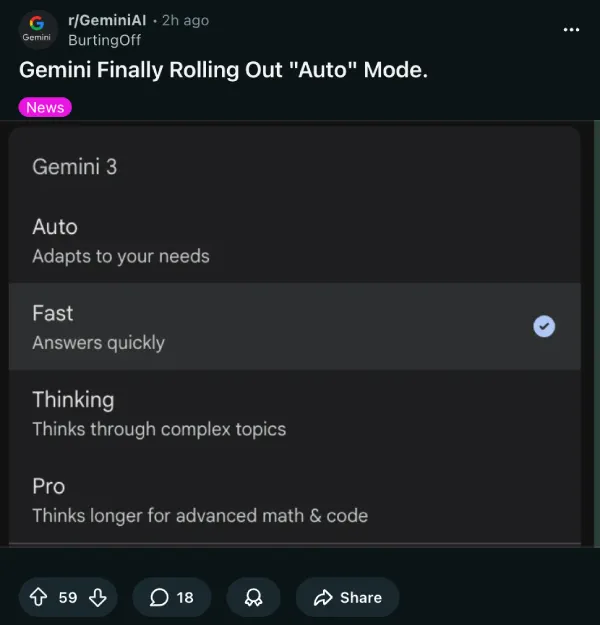
Interestingly, another post on r/GeminiAI says Google is rolling out an ‘Auto’ mode that picks Fast/Thinking/Pro for you. The OP claims it showed up in Chrome first (not the Gemini site/app). So it’s possible that Google may have messed up the model selector for some users while trying to integrate the ‘Auto’ option.
That said, if you’re on Google AI Pro 2TB and the Gemini Pro option is missing, the most useful thing you can do right now is document it (screenshots, device/browser, region) and reference similar reports when contacting support.
This isn’t the only issue Gemini subscribers have been facing. For a couple of months now, Nano Banana Pro users have been reporting a huge drop in their image generation quota. So let’s hope Google sorts out these annoying quirks with Gemini sooner rather than later.


Dwayne Cubbins
3087 Posts
I cover fast-moving stories across apps, online platforms, and everyday tech — phones, wearables, consoles, and whatever else people are fighting with this week. Bugs, rollouts, scams, policy enforcement, and the occasional internet-culture rabbit hole are all fair game. My goal is simple — make confusing tech news readable. When I'm not working, I'm working out or chilling with my dog. Got a tip? You can find me on X @dcubbins.
Next article View Article
