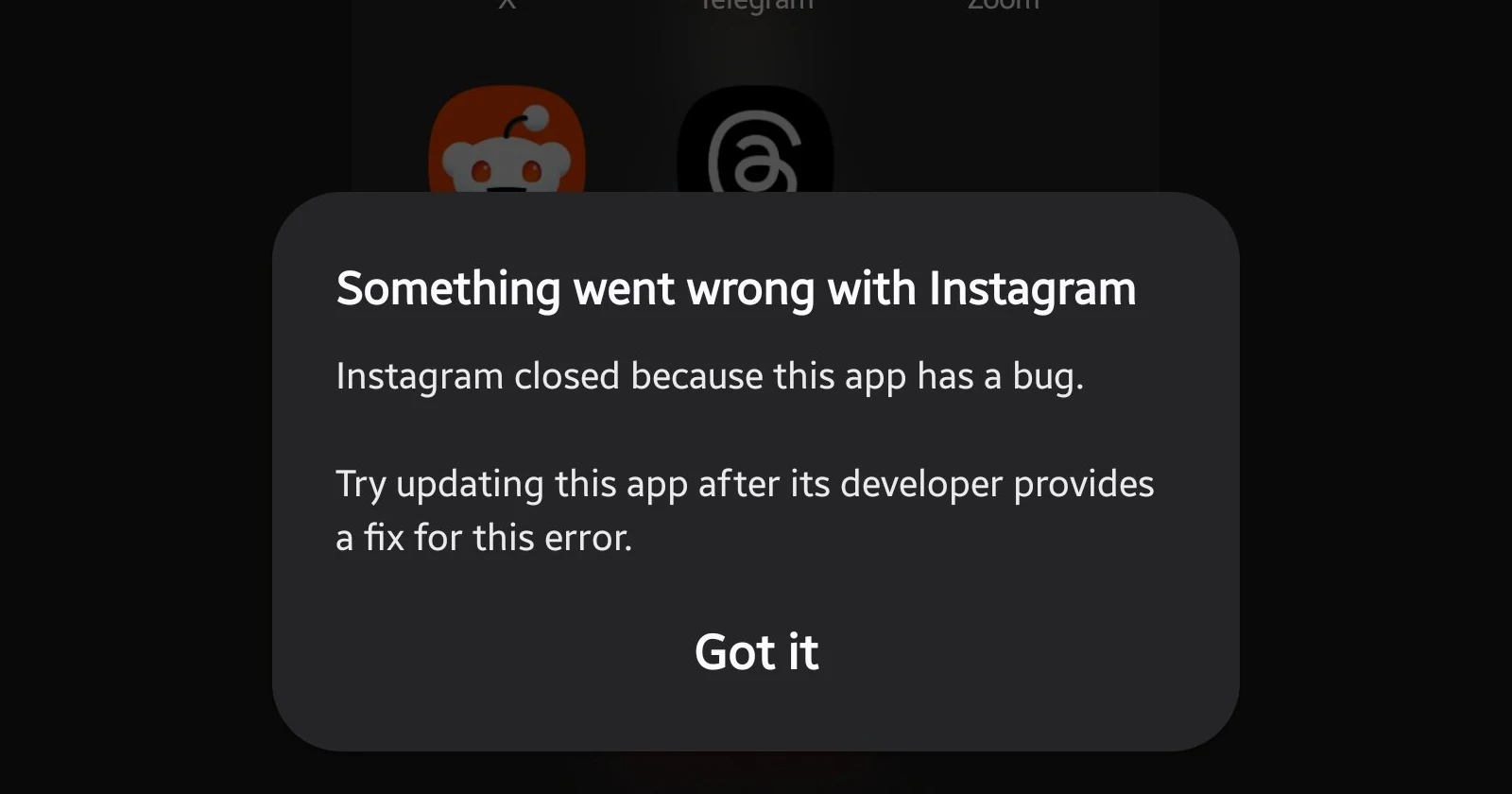
If you woke up this morning to find your favorite apps force-closing immediately upon launch, you aren’t alone. A growing number of Google Pixel owners, particularly those involved in beta testing programs, are reporting widespread app crashes today.
While initial panic might suggest a bad Android system update or a hardware failure, the issue appears to be tied to a specific update to a core system component: Google Play Services.
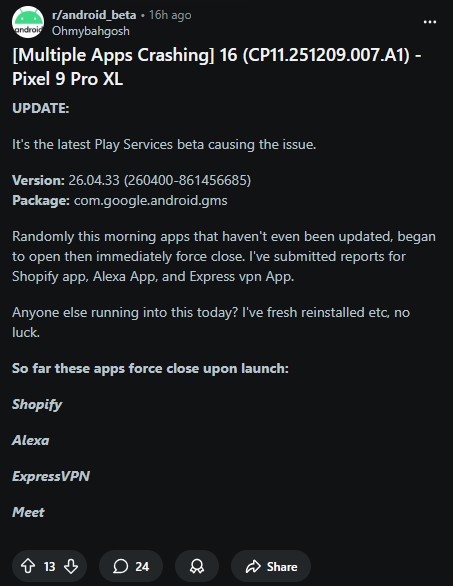
Reports began flooding the Android Beta subreddit early this morning. Users described a frustrating scenario where apps would attempt to open but immediately force-close. The list of affected applications is extensive and seemingly random, covering everything from financial tools to social media and system apps.
Apps confirmed to be crashing include:
- Shopify
- Alexa
- ExpressVPN
- Google Meet
- Banking Apps
- Google Messages & Sheets
One user noted, “Randomly this morning apps that haven’t even been updated began to open then immediately force close.” Another user admitted they were “at the edge of reformatting” their device before discovering the true cause.
The latest Google Play Services Beta v26.04.33 likely the culprit
Despite many reports coming from users running the latest Android 16 QPR3 Beta 2, the operating system itself doesn’t seem to be the root cause.
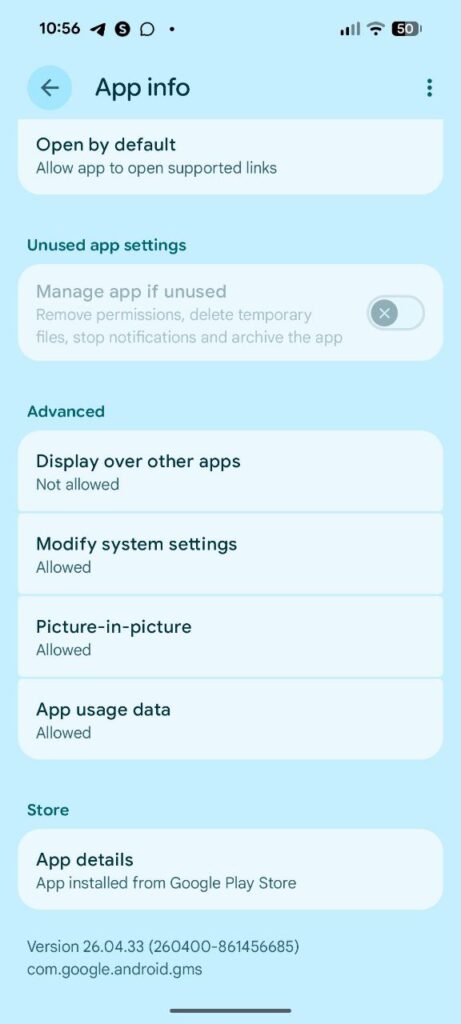
Instead, the issue has been traced to the latest Google Play Services beta, version 26.04.33 (260400-861456685).
Technical users dove into their crash logs and found that the crashes are pointing to a failure in the network stack. Specifically, logs show a java.lang.RuntimeException: Unable to retrieve the NetworkSecurityPolicy associated with the TrustManager.
This explains why some users discovered a peculiar workaround: Turning on Airplane Mode.
“If you go to airplane mode does the app open properly? Mine do! … It’s something related to secure network stack.”
Because the crash occurs when the app attempts to establish a secure network handshake, cutting off the network (Airplane Mode) allows the app to launch the UI without crashing, suggesting the issue lies in connectivity handling within the new Play Services build.
Interestingly, while the reports are loud, the issue isn’t universal.
In our own testing, we have Pixel units running both the Android 16 Beta and the stable release, equipped with the exact “problematic” version of Google Play Services (v26.04.33). We were unable to replicate the crashes on apps like Google Messages, Sheets, and Meet.
This suggests the bug may require a specific combination of server-side flags, device configurations, or perhaps a specific installation path of the beta update to trigger the network stack failure. However, for those who are affected, the phone becomes almost unusable for daily tasks.
How to fix apps crashing on Pixel phones
If you are experiencing these crashes, the consensus fix is to leave the Google Play Services beta program and revert to the stable version.
Here is the workaround that has worked for most users:
- Leave the Beta: Go to the Google Play Services Testing page and leave the testing program.
- Uninstall updates: On your Pixel, go to Settings > Apps > See all apps > Google Play Services. Tap the three-dot menu in the top right corner and select Uninstall updates.
- Re-update: After a moment, your phone should pick up the latest public/stable version (e.g., v26.02.34).
Note: Some users have reported that while this fixes the app crashes, it may temporarily break RCS messaging or result in a flood of missed notifications appearing all at once. A simple device restart after downgrading is recommended.
Are you seeing these crashes on your Pixel today? Let us know in the comments if reverting Play Services fixed it for you.


Hillary Keverenge
2690 Posts
Tech has been my playground for over a decade. While the Android journey began early, it truly took flight with the revolutionary Lollipop update. Since then, it's been a parade of Android devices (with a sprinkle of iOS), culminating in a mostly happy marriage with Google's smart home ecosystem. Expect insightful articles and explorations of the ever-evolving world of Android and Google products coupled with occasional rants on the Nest smart home ecosystem.
Next article View Article