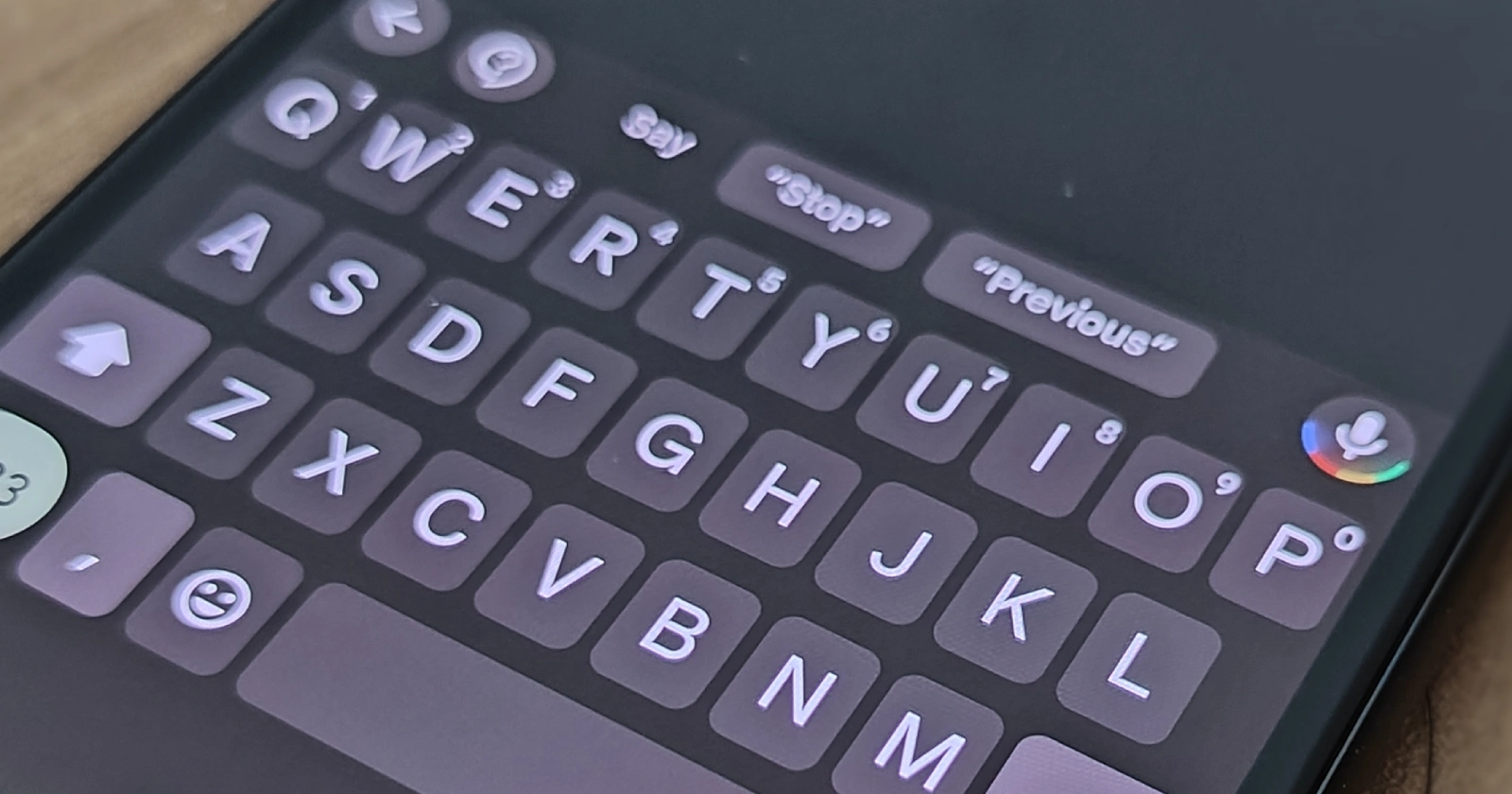
If you are a GrapheneOS user and have noticed your keyboard acting strangely when correcting typos, you aren’t alone. A frustrating glitch involving the AOSP keyboard is causing the backspace key to aggressively remove spaces between words, often forcing users to rewrite entire sentences rather than just fixing a single letter.
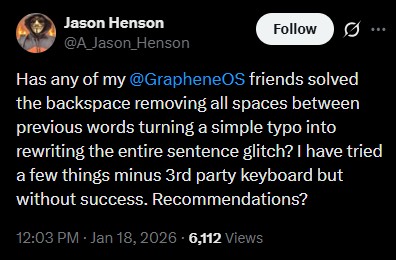
The issue, which has been highlighted in a recent exchange between users and the GrapheneOS team on X, appears to be triggered when a user attempts to backspace to correct a mistake. Instead of simply deleting the immediate character, the action reportedly removes the spacing between the preceding words, collapsing the sentence into a single string of text.
As one affected user described it:
GrapheneOS has acknowledged the problem and identified the root cause. According to the developers, this is not a bug within GrapheneOS itself, but rather a compatibility conflict between the Android Open Source Project (AOSP) Keyboard, which GrapheneOS uses as its reference implementation, and apps built using Android Compose.
In a reply, GrapheneOS explained:
“It’s a compatibility issue between some apps and AOSP Keyboard or keyboards closely based on it without changes to work around this… It’s some kind of issue with Android Compose text fields which makes them incompatible with AOSP Keyboard.”
While GrapheneOS notes that this is technically an issue on the app side (failing to work with Android’s reference keyboard), the team has confirmed they are “working on resolving it” by implementing a workaround directly on the keyboard side to spare users the headache.
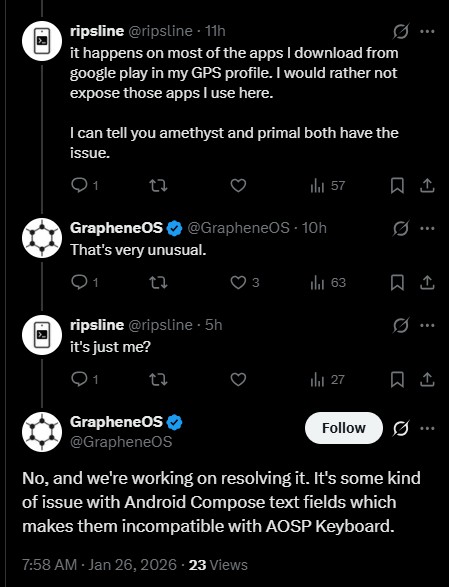
Because the issue is tied to Android Compose text fields, it is inconsistent and only affects specific applications. Based on user reports, the apps that have exhibited the glitch include (but are not limited to) ChatGPT, Signal, Brave browser, and Nostr clients (Amethyst and Primal).
One user noted that the only current remedy they found was to “backspace extremely slowly.” At the same time, another suggested typing without any spell-check active, which is hardly an ideal solution for quick communication.
For now, users experiencing this “space-eating” bug might consider temporarily switching to a third-party keyboard like HeliBoard, though GrapheneOS is actively looking into a fix. If you are sticking with the default board, keeping an eye on upcoming system updates is your best bet.


Hillary Keverenge
2723 Posts
Tech has been my playground for over a decade. While the Android journey began early, it truly took flight with the revolutionary Lollipop update. Since then, it's been a parade of Android devices (with a sprinkle of iOS), culminating in a mostly happy marriage with Google's smart home ecosystem. Expect insightful articles and explorations of the ever-evolving world of Android and Google products coupled with occasional rants on the Nest smart home ecosystem.
Next article View Article