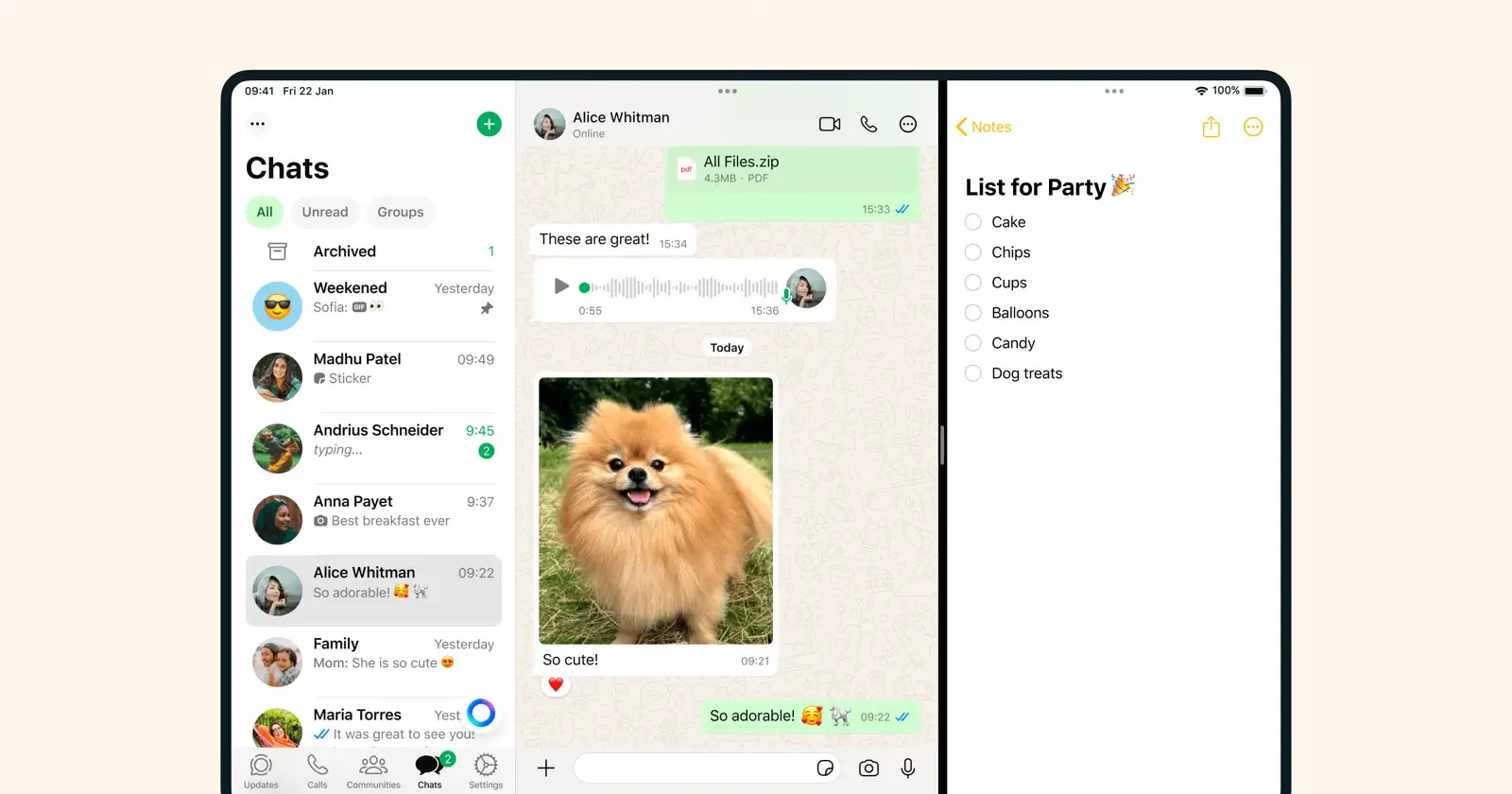
WhatsApp users who rely on their iPad for messaging ran into a frustrating problem over the past week. The app now stops loading chat history after just 10 to 15 messages, telling people to grab their phone if they want to see anything older.
Reports about the issue seem to have started surfacing a few days ago on Reddit. One person said they were scrolling through a conversation looking for a message sent just hours earlier when WhatsApp stopped them cold and displayed a prompt to “use WhatsApp on your phone to view older messages”. The weird part? It worked fine earlier that same day.
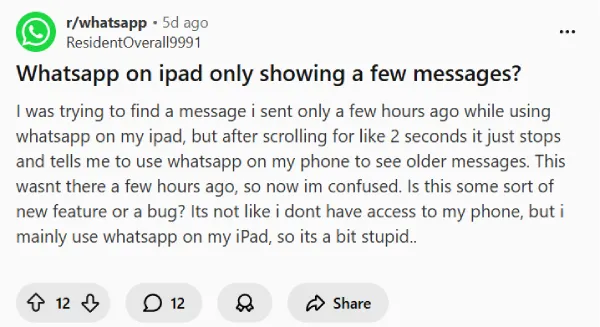
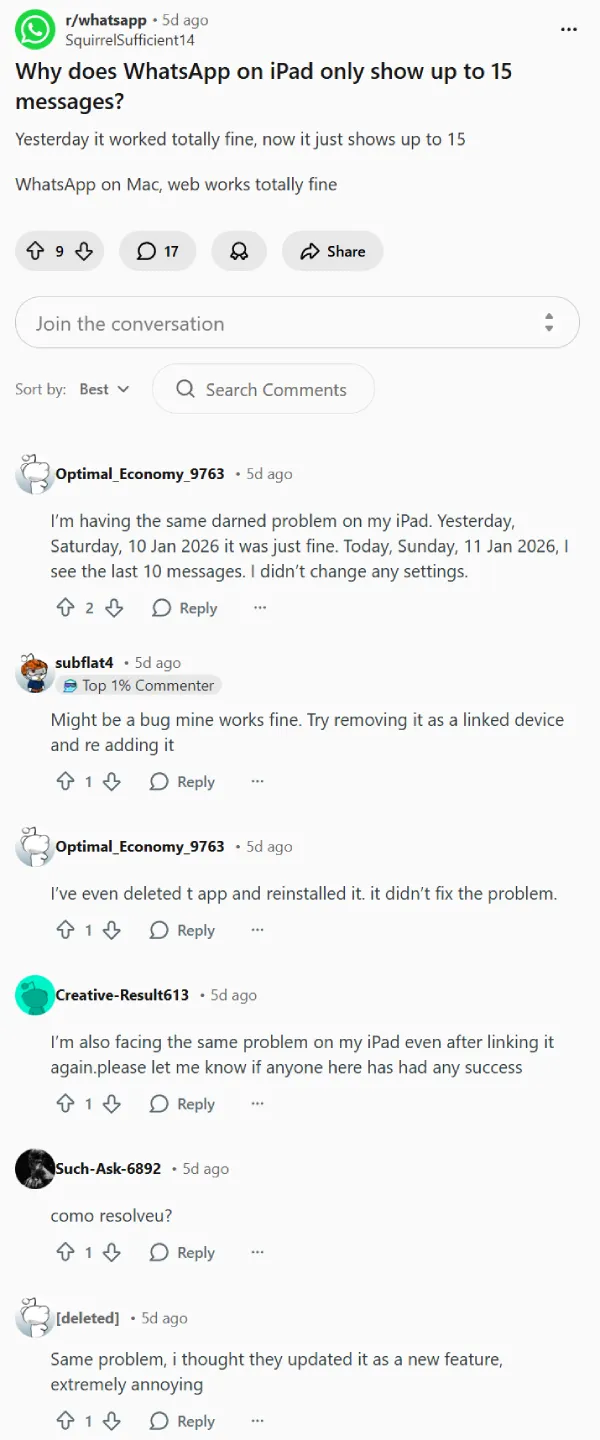
Several iPad owners confirmed the same behavior. Some tried the usual fixes like unlinking and relinking their device or deleting and reinstalling the app, but most report those steps didn’t help. A few users noticed the problem appeared right after updating iPadOS, though that timing could be a coincidence.
Users say that WhatsApp on Mac and WhatsApp Web still show full chat history for the same accounts. So the problem seems specific to the iPad app, not a general sync failure across all linked devices.
One affected user dug into WhatsApp’s support materials and found a chatbot response acknowledging a “known issue for some linked devices not displaying up to one year of chat history”. WhatsApp’s official help center confirms this, stating they’re working on a fix and encouraging users to keep the app updated since fixes may roll out in future updates.
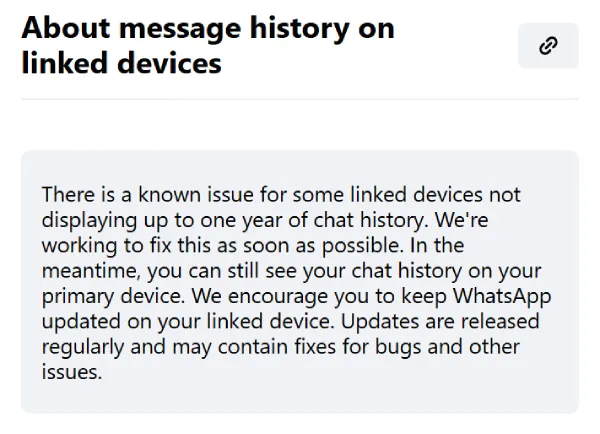
The company’s help page also clarifies that not all messages sync to linked devices from your phone, and WhatsApp Desktop typically syncs more message history than WhatsApp Web. But that’s different from what users are experiencing now. This isn’t about missing older archived chats from months ago. People can’t even scroll back a few hours or days without hitting the wall.
For anyone dealing with this right now, WhatsApp says your full chat history is still safe on your primary phone. You can search and reference old messages there while waiting for the iPad app to get sorted out. Some users have been asking contacts to forward or reply to older messages as a workaround when they need to reference something specific.
That said, it’s still a bummer for people who use their iPad as their main device and only keep their iPhone around for calls or hosting the SIM.


Dwayne Cubbins
3067 Posts
I cover fast-moving stories across apps, online platforms, and everyday tech — phones, wearables, consoles, and whatever else people are fighting with this week. Bugs, rollouts, scams, policy enforcement, and the occasional internet-culture rabbit hole are all fair game. My goal is simple — make confusing tech news readable. When I'm not working, I'm working out or chilling with my dog. Got a tip? You can find me on X @dcubbins.
Next article View Article