






Instagram’s desktop website seems to have stopped working for a number of users who are stuck watching the loading screen spin endlessly. The issue appears to have started a couple of days ago, with multiple reports popping up on Reddit and X from frustrated users who can’t access their accounts through web browsers.
A user on the r/Instagram subreddit posted that none of their Instagram accounts will load on any desktop browser, sharing a screenshot of the page frozen on the Instagram logo. They tested Chrome, Edge, Firefox, and Opera with identical results. Interestingly, the mobile app works without any hiccups, and they can still log into Instagram accounts that aren’t linked to their Meta account.
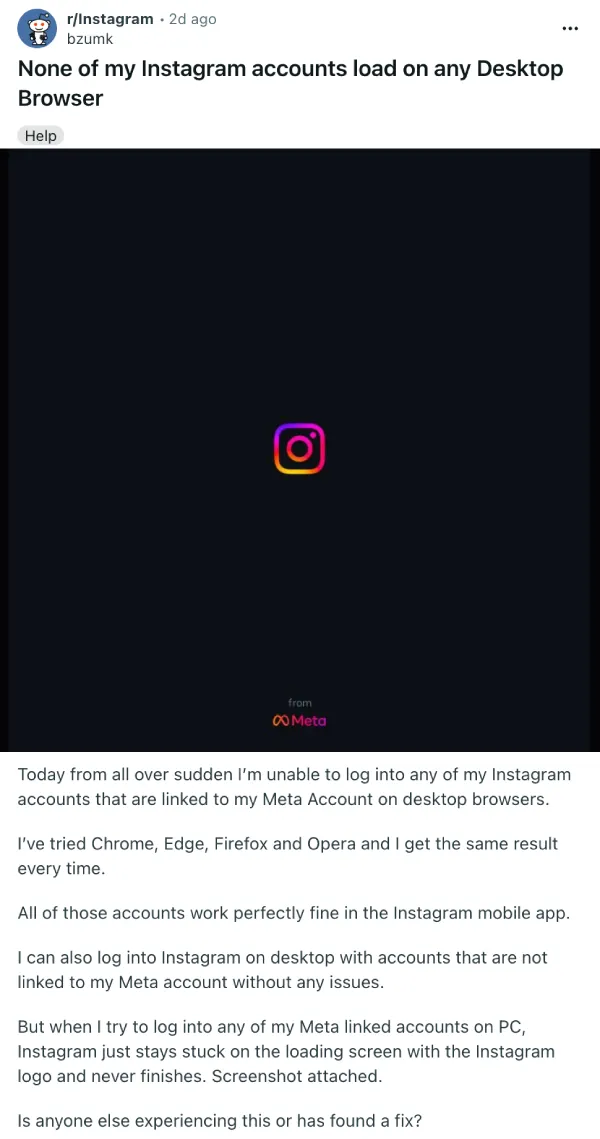
Another Reddit user from Spain reported being locked out of Instagram on desktop for two full days, trying Firefox, Microsoft Edge, and Brave browsers with no luck. Users from Italy, Germany, and other European countries have chimed in with similar experiences, leading some to wonder if this is a regional problem.
One of the OPs noted that everyone mentioning their location seems to be from Europe, which raises questions about whether Meta rolled out a broken update that only hit certain regions.
On X, users are tagging Instagram’s official account and even Mark Zuckerberg directly, asking why they can’t access the platform from their PCs. One user mentioned trying the Windows web app in addition to multiple browsers on desktop and Android, but nothing worked except the Android app itself.
A few users have discovered temporary workarounds, though they’re not exactly reliable. One Reddit user found that modifying the URL on the “save login info” page lets them access their account, changing “?next=%2F” to “?next=%.2F” in the address bar.
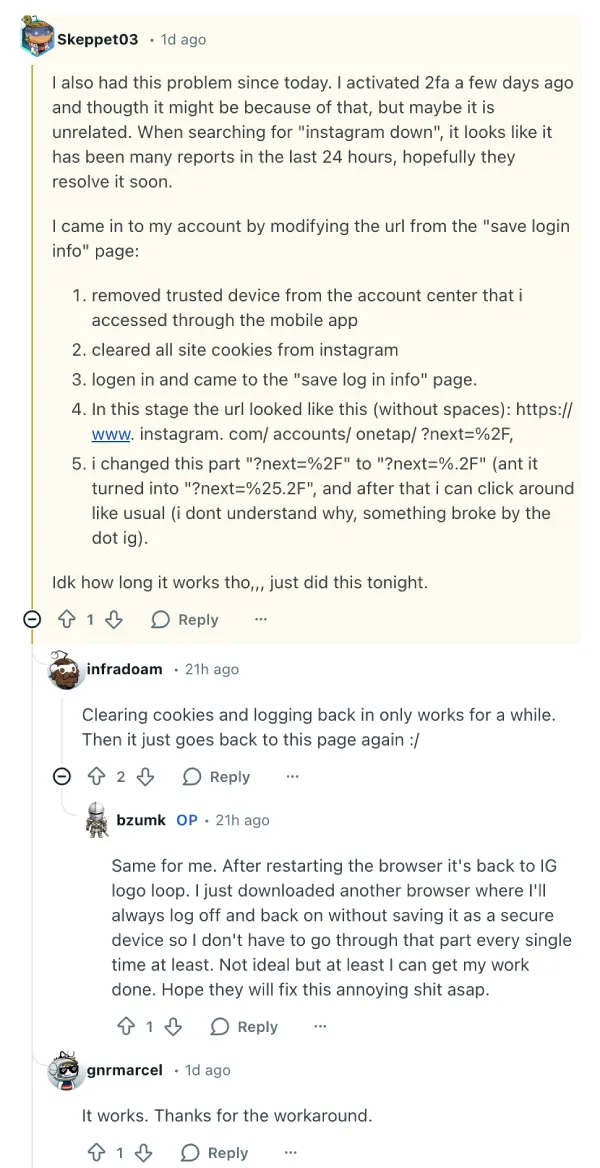
Others reported that clearing cookies and logging back in helps briefly, but the infinite loading screen returns after restarting the browser. Some even say that they started using a separate browser where they log out each time just to avoid the loop, calling it far from ideal but at least functional for getting work done.
There’s also speculation about a possible connection to the Instagram password reset email drama from a few days ago, but I highly doubt this has anything to do with that. No official word from Instagram or Meta has surfaced yet about what’s causing the desktop login failures or when a fix might arrive. For now, users dealing with the Instagram desktop loading screen bug will need to stick with the mobile app until Meta sorts things out.


Dwayne Cubbins
2831 Posts
I cover fast-moving stories across apps, online platforms, and everyday tech — phones, wearables, consoles, and whatever else people are fighting with this week. Bugs, rollouts, scams, policy enforcement, and the occasional internet-culture rabbit hole are all fair game. My goal is simple — make confusing tech news readable. When I'm not working, I'm working out or chilling with my dog. Got a tip? You can find me on X @dcubbins.
Next article View Article
