





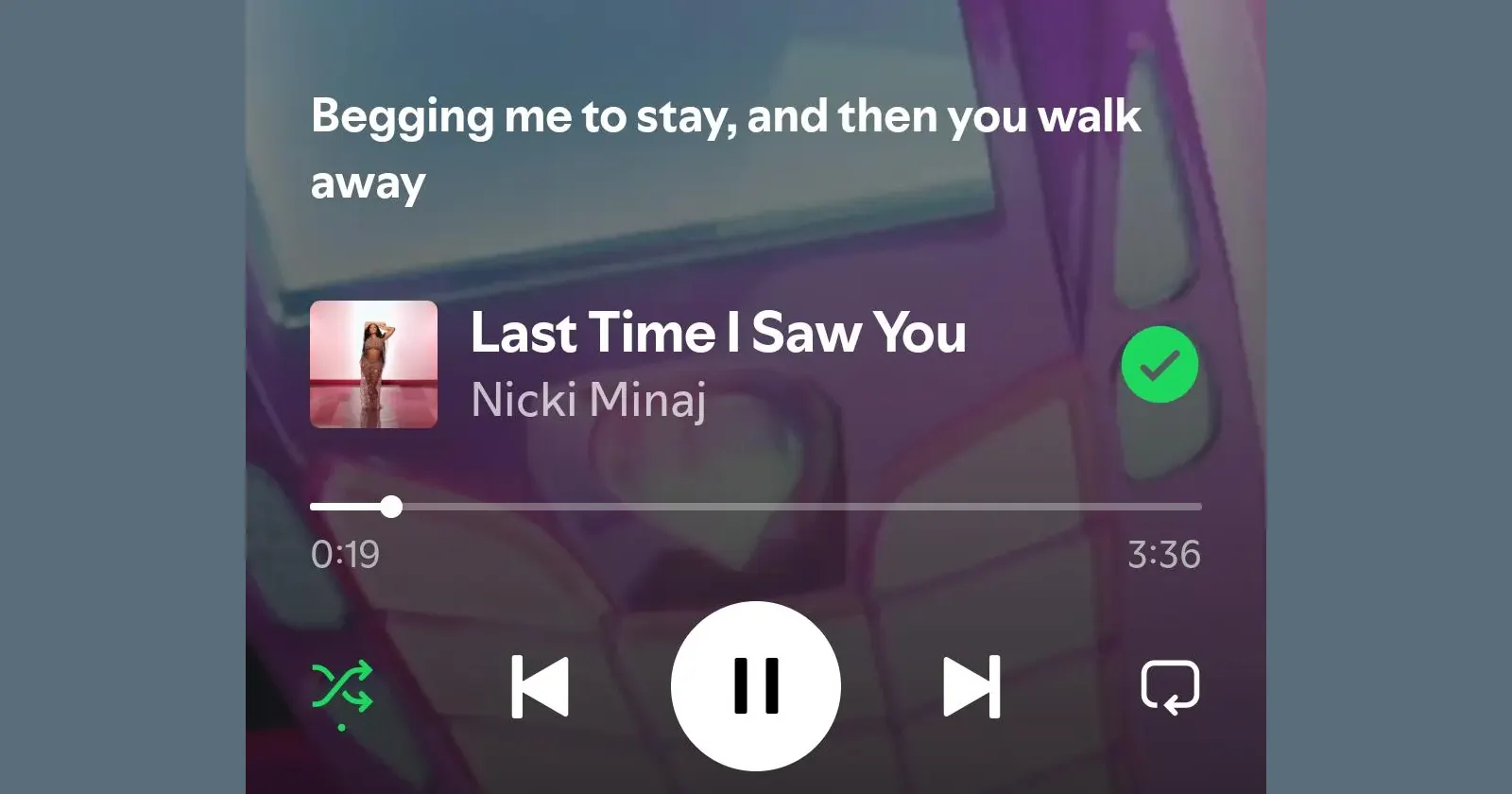
Spotify’s lyrics view has always been there when you go looking for it, but a fresh screenshot making the rounds suggests the app may be trying something more in-your-face. Instead of waiting for you to pull up the lyrics panel, the Now Playing screen itself shows a live line from the song, sitting right under the artwork.
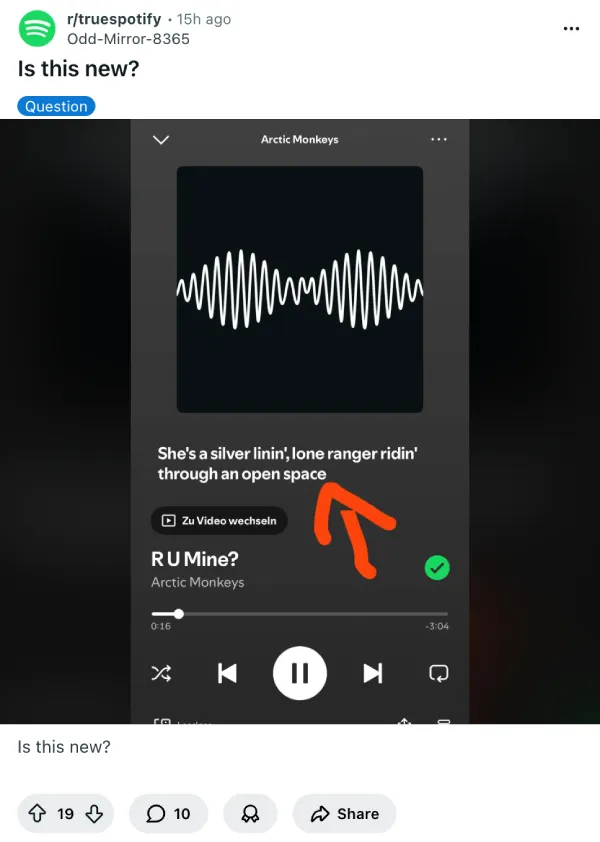
One user posted a screenshot of Arctic Monkeys’ “R U Mine?” with lyrics visible directly on the playback interface, asking if anyone else had noticed the update. The thread quickly gathered responses from others who either confirmed seeing the same thing or reported they didn’t have access to it yet.
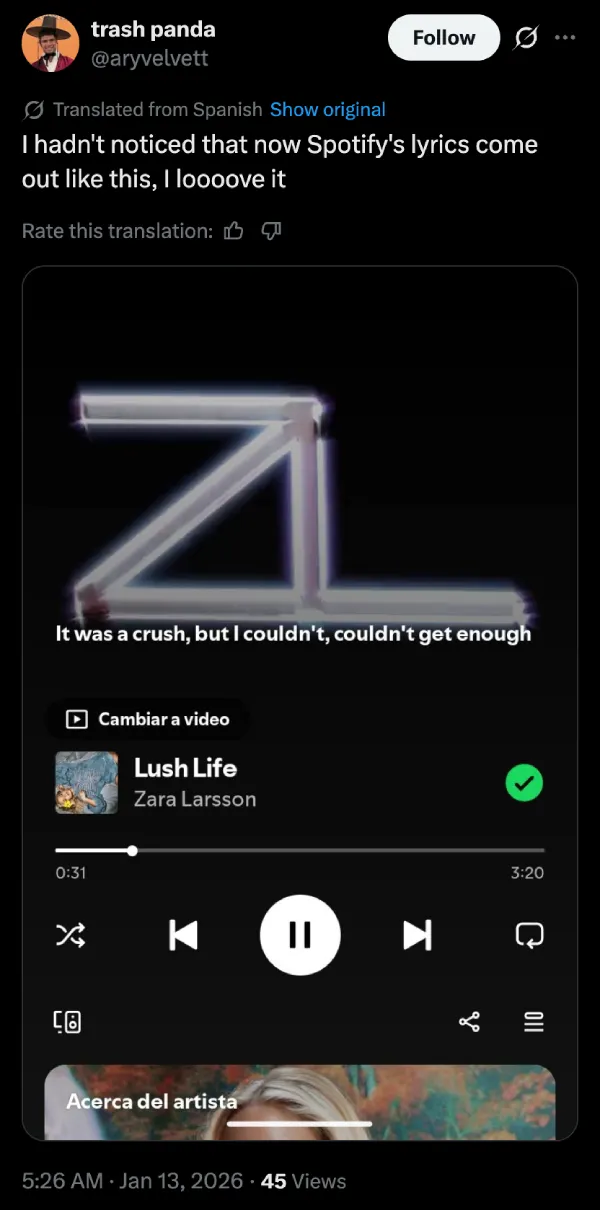
Another post from a different user a few hours later showed similar behavior, with lyrics appearing without needing to scroll or expand anything. One user from Colombia also shared a screenshot of the new Spotify lyrics placement on X.
Right now, Spotify’s standard lyrics experience requires users to swipe up on the Now Playing screen to reveal a lyrics card, then tap again to expand it to full screen. For me, that’s still what I’m seeing on both my Android and iOS devices. The lyrics button sits below the album art, and getting to the full lyrics view takes those two separate interactions.

The spotty rollout suggests Spotify is running another one of its A/B tests. The company has a history of testing features with select user groups before deciding whether to push them out widely. Some users in the Reddit threads mentioned being able to disable the new lyrics view through the three-dot menu in the top right corner, though others couldn’t find any toggle in their settings.
Whether Spotify decides to roll this out to everyone or keep it limited remains to be seen. The company hasn’t made any official announcement about the test.
That said, feel free to share your thoughts on the new lyrics placement in the comments below.
Featured image credit: u/Ungrateful-Bryt / Reddit


Dwayne Cubbins
3128 Posts
I cover fast-moving stories across apps, online platforms, and everyday tech — phones, wearables, consoles, and whatever else people are fighting with this week. Bugs, rollouts, scams, policy enforcement, and the occasional internet-culture rabbit hole are all fair game. My goal is simple — make confusing tech news readable. When I'm not working, I'm working out or chilling with my dog. Got a tip? You can find me on X @dcubbins.
Next article View Article
