





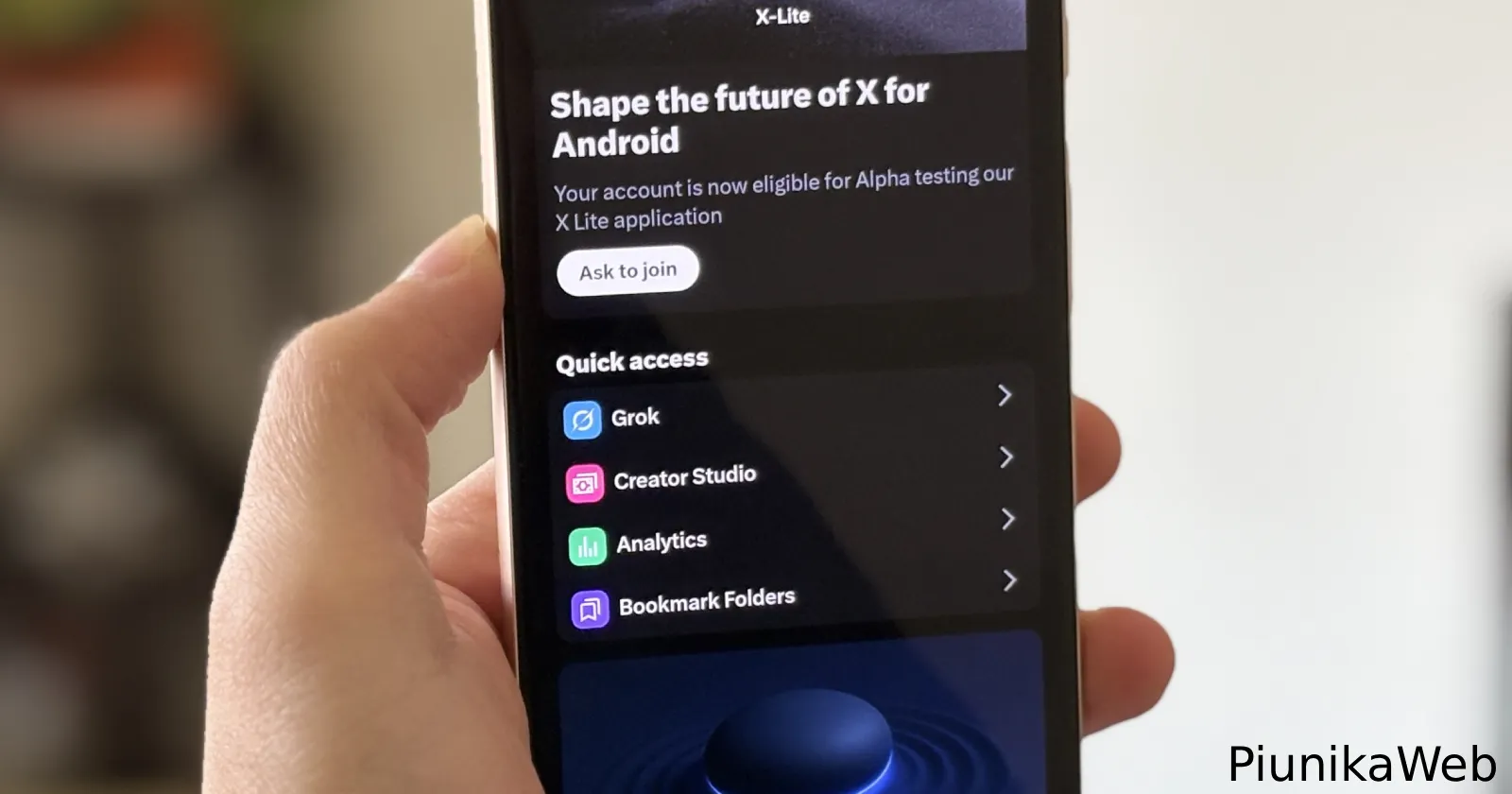
X users are dealing with not one but two feature disappearances this week, and they’re not happy about it. The Top Articles feature has quietly vanished from the platform, and the iOS app just lost its Media preview toggle in the latest update.
Several users started noticing Top Articles missing over the past day or so. One user made a post asking Nikita Bier, “What happened to the Top Articles feature on X premium? That is the #1 reason why I subscribe to premium”. They’re not alone. Another user pointed out the feature is “completely missing” from the Quick Access menu and called it “low-key one of my favorite features for cutting through the noise”.
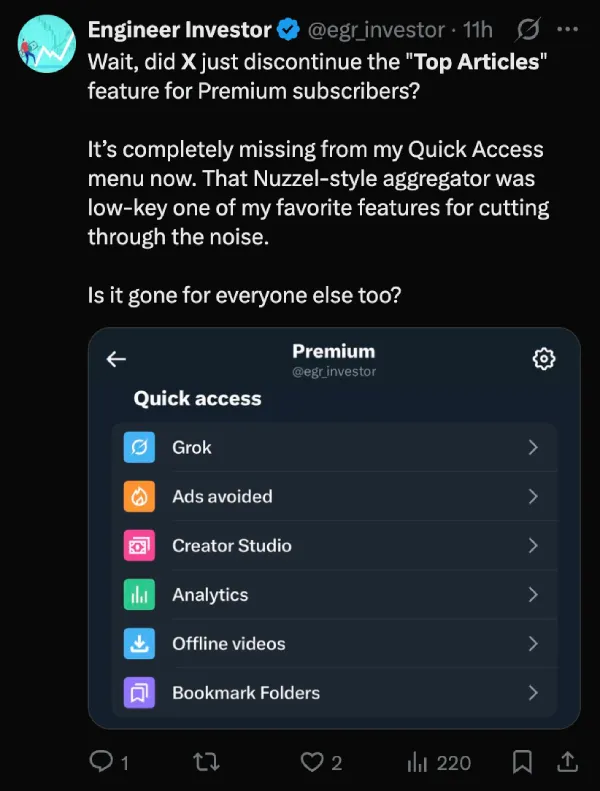
For those unfamiliar, Top Articles was basically the old Nuzzel news aggregator that Twitter bought back in 2021. It showed you the most-shared articles from people you follow (and people they follow), with filters ranging from one hour to 24 hours. Pretty useful if you wanted curated content instead of just scrolling endlessly.
The feature used to sit in Settings under Premium in the quick access section. I checked everywhere myself: the web version, iOS app, and Android app. Can’t find it anywhere. So yeah, it looks like it’s actually gone, even though the help page doesn’t mention any changes or removal.
What’s even more confusing is that X just announced that it’s making the Articles feature available too Premium users too. Previously, only Premium+ users had access to writing articles on the platform. Having the option to see Top Articles now would make more sense than ever.
But wait, there’s more bad news for iOS users specifically. The Media preview toggle has disappeared from accessibility settings. A Reddit user named Mrmet2087 posted about it, saying their timeline is now “3 times longer” without the option to hide media previews. The complaints started rolling in on X too. Some folks have been tagging Elon Musk asking for it back, with one person saying, “the user experience is terrible without it”.
I verified this on my iOS device as well. The toggle is definitely gone from accessibility settings. I also checked for the setting elsewhere to see if it was moved, but couldn’t find it anywhere in the Settings menu. Interestingly, it’s still present in the latest X app for Android. So this appears to be iOS-only for now.
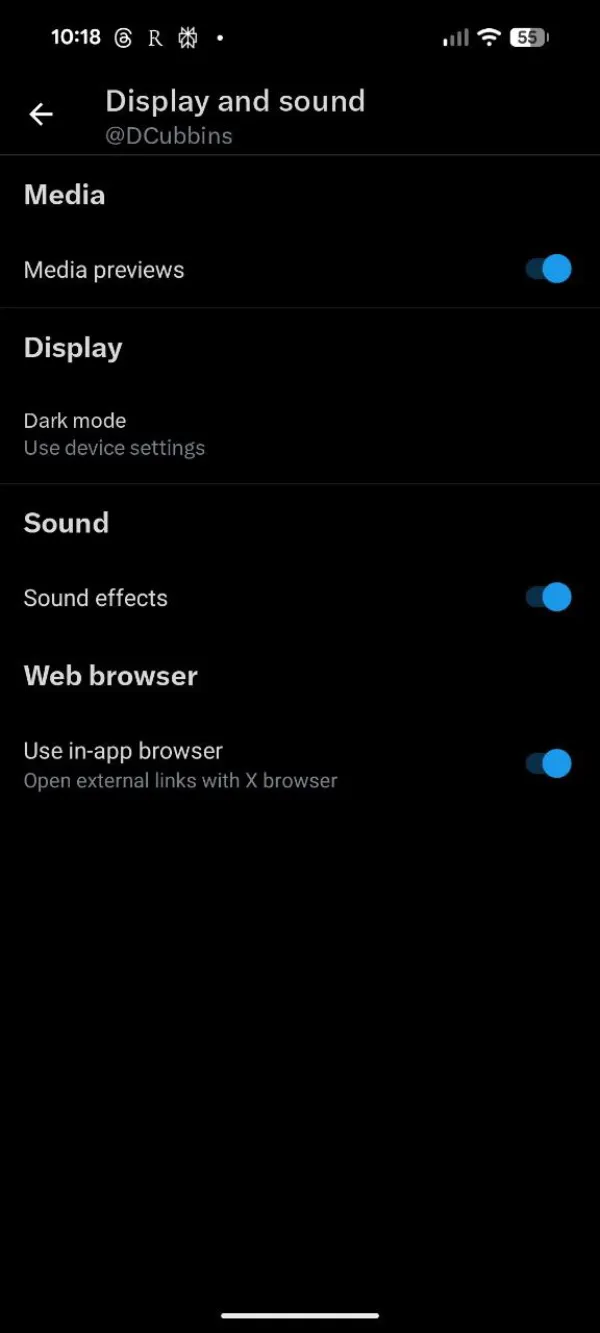
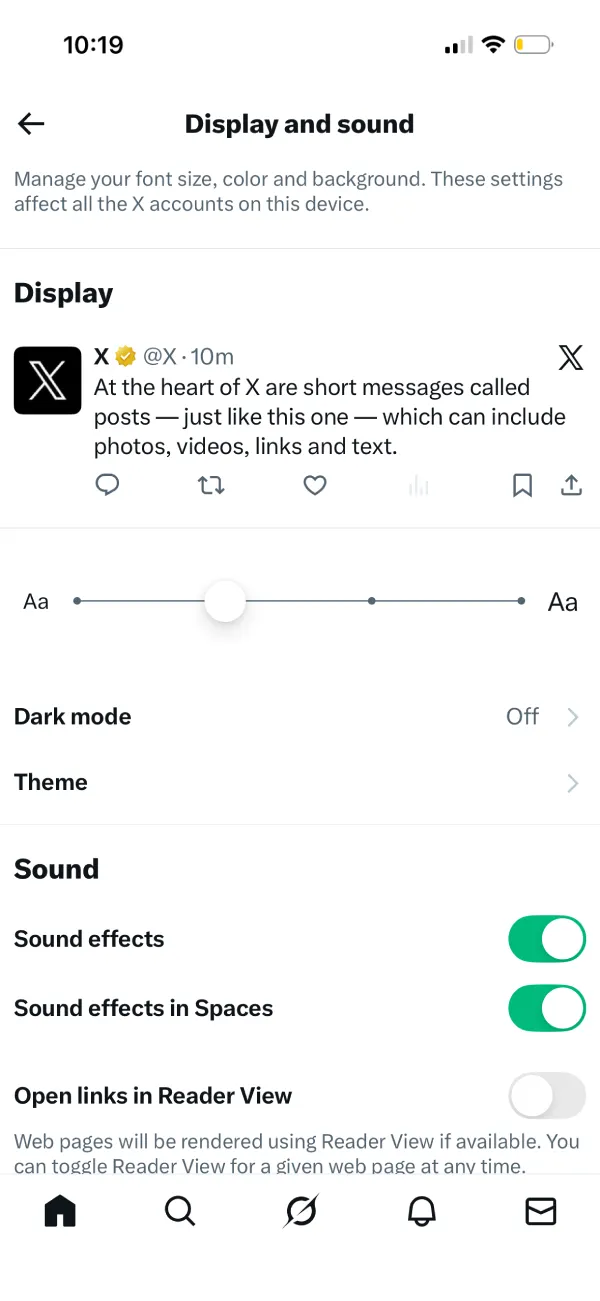
Users who liked keeping their timeline text-focused are out of luck. Every image and video now shows up whether you want it or not. Your timeline just became a lot more cluttered if you were using that setting.
X hasn’t said anything official about either feature. No announcement, no explanation. Are these bugs? Intentional removals? Testing? Nobody knows. As usual, we’ll keep an eye out for any further developments and will update the article accordingly.


Dwayne Cubbins
3064 Posts
I cover fast-moving stories across apps, online platforms, and everyday tech — phones, wearables, consoles, and whatever else people are fighting with this week. Bugs, rollouts, scams, policy enforcement, and the occasional internet-culture rabbit hole are all fair game. My goal is simple — make confusing tech news readable. When I'm not working, I'm working out or chilling with my dog. Got a tip? You can find me on X @dcubbins.
Next article View Article
