





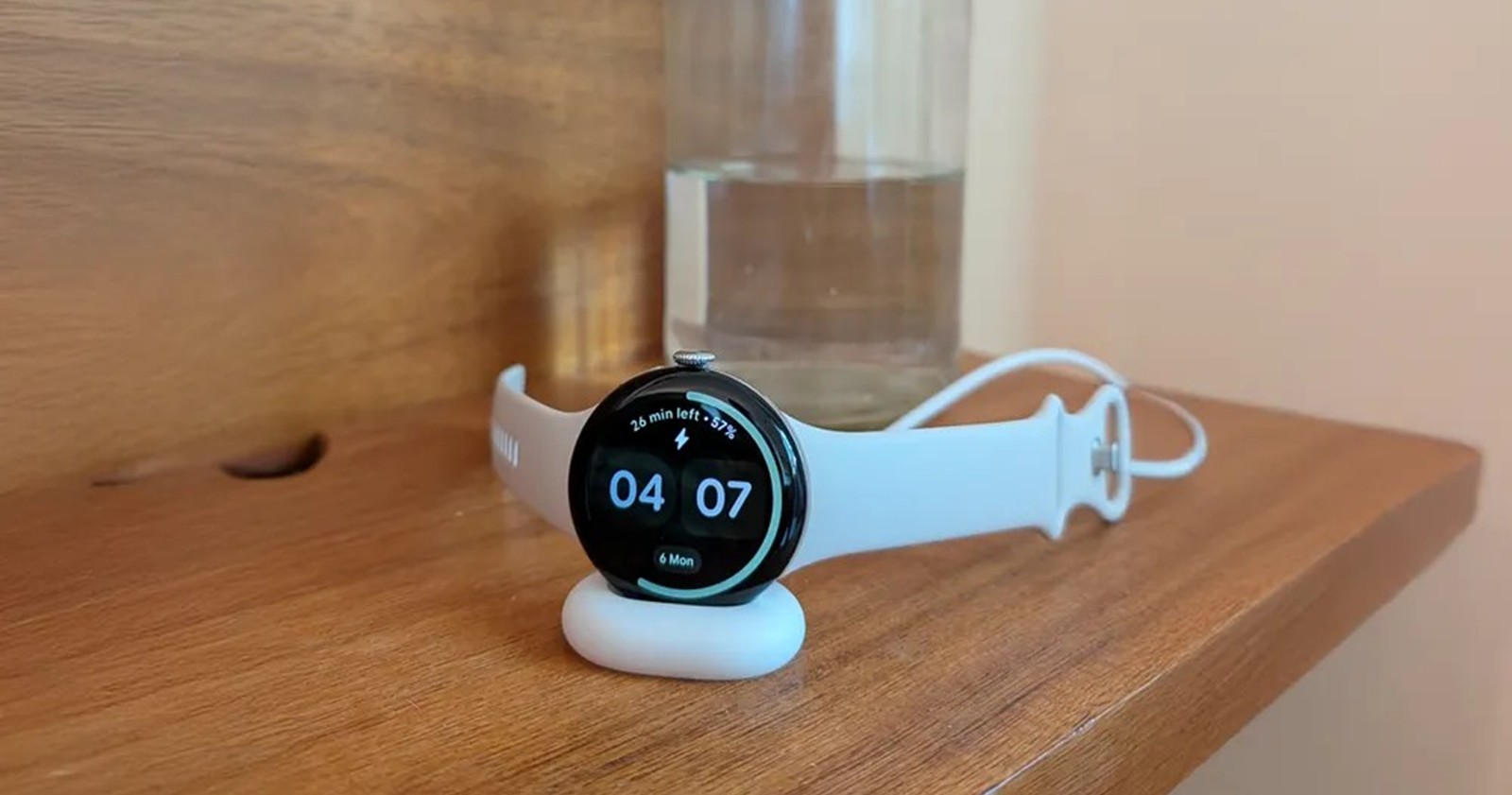
Despite the arrival of the December Wear OS 6.1 update, a persistent and frustrating display bug continues to haunt users of Google’s latest smartwatch operating system. While the update brought welcome additions like AOD (Always-On Display) Media Controls, it crucially ignored a glaring issue that leaves third-party watch faces stuck in a “half-way” state between active and ambient modes.
The issue, which appears to stem from the core Wear OS 6 code rather than individual apps, affects a wide range of devices, including the new Pixel Watch 4, Pixel Watch 3, and Samsung’s Galaxy Watch 8 and Ultra lineups.
The glitch specifically targets the transition animation when a watch wakes up or goes to sleep. Under normal circumstances, Wear OS smoothly fades elements in and out when switching to AOD to save battery and prevent burn-in.
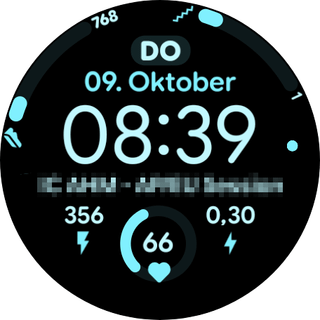
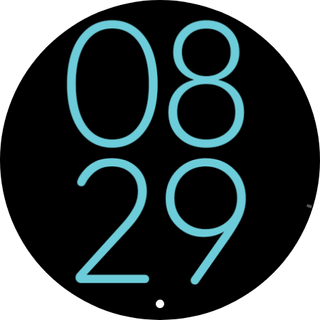
However, since the initial rollout of Wear OS 6 in October 2025, users have reported that this transition frequently fails to complete.
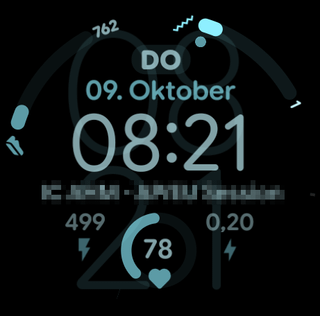
According to reports on the Google Issue Tracker and Samsung developer forum, the display effectively freezes mid-animation. This results in a “ghosting” effect where the active watch face is overlaid with the dimmed AOD version, or where specific elements (like second hands or complications) become semi-transparent or disappear entirely.
See the image below for reference.
One frustrated Pixel Watch 4 owner described the experience on a community forum:
“All 3rd party faces have this issue since the October update… the watch recovers to a hybrid, half-way house in between AOD and full display. If I change to another watch face, the cycle begins again.”
Another user noted that the issue is degenerative: “It works fine initially, but after a couple of hours… the second hand is invisible, or there is a faint grey second hand which is not the watch face’s real second hand.”
The bug appears to be indiscriminate regarding hardware, provided the device is running Wear OS 6. So far, we’ve seen reports from Google Pixel Watch 2, Pixel Watch 3, and the latest Pixel Watch 4, as well as Samsung Galaxy Watch 8, Watch 8 Classic, and Watch 6/7 users who have updated to the Wear OS 6 release.
Crucially, the bug only affects third-party watch faces, including those built with Samsung’s popular Watch Face Studio and Google’s own Android Studio. Stock watch faces pre-installed by Google or Samsung do not exhibit the glitch, leading developers to believe the issue lies in how the OS handles standard API transition layers for custom apps.
Samsung has reportedly acknowledged the issue but washed its hands of the fix. In developer forums, it has emerged that the problem was introduced by Wear OS 6 and affects faces regardless of the tool used to create them, implying that a system-level patch from Google is required.
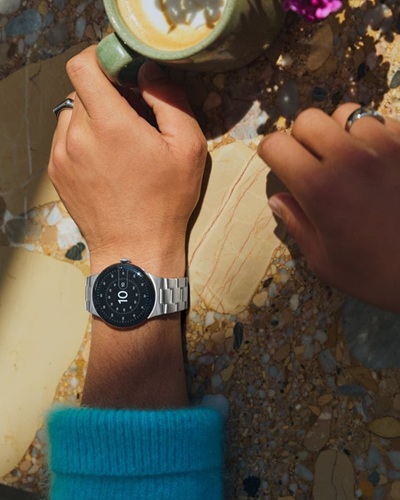
Google is aware of the problem. A thread on the Google Issue Tracker (Issue #452423520) has been active since mid-October. A Google engineer was assigned to the case on October 16, 2025, requesting bug reports. However, despite the thread accumulating over 40 detailed comments and logs from developers, the fix did not make it into the December Wear OS 6.1 rollout.
Developers digging into the XML code of the watch faces believe the issue is a “race condition.” Wear OS 6 introduced a new opacity fade for AOD transitions. It appears that if the animation doesn’t finish exactly before the system suspends the screen to save power, the rendering engine gets stuck rendering both the “active” and “ambient” layers simultaneously.
For now, users are left with imperfect solutions:
- Swap faces: Switching to a different watch face and back again temporarily clears the visual glitch, though it usually returns within hours.
- The reboot method: Previously, restarting the watch would fix the issue until the user changed the watch face again. However, recent reports from late December suggest the Wear OS 6.1 update may have broken this workaround, with the glitch appearing immediately after a reboot for some.
- For developers: A workaround has been found for those coding raw XML. Setting the transition duration to zero (
duration="0") on the Variant mode seems to mitigate the issue by forcing an instant switch rather than a fade, though this removes the aesthetic appeal of the transition.
With the holiday season almost over and new Pixel Watch 4 and Galaxy Watch 8 units continuing to land on wrists, the pressure is on Google to deploy an out-of-band patch to resolve what is essentially a fundamental failure of the watch’s primary function: telling time clearly.


Hillary Keverenge
2723 Posts
Tech has been my playground for over a decade. While the Android journey began early, it truly took flight with the revolutionary Lollipop update. Since then, it's been a parade of Android devices (with a sprinkle of iOS), culminating in a mostly happy marriage with Google's smart home ecosystem. Expect insightful articles and explorations of the ever-evolving world of Android and Google products coupled with occasional rants on the Nest smart home ecosystem.
Next article View Article
