





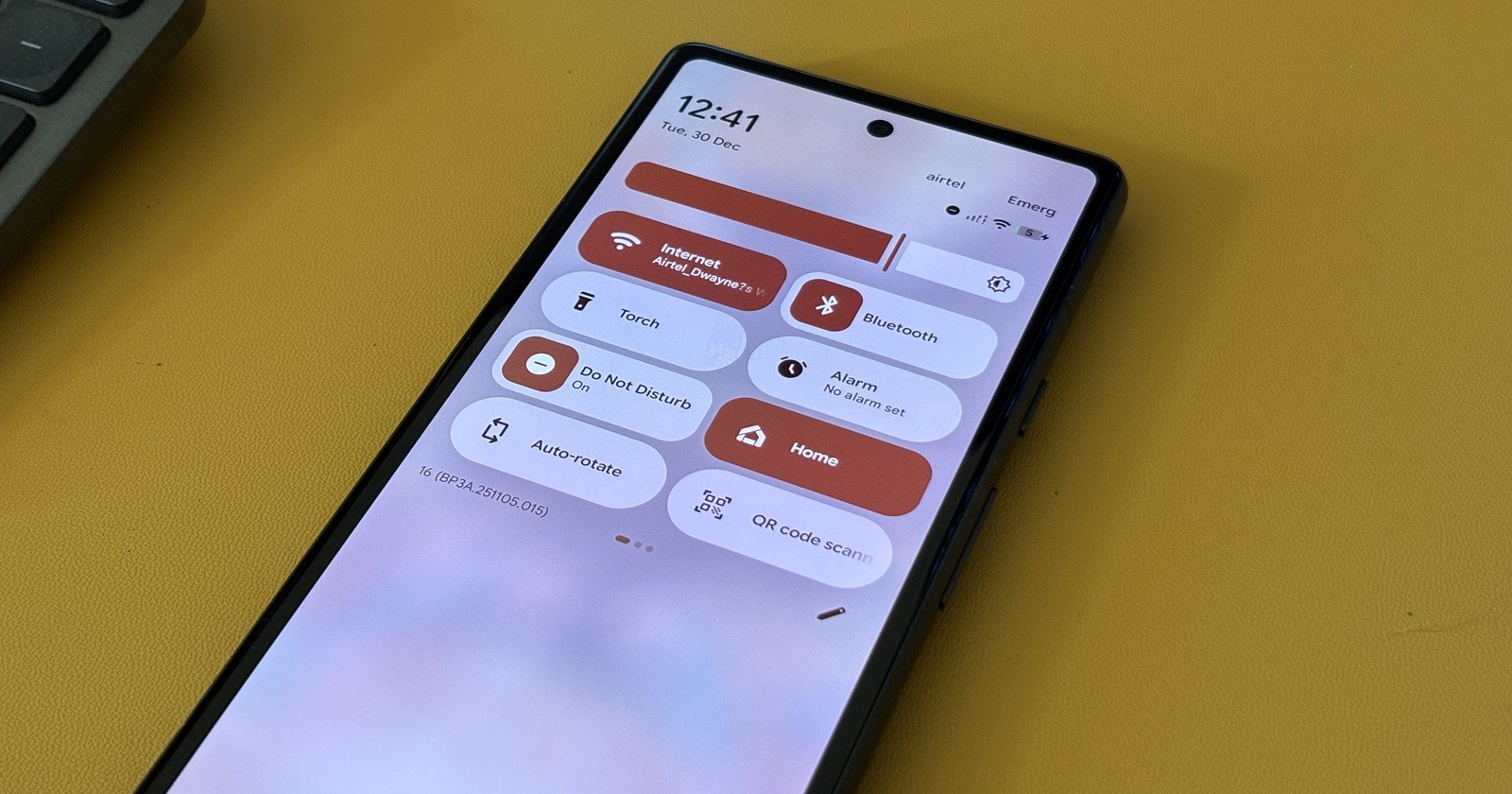
Google’s December 2025 software rollout has been a bit of a rollercoaster. The month kicked off with the highly anticipated Pixel Feature Drop, bringing a flurry of new tools and Android 16 goodies to eligible devices ranging from the Pixel 6 all the way to the newly released Pixel 10 family. Then, just mid-month, Google quickly followed up with a second update specifically for the Pixel 8 and newer, squashing urgent bugs related to battery drain, unresponsive touch screens on the Pixel 10, and cached content access.
But despite two updates landing in the span of a few weeks, a serious gremlin remains in the machine. A growing number of Pixel users are reporting severe Wi-Fi and Bluetooth connectivity failures that appear to have been triggered—or at least exacerbated—by the initial December security update.
Greyed-out toggles and crashing settings
The issue is manifesting in frustratingly similar ways across different models. Affected owners describe waking up to find their Wi-Fi disabled.
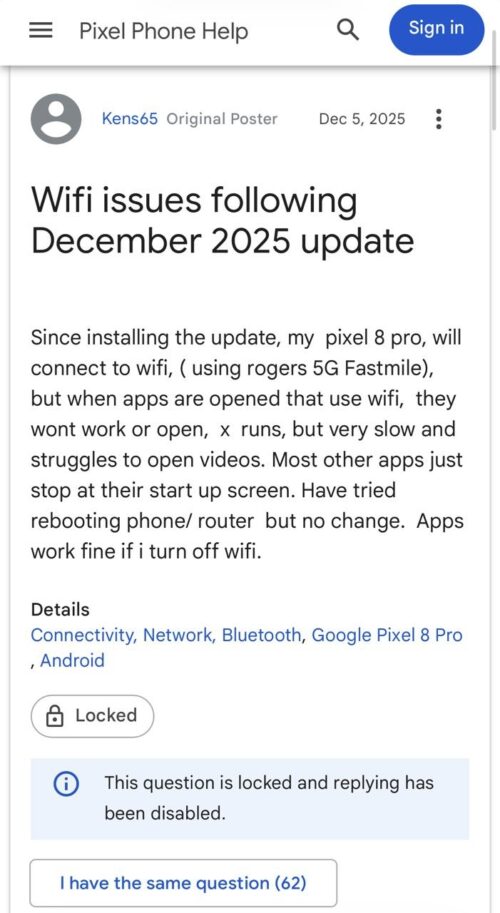
Attempts to toggle it back on via the Quick Settings menu often result in a visual glitch where the icon illuminates briefly before turning off again. More distinctively, diving into the actual Internet settings menu causes the Settings app to freeze or crash entirely for some users, creating a loop of unresponsiveness.
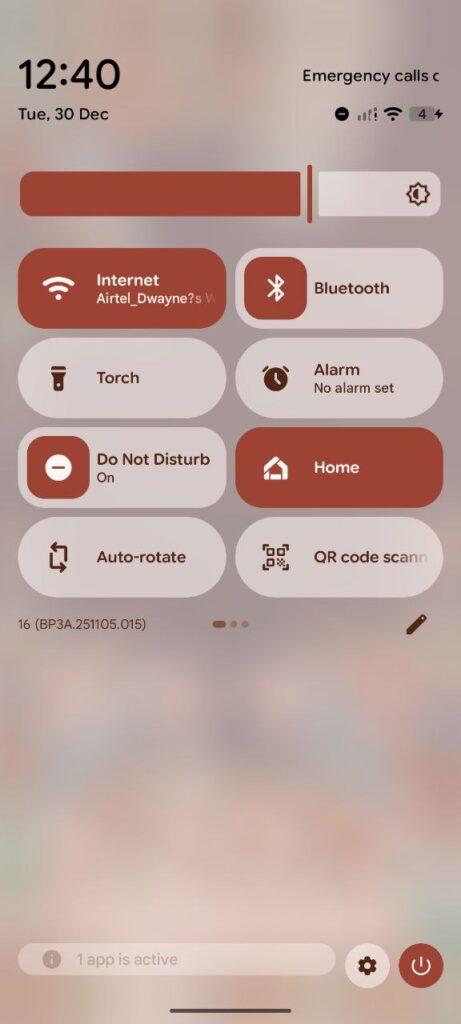
Those who can access the menu report that their home networks display as “Saved” or “Disabled” and refuse to connect, despite other devices in the household working perfectly. Troubleshooting steps that usually resolve software hiccups—such as resetting network settings, toggling Airplane mode, or even performing a full factory reset—have reportedly failed to restore connectivity for the vast majority of those affected.
While Wi-Fi seems to be the primary casualty, Bluetooth is also taking a hit. Several reports indicate that Bluetooth refuses to enable or crashes immediately upon trying to pair with devices. This has left some users unable to connect to headphones, cars, or smartwatches. In one particularly specific case involving the new Pixel 10 Pro Fold, the update seemingly broke compatibility with the Pixel Stand (2nd Gen), causing wireless charging to fail alongside the connectivity blackout.
A hardware failure disguised as a software bug?
What makes this situation particularly concerning is the ambiguity surrounding the cause. While the timing heavily implicates the December software update—with many users noticing the break immediately post-install—the persistence of the issue through factory resets has led to speculation about hardware failure.
The reports aren’t limited to a single generation; while the new Pixel 10 and Pixel 10 Pro Fold are mentioned, the issue spans back to the Pixel 8 and Pixel 9 series, and even some older models.
Interestingly, anecdotal evidence from community forums suggests that Google Support is treating at least some of these cases as hardware defects. A couple of users who escalated the issue were told by support representatives that a software rollback wasn’t an option or wouldn’t fix the problem, resulting in the issuance of warranty replacement units. One user noted that a repair technician mentioned seeing an influx of similar issues following the security update, hinting that the software might be triggering a dormant hardware fault or corrupting the radio firmware in a way that standard flashing cannot repair.
Not just a December problem
While the volume of complaints spiked after the December 5th rollout, a subset of users claims to have been battling these demons since October or November. This suggests that the underlying instability might have been present in previous builds, with the December update perhaps acting as the tipping point for a wider group of devices.
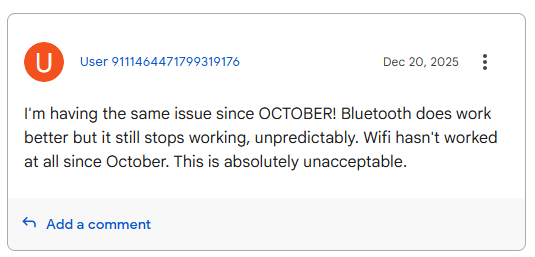
It is worth noting that this problem does not appear to be universally widespread; it isn’t affecting every single Pixel user. However, for the unlucky minority, the device becomes significantly crippled, reliant entirely on mobile data—which drains battery faster—and cut off from the ecosystem of wireless accessories.
As of now, the second December update (targeting battery and touch issues) has not addressed these connectivity problems. If you are experiencing these symptoms, standard troubleshooting seems to be a dead end. Based on the experiences shared by the community, the most effective route is to contact Google Support immediately.
Given that some users are successfully receiving replacement devices under warranty, framing this as a hardware failure during your support interaction might expedite a resolution. We will continue to monitor the situation and update this story if Google issues an official acknowledgement or a software patch.


Hillary Keverenge
2723 Posts
Tech has been my playground for over a decade. While the Android journey began early, it truly took flight with the revolutionary Lollipop update. Since then, it's been a parade of Android devices (with a sprinkle of iOS), culminating in a mostly happy marriage with Google's smart home ecosystem. Expect insightful articles and explorations of the ever-evolving world of Android and Google products coupled with occasional rants on the Nest smart home ecosystem.
Next article View Article
