
Snap’s Snapchat Recap 2025 is now rolling out, but a bunch of users say it’s not showing up in the app or it’s straight-up not working once it appears. Here’s what we know so far, why it’s happening, and what you can try while Snap’s “Wrapped”-style feature settles in.
Snap officially announced its Recap hours ago for you to look back at how you connected, communicated, and expressed yourself across the year. It’s also arriving in the middle of recap season, which Spotify’s Wrapped popularized. That said, even Spotify users ran into issues with Wrapped, as we highlighted earlier.
Snapchat Recap is a Story built from the Snaps you saved to Memories over the past year, not a magic reconstruction of everything you viewed or sent. If you have a Recap, Snapchat says you’ll find it in Memories. Snapchat also warns that not every account will get a Recap, and eligibility can depend on factors like how many Memories you saved.
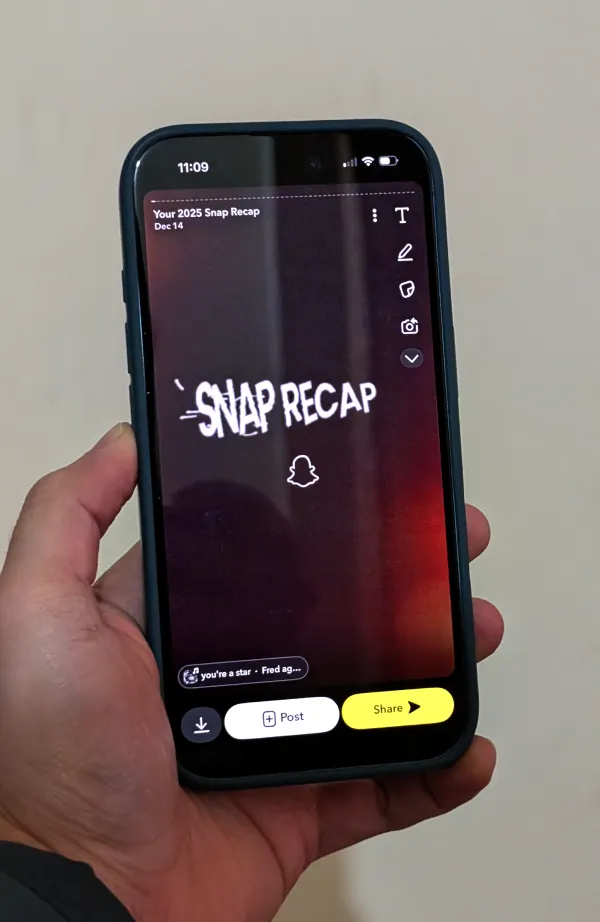
In practice, you should be able to open Snapchat, jump into the Memories section, and spot a “Your 2025 Snap Recap” card waiting to be tapped. Keep in mind that it might take some time to load. In my checks, it took roughly a minute to serve up my Recap.
Visually, think of it like a vertical, Story-style compilation that’s meant to autoplay through moments and stats, designed for quick rewatching and easy sharing. That’s the ideal scenario, anyway, and it’s why this bug feels so annoying when Recap is the one thing you opened Snapchat to see tonight.
On Reddit’s r/SnapchatHelp, people report Recap failing with an “Oops, something went wrong. Please try again!” message, sometimes only playing a few seconds before it breaks.
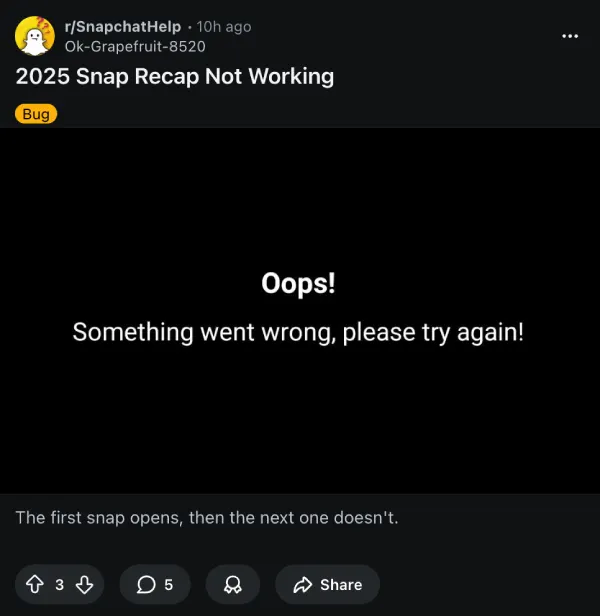
Others say Recap shows up but displays black screens, freezes mid-way, or never appears at all, which makes it feel less like a polished year-in-review and more like a feature flag that’s having a rough day.
Snapchat does have some official troubleshooting steps that you can try out in case your Recap is not loading. Check out the steps below:
- Keep Snapchat open on the Memories page while on Wi-Fi
- Quit the app, then reopen it
- Make sure you’ve updated your Snapchat app to the latest version
Meanwhile, Redditors have also shared anecdotal experiences, with some noting that logging out and back in can help. We’re likely looking at a scaling and rollout problem more than anything, and I’m hoping Snap smooths it out fast, because Recap is supposed to be a fun “Wrapped” moment, not another “not working” checklist.

Dwayne Cubbins
1841 Posts
My fascination with Android phones began the moment I got my hands on one. Since then, I've been on a journey to decode the ever-evolving tech landscape, fueled by a passion for both the "how" and the "why." Since 2018, I've been crafting content that empowers users and demystifies the tech world. From in-depth how-to guides that unlock your phone's potential to breaking news based on original research, I strive to make tech accessible and engaging.
Next article View Article