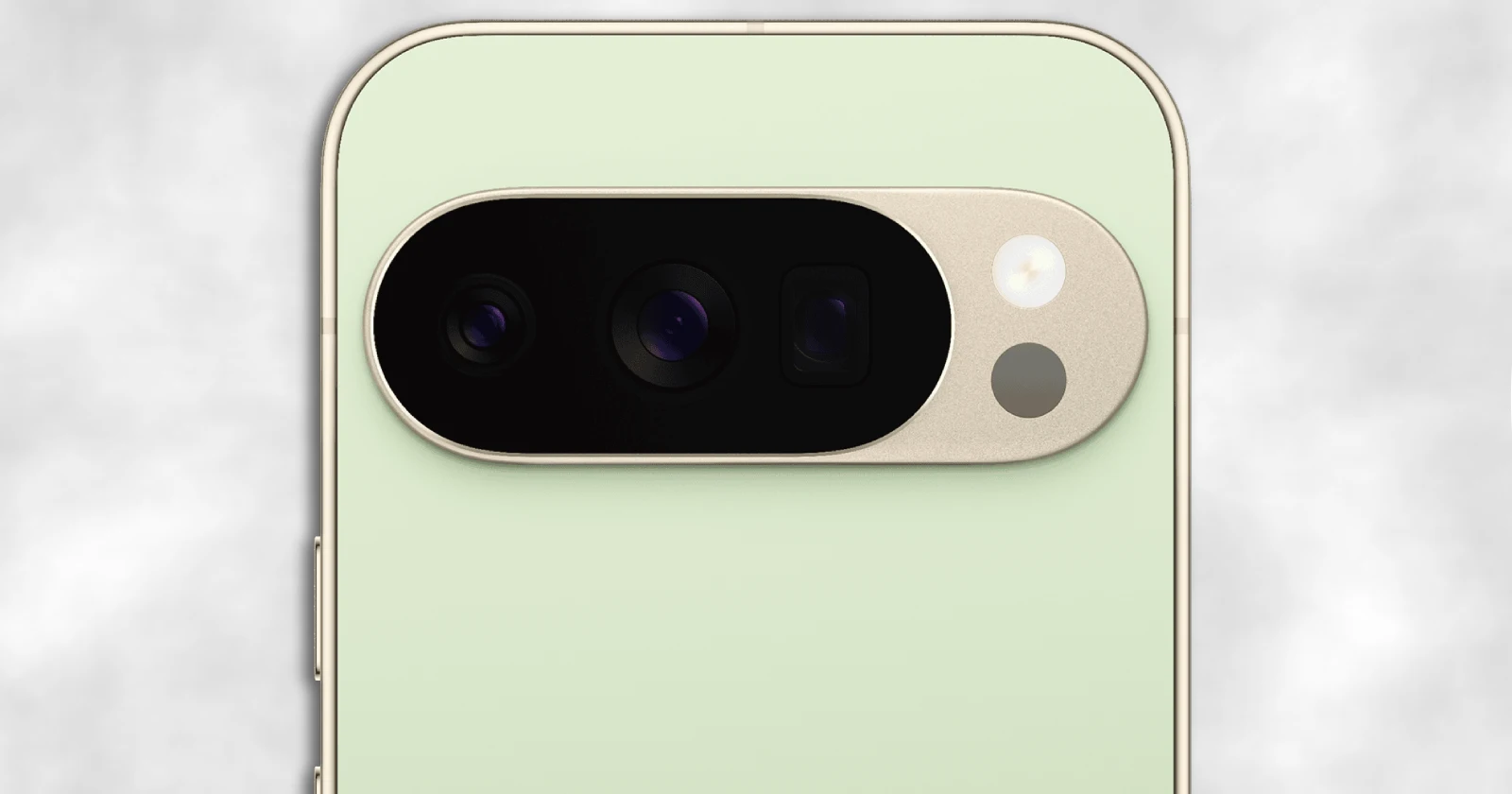
Google’s latest Pixel-related updates are all about smoothing out daily annoyances: Pixel 10 benchmark gains tied to Android 16 QPR2, a “stay upright” switch for the Phone app’s call screen, and a long-overdue fix for Pixel Watch screenshots.
Pixel 10 performance boost (Android 16 QPR2)
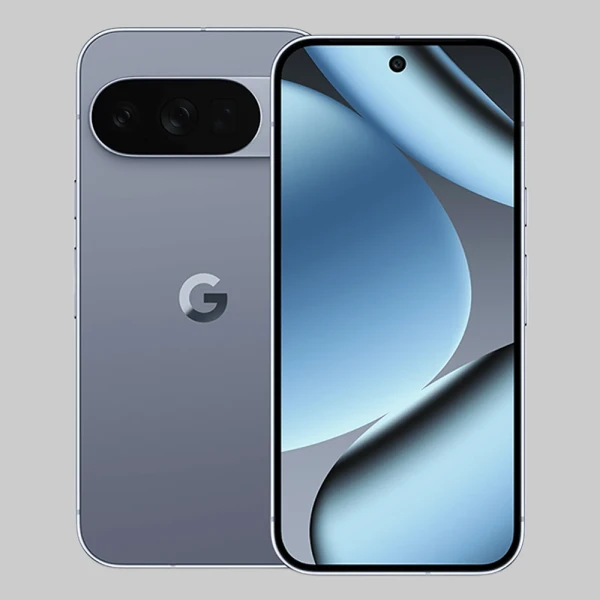
Android 16 QPR2 (Google’s second big quarterly Android 16 release) is now landing on Pixels, and Android Authority’s testing suggests Pixel 10 owners could feel a bit more snap in real usage.
In Robert Triggs’ benchmarks on a Pixel 10 Pro XL, Geekbench 6 CPU scores rose about 2% single-core and 5% multi-core versus earlier software, which is nice but not exactly a new era of speed.
The more interesting number is PCMark Work 3.0, where Triggs saw a 19.6% jump — big enough to hint that Google’s optimizations might be improving consistency (the “why does it feel faster today?” factor), not just peak scores.
On the graphics side, 3DMark stress tests showed roughly a ~6% average uplift (about ~5% in Wild Life and ~7% in Wild Life Extreme), and Triggs notes this comes without added heat or stability trade-offs in his testing.
The context here matters: Triggs also points out that a lot of the improvement seems to have arrived before QPR2 (likely around the November patch), with QPR2 acting more like a final polish than a magic driver drop.
Still, if you game on a Pixel — or you just hate jank — small GPU gains plus better sustained behavior can be the difference between “fine” and “annoying.”
Phone app portrait mode lock
Google’s Phone app has been experimenting with a landscape calling UI, and 9to5Google pointed out that it uses a split layout: contact details and calling card on the left, with call controls on the right.
That’s handy on purpose, but it’s been easy to trigger accidentally while moving around, especially for people who keep system auto-rotate enabled.
Now there’s a new setting rolling out in the beta: “Keep portrait mode on calls,” found under Settings > Display options (with a new “Controls” section).
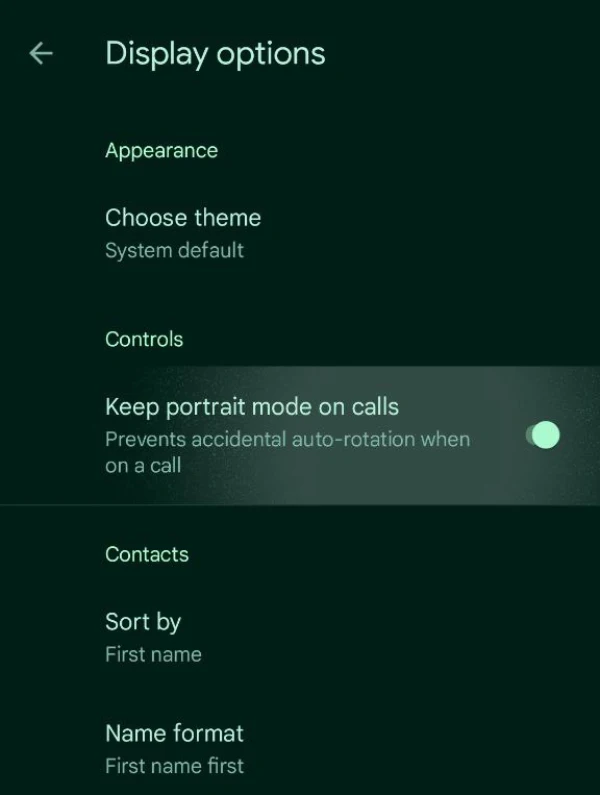
This toggle appears in Phone beta v202, while the stable release is still on v201 for now. I’ve spotted the same option on the latest Phone beta on a Pixel 8 and Pixel 7a. It feels like a useful feature that should have been there from day one. But it’s here now and is much appreciated.

Pixel Watch screenshots finally fixed
Android Authority reports Google is rolling out a Pixel Watch companion app update that fixes the old screenshot flow where each new watch screenshot effectively overwrote the last notification — making rapid-fire captures a mess.
With the updated behavior, screenshot notifications can stack, so you can take several screenshots on your watch and deal with them later on your phone without losing earlier shots.
Even better, the screenshots now auto-save to local storage under Pictures > Watch screenshots, and the default action changes from “share” to a “tap to view” flow that opens in your preferred photo app (including Google Photos).
The update in the spotlight is the Pixel Watch app version 4.2.0.833802130.
All in all, these small but meaningful updates are always welcome. And I suspect we’ll see a lot more similar improvements with upcoming updates and feature drops since Google likely isn’t aiming for major UI revamps anytime soon.


Dwayne Cubbins
3128 Posts
I cover fast-moving stories across apps, online platforms, and everyday tech — phones, wearables, consoles, and whatever else people are fighting with this week. Bugs, rollouts, scams, policy enforcement, and the occasional internet-culture rabbit hole are all fair game. My goal is simple — make confusing tech news readable. When I'm not working, I'm working out or chilling with my dog. Got a tip? You can find me on X @dcubbins.
Next article View Article