





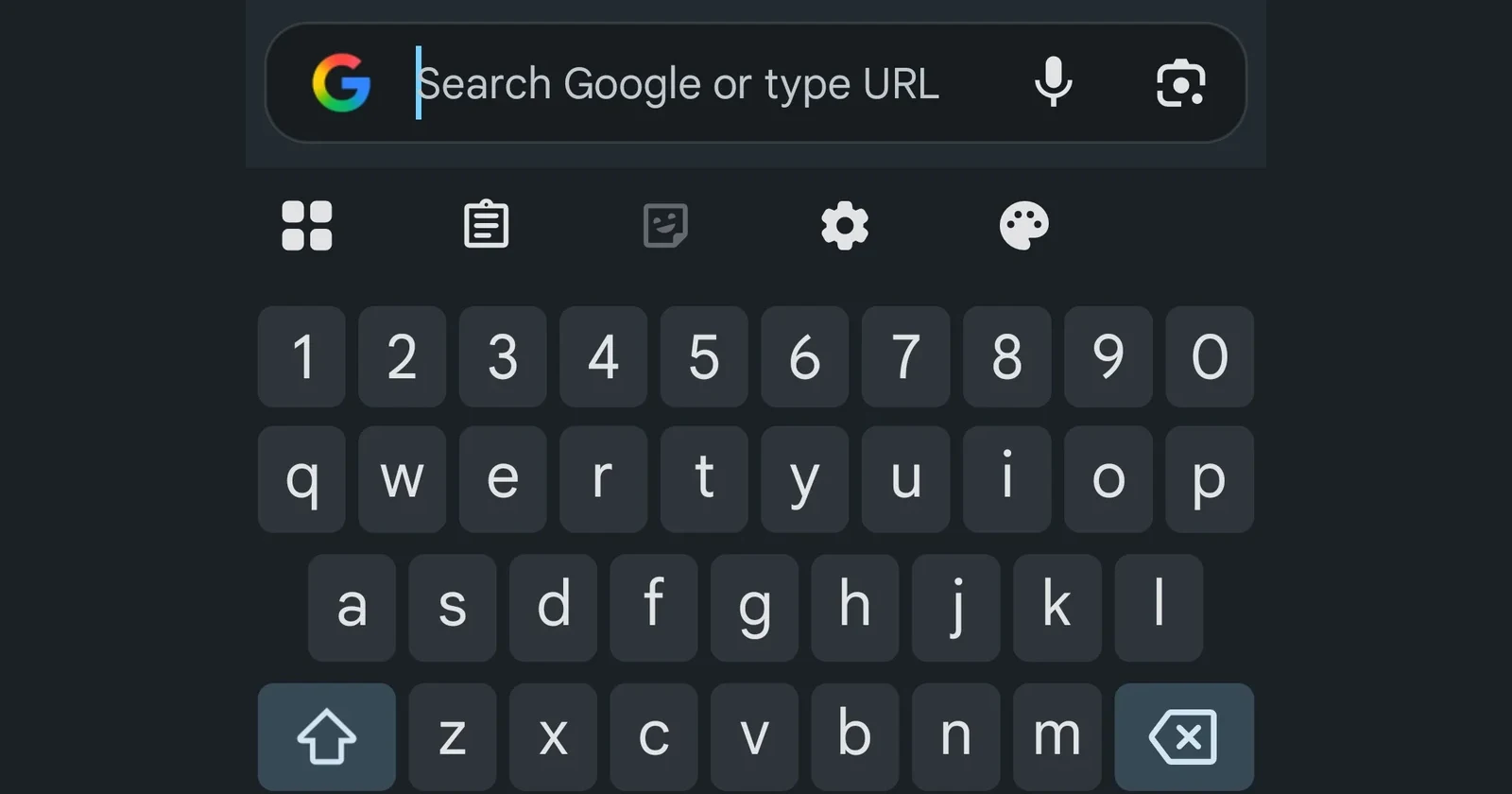
Chrome on Android has started doing a weird thing where the address/search bar “drops” to the bottom (right above your keyboard) the moment you tap it to type. If it’s driving you up the wall, there’s a quick fix hidden in Chrome’s experimental flags.
Over the past week, multiple Android users on Reddit’s r/chrome have reported the same behavior: tap the omnibox at the top, and it relocates into a floating input field above the keyboard, making muscle memory feel instantly wrong.
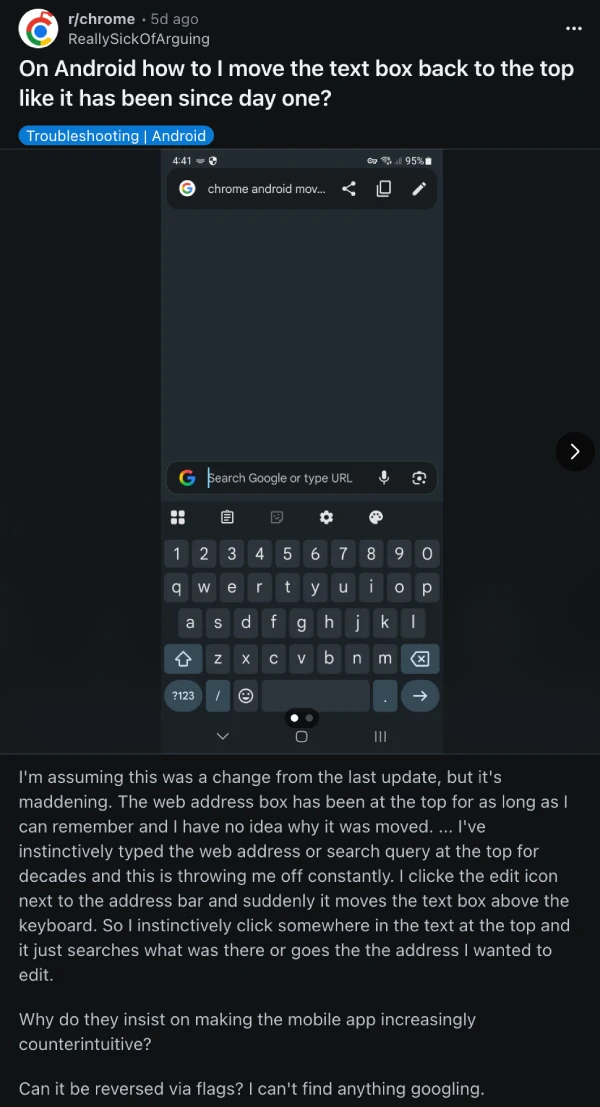
This even happens when you open a new tab, and it automatically pops up the keyboard to search.
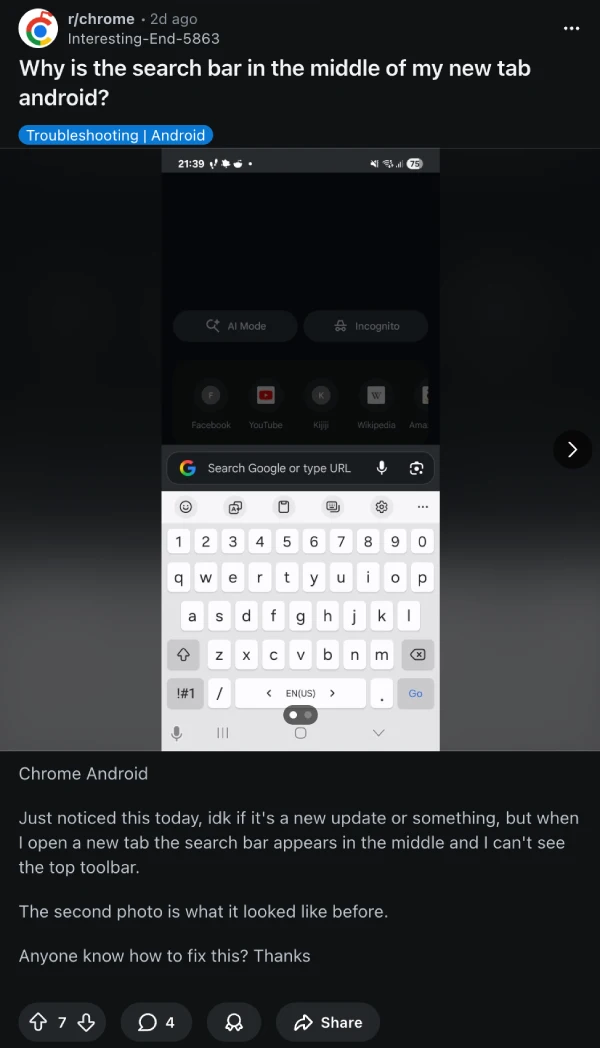
The good news is that the workaround is simple, and it’s been repeatedly confirmed by commenters in those threads. The bad news: it lives in flags, which means it’s not an official “settings” toggle, and Google can change or remove it at any time.
Here’s what’s worked for a lot of folks:
- In Chrome for Android, type chrome://flags into the address bar.
- Search for “bottom toolbar v2” and set it to Disabled.
- Alternatively, look for the flag labeled #android-bottom-toolbar and set it to Disabled, then relaunch Chrome.
Visually, this puts Chrome back into the classic flow: your address bar stays anchored at the top instead of jumping down into that “typing dock” above Gboard. It also sidesteps the broader bottom-toolbar experiment that seems to be behind the behavior users are complaining about.
I’m hoping Google turns this into a normal setting soon — because “experimental flags” shouldn’t be the only escape hatch when a core input box changes behavior overnight.


Dwayne Cubbins
3084 Posts
I cover fast-moving stories across apps, online platforms, and everyday tech — phones, wearables, consoles, and whatever else people are fighting with this week. Bugs, rollouts, scams, policy enforcement, and the occasional internet-culture rabbit hole are all fair game. My goal is simple — make confusing tech news readable. When I'm not working, I'm working out or chilling with my dog. Got a tip? You can find me on X @dcubbins.
Next article View Article
