





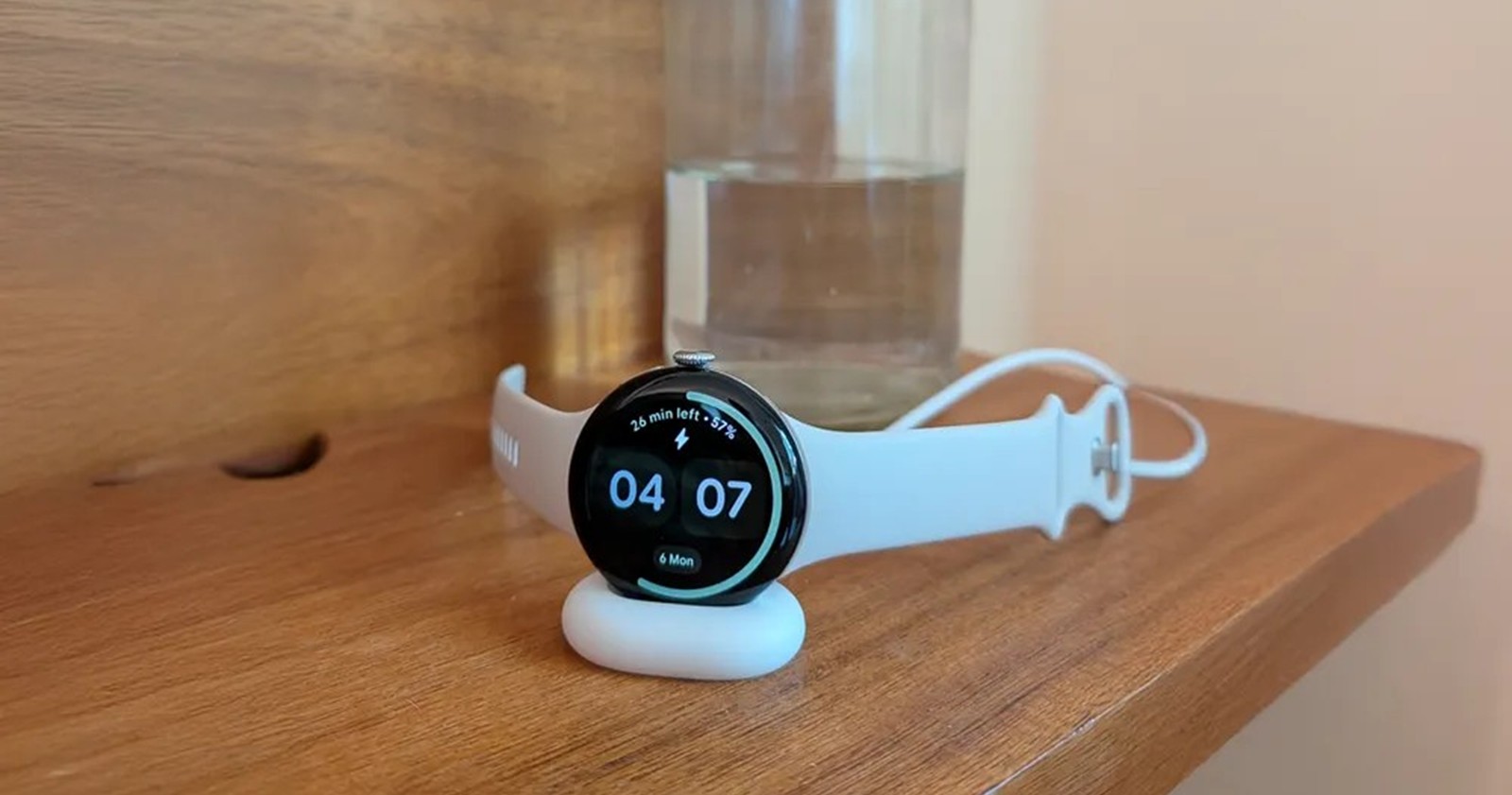
It has been a turbulent few days for the Pixel ecosystem. Before we dive into the latest features and code discoveries, it is worth catching up on the recent friction in the community. We have been tracking the drama surrounding GrapheneOS and Android 16 QPR2 experimental builds, alongside frustrating reports that Pixel Stand charging is broken for the new Pixel 10 and 10 Pro following the latest December 2025 patch. This comes on top of a handful of other issues plaguing the Android 16 QPR2 update that we highlighted last week.
With that context in mind, here is the crux of the latest developments for Google Pixel, ranging from security changes in Android 16 to unexpected compatibility with the Nintendo Switch 2.
Advanced Protection may disable Watch Unlock
Google appears set to enforce a stricter separation between security and convenience. New strings discovered in Google Play Services v25.49.31 beta indicate that enabling Android Advanced Protection Mode will automatically disable the Watch Unlock feature on the Pixel Watch.
Watch Unlock is a favorite for many due to its seamlessness, keeping your phone unlocked while your watch is worn and nearby. However, the code suggests that when users opt for the hardened security of Advanced Protection, which is designed to protect against targeted attacks, Google deems the proximity-based unlock too risky. If you toggle on Advanced Protection in the future, expect to lose Watch Unlock until you revert the setting.
‘Motion Cues’ renamed to ‘Motion Assist’
Google’s answer to motion sickness relief has a new name. Previously referred to as “Motion Cues”, a moniker perhaps too close to Apple’s “Vehicle Motion Cues”, the feature has been rebranded to Motion Assist in the latest Play Services beta.
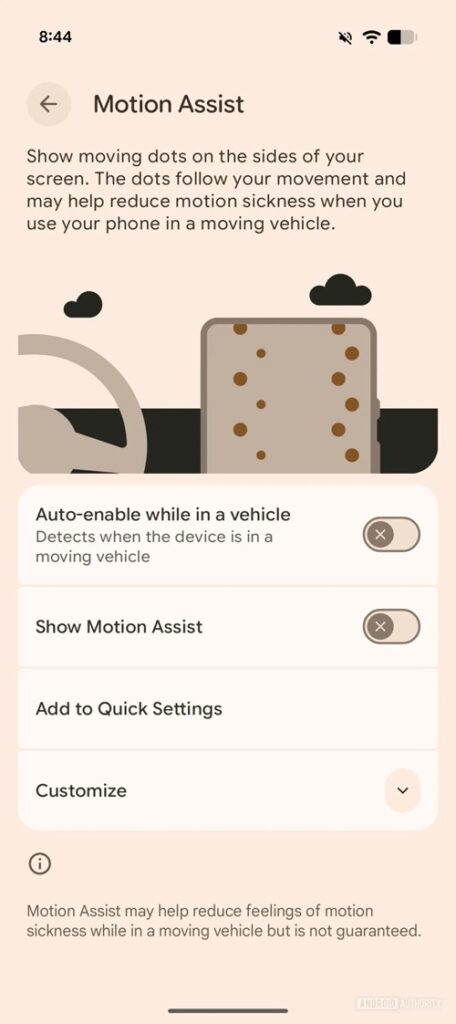
Much like similar implementations on the OnePlus 15 and vivo X300 Pro, Motion Assist uses visual cues on-screen to mitigate motion sickness while reading or viewing content in a moving vehicle. Additionally, traces of a new “Transiting Mode” have surfaced, which hints at automatic settings adjustments to smooth out the experience, specifically for bus and train commuters.
Pixel Watch AOD updates
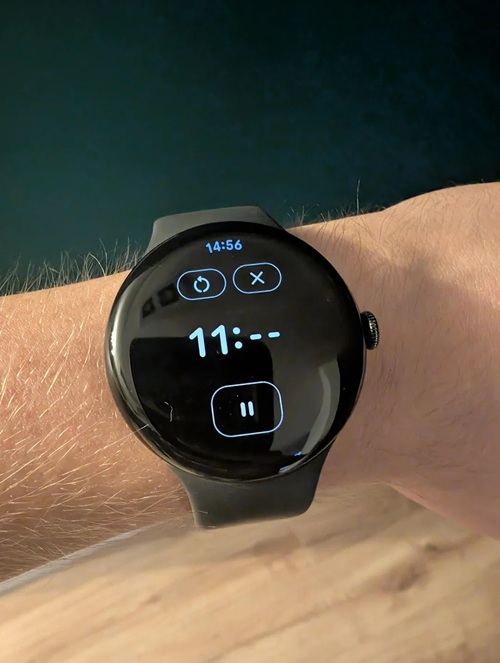
The Always-on Display (AOD) experience on Pixel Watch is getting a functional facelift. With Google Clock version 6.11, the timer, stopwatch, and media controls now properly support AOD.
Previously, these apps would obscure the AOD or fail to show pertinent info. The update strips away the countdown rings and millisecond digits to save battery, leaving behind clean outlines of buttons and dashes for seconds. It’s a small quality-of-life tweak that makes the watch much more usable during workouts or cooking without waking the screen constantly.
Pixel works as a Nintendo Switch 2 Webcam
In a surprising win for cross-device compatibility, Pixel phones can now serve as USB webcams for the newly released Nintendo Switch 2.
While early testing showed connection drops when trying to use a Pixel for the Switch 2’s GameChat feature, the issue has been quietly resolved. Whether via a Switch firmware update or a Pixel-side fix, users confirmed this week that the console now recognizes the Pixel in UVC (USB Video Class) mode. This eliminates the need to carry a dedicated webcam for mobile gaming sessions—just plug your Pixel into the console.
Quick Tap is finally reliable
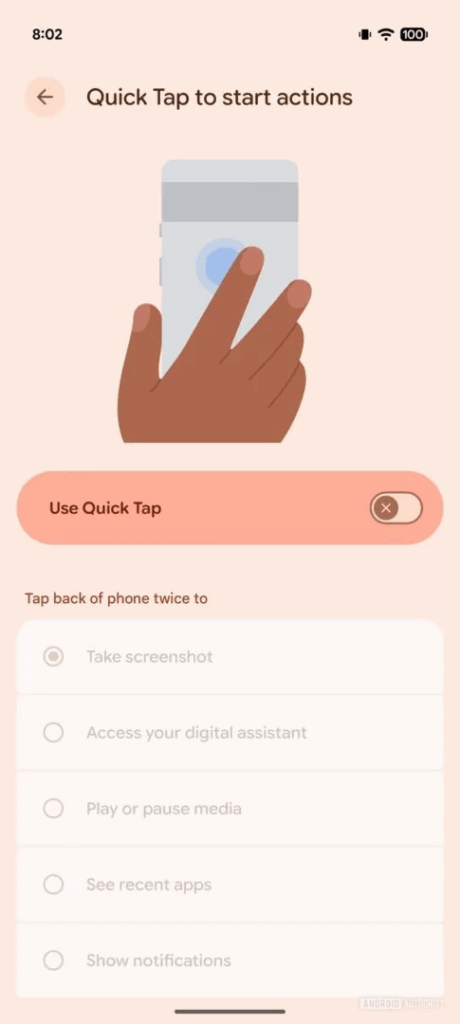
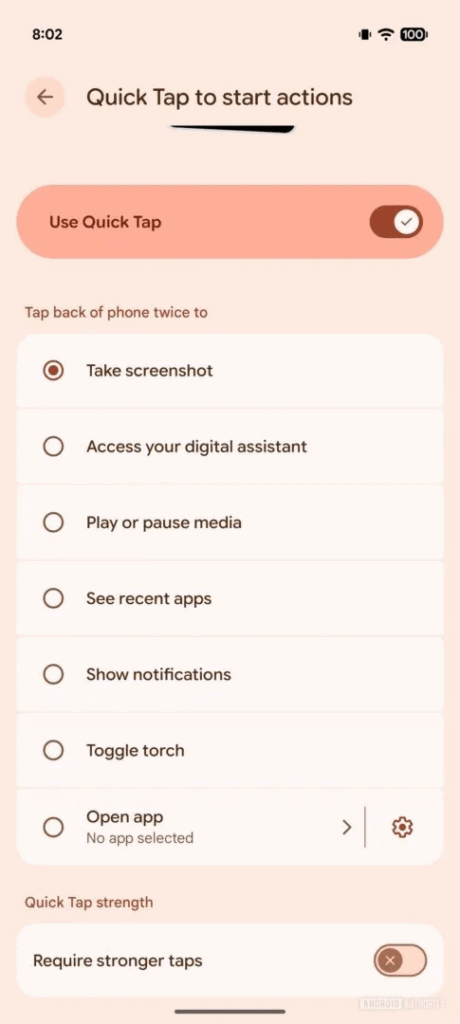
For years, the Quick Tap gesture (double-tapping the back of the phone) has been hit-or-miss for many users. Following the December 2025 update (Android 16 QPR2), reports are flooding in that the feature’s responsiveness has been drastically improved.
Users on Reddit are noting consistent success rates, with the phone recognizing taps that previously would have been ignored. If you gave up on Quick Tap in the past, now is the time to re-enable it via Settings > System > Gestures.
Pixel Launcher bug temporarily swaps device search with Google app search
A strange bug is affecting some users running Android 16 QPR2 and Google app v16.48 beta. Tapping the homescreen search bar now triggers Google app’s device search instead of Pixel Launcher search. Users report that the full-screen UI replaces the modern slide-up Launcher search sheet. However, this appears to be a server-side change since rebooting doesn’t help.
As a workaround, you can avoid tapping the bar and instead swipe up (if “Swipe up to start search” is enabled). But given how ingrained the tap gesture is, this can be annoying.
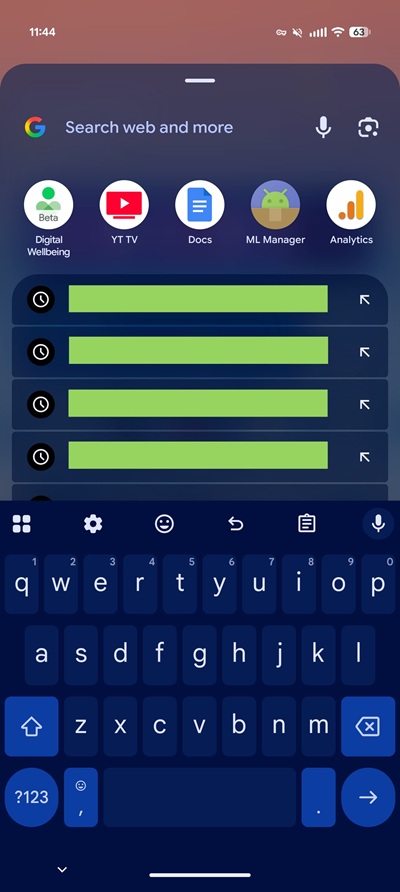
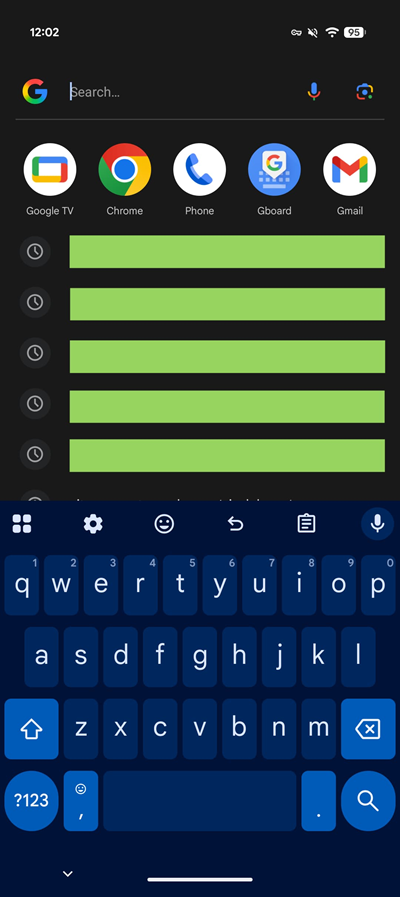
Google will likely revert or fix this server-side soon.
Google’s AI-powered custom icon themes move closer to launch
Back in July, reports emerged that Google was building AI-generated icon themes to solve the long-standing mismatch between app icons on Pixel phones.
Now, the Play Store listing for the app is live, though downloads are not yet available.
This confirms Google is nearing a public release. Once live, Pixel users should be able to generate consistent themed icon packs via Google’s on-device AI tools.

Hillary Keverenge
2474 Posts
Tech has been my playground for over a decade. While the Android journey began early, it truly took flight with the revolutionary Lollipop update. Since then, it's been a parade of Android devices (with a sprinkle of iOS), culminating in a mostly happy marriage with Google's smart home ecosystem. Expect insightful articles and explorations of the ever-evolving world of Android and Google products coupled with occasional rants on the Nest smart home ecosystem.