





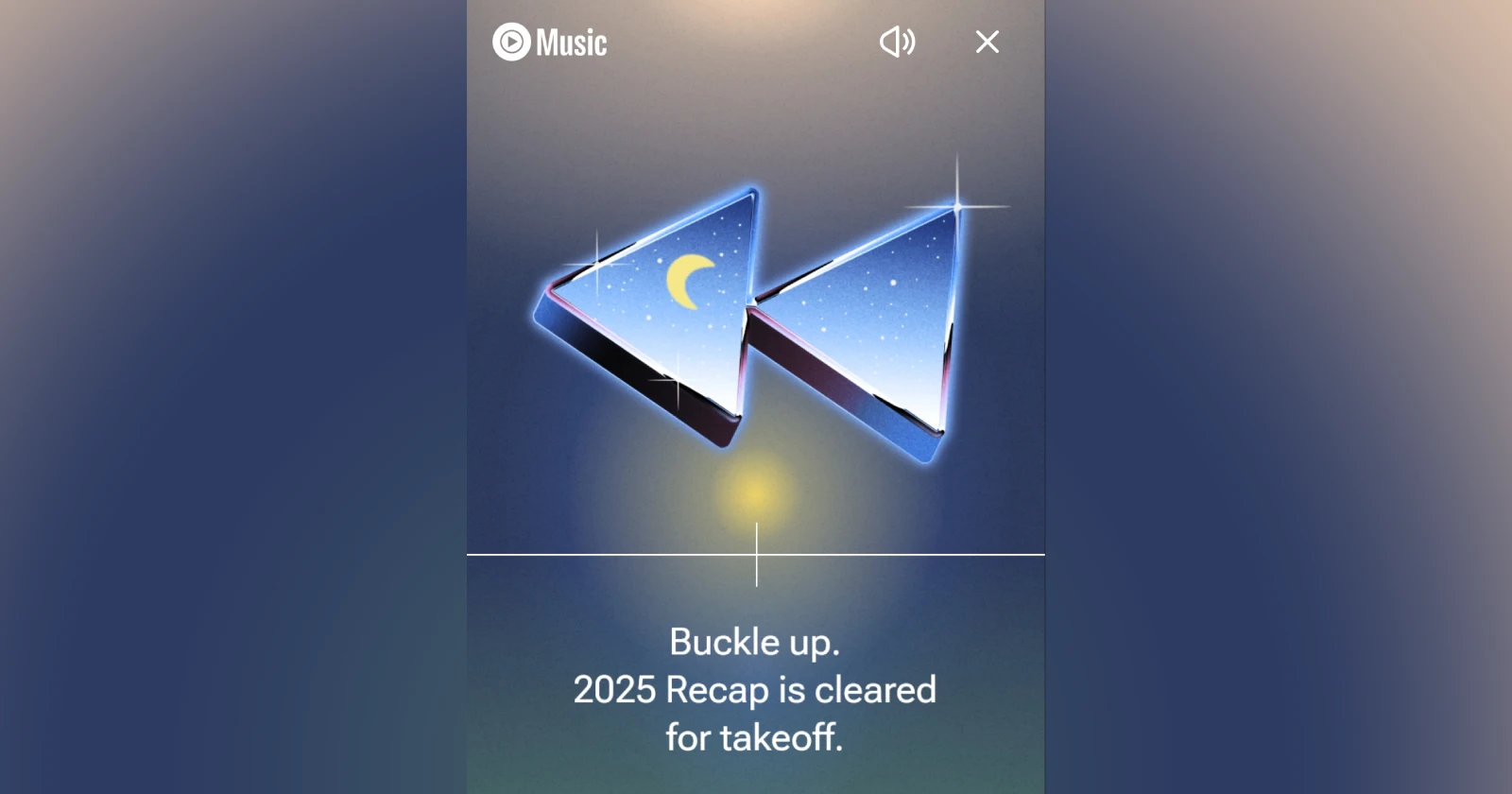
anyone else unable to see/access their recap properly?
byu/mightypocketcow inYoutubeMusic
Update 05/12/25 – 02:55 pm (IST): YouTube has acknowledged that some users might be facing issues with the Recap 2025 release. They have even shared troubleshooting steps for users dealing with specific issues, such as blank slides. Check it out below:
We’re aware some of you are seeing blank slides, fast slide shows, or empty playlists for YouTube Music 2025 Recap in the YouTube Music app.
- If you are seeing blank slides, please check your network connectivity.
- If you are seeing fast slide shows, please check your Android device settings if you have turned on “Remove animations”. You can find this setting under Accessiblity> Color and motion.
- If you are seeing empty playlists, it is likely that you deleted your watch history. Please check your Recap playlist in 2 days.
- If you are not seeing your Recap at all, please check eligibility requirements in the help center: https://support.google.com/youtubemusic/answer/11418178
We’re monitoring the situation and will let you know here if we have any updates.
Original article published on December 3, 2025, follows:
Some YouTube Music users are running into trouble with the 2025 Recap feature, and frustrations are spilling over onto Reddit. Multiple threads have popped up over the past day with people complaining about everything from blank screens to stats that make no sense.
One of the more common bugs involves the Recap skipping through slides at warp speed, almost like someone is holding down a fast-forward button. Users say they can’t pause or go back through the slides properly, with the feature jumping around uncontrollably.
Others are seeing completely blank Recaps that show colored backgrounds but no actual content or data. A few users have tried the usual fixes like reinstalling the app or restarting their phones, but nothing seems to work consistently.
YouTube’s official community manager did respond to one thread, suggesting that the “Remove animations” setting on some Android phones could be causing the glitching. One user confirmed that turning animations back on fixed the issue for them. But that solution didn’t work for everyone, with some still unable to access their Recap properly even after toggling the setting.
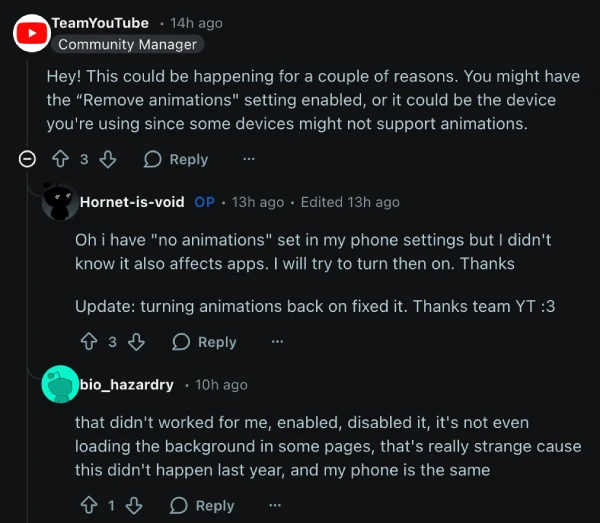
The bug seems to be affecting a range of Android devices, including Samsung Galaxy phones, Google Pixels, and Xiaomi handsets.
Beyond the technical glitches, there’s a separate set of complaints about the accuracy of the Recap data itself. Some users are seeing songs and artists listed as their top picks that they’ve never actually listened to.
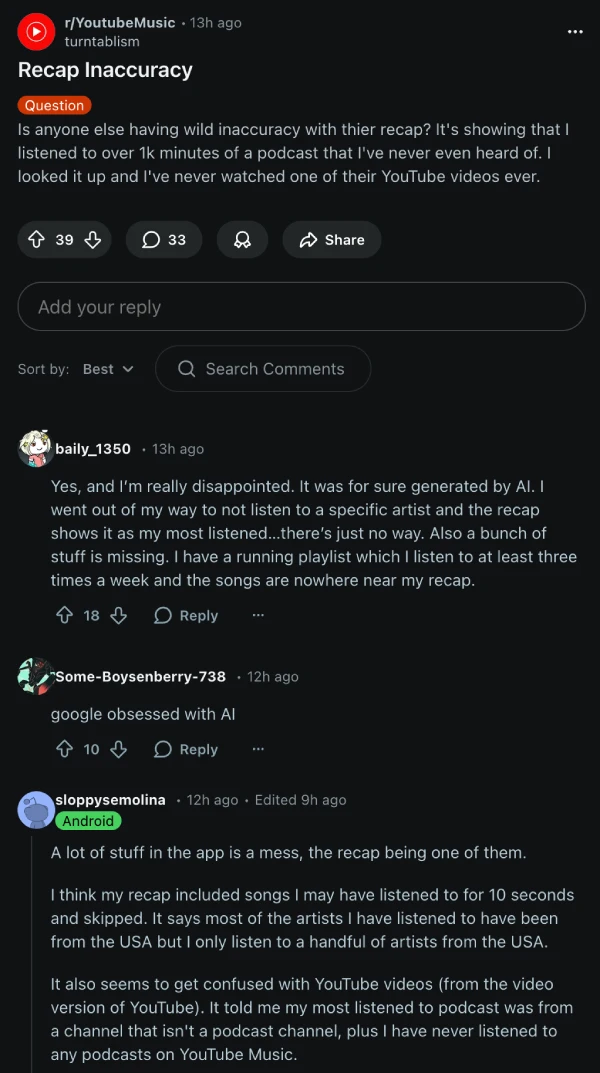
One person said their most-played song was something they’d never even heard of. Another claimed their Recap included over 1,000 minutes of a podcast they’d never touched. Several people noticed their Recap heavily favored songs from the past couple of months while ignoring stuff they listened to earlier in the year. “All my top songs were songs I listened to in the last month,” one user wrote, adding that they were hoping to revisit playlists from January.
The data issues have led some to speculate that the Recap might be getting generated or supplemented by AI, though YouTube hasn’t confirmed anything about how the feature compiles listening stats.
For now, users who are still facing problems are stuck waiting for a fix, while others are just disappointed by a Recap that doesn’t reflect their actual listening habits. That said, check for any new updates available for the YouTube Music app to see if you can get past the glitched recap at least.

Dwayne Cubbins
1798 Posts
My fascination with Android phones began the moment I got my hands on one. Since then, I've been on a journey to decode the ever-evolving tech landscape, fueled by a passion for both the "how" and the "why." Since 2018, I've been crafting content that empowers users and demystifies the tech world. From in-depth how-to guides that unlock your phone's potential to breaking news based on original research, I strive to make tech accessible and engaging.
Next article View Article
Tidal finally gives users a proper Spotify Wrapped alternative with Rewind 2025 rollout
When Tidal's own leadership posts a meme making fun of how late they've been to the year-end recap game, you know change is coming. Robert Andersen, who...
Dec 03, 2025 1 Min Read