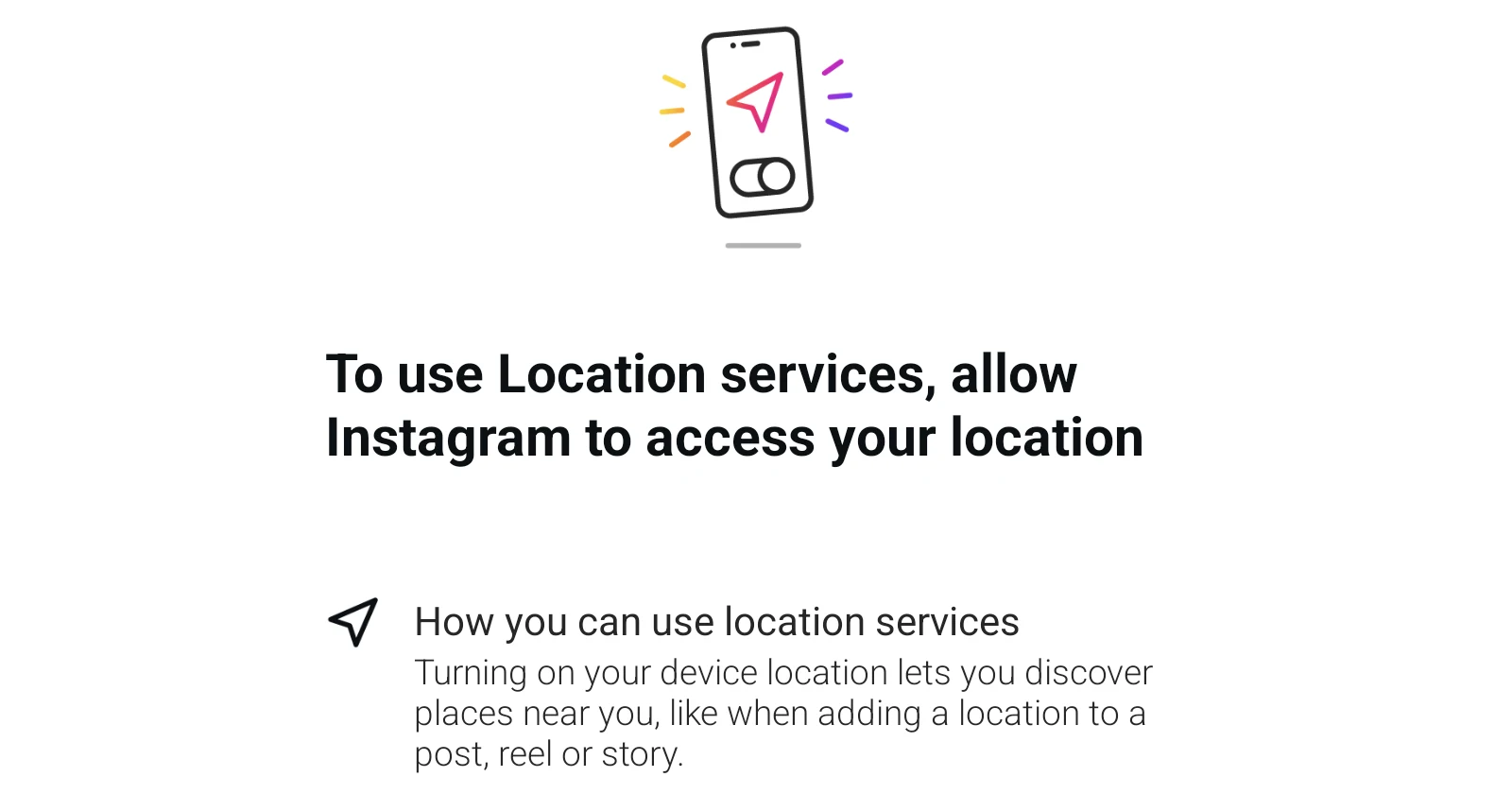
Instagram users on Android are running into a frustrating problem today. A pop-up asking them to “allow Instagram to access your location” keeps appearing almost every time they open the app. Dismissing it doesn’t help because it just comes right back.
Reports started flooding the r/Instagram subreddit earlier today, with users sharing their annoyance at the persistent prompt. One user wrote they keep getting this “every time I open the app,” and a few others also reported seeing the same thing.
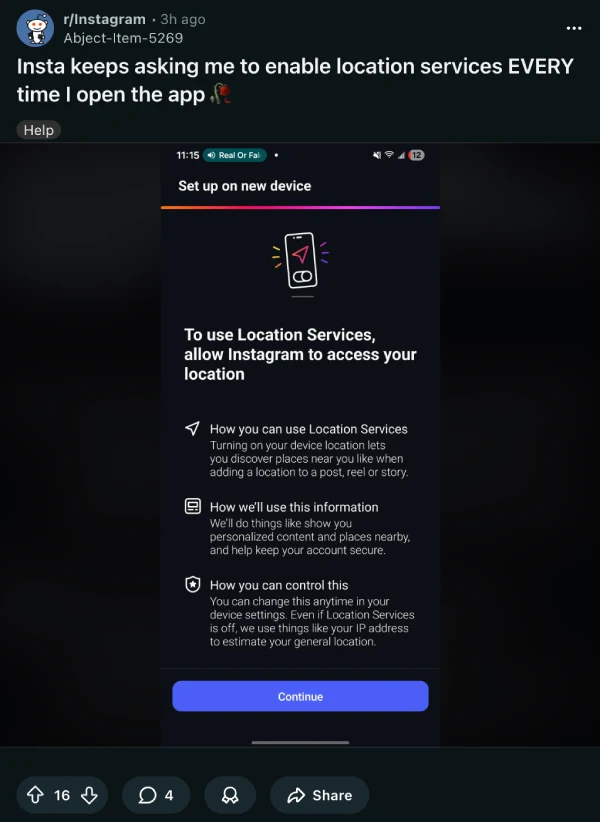
The pop-up shows a screen titled “To use Location services, allow Instagram to access your location” with a Continue button at the bottom. Pressing Continue doesn’t solve anything either. Some users say hitting Continue just loops them back to the same screen, while pressing back only gets rid of it temporarily.
I actually noticed this earlier today on my phone, a Pixel 7a, and dismissed it without thinking much of it. But after seeing all these reports pop up on Reddit, I tried again and can confirm it’s definitely a bug. I even took a screenshot of it.
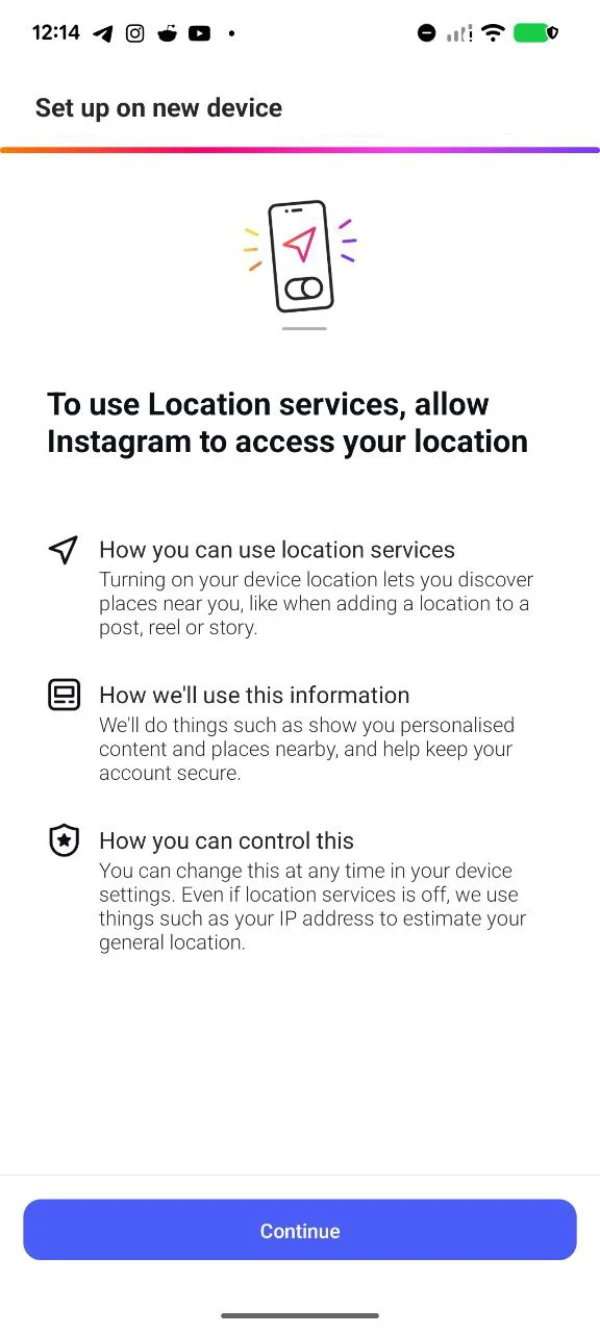
In my testing, the bug only shows up on the Android app. I couldn’t reproduce it on the iOS app, no matter how many times I tried. And looking at all the complaints online, they all seem to be coming from Android users too.
What makes this extra annoying is that Instagram already has your location locked down at the system level if you’ve denied the permission before. The app even admits in the pop-up that it uses your IP address to estimate your general location anyway. So for users who have consciously chosen to keep location access off, seeing this prompt repeatedly feels pushy at best.
Some users initially panicked, thinking their accounts had been compromised since the prompt kept appearing. But it looks like this is just a buggy rollout on Instagram’s end rather than any security issue.
There’s no official word from Meta yet on what’s causing this or when a fix might arrive. For now, Android users will just have to deal with tapping that back button over and over again. That said, this isn’t the only problem Instagram users are dealing with today. Just a few hours ago we highlighted reports about the ‘Repost’ button going missing. You can check that out here.

Dwayne Cubbins
1828 Posts
My fascination with Android phones began the moment I got my hands on one. Since then, I've been on a journey to decode the ever-evolving tech landscape, fueled by a passion for both the "how" and the "why." Since 2018, I've been crafting content that empowers users and demystifies the tech world. From in-depth how-to guides that unlock your phone's potential to breaking news based on original research, I strive to make tech accessible and engaging.
Next article View Article