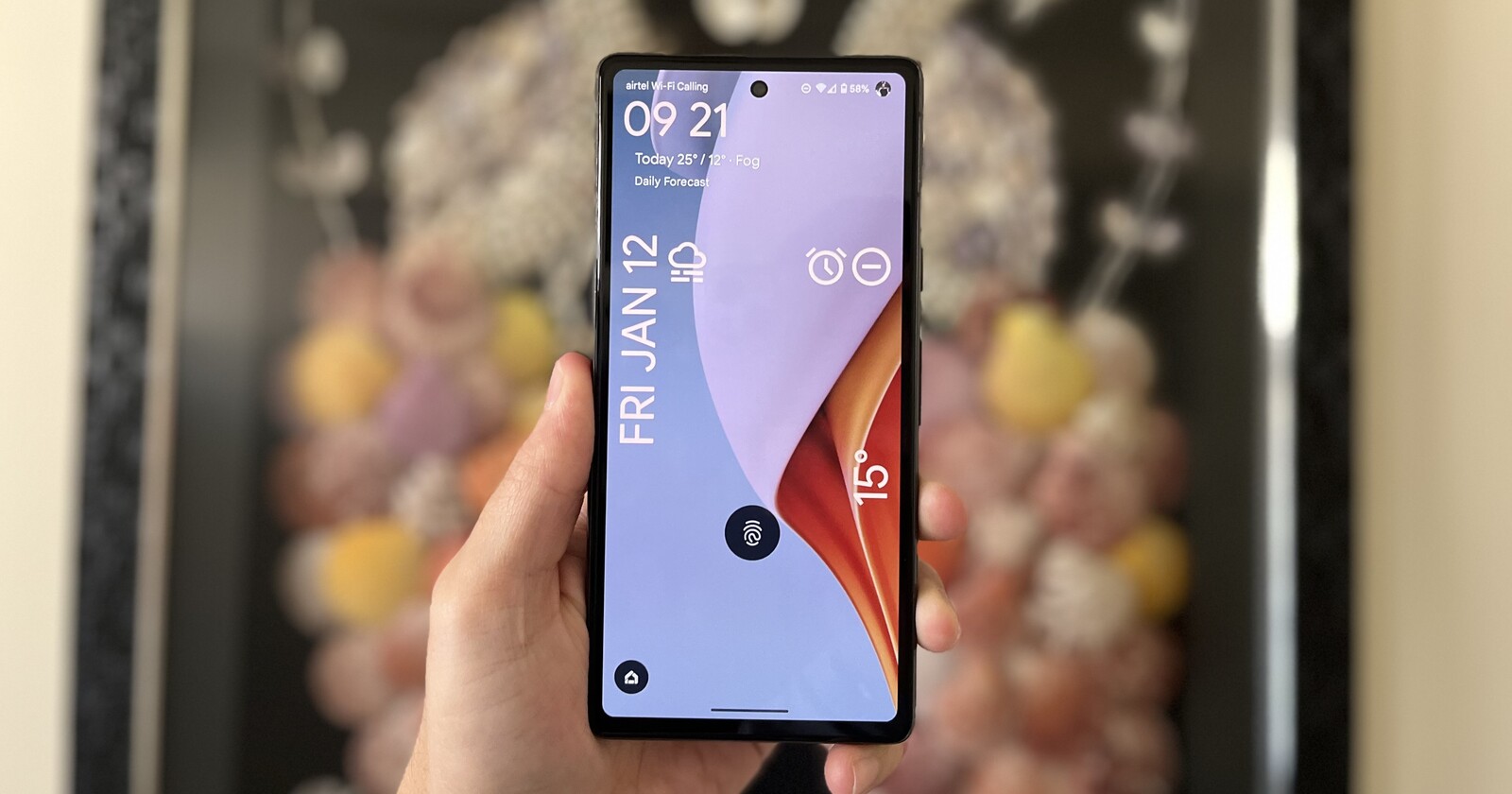
As we head deeper into the holiday season, many of you are likely relying on your Google Pixel devices to capture memories and keep you connected. Last week, we put together a Holiday Season Survival Guide that covers battery management and digital well-being, helping you disconnect when needed. We also shared some essential tips for enhancing your holiday photos and using your Pixel to help with hosting duties. Be sure to check those out if you want to get the most out of your device this month.
This week, however, the news cycle brings a mix of frustrating bugs for the new Pixel 10 and Pixel Watch 4, alongside some controversial changes from Netflix. Here is the latest on the Google ecosystem.
Pixel 10 Quick Share update breaks Wi-Fi for some
Google recently made waves by updating Quick Share to support AirDrop, finally bridging the file-sharing gap between Android and iPhone. However, early adopters on the Pixel 10 series are paying a price for this convenience.
According to user reports, enabling the Quick Share extension that allows AirDrop support is causing Wi-Fi connections to drop immediately upon opening the sharing menu. In some severe cases, users report their list of available Wi-Fi networks is wiped completely blank while the menu is active.
While it is logical for a device to manipulate the Wi-Fi radio to establish a direct peer-to-peer connection for file transfer, simply opening the menu shouldn’t kill your internet connection. Making matters worse, reports on the Google Issue Tracker suggest a Google representative marked the bug as “won’t fix (obsolete),” directing users back to community forums.
The temporary fix: If you are experiencing this, uninstalling the specific Quick Share extension update seems to resolve the Wi-Fi drops, though you will lose the new AirDrop functionality for now.
Google Pixel Watch 4 struggles with walking distance
Smartwatches are data havens, but the Google Pixel Watch 4 might be guessing rather than measuring when it comes to your daily walks.
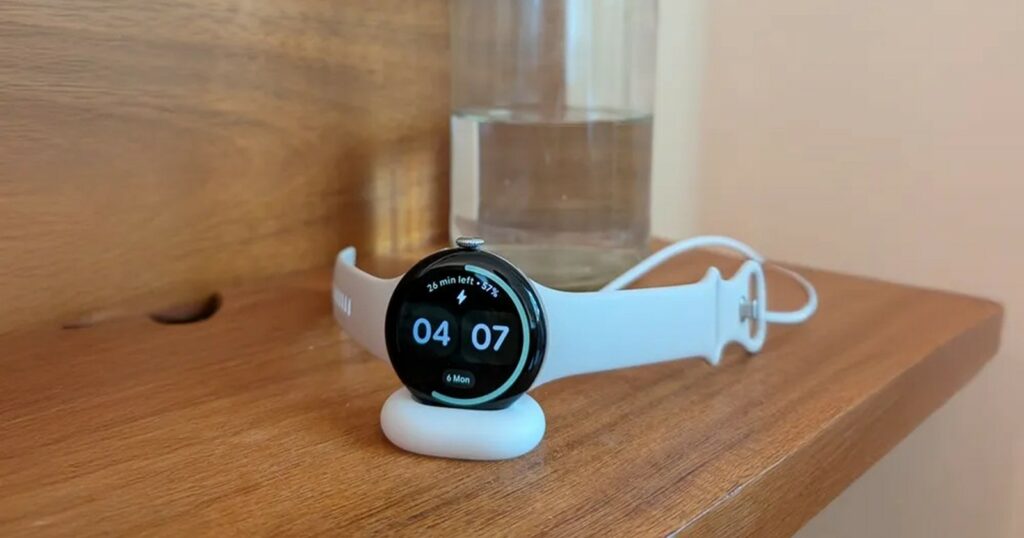
New reports indicate a significant discrepancy in how the watch tracks distance during “Walk” workouts compared to runs or cycling. While running and cycling appear to utilize GPS data correctly for precise distance tracking, the Pixel Watch 4 seems to be reverting to a simpler calculation for walks: multiplying your step count by your stride length.
This method is notably less accurate than GPS. In one user test, a specific route was measured correctly during a bike ride but was reported as four times longer during a walk. If your stride length isn’t perfectly calibrated in the settings, your walking stats could be wildly inflated.
For now, users are advised to check their stride length settings or, ironically, log their walks as “slow runs” if they want GPS-accurate distance data until Google addresses the algorithm.
Android 16 is preparing a “dual-band” hotspot
On a more positive note, the latest Android Canary builds (slated for the Android 16 QPR3 beta) have revealed a new feature that could solve a common tethering headache.
Currently, Pixel users setting up a hotspot have to choose between compatibility (2.4/5GHz) and raw speed (6GHz). While 6GHz is faster, it has a shorter range, and many older devices can’t see it. Google is now testing a “2.4 and 6 GHz” option. This dual-band mode aims to offer the high throughput of Wi-Fi 6E/7 for supported devices while maintaining a 2.4GHz fallback for older tech.
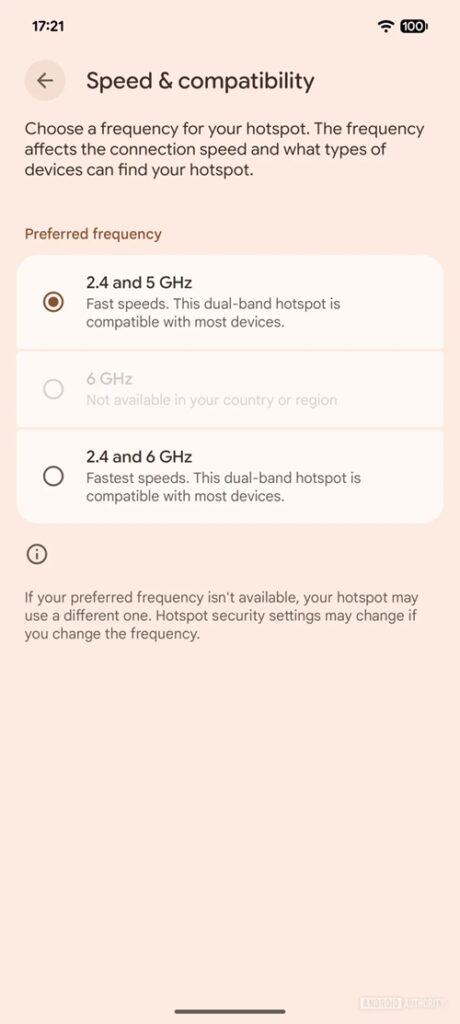
It is a “best of both worlds” toggle that should arrive on Google Pixel devices in the coming months, making mobile tethering significantly more versatile.
Netflix removes casting for Google TV devices
In a move that is confusing many long-time users, Netflix has quietly removed the “Cast” button functionality for most modern Google TV devices.
If you own a Chromecast with Google TV or the new Google TV Streamer, you can no longer cast Netflix from your phone to your TV. Instead, the app expects you to pick up the physical remote and navigate the native TV app. Netflix support claims this is to “improve the customer experience,” though many users argue that browsing on a phone screen is superior to clicking through menus with a remote.
There is a strange exception: Older, legacy Chromecast dongles (the ones without remotes/interfaces) still support casting. However, for the modern Google TV ecosystem, the convenience of phone-to-TV casting for Netflix content appears to be dead.

Hillary Keverenge
2473 Posts
Tech has been my playground for over a decade. While the Android journey began early, it truly took flight with the revolutionary Lollipop update. Since then, it's been a parade of Android devices (with a sprinkle of iOS), culminating in a mostly happy marriage with Google's smart home ecosystem. Expect insightful articles and explorations of the ever-evolving world of Android and Google products coupled with occasional rants on the Nest smart home ecosystem.
Next article View Article