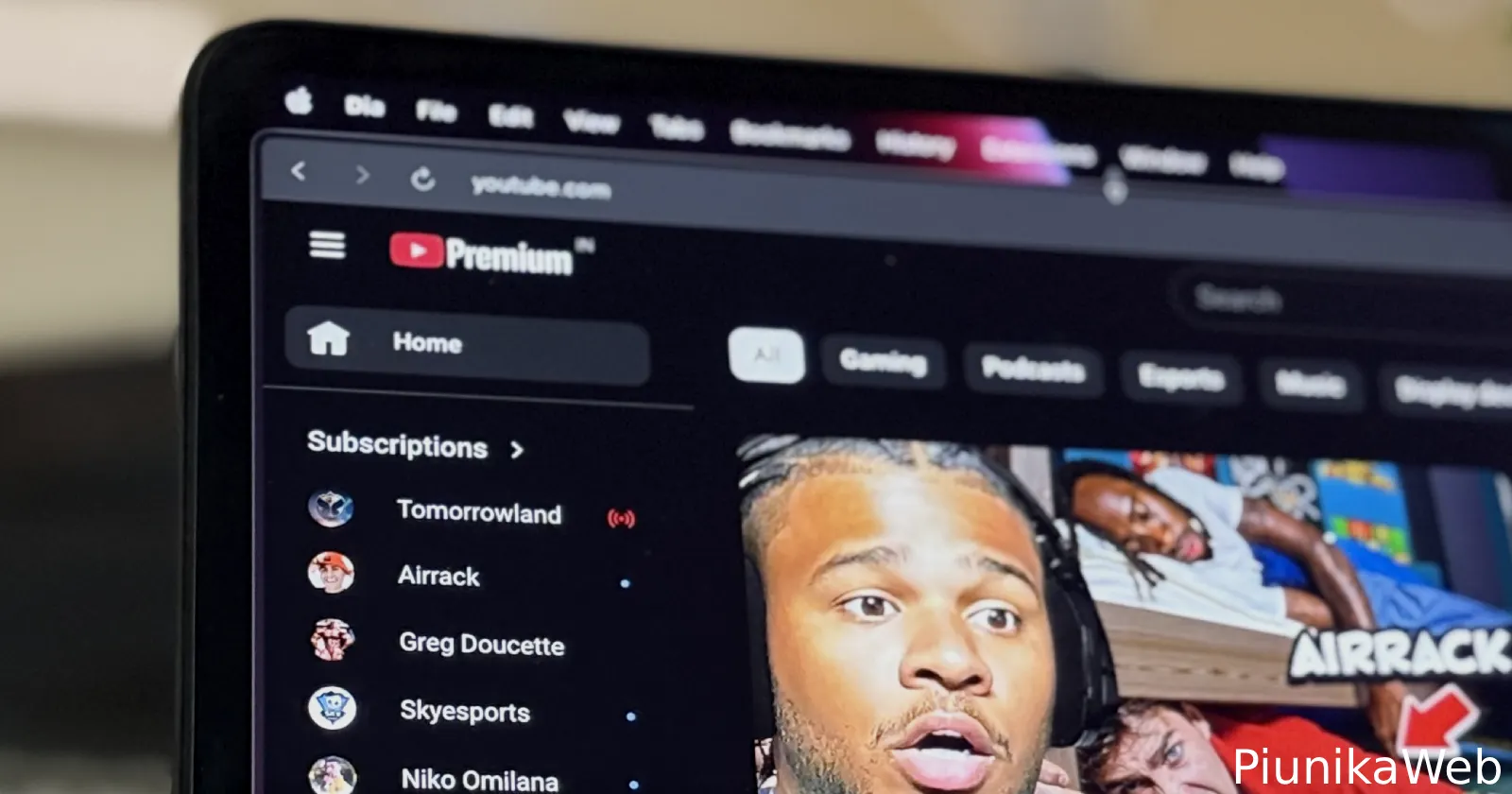
Update 26/11/25 – 10:46 am (IST): YouTube can’t seem to make up its mind about whether or not to keep the Subscriptions button where it has been for a while or to remove it. The official announcement regarding a fix going live (screenshot below) has now been removed. Now, when you visit the link, you’ll see a “This page is no longer available” message.
Adding to that, a fresh post on Reddit complaining about the removal of the Subscriptions tab from a few hours ago has picked up several hundred upvotes and over a hundred comments.
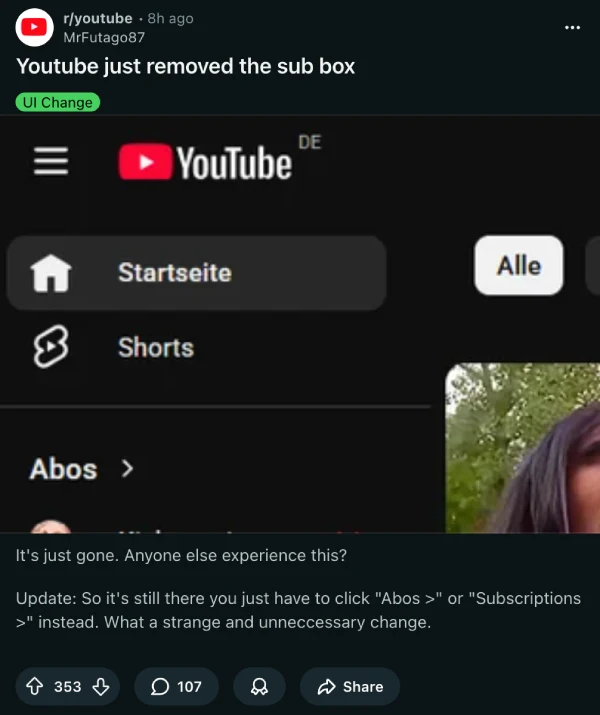
I also can no longer see the option on the top left of the sidebar, despite it reappearing yesterday following the announcement of the fix. So if you’re stuck in the same boat, you can check out how to access the Subscriptions tab by other means as we originally shared below.
Update 25/11/25 – 03:07 pm (IST): Turns out, YouTube didn’t intentionally remove the Subscribe tab from the menu. It was a bug that has been fixed, as confirmed by a post on YouTube’s help forum. That said, you can still access the Subscriptions feed by all the other methods mentioned below.
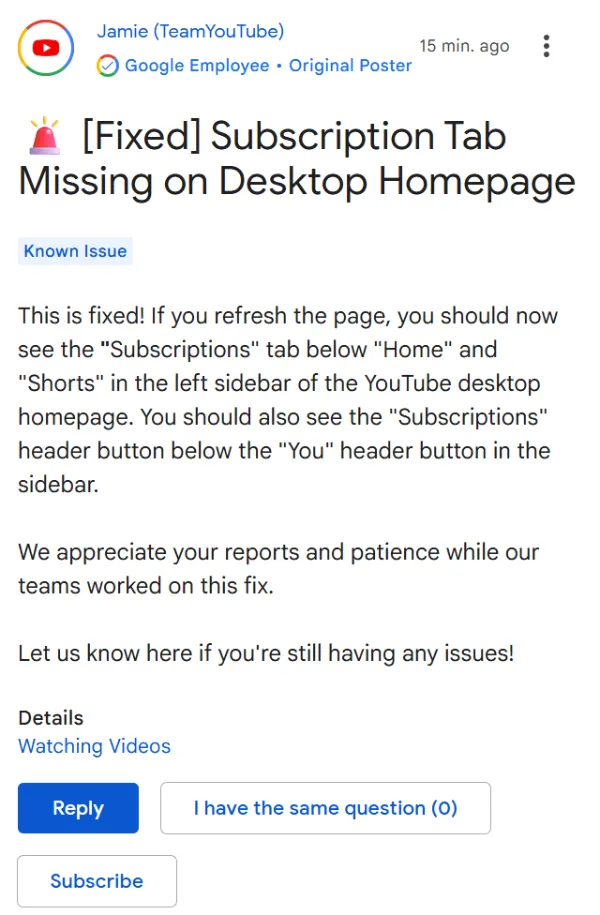
Original article published on November 25, 2025, follows:
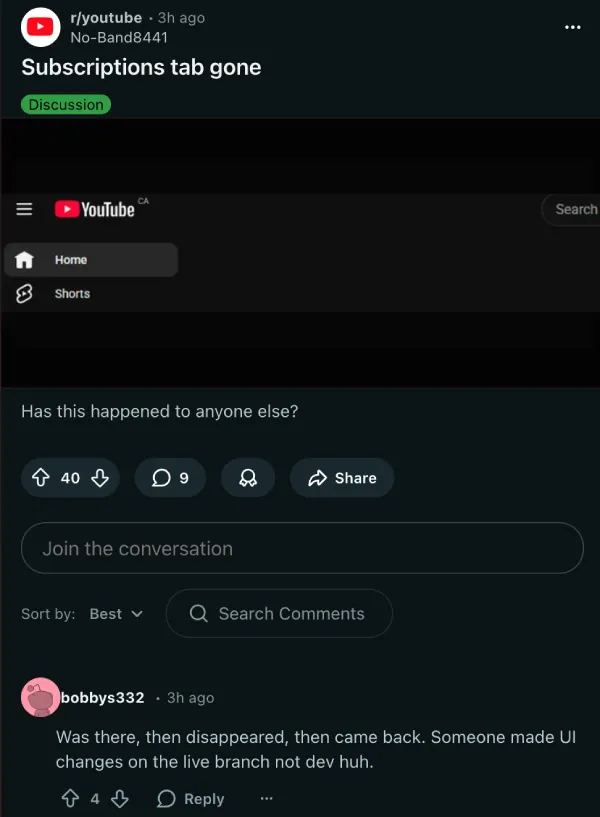
If you’ve recently opened YouTube on your desktop and felt a moment of panic seeing that the Subscriptions tab appears to have vanished from its usual spot at the top of the page, you’re not alone. Multiple users on Reddit and X are reporting that YouTube seems to have removed the Subscriptions button, leaving many wondering how to access their feed of subscribed channels.
The good news? Your Subscriptions page hasn’t actually been removed. YouTube has simply made a confusing UI change that’s causing users to think the feature disappeared entirely. One Reddit user noted that the tab “was there, then disappeared, then came back,” suggesting YouTube might be testing different layouts.
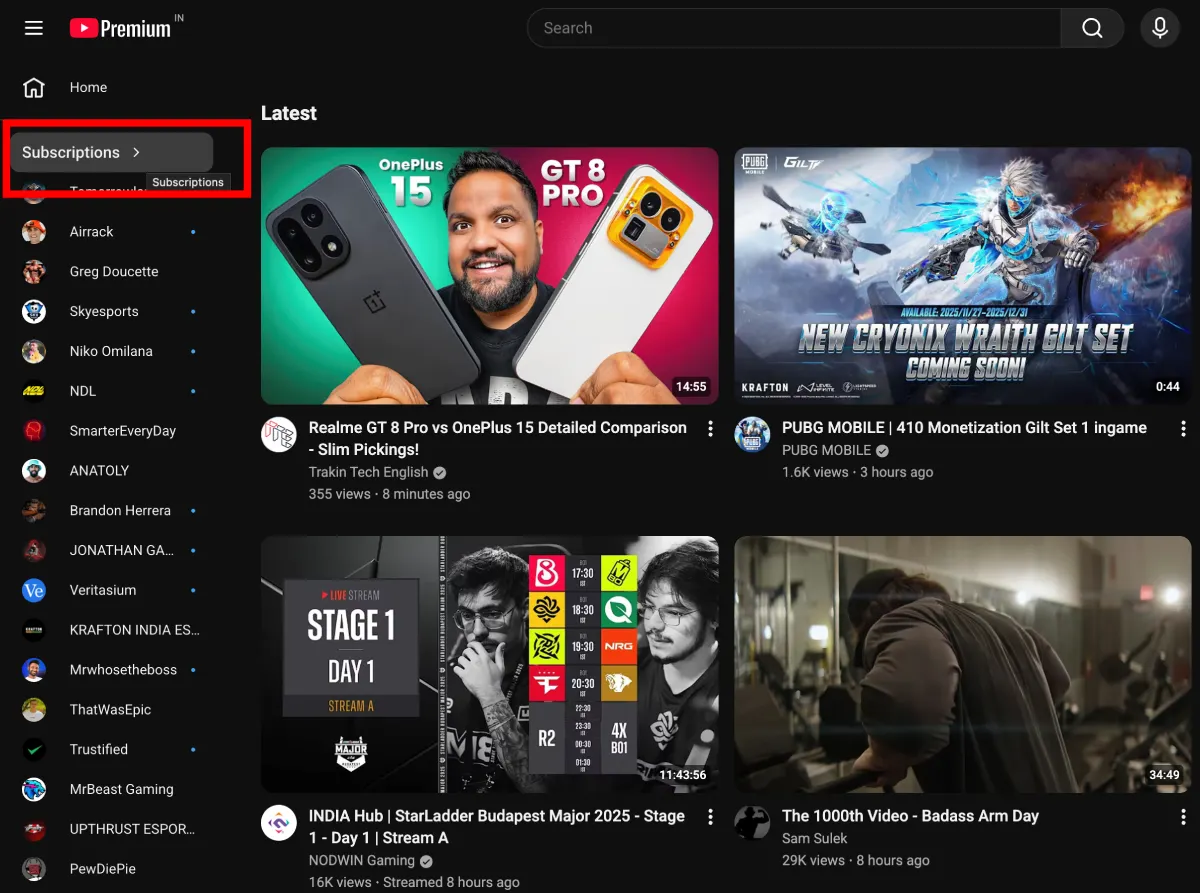
Here’s the thing: the Subscriptions tab is still there, just not as a standalone button anymore. Look at your left sidebar where it now says “Subscriptions” as a header above a list of your subscribed channels. That header text is actually clickable.
Click directly on the word “Subscriptions” and it will take you to your full subscription feed. It’s easy to miss since it doesn’t look like a traditional button, which explains why so many people think YouTube removed it.
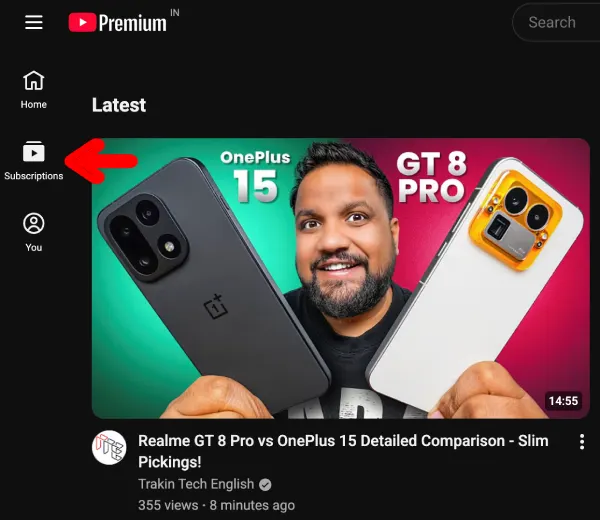
Another way to reach your subscription feed is through the hamburger menu (those three horizontal lines at the top left). Click on that to collapse it, and you’ll see the Home, Subscriptions, and You icons. Hitting Subscriptions from there will take you right where you need to go.
If none of these options work for you (which would be pretty rare), you can always bookmark this direct link: youtube.com/feed/subscriptions. One user on X shared this workaround after panicking that YouTube had removed the subscriptions feed completely.
The reaction online has been pretty negative. Comments range from “Why even change something that is already working nicely?” to jokes about someone at YouTube needing to justify their job by making pointless UI tweaks.
This isn’t the first time YouTube has removed or shuffled features around without much warning. The platform has a habit of making changes that nobody really asked for, and this latest update fits that pattern perfectly. Whether this is a permanent design choice or something they’re testing remains unclear. For now, at least you know your subscription feed hasn’t vanished into thin air.
And on the subject of UI changes, YouTube started testing another controversial experiment that swaps channel names for @handles and hides subscriber counts on mobile. More on that here.

Dwayne Cubbins
1862 Posts
My fascination with Android phones began the moment I got my hands on one. Since then, I've been on a journey to decode the ever-evolving tech landscape, fueled by a passion for both the "how" and the "why." Since 2018, I've been crafting content that empowers users and demystifies the tech world. From in-depth how-to guides that unlock your phone's potential to breaking news based on original research, I strive to make tech accessible and engaging.
Next article View Article