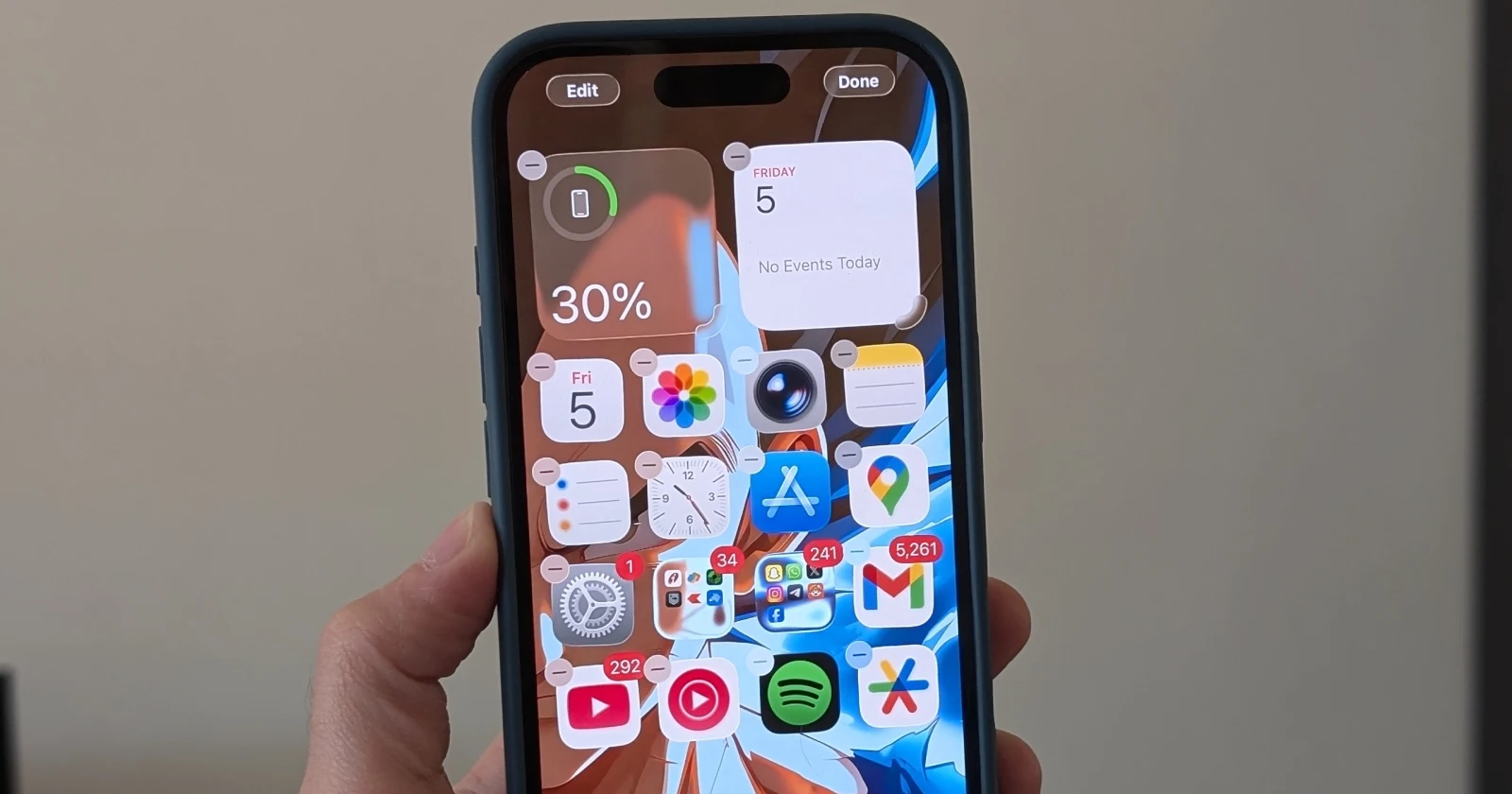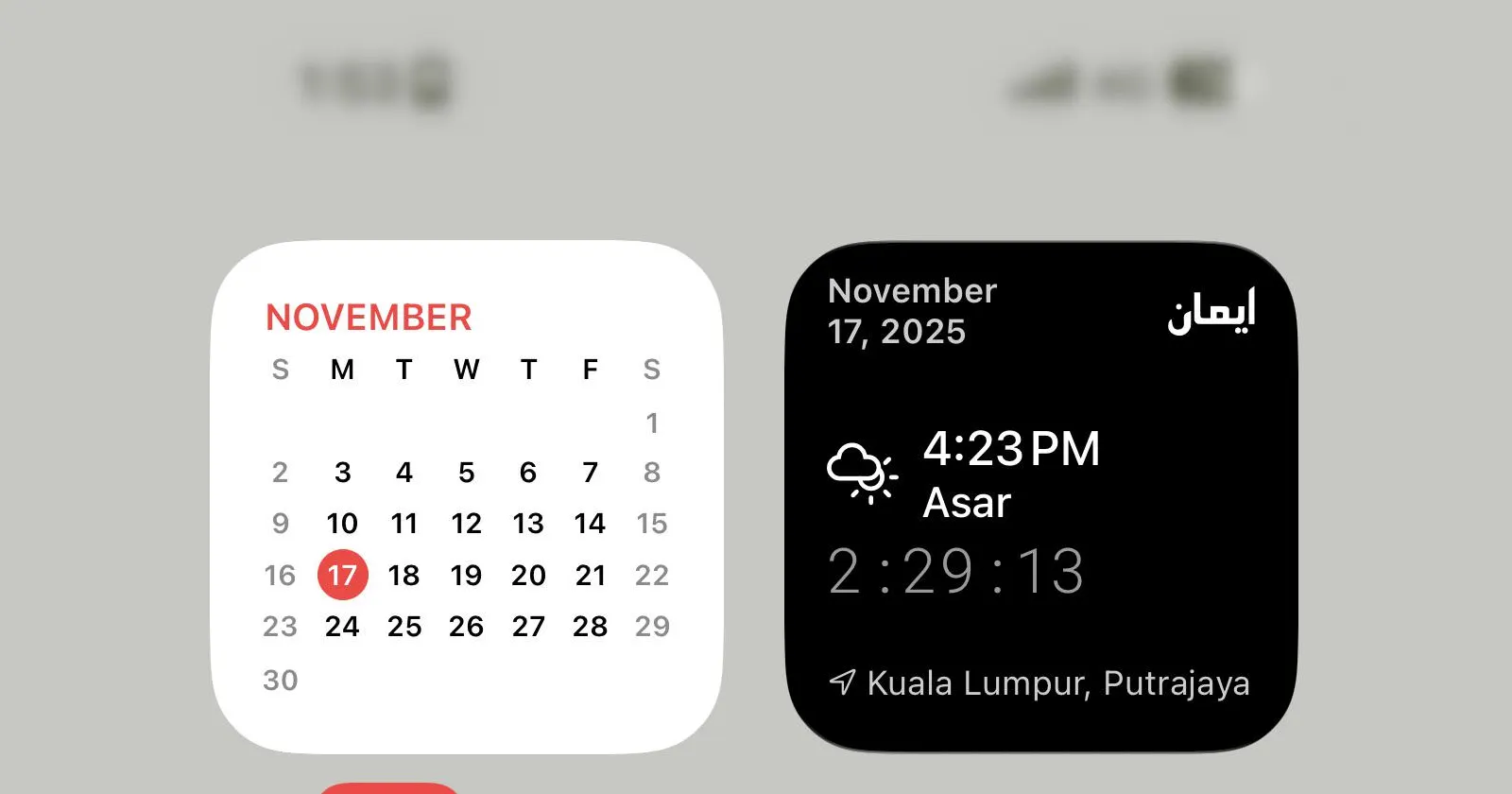
The jump to iOS 26 already changed how iPhones look, with Apple’s new glassy interface making icons and menus appear softer than before according to early coverage and support threads that picked apart the redesign.
Between the Liquid Glass styling and various tweaks to transparency, plenty of people are still getting used to how the system feels day to day. On top of that adjustment period, a growing number of users are now running into a much stranger visual glitch right where the clock, signal bars, and battery icons live.
For some who have moved to iOS 26.1, that strip at the top of the screen is staying blurred long after it should snap back into focus, making it surprisingly hard to tell the time or check battery at a glance. One of the clearest reports comes from a r/ios thread titled “[Help] iPhone status bar is constantly blurred, pulling down Control Center fixes it for one second,” where the poster says the haze follows them across the Home Screen, Lock Screen, and every app.
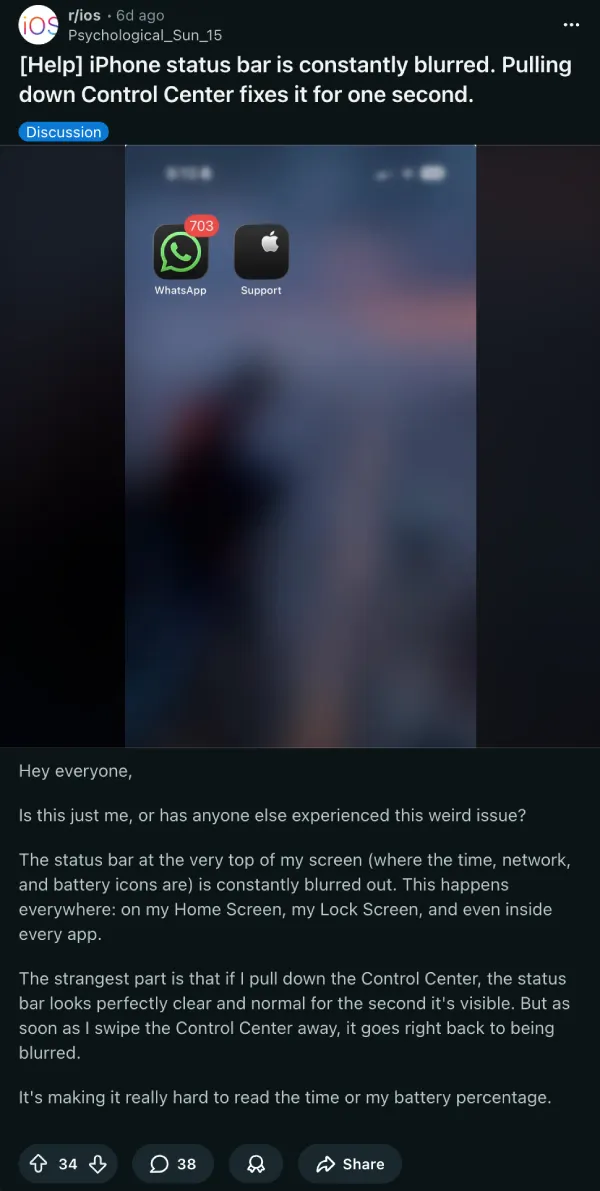
They describe a status bar that looks normal only while Control Center is pulled down, then instantly goes fuzzy again once it is dismissed, which makes basic info like signal strength and battery percentage hard to read. Restarting the phone gives temporary relief, yet the blur keeps returning several times a day, turning a quick glance at the time into a small daily annoyance.
Another recent r/ios post, “Status bar icons get stuck as blurred on iOS 26.1,” describes icons at the top of the display freezing in that softened state until apps are closed, with one commenter bluntly calling iOS 26 “gross” after repeated visual bugs.

An earlier beta-era report in r/iOSBeta, titled “[iOS 26.1 DB4] Top of my screen is blurry in every app and…,” shows the same smeared band along the top, hinting that whatever is going on has been lurking since the development builds.
Similar complaints have cropped up in r/iphone and r/iphonehelp, where posts like “Blurry status bar?”, “top bar always blurred,” and “is this a feature, why is it suddenly blurred out?” all describe the same fogged strip at the top of the screen that often survives a reboot.
Some people admit they initially thought their eyesight was going, others assumed Apple had quietly pushed a new design tweak, only to realize through these threads that they were all fighting the same glitch. One r/iphone user says switching from light mode to dark mode immediately cleared up the status bar for them, while others report that adjusting brightness or wallpaper only helps until the next app switch.
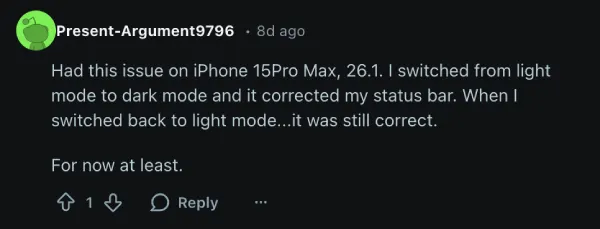
Standard troubleshooting moves such as changing wallpapers, toggling brightness, switching between light and dark mode, or tweaking accessibility options like Reduce Transparency and Motion echo the advice already making the rounds in posts about blurry icons under Liquid Glass, and they have helped a few people tame the effect.
For most, though, the only semi‑reliable workaround is still a full restart, and with no public acknowledgment from Apple yet, the hope in these communities is that an upcoming iOS 26.2 or 26.3 update quietly patches a bug that has turned a tiny row of status icons into the most talked‑about part of the screen.


Dwayne Cubbins
2718 Posts
I cover fast-moving stories across apps, online platforms, and everyday tech — phones, wearables, consoles, and whatever else people are fighting with this week. Bugs, rollouts, scams, policy enforcement, and the occasional internet-culture rabbit hole are all fair game. My goal is simple — make confusing tech news readable. When I'm not working, I'm working out or chilling with my dog. Got a tip? You can find me on X @dcubbins.
Next article View Article