





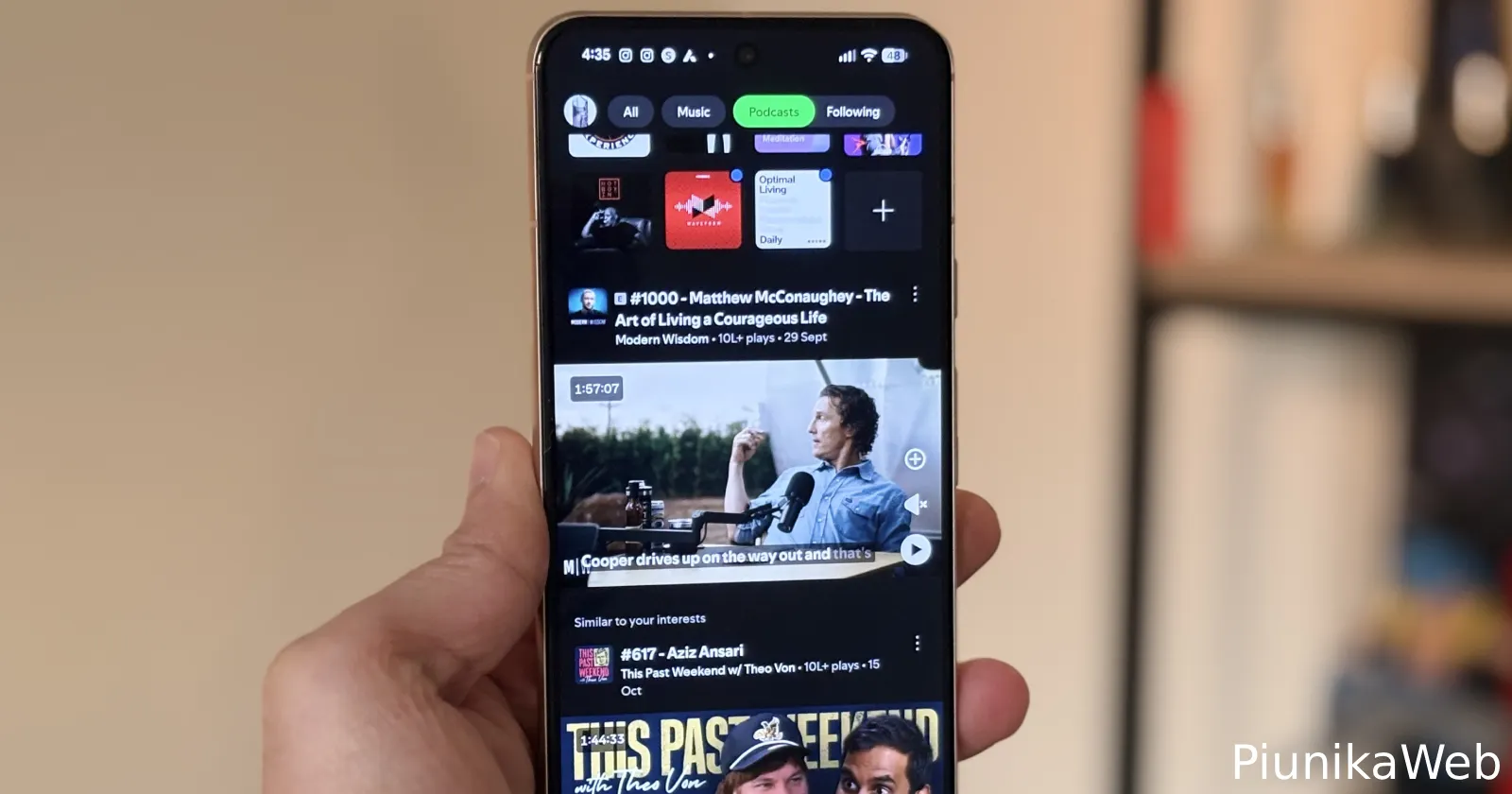
Spotify users on Android have been dealing with a pretty frustrating glitch over the past week. For many, podcasts simply won’t remember where they left off. Instead of picking up a few minutes in, episodes jump straight back to the start, wiping all progress. The complaints first resurfaced on an older Spotify Community thread, which now has a fresh wave of reports.
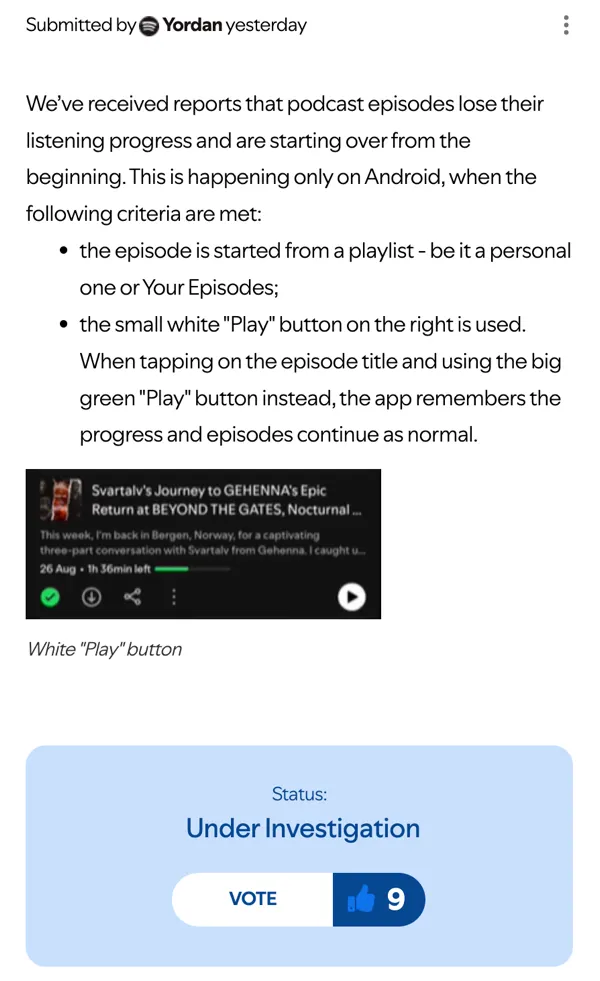
According to user reports, the bug only shows up on Android, and only when an episode is started from a playlist — whether that’s Your Episodes or something you curated yourself.
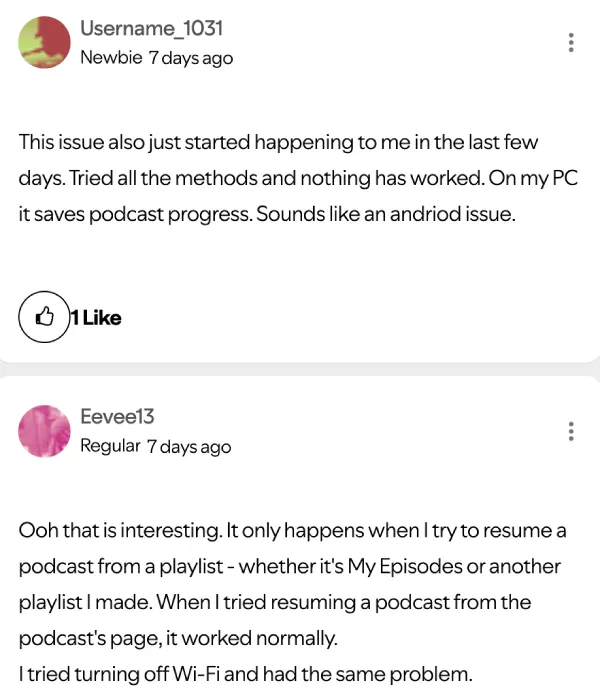
The real troublemaker seems to be the little white play button that appears on the right side of each episode in playlists. Tap that, and there’s a good chance Spotify treats the episode as brand new. If you open the episode page and use the big green play button instead, progress is saved normally.
Reports are coming in from all kinds of devices: Pixel 7 and 7a users, several Samsung models ranging from the Galaxy S10+ to the S25, and even mid-range phones like the Galaxy A54 and Poco F7 Pro. Most people claim that they’re running Spotify version 9.0.94.274. A couple of users also pointed out that the issue doesn’t happen with music or audiobooks — just podcasts.
Some listeners tried the usual fixes, including Spotify’s go-to suggestion of a clean reinstall. A few even tested their accounts on different phones. The results have been the same: the moment a podcast is resumed through a playlist, it jumps to the beginning. That makes it pretty clear the bug isn’t tied to a specific phone or account, and probably isn’t a syncing issue either.
Luckily, it seems Spotify is already on the case. A moderator has been gathering device details and confirmed that engineers are digging into the problem. There’s no timeline for a fix yet, but Spotify says updates will be posted in the same community thread.
Interestingly, all of this is happening while Spotify is also testing a refreshed podcast-sharing interface. Screenshots shared on Threads show a new layout that lets you fine-tune the exact starting point before sharing a clip.


It’s a handy upgrade, but for many Android users, basic playback behaving normally would be an even bigger win right now.


Dwayne Cubbins
3127 Posts
I cover fast-moving stories across apps, online platforms, and everyday tech — phones, wearables, consoles, and whatever else people are fighting with this week. Bugs, rollouts, scams, policy enforcement, and the occasional internet-culture rabbit hole are all fair game. My goal is simple — make confusing tech news readable. When I'm not working, I'm working out or chilling with my dog. Got a tip? You can find me on X @dcubbins.
Next article View Article
