





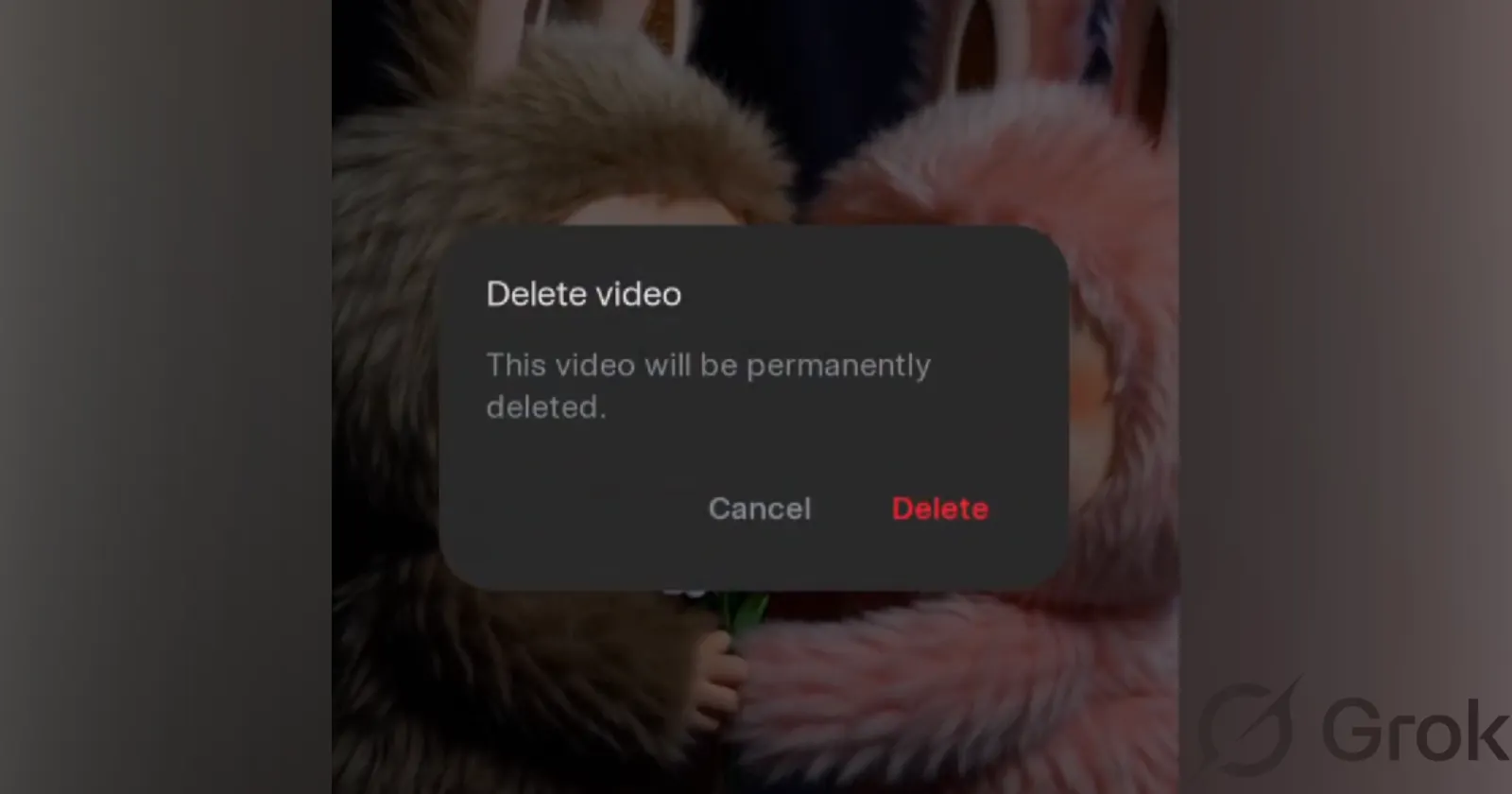
Making a good video on Grok Imagine often takes many tries, and not everything is worth keeping.
— Lara Lu (@larrabearr) November 12, 2025
In the upcoming Grok Android v1.0.71, you can delete the videos you don't like. In addition, we are no longer capping the videos we show in the detail screen, so you will have access… pic.twitter.com/UAnifWIDhC
Late-night sessions with Grok can turn into a whirlwind of quick experiments. You type in a prompt for a pink-furred bunny handing a daisy to its pal, complete with toothy smiles that pop on screen. It works, and you save it. But the next few attempts flop: odd camera tilts, sluggish timing, or colors that miss the vibe entirely. Before long, your history fills up with these half-baked clips, turning what should be a fun tool into a cluttered mess.
Lara Lu, the developer handling the Grok Android app, has a fix on the way. In the next release, version 1.0.71, users will get a straightforward delete button for those unwanted videos. Plus, the app ditches the old limit on previews, so you can scroll through your full creation log without any cutoff. Lu shared the details in a recent post, asking folks how it fits their routine.
The announcement drew quick feedback from users already hooked on Grok’s video features. Jennifer Nelson jumped in, praising the idea and requesting a return for saved image prompts to tweak designs more easily. Lu replied right away, noting it tops the list for the following update.
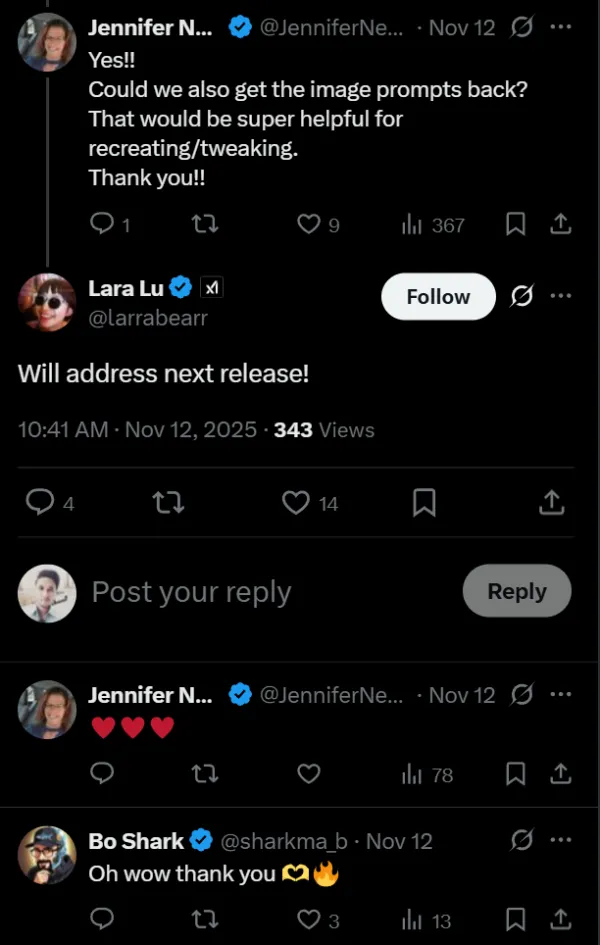
Others suggested rerolling audio tracks separately, selecting custom video shapes, or linking frames for extended sequences. Lu kept the conversation going, confirming tweaks like better prompt recovery in the pipeline. That kind of direct input loop makes the app feel responsive, almost like chatting with a teammate instead of waiting on corporate rollouts.
Elon Musk added fuel to the buzz with his own updates. He mentioned 15-second videos with crisper audio are arriving next week, a step up from the current shorts.
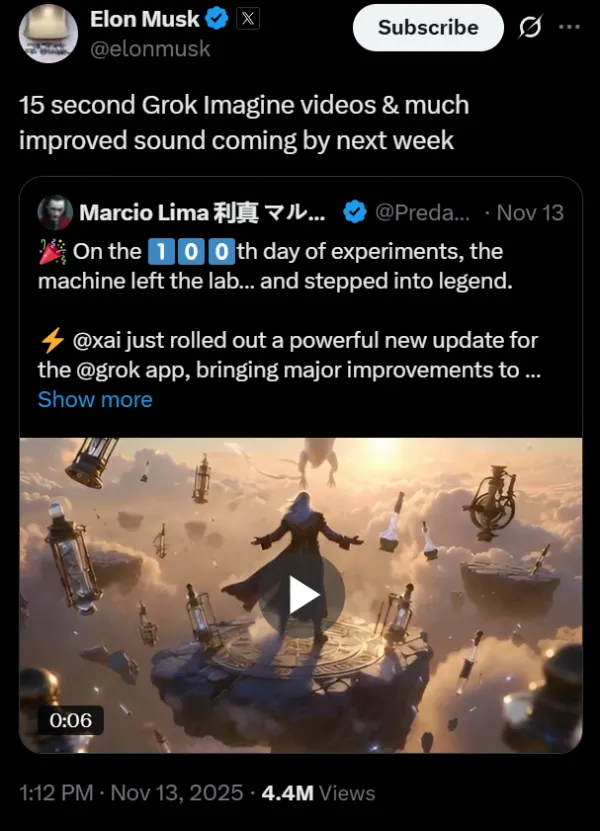
In a separate post, he stressed checking the app every day, calling out how Grok advances at a breakneck pace. For anyone iterating on ideas, these additions mean longer stories without the old constraints, keeping the energy high.
On the X side, things keep evolving too. A fresh distraction-free reading view hit iOS yesterday, clearing out sidebars and ads for a straight shot at long posts or stories. Jonah Katz demoed it with a quick video, showing how it pulls focus back to the words. As someone who spends way to much time on X checking out the latest news and reading articles, I can already see myself making full use of the feature.
Distraction free reading
— Jonah Katz (@dinkin_flickaa) November 13, 2025
Available now on the 𝕏 app for iOS pic.twitter.com/MaQAOEbBjv
That said, for regular users, this delete option stands out as a practical boost. No more endless swipes past flops to find your winners. Whether you’re building quick memes or testing scene ideas, the tool gets out of your way. If prompts have piled up lately, that app update might clear the deck just in time.
And speaking of regular users, it seems Vice President JD Vance is also a fellow Grok user. In an interview with Fox News, Vance said, “I’m a Grok guy. It’s the best.”
🚨 JD VANCE: “I'm a Grok guy. It’s the best!”@ElonMusk is going to love this 🤣
— Nick Sortor (@nicksortor) November 14, 2025
“It's also the least-woke. I'm always asking myself: is the answer objective, or woke?”
When asked if he’s put Grok in “extreme mode,” JD said “I have not. I don't want the media to attack me!” 😂 pic.twitter.com/jcopOjnu7s
For more upcoming Grok updates, you can read our article we covered earlier this month, by heading here.

Dwayne Cubbins
1802 Posts
My fascination with Android phones began the moment I got my hands on one. Since then, I've been on a journey to decode the ever-evolving tech landscape, fueled by a passion for both the "how" and the "why." Since 2018, I've been crafting content that empowers users and demystifies the tech world. From in-depth how-to guides that unlock your phone's potential to breaking news based on original research, I strive to make tech accessible and engaging.
Next article View Article
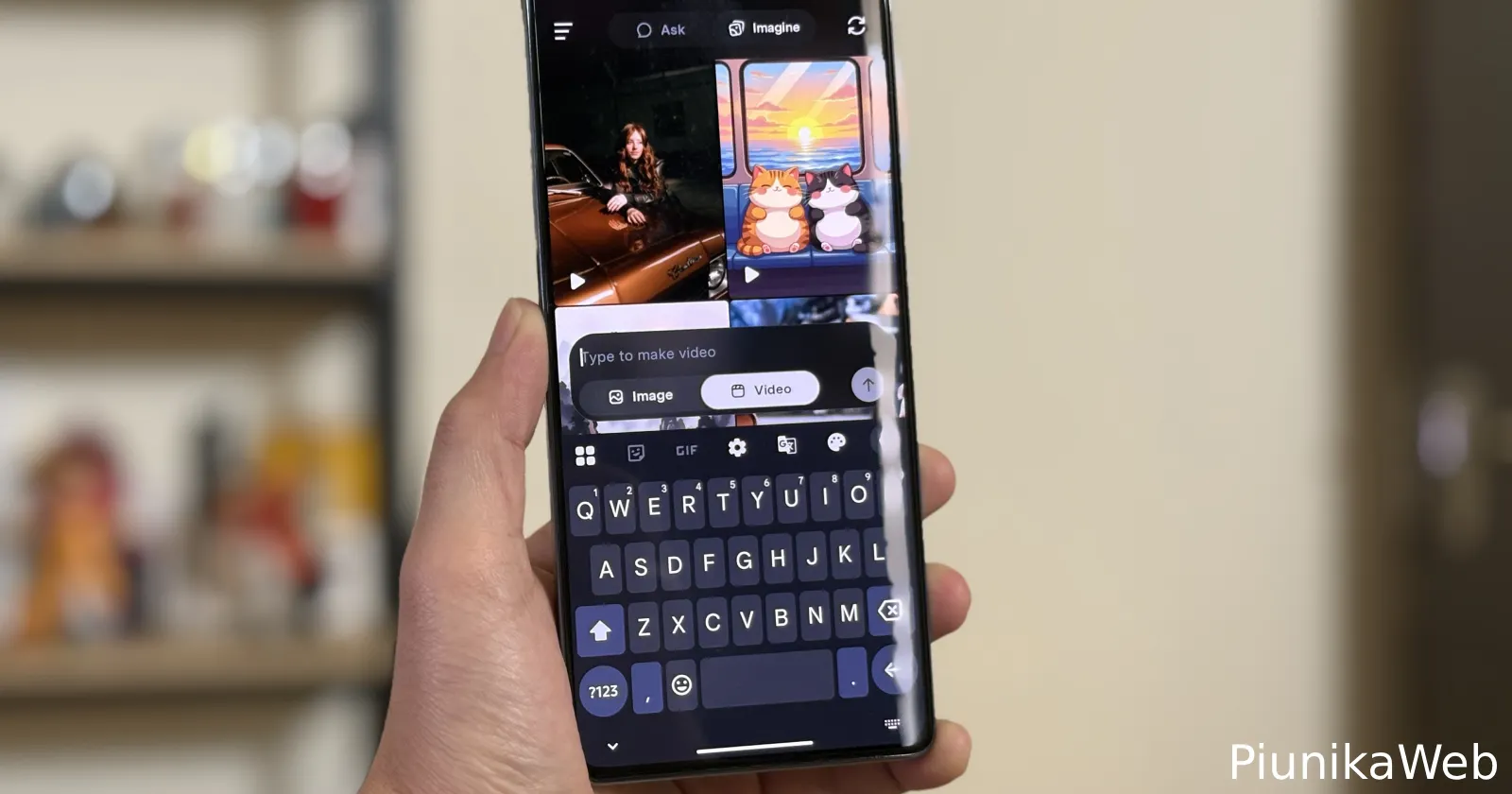
Elon Musk's Grok now supports text-to-video generation
Update 28/11/25 - 09:56 am (IST): It appears that Grok is now picking up support for text-to-video generation in the iOS app too. A post from...
Nov 28, 2025 2 Min Read