
Apple Music users are running into a frustrating issue where their carefully crafted playlist covers keep vanishing into thin air. The problem started popping up after the recent 26.1 update, and it’s affecting people across multiple platforms.
Users on Reddit first started reporting the bug a few days ago, noticing that custom playlist artwork was disappearing on Macs running macOS 26.1. What makes this particularly annoying is that the covers aren’t just gone — they actively refuse to stay put. When users try re-uploading their artwork, it vanishes again within seconds or minutes.
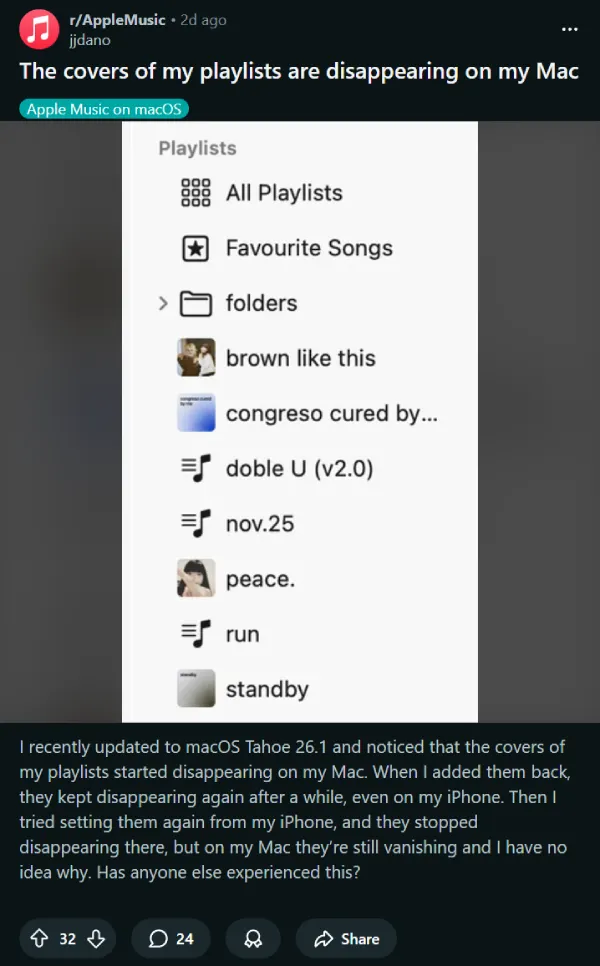
One frustrated user described watching their carefully designed PNG files disappear repeatedly, despite multiple attempts to restore them.
The bug isn’t limited to Macs either. People using Apple TV, Windows, and even Android devices are seeing the same problem. Oddly enough, iPhones and iPads running iOS 26.1 seem mostly unaffected — the covers display just fine there. This creates a weird situation where your playlists look perfect on your phone but show up as bland gray squares everywhere else.
Several users noticed that artwork uploaded from an iPhone will sync and appear on a Mac, but artwork uploaded from a Mac won’t show up anywhere. One user on Apple’s forums confirmed their covers still display on their profile and in the web player, just not in their actual library view on desktop devices.
When one user contacted Apple Support, they were told something surprising: Apple supposedly made an intentional change to limit how playlist artwork syncs across devices.
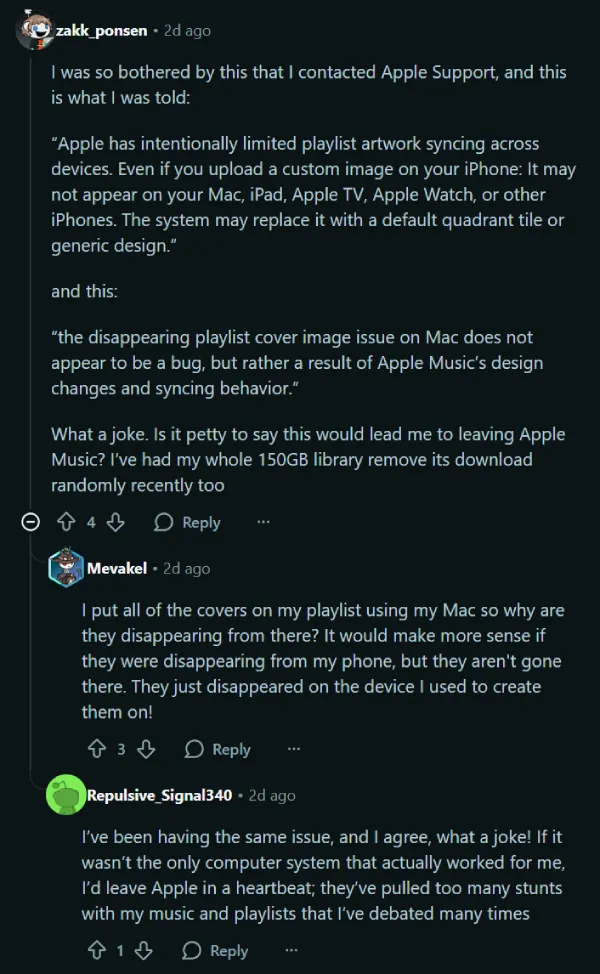
But that explanation doesn’t really hold up, as pointed out by another user. If it were intentional, why would the covers still exist in some places but not others? Why would they disappear seconds after being uploaded? The whole thing feels more like a syncing bug than a deliberate design choice.
There is a workaround, though. Users discovered that switching a playlist to collaborative mode brings the custom artwork back immediately. Turn collaborative mode off, and the cover vanishes again. It’s clunky, but at least it’s something until Apple fixes whatever went wrong with the update.
For people who spent hours designing custom covers in Canva or other tools, this bug hits differently. These aren’t just aesthetic touches — they’re personal organizational systems that make massive music libraries feel manageable. Hopefully Apple pushes out a fix soon. We’ll post an update if there are any further developments.


Dwayne Cubbins
3009 Posts
I cover fast-moving stories across apps, online platforms, and everyday tech — phones, wearables, consoles, and whatever else people are fighting with this week. Bugs, rollouts, scams, policy enforcement, and the occasional internet-culture rabbit hole are all fair game. My goal is simple — make confusing tech news readable. When I'm not working, I'm working out or chilling with my dog. Got a tip? You can find me on X @dcubbins.
Next article View Article