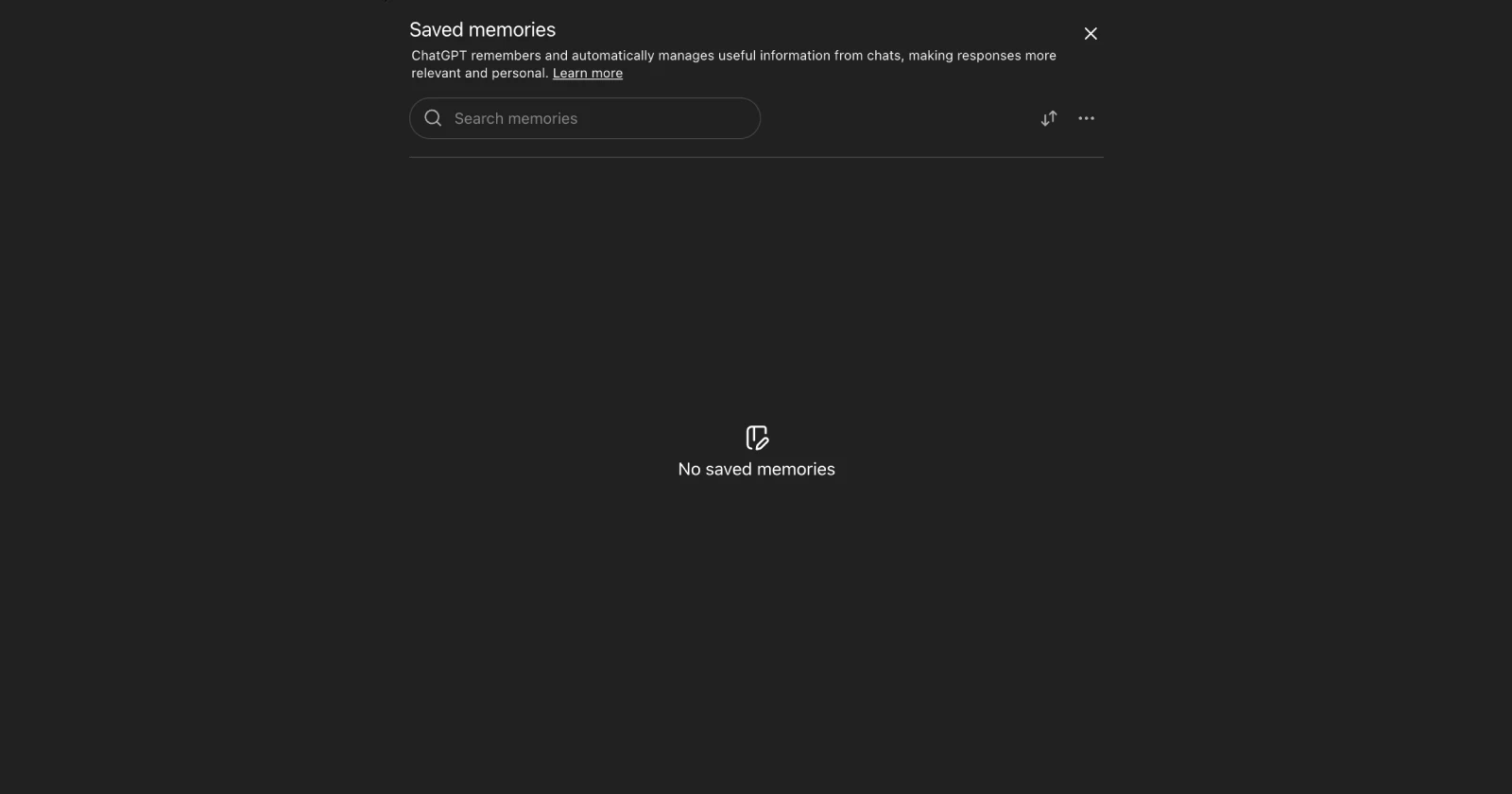
ChatGPT’s memory feature just pulled a disappearing act on a bunch of users, and people are understandably freaking out.
Reddit user TheWebCoder was in the middle of having ChatGPT save a recipe when everything just went blank. All the memories they’d built up over time? Gone. They checked Settings → Personalization → Manage Memory, and found absolutely nothing there. When they asked ChatGPT about it directly, even the AI confirmed the memories were actually missing, not just hidden somewhere.
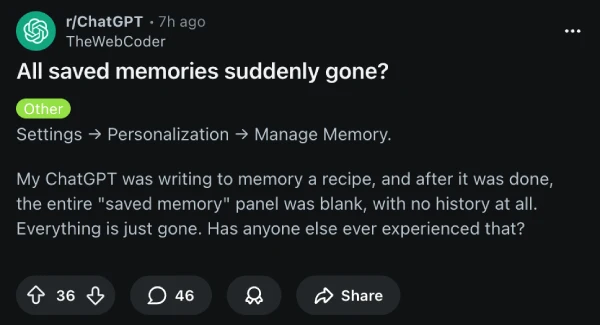
Turns out they weren’t alone. The replies started rolling in fast. Someone else mentioned this happened to them back in July too, which is why they’d been religiously backing up their memories ever since. Another user with a business account said they got hit on desktop, mobile, and the web app all at once.
The weird part is nobody can pin down exactly what triggers it. Some people lost everything when they tried saving something new. Others hadn’t touched their memories in weeks and still found them wiped. That’s made everyone nervous about even using the feature right now.
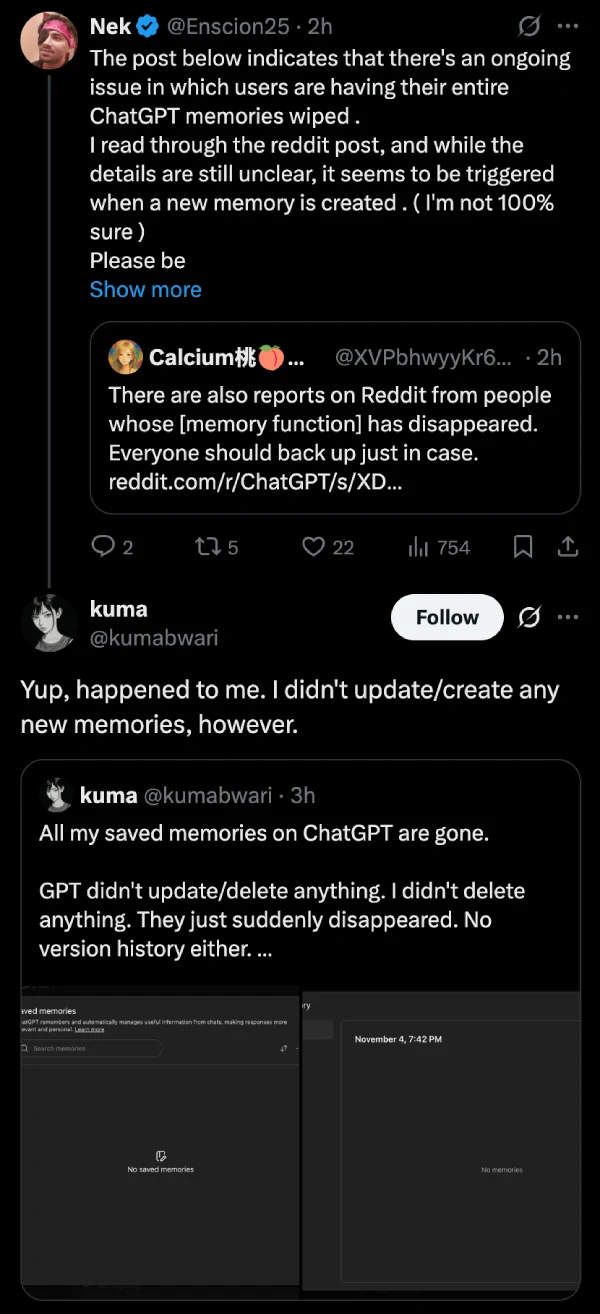
Over on X, user Enscion25 flagged the Reddit thread with a warning for others to back up their data ASAP. “Memories are very important,” they wrote, which honestly feels like an understatement when you consider some people had a year or more of context stored in there. Another user, kuma, also posted about losing everything without doing anything at all. No updates, no deletions, just poof.
There’s also been some discussion in r/OpenAI and r/ChatGPTPro about potential bugs with the memory system. One theory floating around is that this might be connected to the new automatic memory management system OpenAI rolled out, where the AI decides what to save instead of users having full control.
OpenAI hasn’t said anything publicly about this yet. So it’s unclear what exactly is going on and if the saved memories will be reinstated.
For now, the advice from the community is pretty straightforward: back up your memories immediately. Copy everything into a Google Doc or wherever you can save it externally. And maybe hold off on creating new memories until OpenAI figures out what’s going on, since that seems to trigger the wipe for some people.


Dwayne Cubbins
3101 Posts
I cover fast-moving stories across apps, online platforms, and everyday tech — phones, wearables, consoles, and whatever else people are fighting with this week. Bugs, rollouts, scams, policy enforcement, and the occasional internet-culture rabbit hole are all fair game. My goal is simple — make confusing tech news readable. When I'm not working, I'm working out or chilling with my dog. Got a tip? You can find me on X @dcubbins.
Next article View Article