





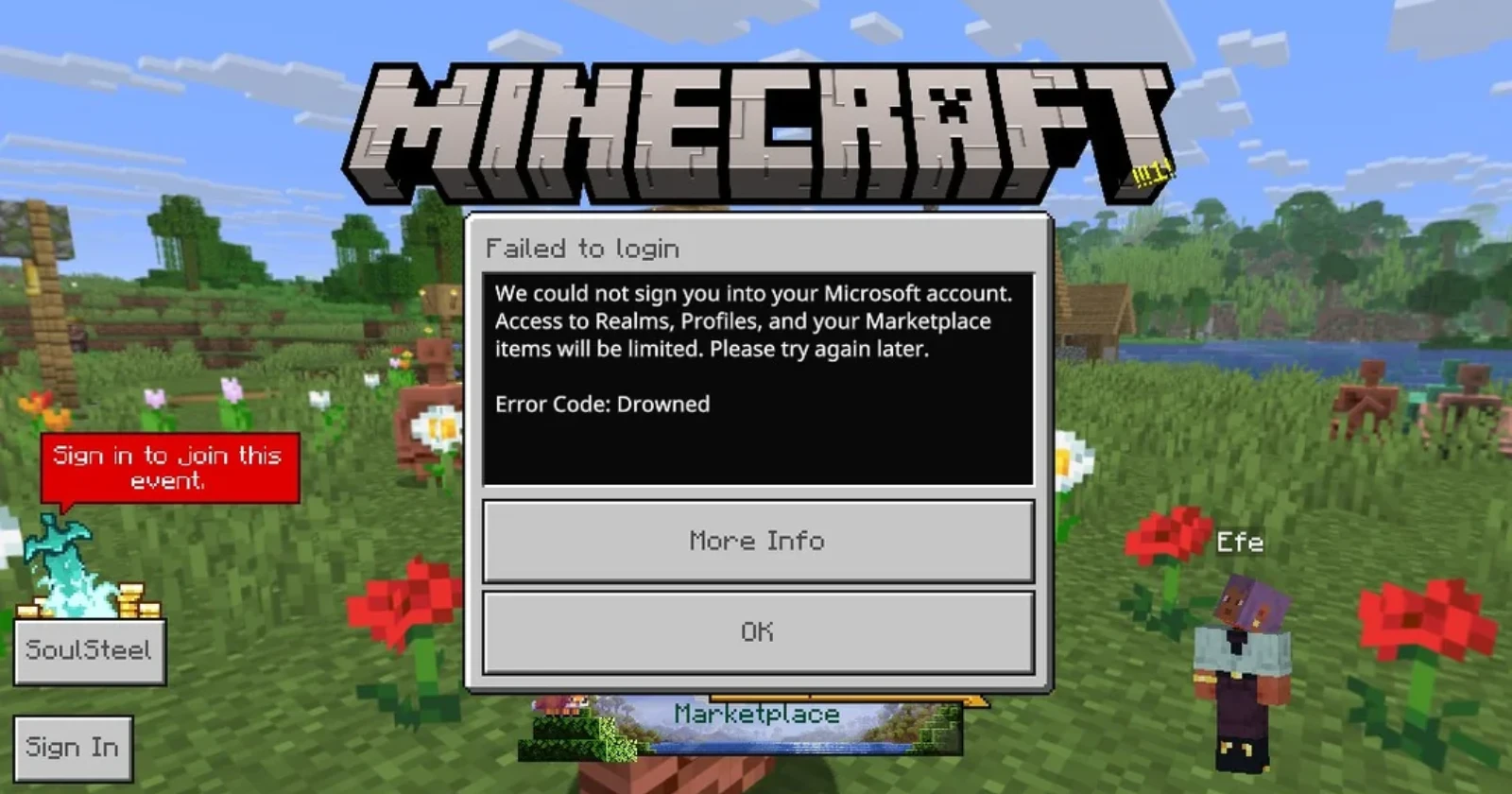
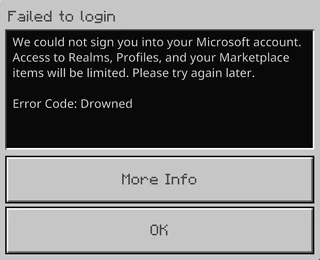
Parents trying to launch Minecraft Bedrock Edition for their kids are running into a frustrating roadblock. After the recent 1.21.120 update rolled out on October 31, Microsoft child accounts are getting blocked with an error message labeled “Drowned.” Players can’t sign into the game, leaving thousands of young Minecraft fans stuck on the login screen.
The problem appears specific to child accounts managed through Microsoft’s family settings. Regular adult accounts? They’re signing in without any issues on the same computers. One user on Microsoft’s support forums described how they can log into their own Game Pass account perfectly fine, but their son’s child account immediately throws the Drowned error.
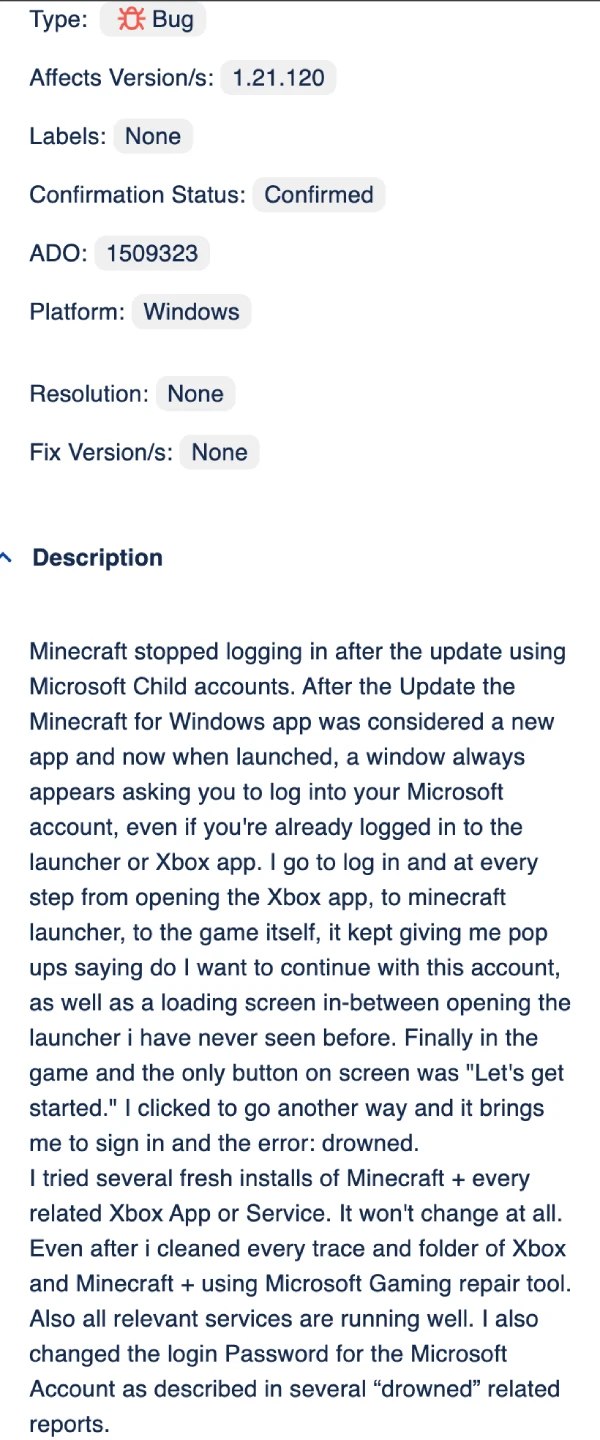
Interestingly, these same child accounts work without problems on other platforms. Players report successful logins on Nintendo Switch and even on PCs running the older 1.21.114 version of Minecraft. The bug seems tied exclusively to version 1.21.120 on Windows machines when using accounts with parental controls enabled.
A temporary fix has surfaced through community troubleshooting, though it’s admittedly clunky. Players need to disconnect from Wi-Fi (or unplug their ethernet cable), launch Minecraft, attempt to sign in while offline, then reconnect to the internet once they’re past the initial login screen. It works, but you have to repeat this process every single time you want to play. As one user noted, “Unfortunately, you have to do it every time you want to play.”
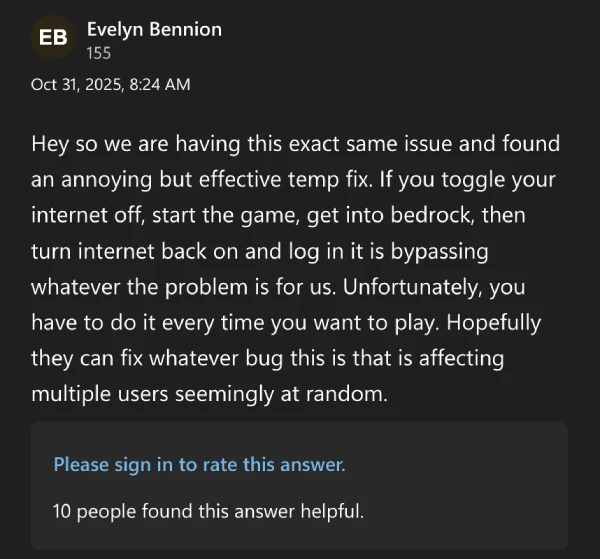
Even with the workaround, limitations remain. Some players report they can access their worlds but can’t connect to Realms or Servers. Others mention their purchased skins and add-ons aren’t loading properly. The update also brought some confusing changes to how the launcher behaves, with new permission prompts popping up at every step of the login process.
Mojang has acknowledged the bug and is tracking it on their official bug tracker under MCPE-230429. The issue has been marked as confirmed, though there’s no estimated fix date yet. For now, parents and kids will need to stick with the Wi-Fi toggle trick or wait for Mojang to push out a patch.
We’ll update this post if and when there are any further developments.
That said, this isn’t the only thing that has left some Minecraft players frustrated. The same update also brought a new pause screen for Bedrock players that seems to have triggered many in the community. More on that here.
Featured image credit: u/MrNightime / Reddit


Dwayne Cubbins
3101 Posts
I cover fast-moving stories across apps, online platforms, and everyday tech — phones, wearables, consoles, and whatever else people are fighting with this week. Bugs, rollouts, scams, policy enforcement, and the occasional internet-culture rabbit hole are all fair game. My goal is simple — make confusing tech news readable. When I'm not working, I'm working out or chilling with my dog. Got a tip? You can find me on X @dcubbins.
Next article View Article
