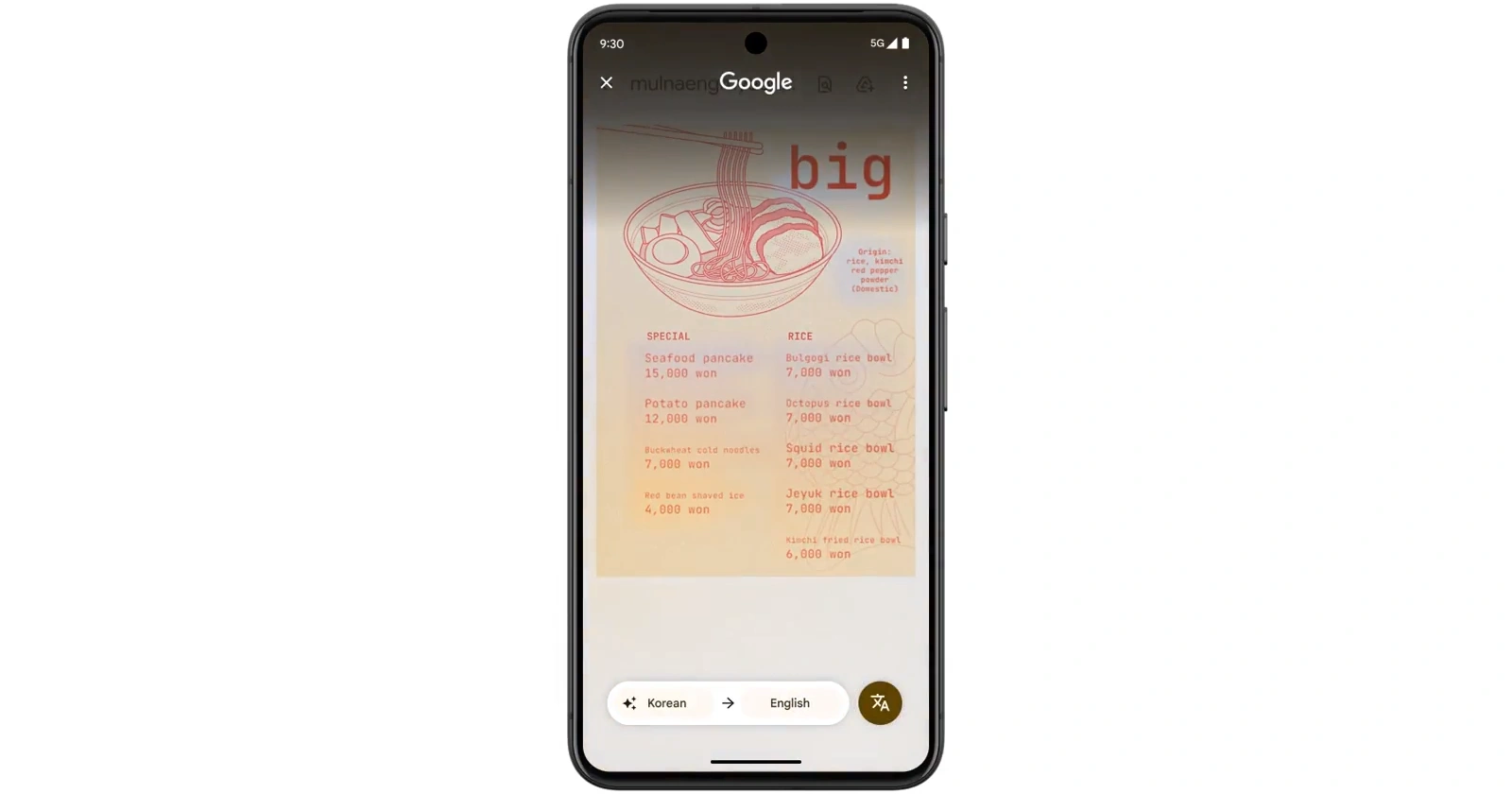
Android users across multiple devices are reporting a bizarre translation glitch that started roughly two days ago. Google Translate’s camera feature and Circle to Search are spitting out text in completely random languages, ignoring the user’s selected preferences entirely.
The problem appears widespread and doesn’t discriminate by device age or manufacturer. Users on everything from 5-year-old Samsung Galaxy Note 8s to brand-new Pixel 8 Pros and even the latest Samsung Galaxy S25 Ultra are experiencing the same headache.
Set your translation from English to Spanish? You might get Russian or Arabic instead. Try again without changing settings? Vietnamese or Thai could pop up next.
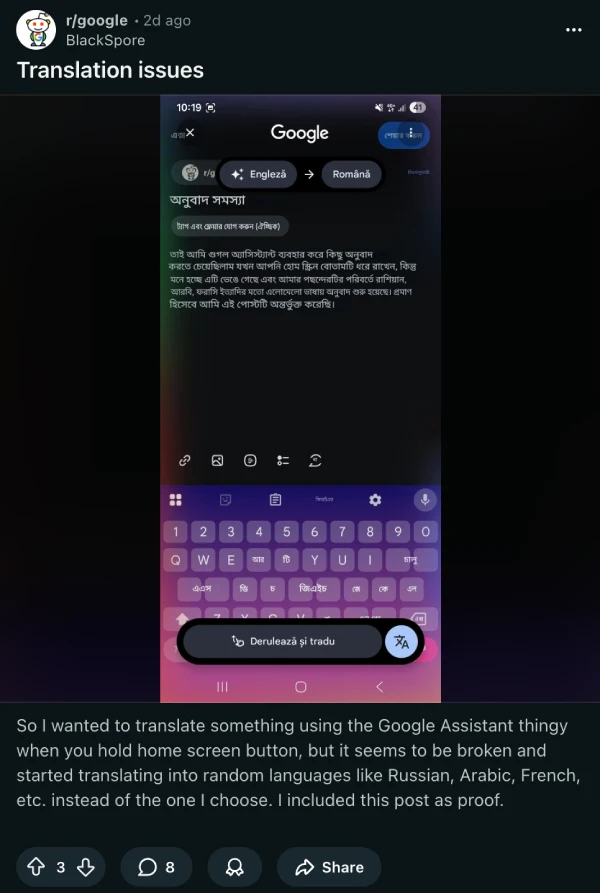
The same translation attempt can produce different languages each time, with no pattern or logic behind the chaos. One user trying to translate English text to Korean kept getting Vietnamese, then different languages on subsequent attempts without changing any settings.
The issue affects both Google Translate’s live camera translation and Circle to Search’s screen translation feature. Some users also report that language pack downloads are stalling at 100%, though this seems to be a secondary problem affecting offline translations specifically.

Initial speculation that the bug only hit older hardware quickly fell apart. Reports flooded in from owners of flagship devices like the OnePlus 12 and Pixel 9 Pro, all running current software versions. Standard troubleshooting steps like clearing cache, reinstalling apps, and rebooting devices haven’t fixed anything.
The timing points to a server-side issue or a recent Google services update gone wrong. Users started noticing the problem around November 1, and complaints have snowballed across Reddit and Google’s support forums.
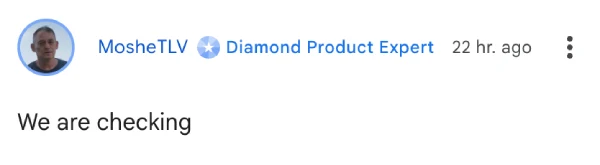
Responding to the complaints, one Google product expert simply said: “We are checking.” So it’s possible that Google might already be working on a fix for the bug.
For anyone dealing with this right now, one workaround seems to help: switching to a different Google account in the app temporarily restores proper functionality, suggesting the issue might be tied to specific account configurations or backend processes.
Rest assured, we’ll keep an eye out for any further details and will post an update if and when there’s something to share.


Dwayne Cubbins
2983 Posts
I cover fast-moving stories across apps, online platforms, and everyday tech — phones, wearables, consoles, and whatever else people are fighting with this week. Bugs, rollouts, scams, policy enforcement, and the occasional internet-culture rabbit hole are all fair game. My goal is simple — make confusing tech news readable. When I'm not working, I'm working out or chilling with my dog. Got a tip? You can find me on X @dcubbins.
Next article View Article