





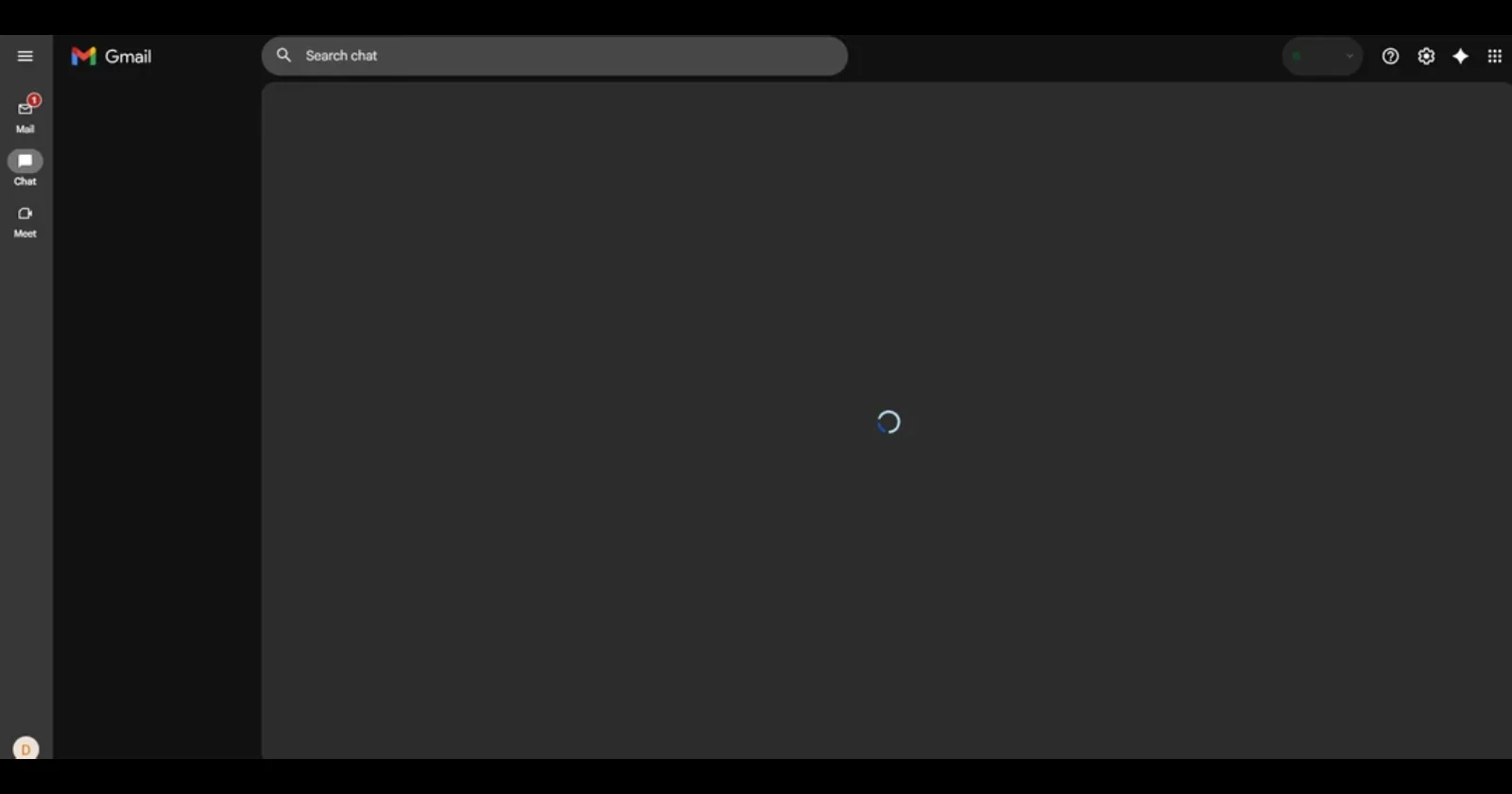
Google Chat users are running into a frustrating problem where the service refuses to load properly on desktop browsers, leaving them staring at an endless loading screen. The issue, which started appearing around October 30, has left multiple users unable to access their conversations and chat history on PC while their mobile apps continue working just fine.
One affected user described how Chat had been working perfectly for years before suddenly getting stuck on the loading screen. After trying the usual fixes like disabling browser extensions and clearing cache, nothing seemed to help.
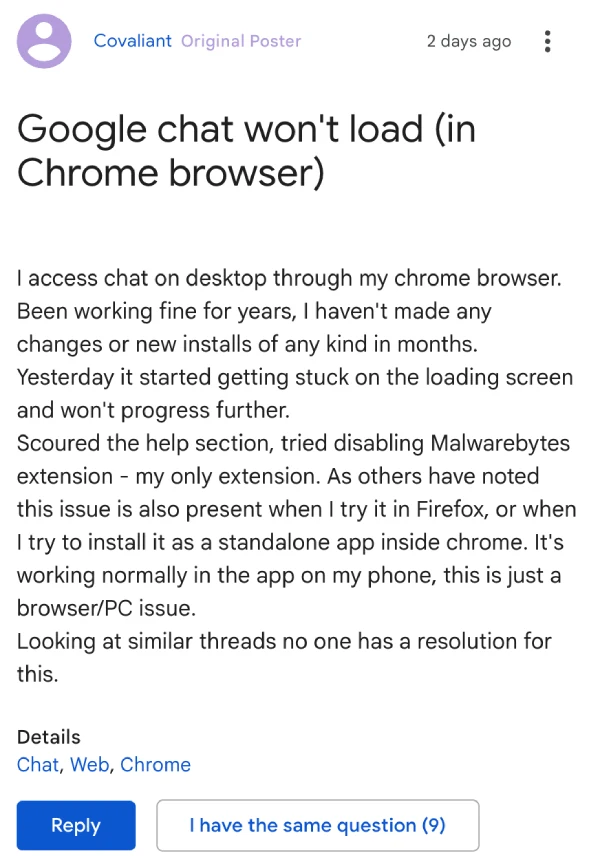
The problem persisted across different browsers, including Chrome and Firefox, and even showed up when attempting to install Chat as a standalone app. Their phone app, however, worked without any hiccups.
Some users report being able to manually pull up individual chat boxes by searching for previous conversations, but their main Chat interface stays blank and stuck loading. All chat notifications on PC have stopped coming through as well.
Users have gone through extensive troubleshooting on their end. We’re talking about trying different computers, switching networks, using incognito mode, reinstalling browsers, and basically every fix in the book. None of it has made a difference, pointing to something on Google’s end rather than a local browser or device problem.
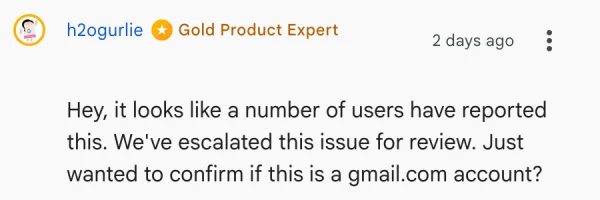
The good news is that Google Product Experts have acknowledged the situation and confirmed they’ve escalated the issue for review. They’re currently collecting information from affected users to investigate what’s causing this selective account problem. Most reports seem to involve gmail.com accounts specifically.
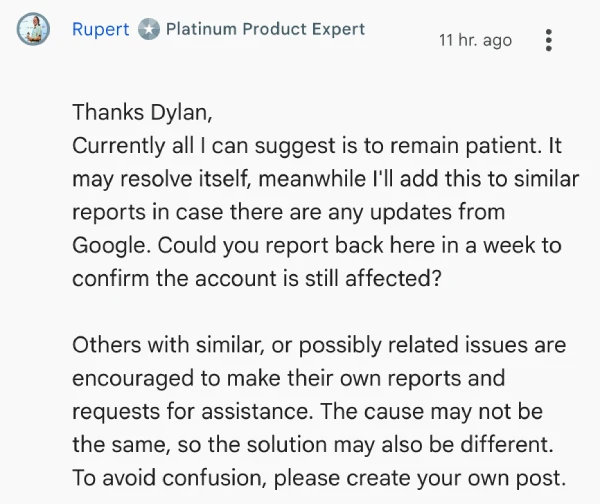
For now, affected users are being asked to hang tight while Google works on a fix.


Dwayne Cubbins
3128 Posts
I cover fast-moving stories across apps, online platforms, and everyday tech — phones, wearables, consoles, and whatever else people are fighting with this week. Bugs, rollouts, scams, policy enforcement, and the occasional internet-culture rabbit hole are all fair game. My goal is simple — make confusing tech news readable. When I'm not working, I'm working out or chilling with my dog. Got a tip? You can find me on X @dcubbins.
Next article View Article
