





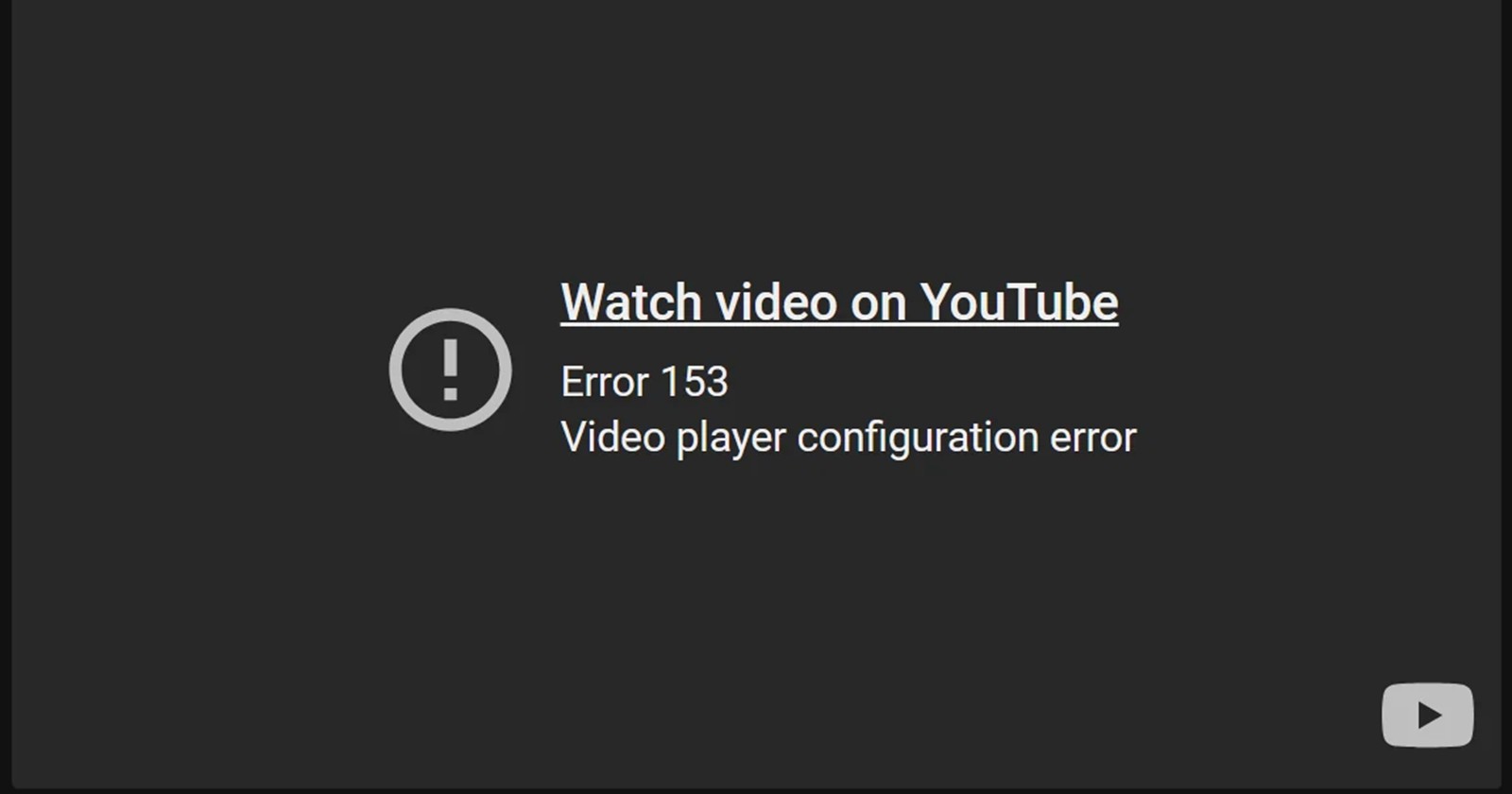
Obsidian users are currently grappling with a frustrating and widespread bug that prevents embedded YouTube videos from playing directly inside the note-taking application, instead displaying an unhelpful “Error 153” message. The glitch has been reported by users across Windows, macOS, and Linux desktop apps, and to a lesser extent, on mobile platforms, turning video links into unusable grey boxes. The only option left for users is to click the frustrating “Watch video on YouTube” link, defeating the purpose of embedding media directly into their digital notebooks.
The problem, which was first reported in the Obsidian forum in mid-September and has since resurfaced across multiple threads and Reddit, isn’t just a flaky local bug. It’s tied to how YouTube is now enforcing embed context and referrer information. That change has left many Obsidian desktop users — but not always mobile users — unable to play embedded videos from inside their vaults.
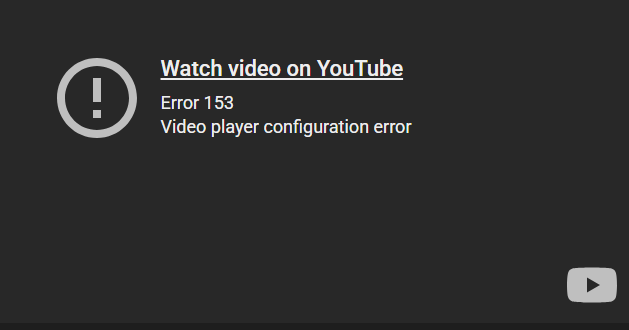
What triggered YouTube ‘Error 153’ for Obsidian users?
The consensus among the Obsidian community and developers is that ‘Error 153’ is not a bug in Obsidian itself but rather a consequence of Google/YouTube tightening restrictions on anonymous embeds.
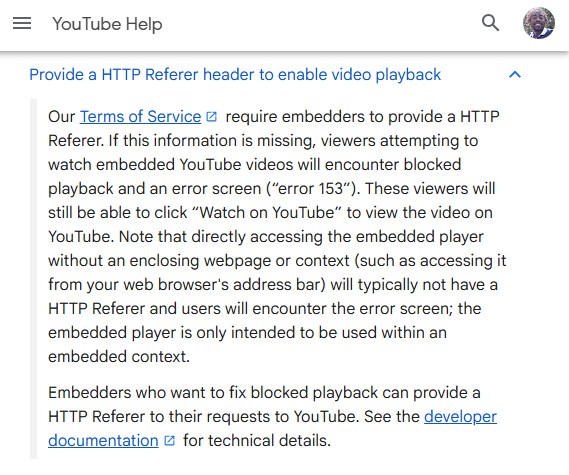
The core technical issue points to a missing or improperly configured HTTP Referer (the header websites normally send to tell YouTube where the request came from). According to YouTube’s own documentation, the Terms of Service for its API require embedders to provide an HTTP Referer. If this information is absent, which often happens when an embedded player is accessed outside a standard web browser context, viewers will encounter blocked playback and the infamous “Error 153.” Because Obsidian’s desktop app acts as a webview environment rather than a traditional webpage, some embed requests lack the referrer or otherwise appear “anonymous,” leading to blocked playback.
Essentially, the player configuration within Obsidian and seemingly other non-browser applications like the Feedly RSS reader and Anytype, which also saw the error, is no longer meeting YouTube’s increasingly strict embed requirements.
Obsidian’s attempted fixes for Error 153
Soon after the issue was first reported in the Obsidian forum, developers quickly acknowledged the problem, confirming that the cause is external. Ever since, the Obsidian team has been actively debugging and attempting mitigation, including testing changes in the Obsidian Insider build 1.10.2 that incorporate using the youtube-nocookie.com domain and specifying a referrerpolicy="origin-when-cross-origin" attribute.
However, even with these changes, the fix has been inconsistent. A forum moderator noted that the team is currently unsure of what exactly has changed on YouTube’s side, which is why a definitive, stable fix hasn’t been implemented yet. The team says nothing so far fully eliminates the problem because YouTube’s behavior seems to be changing from their side.
Workarounds for advanced users who can’t wait
While a stable, official patch is expected in a future release, the community has surfaced a number of temporary fixes, and an advanced mitigation strategy has been shared by a community developer.
Some users have found temporary relief by simply clearing their Obsidian application’s cookies and cache. This often involves manually deleting the Cookies file and related folders (like Cache/ and GPUCache/) from the application data directory.
- Windows users: Navigate to
%appdata%/obsidian/Networkand delete theCookiesfile. - macOS users: Go to
~/Library/Application Support/obsidianand delete theCache/,GPUCache/,Cookies,Cookies-journal, andLocal Storage/folders.
These methods are inconsistent and may only work temporarily or after several attempts and restarts. But for advanced users familiar with network tools, there is a method to manually force the necessary security information to be sent. The suggested mitigation involves using Request header rewrite alongside a MITM (Man-in-the-Middle) proxy tool. This technique allows users to manually insert the required HTTP Referer into the network request that Obsidian sends to YouTube, effectively fooling the YouTube player into thinking the embed request is valid.
It’s important to note that this is a highly technical workaround and is not recommended for users unfamiliar with network proxy configuration. For most, the best course of action remains waiting for the official, stable patch from the Obsidian development team.


Hillary Keverenge
2723 Posts
Tech has been my playground for over a decade. While the Android journey began early, it truly took flight with the revolutionary Lollipop update. Since then, it's been a parade of Android devices (with a sprinkle of iOS), culminating in a mostly happy marriage with Google's smart home ecosystem. Expect insightful articles and explorations of the ever-evolving world of Android and Google products coupled with occasional rants on the Nest smart home ecosystem.
Next article View Article
