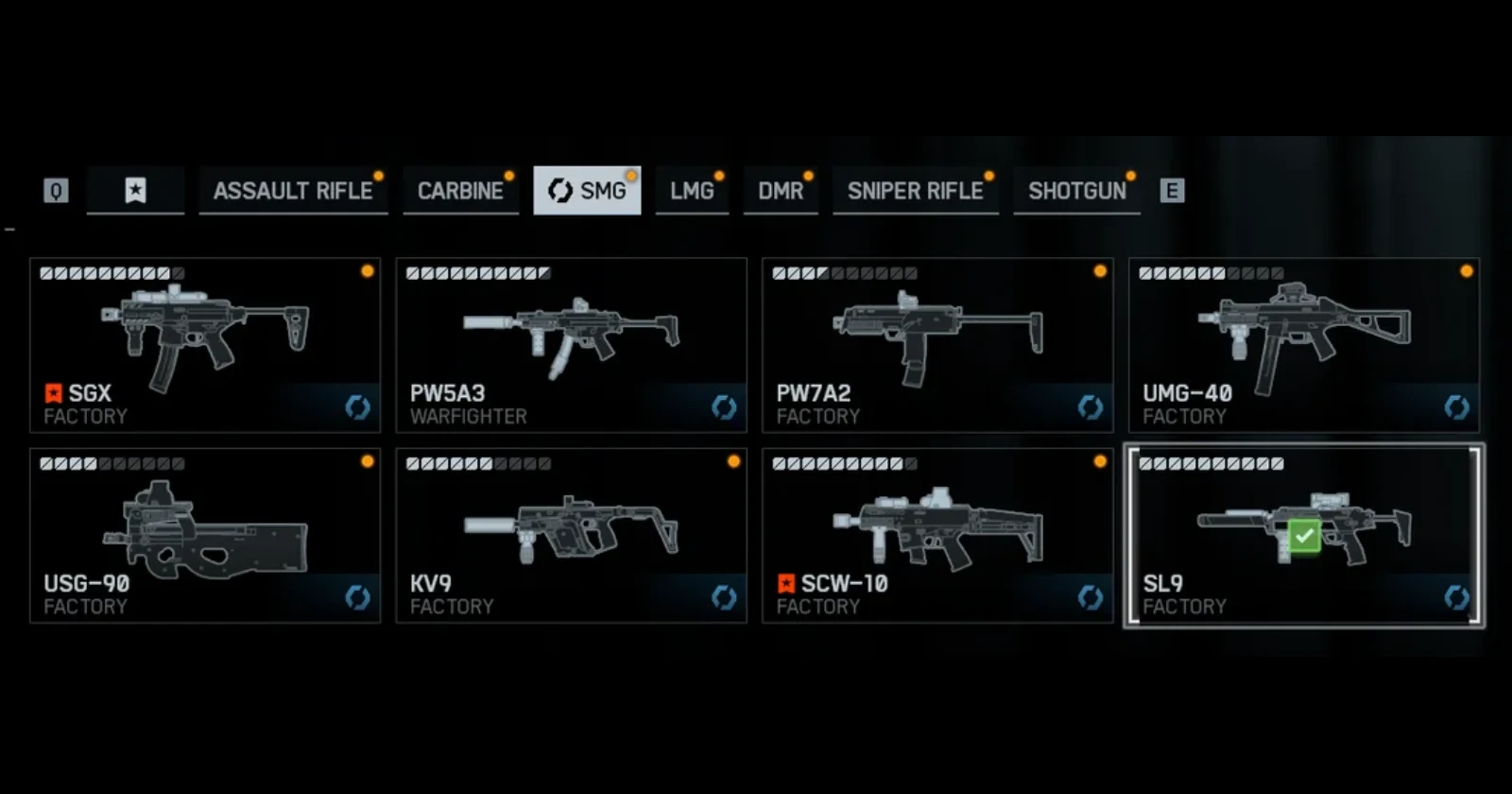
The orange notification dots in Battlefield 6 have become a source of frustration for players who just want a clean menu. What started as a helpful feature has turned into a tedious chore that requires clicking through dozens of weapon presets just to clear a single attachment unlock.
Players have been voicing their complaints across multiple Reddit threads, with one post gaining over 2,000 upvotes from frustrated users. The issue became worse after a recent LPVO sight unlock, which triggered orange dots on every compatible weapon. Since weapon presets are treated as standalone items, players have to manually click into each one individually to dismiss the notification. It’s busy work that nobody signed up for.
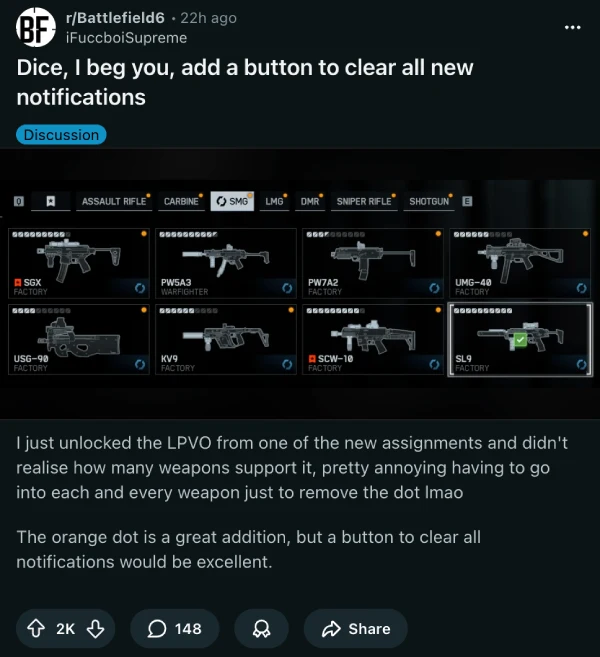
But there’s more to this problem than just repetitive clicking. The system treats weapon presets as standalone guns, which means players need to clear the notification for each preset individually. Got a weapon with three different loadout variations? That’s three separate clicks just for one gun.
The community quickly pointed out the irony. Battlefield V had this exact feature, and it worked. Well, sort of. “BF5 had this clear all option. and its a basic feature,” one player noted, though another quickly reminded everyone that “unfortunately didn’t work half the time.”
Things get even messier when you consider how the notification system actually functions. Players report that orange dots appear for weapons they haven’t even unlocked yet. Since these guns are locked, there’s no way to click on them and clear the notification. The dot just sits there, mocking you.
On the flip side, some new attachments that should trigger a notification don’t show the orange dot at all. It’s a complete mess. The system fails in both directions, showing alerts when it shouldn’t and hiding them when players actually need to see what they’ve unlocked.
Console players have their own unique frustration. The UI shows which gun has a new attachment but doesn’t indicate which attachment slot to check. You have to manually cycle through every category until you stumble upon the new item. “The Ui is half assed here, on console it showed the gun with a new attachment mark, but not show you which slots have new attachments so you have to do every category to figure it out,” a console player explained.
Similarly, another thread from roughly 2 weeks ago also got a lot of traction.
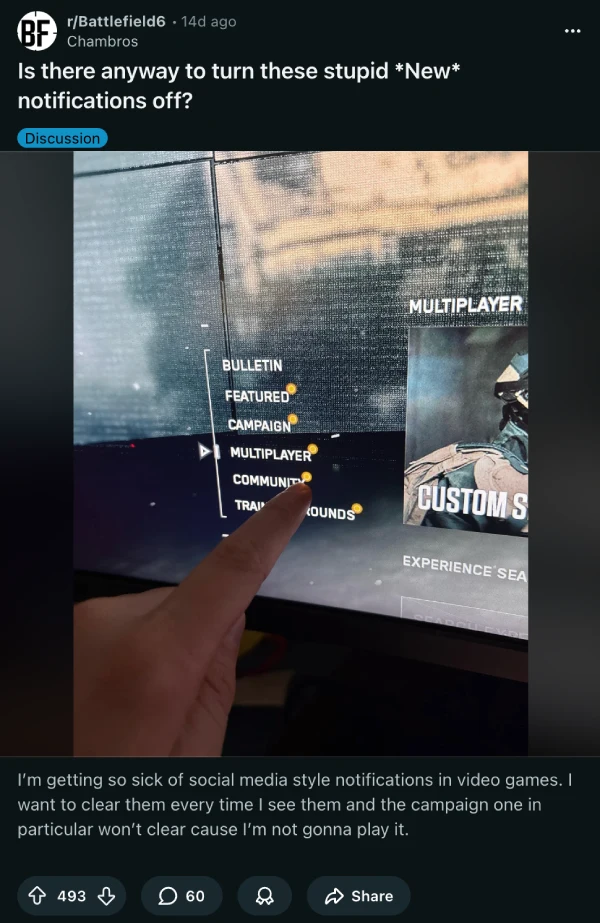
Apart from these popular threads, multiple other posts have popped up about this issue over the past two weeks. Players are discussing everything from turning off notifications entirely to the half-implemented notification system. Some just want the orange dots gone completely, while others are trying to figure out how to clear them at all.
The frustration stems from a common pattern in modern gaming: features that feel rushed or poorly thought out. “The QA quality is abysmal. But hey we get Battle Royale instead,” one player commented.
DICE added these notification dots a few weeks after launch, responding to player feedback about not knowing what they’d unlocked. But the implementation feels incomplete. It’s like they heard half the request and called it a day. Players wanted to know what they unlocked. What they got was a system that tells them something is new but makes them play detective to find it.
For now, players are stuck with the tedium. Whether DICE will add a clear-all button remains to be seen, but given that it took them weeks to add the dots in the first place, players might be waiting a while.

Dwayne Cubbins
1858 Posts
My fascination with Android phones began the moment I got my hands on one. Since then, I've been on a journey to decode the ever-evolving tech landscape, fueled by a passion for both the "how" and the "why." Since 2018, I've been crafting content that empowers users and demystifies the tech world. From in-depth how-to guides that unlock your phone's potential to breaking news based on original research, I strive to make tech accessible and engaging.
Next article View Article