





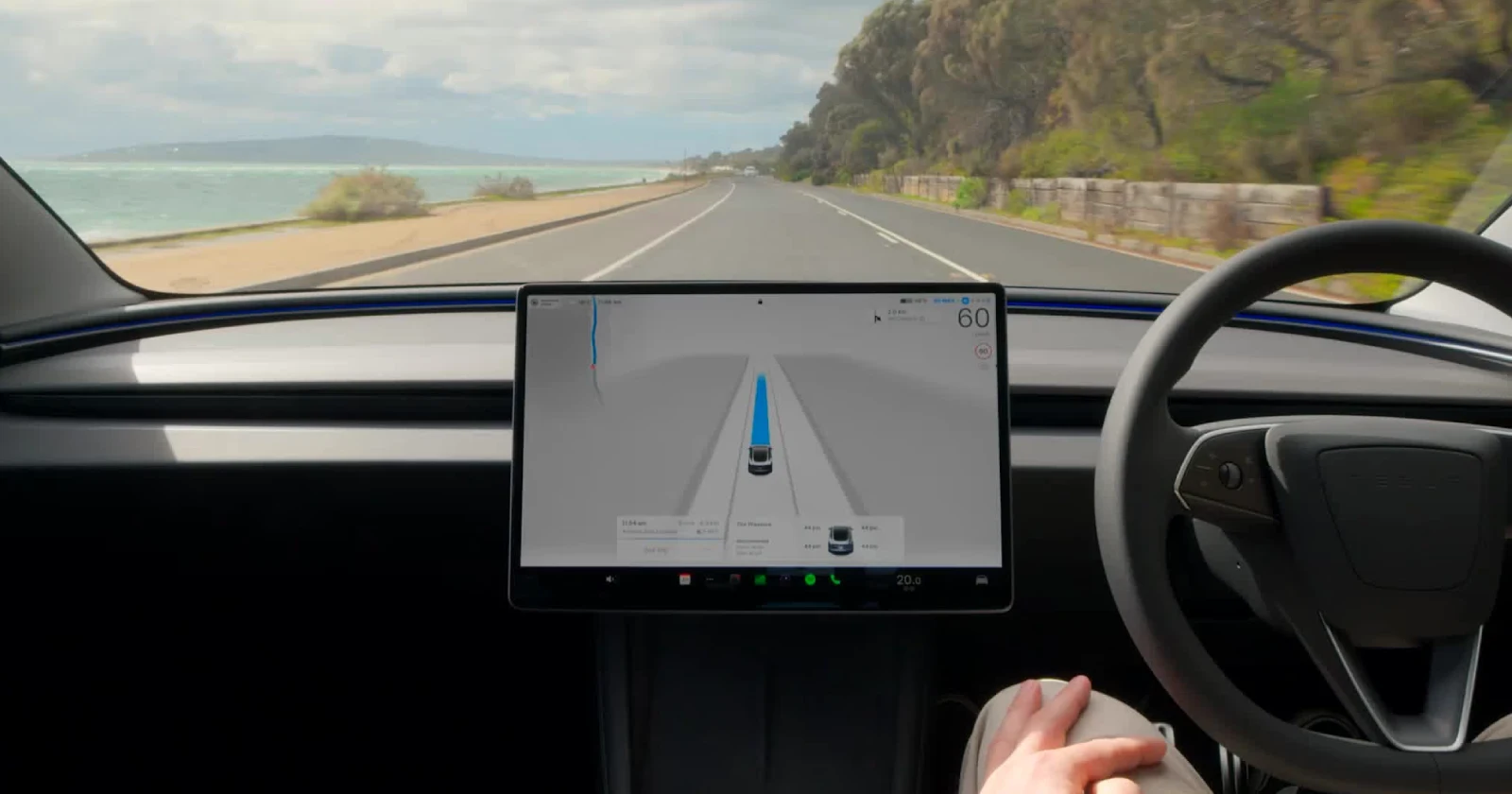
FSD won’t engage
byu/Ryanwithabeard inTeslaFSD
Tesla’s Full Self-Driving system seems to have been botched up following the rollout of v14.1.3 and v14.1.4. Multiple owners have taken to Reddit and X to report that their vehicles simply won’t activate FSD, leaving them stuck manually driving cars they paid thousands to have drive themselves.
The problem shows up as a grayed-out “Start Self-Driving” button on the touchscreen. When drivers try engaging FSD using the steering wheel stalk, they get an error beep and a yellow steering wheel icon, but no explanation of what’s wrong. For many, this happens randomly during drives when FSD was working perfectly just hours earlier.
One Model Y owner shared on the TeslaFSD subreddit that FSD refused to engage twice in one week, both times after work. “I tried resetting by holding both scroll wheels, tried turning off FSD by switching to cruise control and back to FSD, I tried parking and walking away for it to lock and waiting a couple minutes, still no dice,” they wrote. The issue cleared after charging overnight, worked great all weekend, then returned without warning.
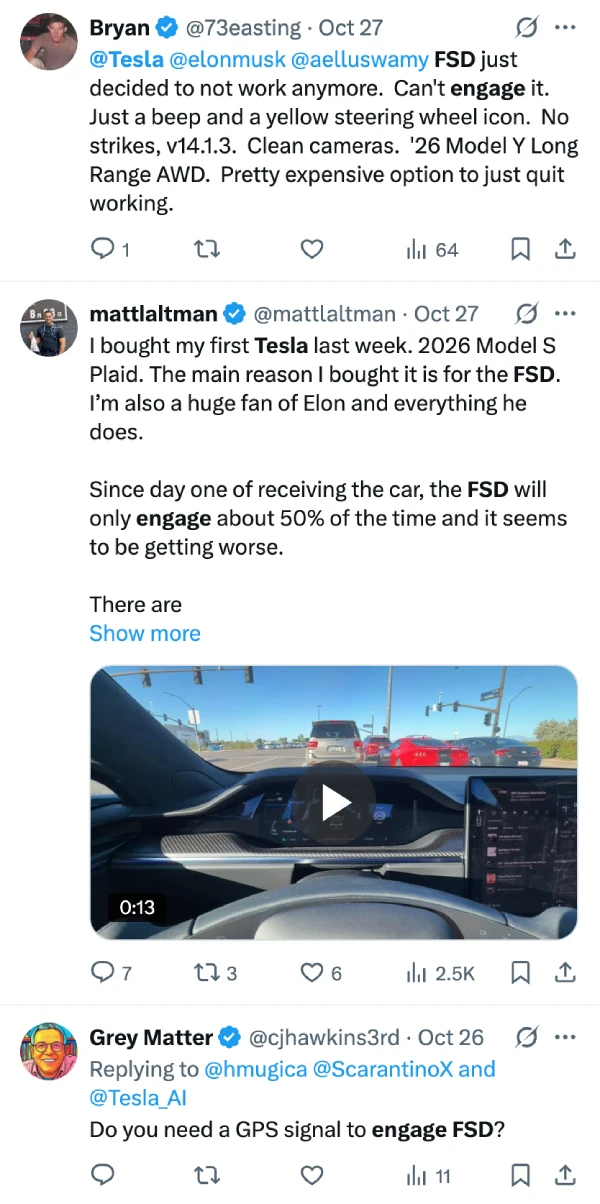
Several owners with 2026 Model Ys and 2023 Model Y Long Range variants are experiencing identical symptoms. User @73easting posted on X, “FSD just decided to not work anymore. Can’t engage it. Just a beep and a yellow steering wheel icon. No strikes, v14.1.3. Clean cameras. Pretty expensive option to just quit working.”
Multiple other similar reports are popping up on X.
What’s strange is the inconsistency. Some drivers report FSD working fine during daylight hours but failing at night, while others see the opposite pattern. A few users have noted on Reddit that the problem might be linked to ambient lighting conditions, though this hasn’t been confirmed.
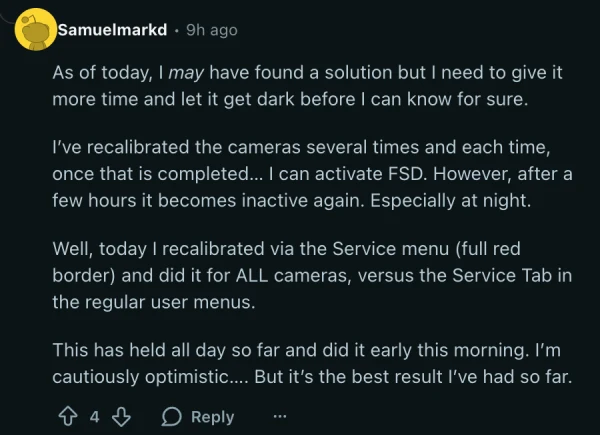
For now, the most reliable temporary fix appears to be recalibrating the cameras through the service menu rather than the regular settings tab. One owner found that a full camera calibration using the service menu (with the red border) for ALL cameras kept FSD working throughout the day.
Others report success with resetting the DAS (Driver Assistance Systems) in service mode, though the fix often only lasts until the car goes to sleep.
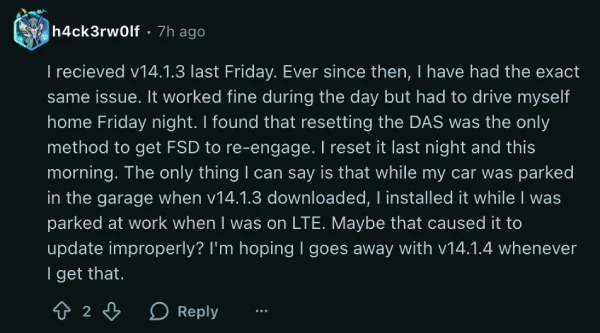
The timing suggests this is a v14.1.3 issue, as most affected owners report the problem started immediately after installing that update. Those who received v14.1.4 are reporting similar troubles, though it’s too early to tell if the newer version resolves anything. Tesla hasn’t acknowledged the problem publicly, so it’s not clear how long it’ll take for a fix to arrive.
We’ll update this post if and when there’s any further information on the issue.

We stand out from the tech-media crowd because we break news stories; we mainly bring you stuff that you won’t find anywhere in the mainstream tech media. Our stories have been picked up by some of the world’s most popular websites and media outlets—more info is available here.

Dwayne Cubbins
3011 Posts
I cover fast-moving stories across apps, online platforms, and everyday tech — phones, wearables, consoles, and whatever else people are fighting with this week. Bugs, rollouts, scams, policy enforcement, and the occasional internet-culture rabbit hole are all fair game. My goal is simple — make confusing tech news readable. When I'm not working, I'm working out or chilling with my dog. Got a tip? You can find me on X @dcubbins.
Next article View Article

YouTube background play not working on Brave Browser app? Try these potential workarounds
Update 31/01/26 - 09:22 am (IST): Brave's support team has confirmed that the company is aware and investigating the issue. They've also provided the same workaround...
Jan 12, 2026 3 Min Read