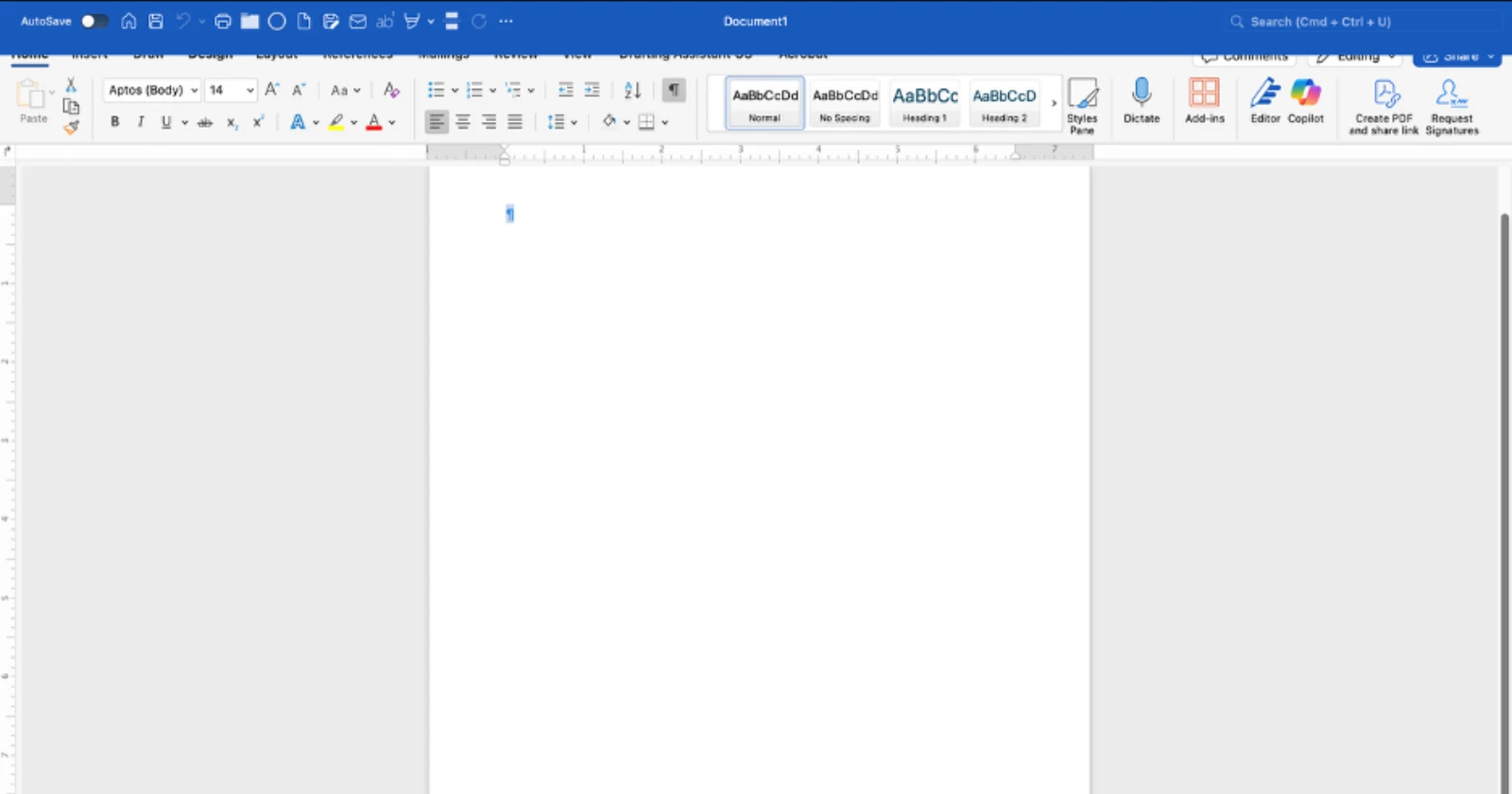
Mac users trying to get work done in Microsoft Office are running into a weird glitch. A recent update to Office 365 apps has introduced a visual bug that makes full-screen mode nearly impossible to use. The Quick Access Toolbar now sits directly on top of the ribbon interface, blocking tabs like Home, Insert, and Design from view.
Check out this screenshot for reference:

The problem appears to have started after Microsoft pushed out version 16.102.1 around October 24. Users across Microsoft’s support forums, Reddit, and Apple’s discussion forums have been reporting the same issue. One user described it bluntly: “it’s completely unusable.” The bug doesn’t just affect Word either. Excel, PowerPoint, and OneNote users are seeing the same overlap problem when working in full-screen mode.
The annoying part of the bug is that people can’t click on ribbon options without first exiting full-screen mode. Some have found themselves toggling back and forth constantly just to access basic formatting tools.
Microsoft moderators on their Q&A forums have acknowledged it’s a bug and asked users to file reports through the Help menu, though there’s no official timeline for a fix yet.
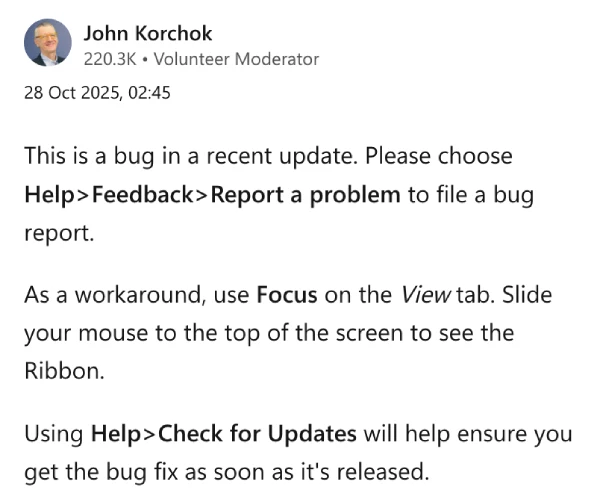
There are a few workarounds floating around. Microsoft’s John Korchok suggested using Focus mode from the View tab, where you can slide your mouse to the top of the screen to reveal the ribbon temporarily.
Others have reported that updating to macOS Tahoe fixes the issue entirely, though that’s not an option for everyone running older hardware or using tools like OpenCore Legacy Patcher.
Rest assured, we’ll keep an eye out for any further details and will update this post if and when there’s something to share.


Dwayne Cubbins
3062 Posts
I cover fast-moving stories across apps, online platforms, and everyday tech — phones, wearables, consoles, and whatever else people are fighting with this week. Bugs, rollouts, scams, policy enforcement, and the occasional internet-culture rabbit hole are all fair game. My goal is simple — make confusing tech news readable. When I'm not working, I'm working out or chilling with my dog. Got a tip? You can find me on X @dcubbins.
Next article View Article