Xbox players who’ve been frustrated by the Play History tile cluttering their dashboard can finally breathe a sigh of relief. Microsoft has quietly added an option to hide this feature, giving users more control over their home screen experience.
The Play History tile was introduced back in August this year as part of a system update, and it’s been a divisive addition ever since. While some players find it useful for tracking games across Xbox consoles, PC, and cloud gaming, many others have found it completely unnecessary.
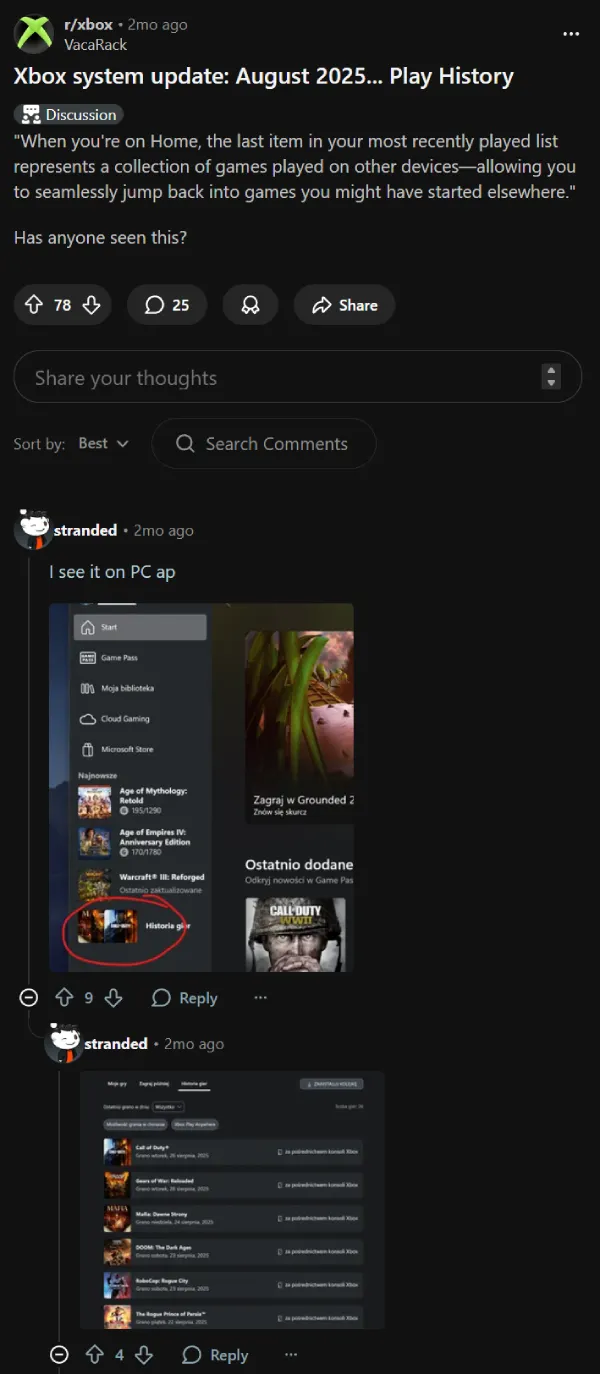
One Reddit user put it perfectly when they said they “hated that” tile, a sentiment that many other users also shared, and were asking for a way to remove it since it first appeared.
If you’re ready to clean up your dashboard, here’s the quick fix. Head to Settings, then General, followed by Personalization. From there, navigate to Games & Apps, move to the right side of the menu, and you’ll find a checkbox labeled “Hide Play History Tile.” Check that box and the tile disappears from your home screen.
While you’re in that menu, there’s another helpful trick worth knowing. If you’ve been annoyed by game hubs opening every time you try to launch a title from your home screen, you can disable those preview cards by unchecking the three boxes to the left of the Play History option. Alternatively, you can keep the hubs enabled and just press X to launch games directly instead of A.
For players who don’t game across multiple devices or who already keep their pins organized, the Play History tile serves little purpose beyond showing games from expired subscriptions or titles no longer installed. It’s essentially become another piece of dashboard clutter in a UI that some users feel has been getting progressively more crowded with each update.
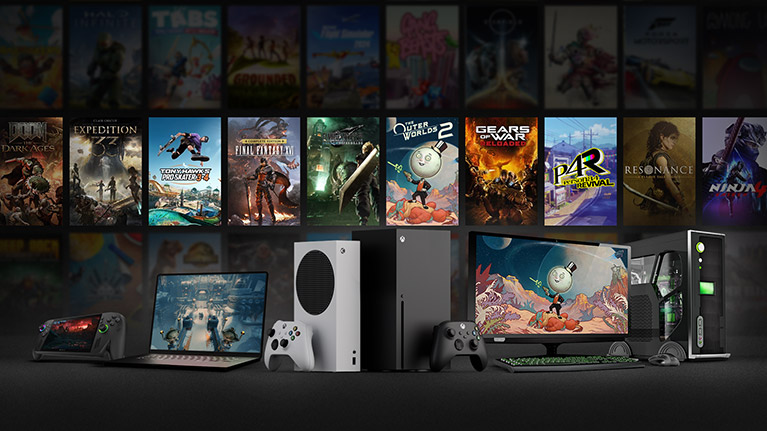
The good news is that Microsoft seems to be listening to feedback submitted through the Insider app. Options are always better than mandates, and this simple toggle gives everyone the choice to customize their Xbox experience the way they want it.

Dwayne Cubbins
1828 Posts
My fascination with Android phones began the moment I got my hands on one. Since then, I've been on a journey to decode the ever-evolving tech landscape, fueled by a passion for both the "how" and the "why." Since 2018, I've been crafting content that empowers users and demystifies the tech world. From in-depth how-to guides that unlock your phone's potential to breaking news based on original research, I strive to make tech accessible and engaging.
Next article View Article