





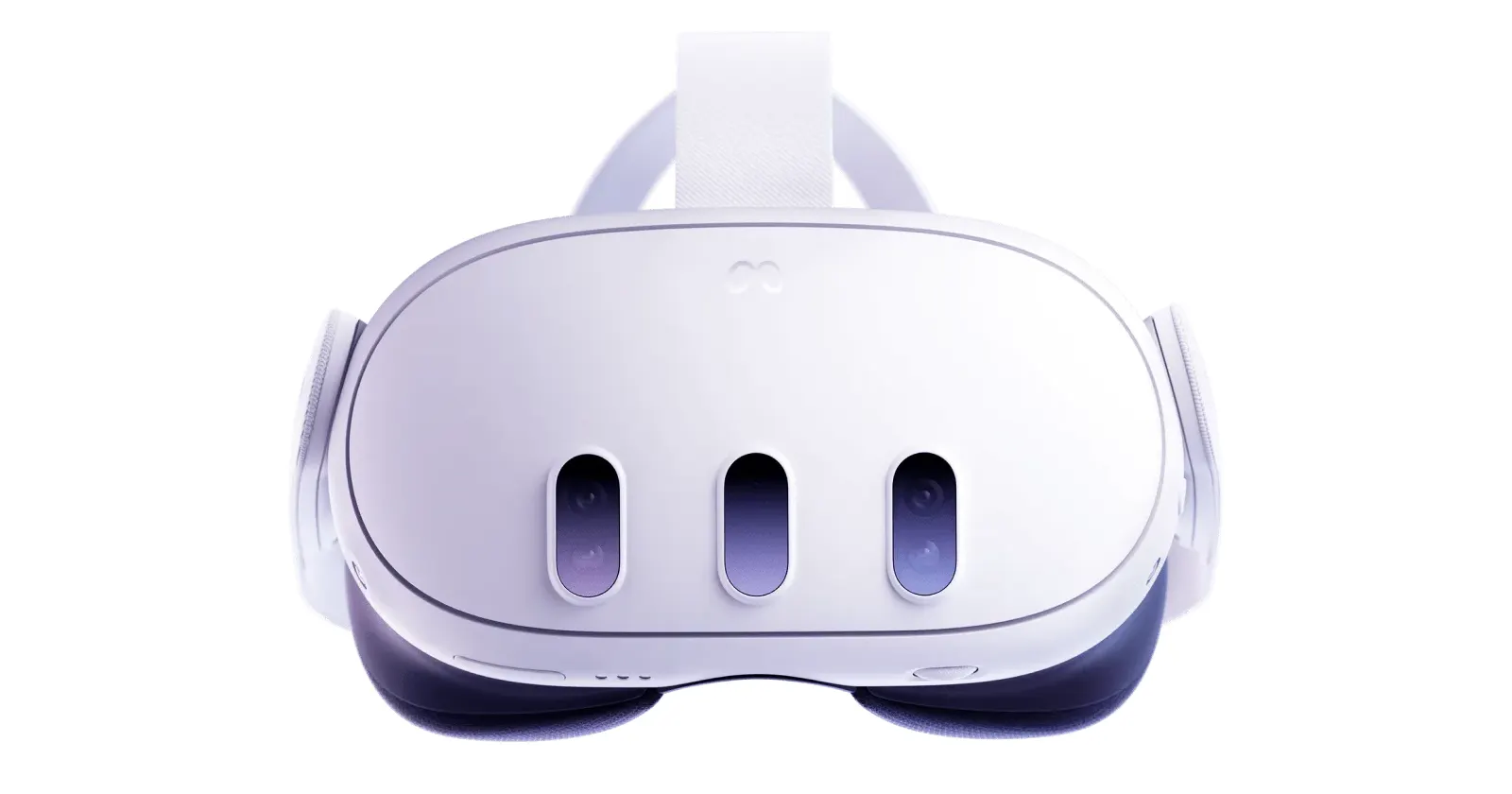
Update 27/10/25 – 05:00 pm (IST): While Meta has acknowledged the issue and suggested enrolling both the headset and PC app into the Public Test Channel (PTC) to align versions, some users — like KidDexo and MrToppins — claim this workaround only offers temporary relief, with the PC app reverting to v.79 and breaking the connection again.
Nevertheless, I’d suggest giving the workaround a shot because other users are recommending the same solution elsewhere too.
Original article published on October 27, 2025, follows:
Some users have found partial success by toggling developer mode via the Meta Horizon mobile app or disabling auto crash uploads and PTC settings post-update.
It’s a frustratingly common cycle for VR gamers. Meta pushes a new software update for the Quest, you eagerly install it, plug in your headset for a solid PCVR session, and get… absolutely nothing.
If you’re currently nodding along, know that you’re not the only one staring at a dead connection. A recent update seems to have wrecked the wired USB Link for a bunch of users, cutting them off from their PC VR games.
The internet is already filling up with complaints. On Reddit and the official Meta forums, people are saying that after the latest update, their wired Quest Link is busted. Though, at least one user says they have a problem with Air Link too. But more people have confirmed it’s working.

That said, it’s not totally broken. Many are reporting that their PC can still see the Quest and let them move files around, but the Link app itself just won’t connect. For players who rely on a cable because their Wi-Fi is spotty, this means PCVR is a no-go for now.
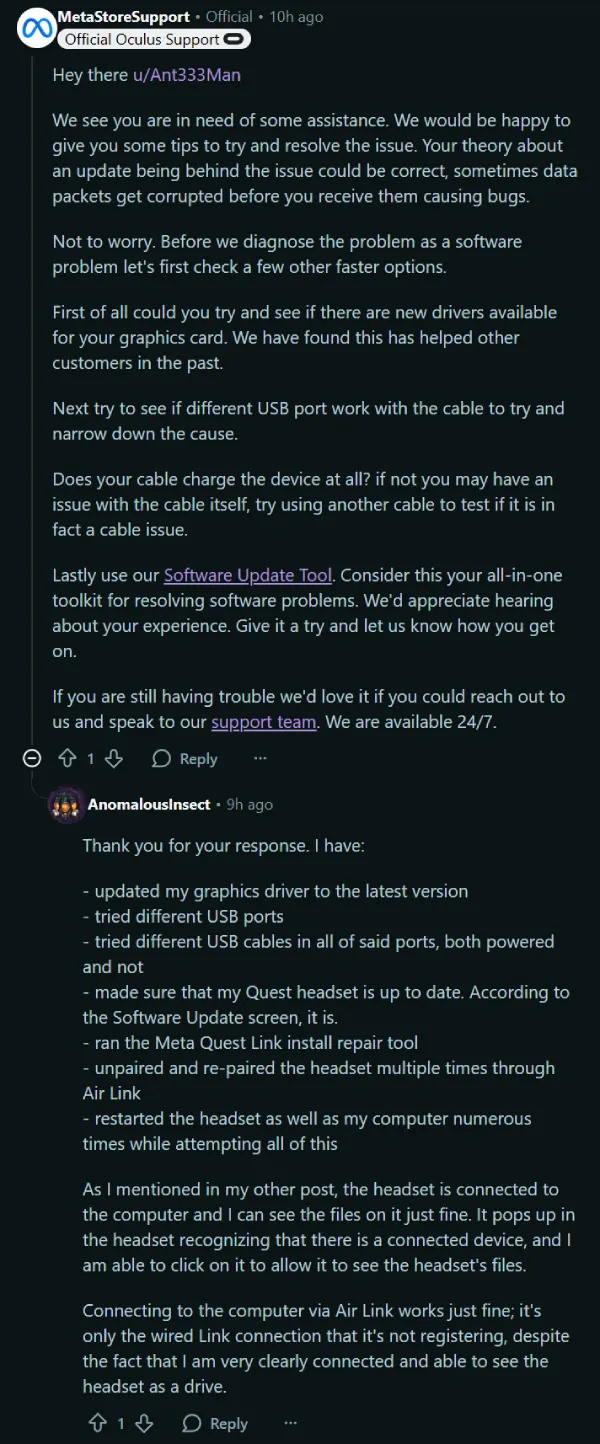
Folks are sharing all the things they’ve tried to get it working again. One Redditor ran through the whole checklist: “Updated nvidia driver, headset is updated. Did a repair on link app. Currently factory resetting headset”. Spoiler: the factory reset didn’t work.
A Meta support agent also hopped in the comments of one thread with the usual script — update drivers, try new ports, and so on. A user response clearly indicated that the generic troubleshooting tips weren’t helpful.
Just a few months back, I wrote about a similar mess over on our sister site, Tech Issues Today, when the v79 update caused headaches with third-party cables. So it seems Quest users can’t catch a break.
The only thing that seems to be helping anyone right now is switching to the Public Test Channel (PTC) on the PC app. A handful of users managed to get their connection back after opting into the beta, sometimes after a few reinstalls.
But it’s not working for everybody, and Meta hasn’t officially said anything about this v81 problem yet. So for now, it’s a waiting game and a bit of a lottery.


Dwayne Cubbins
3103 Posts
I cover fast-moving stories across apps, online platforms, and everyday tech — phones, wearables, consoles, and whatever else people are fighting with this week. Bugs, rollouts, scams, policy enforcement, and the occasional internet-culture rabbit hole are all fair game. My goal is simple — make confusing tech news readable. When I'm not working, I'm working out or chilling with my dog. Got a tip? You can find me on X @dcubbins.
Next article View Article
