





If you’ve been working on a project in Gemini and suddenly encountered the cryptic message “[Immersive content redacted for brevity.],” you’re not alone. This frustrating issue has been affecting users across both free and paid versions of Gemini, turning what should be productive sessions into exercises in patience.
The problem typically shows up when you’re deep into a conversation or crafting something substantial in Canvas, Gemini’s document editor. One moment you’re making progress, and the next, your carefully generated content vanishes behind this placeholder message.
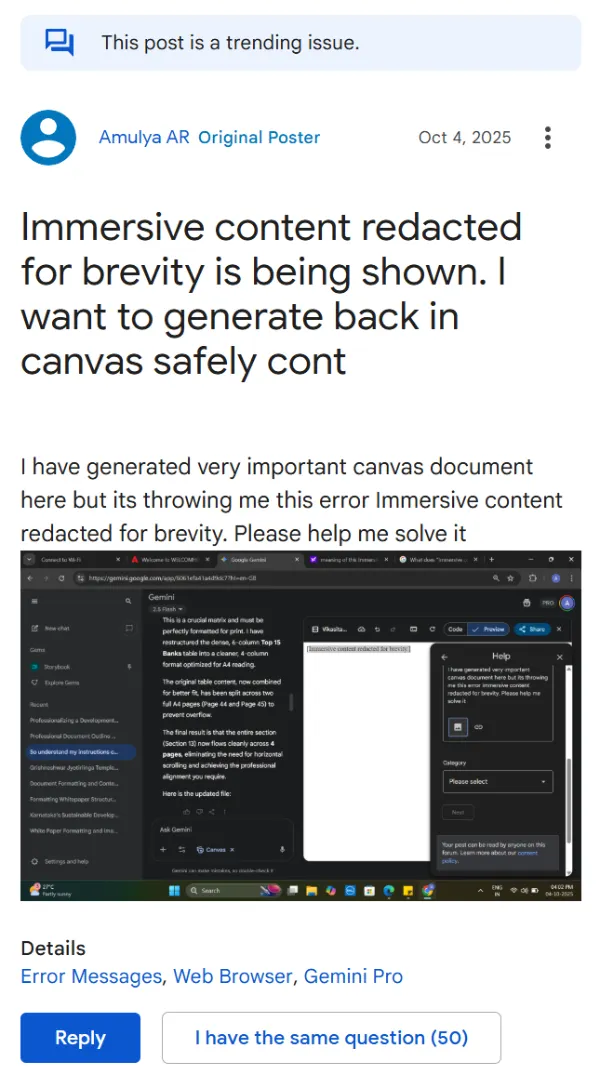
According to a comment on Google’s support community, this happens when Gemini hits its internal memory or processing limits. Think of it like your AI assistant running out of mental bandwidth.
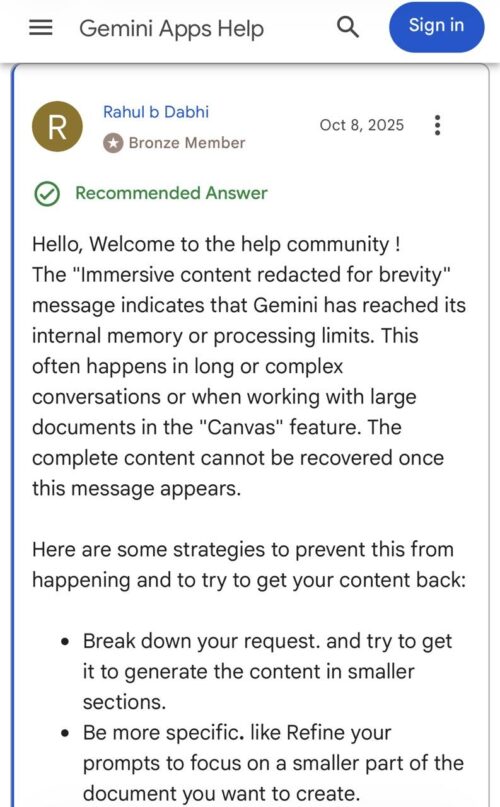
The issue becomes particularly annoying when working on longer documents or complex projects. That said, some users have reported the error appearing even on relatively short documents, sometimes just 1-1.5 pages long, suggesting the trigger isn’t always about actual content size but rather how much conversational context has accumulated.
As one user noted in a developer forum discussion, the problem seems most common when context gets maxed out, especially with Gemini 2.5 Pro instances.
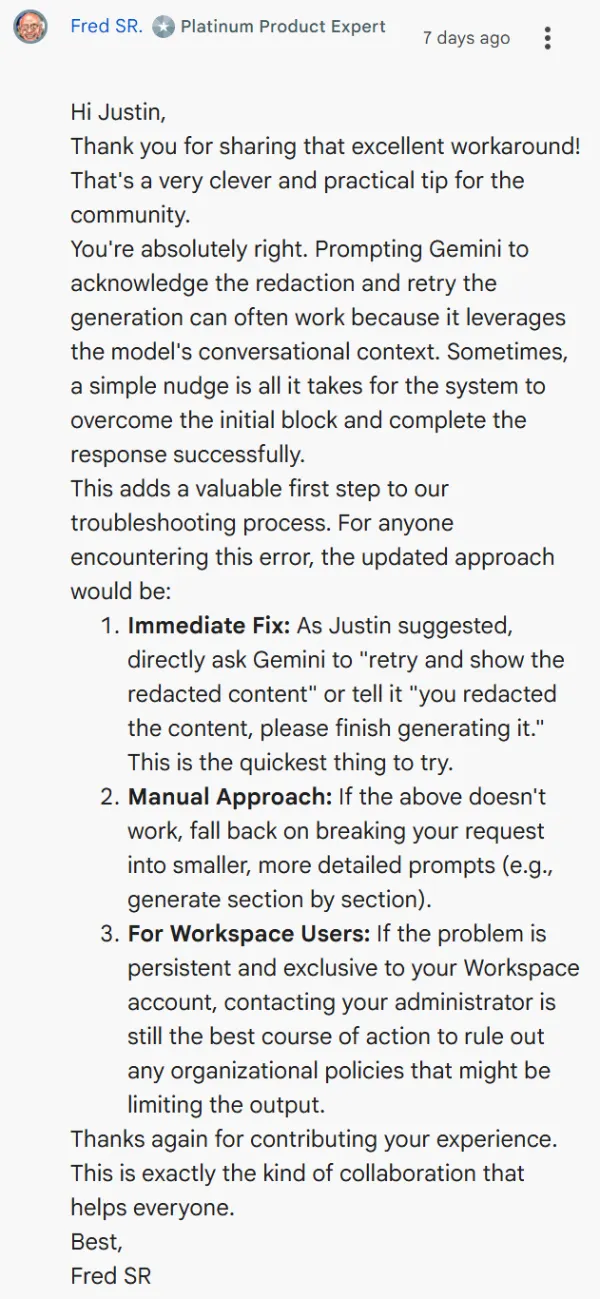
Here’s the bad news first: once that message appears, your original content can’t be fully recovered. But before you panic, there are several workarounds that actually work. The quickest fix, shared by users in multiple support threads, is surprisingly simple.
Just tell Gemini directly that it showed a redacted message and ask it to retry. Something like “You redacted the content, please finish generating it” often prompts the AI to acknowledge its mistake and regenerate what was lost.
If that doesn’t work, you’ll need to be more strategic. Break your requests into smaller chunks rather than asking for everything at once. Instead of requesting a complete document, ask for an introduction first, then move on to individual sections. This approach prevents Gemini from overwhelming itself. You can also try asking Gemini to paste the Canvas content directly into the chat window, which sometimes bypasses the issue entirely.
For Canvas users, there’s another trick worth trying immediately: hit the undo button the moment you see the redaction message. This might revert the change before it’s permanent. And if you’re consistently running into this problem, consider starting fresh conversations more frequently rather than letting a single chat accumulate too much context.
These suggestions are part of advice given by product experts on Google’s support forums.
The persistent nature of this issue, especially for paid subscribers, has understandably frustrated many users. While Google hasn’t provided clear documentation on specific size or line limits, understanding that this is a context management issue rather than a content safety block helps frame how to work around it.
The key here seems to be treating Gemini like a collaborator who needs information fed in digestible portions rather than all at once. Until Google addresses this more permanently, these workarounds remain your best bet for keeping your work intact.


Dwayne Cubbins
3068 Posts
I cover fast-moving stories across apps, online platforms, and everyday tech — phones, wearables, consoles, and whatever else people are fighting with this week. Bugs, rollouts, scams, policy enforcement, and the occasional internet-culture rabbit hole are all fair game. My goal is simple — make confusing tech news readable. When I'm not working, I'm working out or chilling with my dog. Got a tip? You can find me on X @dcubbins.
Next article View Article
