





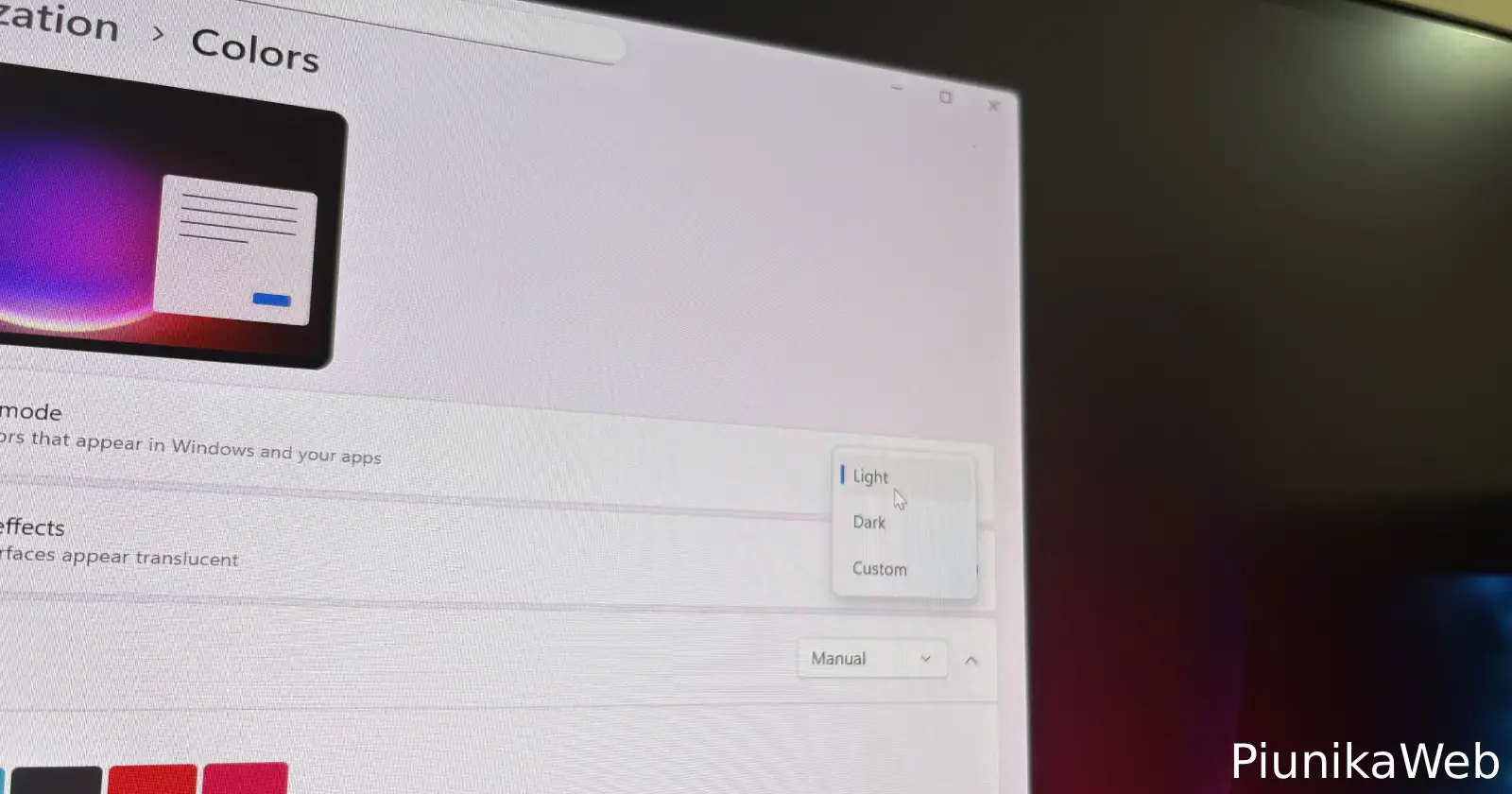
Getting blasted by a bright screen when you’re expecting dark mode is frustrating enough, but when Windows keeps forcing you back into light mode seconds after you change it? That’s where things get annoying. If you recently updated your Windows computer and noticed your carefully selected dark mode getting overridden automatically, you’re not alone.
Users across multiple WindowsHelp subreddit threads have been reporting this exact problem since the latest update rolled out. One user running Windows 11 Pro (build 26100.6899) described how their system kept reverting to light mode within seconds of switching back to dark.
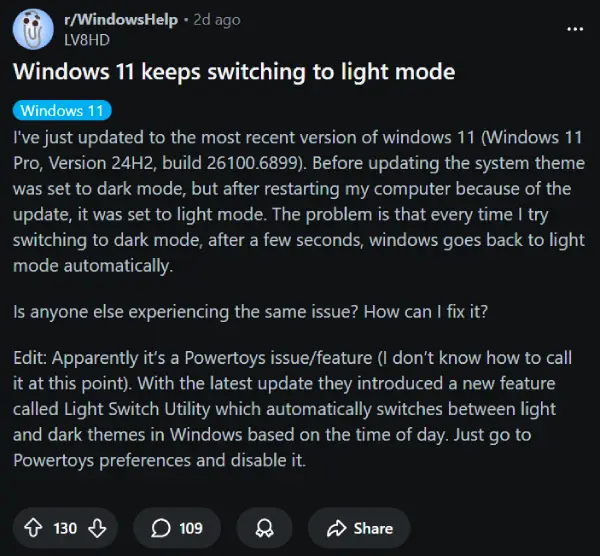
Another thread shows someone on build 26200.6899 dealing with the same headache, while Windows 10 users are also seeing theme switches happening automatically. Some wondered if Microsoft was deliberately breaking things to push people toward upgrading.
Turns out the real problem isn’t Windows itself, but PowerToys. Microsoft quietly added a new feature called Light Switch Utility in the latest PowerToys update, which automatically toggles between light and dark modes based on time of day. The catch? It was enabled by default. So if you have PowerToys installed, this feature has been silently taking over your theme settings without asking permission first.
The fix is simple once you know where to look. Open PowerToys settings (you can find it in your system tray or Start menu), then locate the Light Switch Utility option and disable it.
That’s all you need to do. Your theme preferences should stick after that, no more automatic switching. Multiple users confirmed this solved their problem immediately.
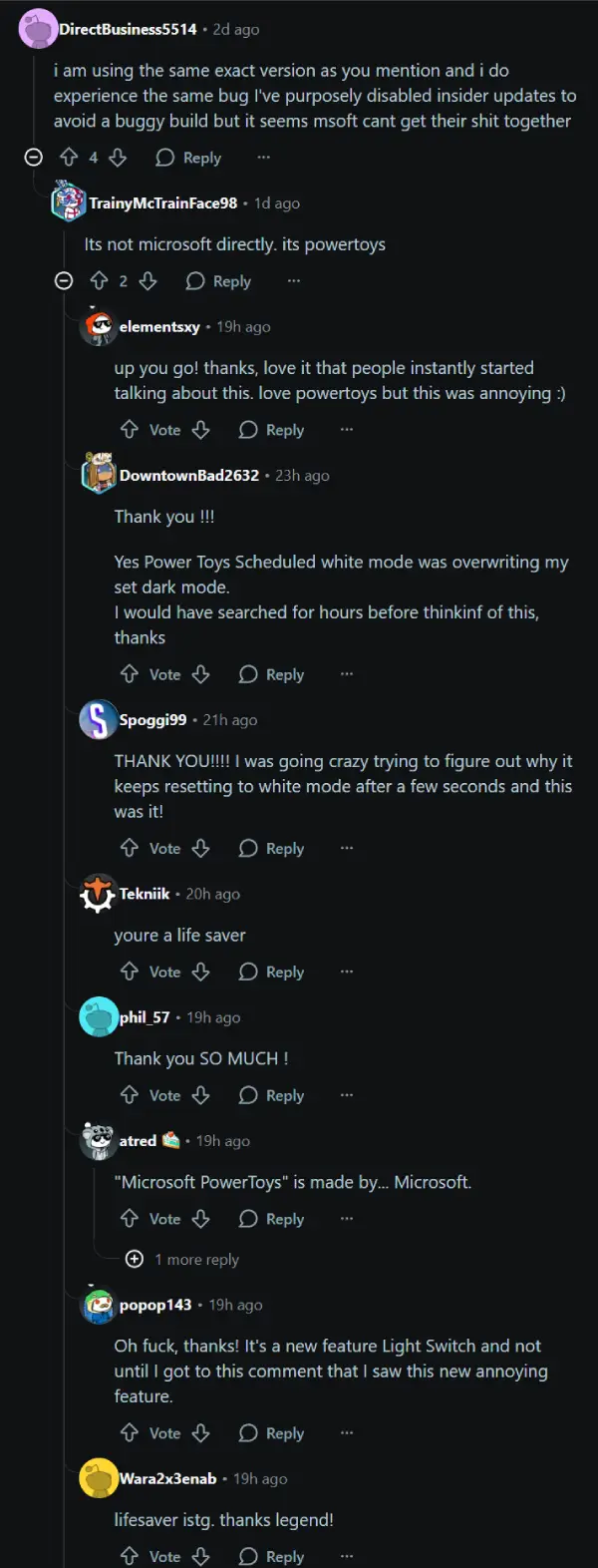
If you don’t use PowerToys at all, this won’t affect you, but for everyone who does, checking that Light Switch setting should be your first move if themes start acting weird after updating.
Let us know if this did the trick for you in the comments below.h


Dwayne Cubbins
3105 Posts
I cover fast-moving stories across apps, online platforms, and everyday tech — phones, wearables, consoles, and whatever else people are fighting with this week. Bugs, rollouts, scams, policy enforcement, and the occasional internet-culture rabbit hole are all fair game. My goal is simple — make confusing tech news readable. When I'm not working, I'm working out or chilling with my dog. Got a tip? You can find me on X @dcubbins.
Next article View Article
