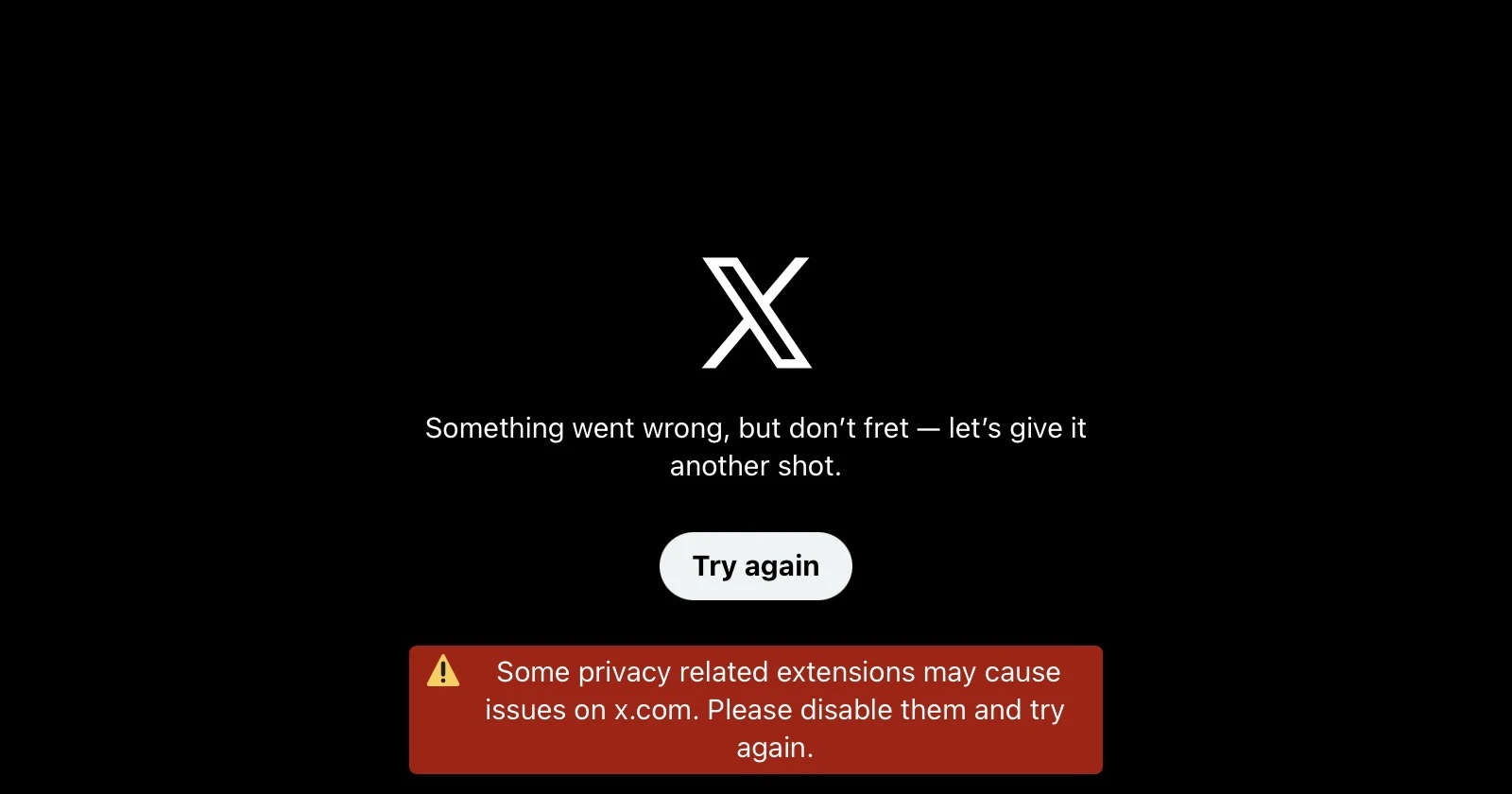
Many X users are reporting that the website has become inaccessible on browsers, displaying an unusual error message about privacy-related extensions even when no such extensions are installed. The issue has left affected users stuck in an endless “Try again” loop, unable to access the platform from their computers.
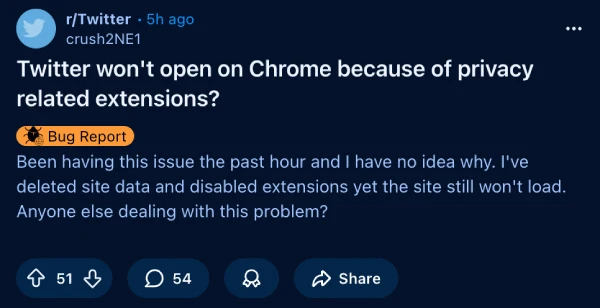
The problem first surfaced in a Reddit thread on r/Twitter about five hours ago, with user crush2NE1 reporting that X wouldn’t load despite deleting site data and disabling all browser extensions.
Users see the following error message: “Some privacy related extensions may cause issues on x.com. Please disable them and try again.” The irony? Most affected users don’t even have privacy extensions installed.
Here’s an image of the error that was shared in a post on X:
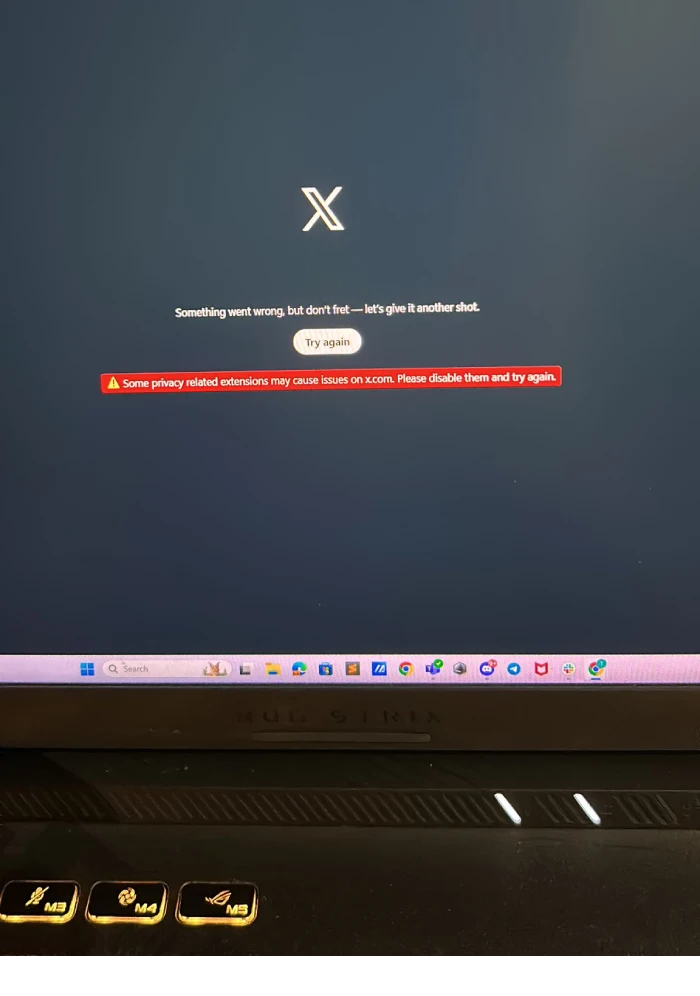
Reports indicate the issue is hitting Chrome, Firefox, Edge, Opera GX, Opera Mini, Vivaldi, and even Safari users. One commenter noted they tried three different browsers on their Windows 10 machine with identical results, though the same browsers worked fine on Windows 11.
The problem even crops up on mobile browsers. The X app, however, appears to be functioning, but even there, users report images failing to load properly while ads display without issue.
User Mgbenz pointed out through downforeveryonebutme.com that error reports seemed concentrated in the Philippines, suggesting this might be a regional problem rather than a global outage. Multiple Filipino users confirmed they were experiencing identical issues across various devices and browsers.

It’s worth noting that most users haven’t mentioned their country, so it’s still possible that the problem might be affecting some users outside the Philippines too.
The workarounds people are attempting haven’t been successful. Clearing cache, disabling extensions, switching browsers, and even reinstalling applications have done nothing to resolve the loop.
As of now, there’s been no official statement from X about what’s causing these issues or when a fix might be expected. For desktop users or even those using mobile browsers, particularly those in affected regions, the only option seems to be waiting it out. In the meantime, users can check the mobile app to use X.


Dwayne Cubbins
3105 Posts
I cover fast-moving stories across apps, online platforms, and everyday tech — phones, wearables, consoles, and whatever else people are fighting with this week. Bugs, rollouts, scams, policy enforcement, and the occasional internet-culture rabbit hole are all fair game. My goal is simple — make confusing tech news readable. When I'm not working, I'm working out or chilling with my dog. Got a tip? You can find me on X @dcubbins.
Next article View Article