





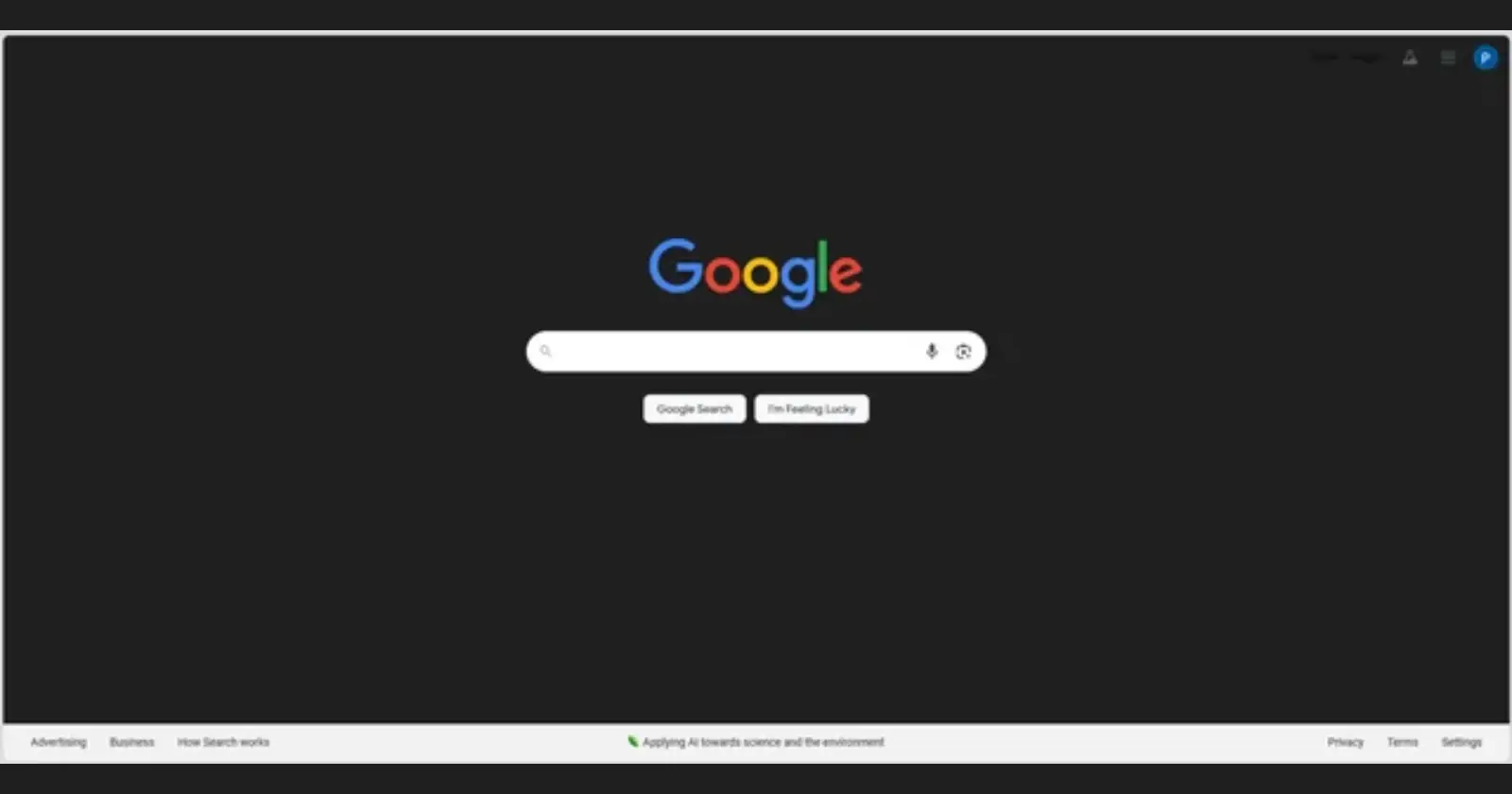
Google Search appears to be throwing a curveball at some users today. Reports started popping up across Reddit and Google’s support forums about the search homepage getting stuck in what can only be described as a half-baked dark mode that nobody asked for.
The issue is weird, to put it mildly. Users on r/chrome are saying the Google homepage shows up with a black background, while the colorful Google logo stays bright and the search bar appears in white. It’s like dark mode turned on for the background only, leaving everything else untouched.
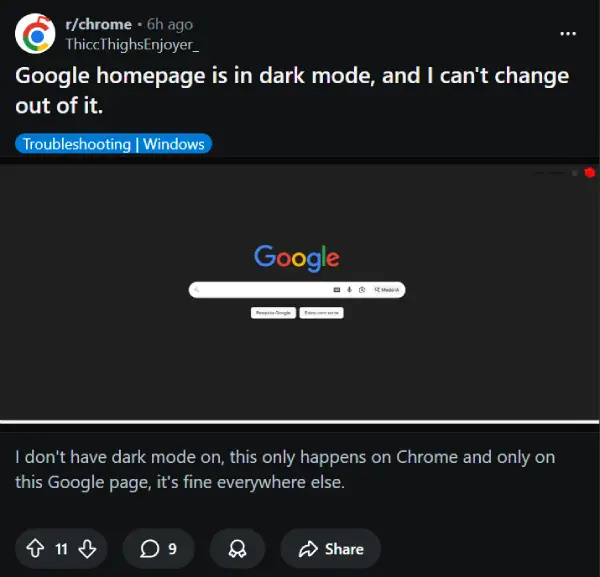
The result? A jarring mix where you get the dark backdrop but none of the coordinated styling that makes dark mode easy on the eyes. It’s not the sleek dark theme you’d choose on purpose — it’s more like someone flipped a switch halfway.
Reports suggest that the problem only shows up on the main Google Search page, not the results page after you search. Over on r/google, people confirmed the glitch disappears in incognito mode, which points to something account-related going on. And it’s not just Chrome; some users have noticed it happens in other browsers too.
One frustrated user posted on Google’s support forums after trying everything: toggling the appearance settings, clearing cache and cookies, messing with Chrome flags, even resetting the browser entirely. Nothing worked. The moment they logged out of their Google account? The page went back to normal. Log back in, and boom, they see the black background again.
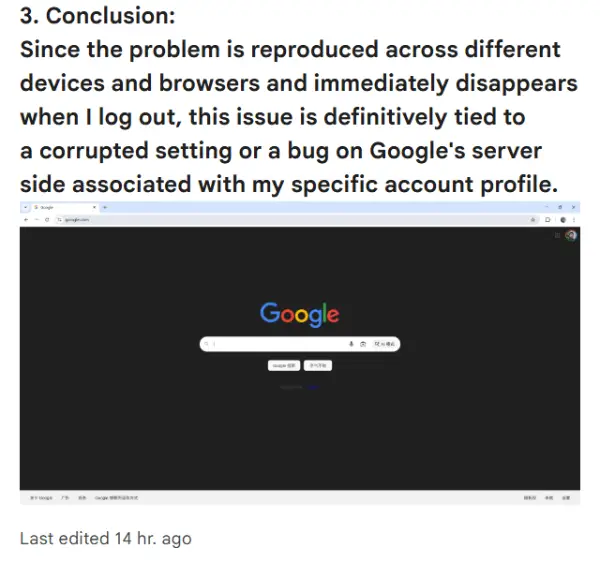
What’s clear from the multiple threads showing up on Reddit is that this isn’t just one person’s browser acting up. It’s happening to enough people that it’s definitely a server-side issue tied to user accounts. The good news? This looks like a visual bug that Google should be able to patch up pretty quickly once they’re aware of it.
For now, if you’re one of the unlucky ones stuck with this glitchy dark mode, your best bet is to either use incognito mode or switch to a different browser temporarily. It’s annoying, but at least your search results page still works fine once you get past the homepage.
Featured image credit: Most-Mongoose4027 / Reddit


Dwayne Cubbins
3104 Posts
I cover fast-moving stories across apps, online platforms, and everyday tech — phones, wearables, consoles, and whatever else people are fighting with this week. Bugs, rollouts, scams, policy enforcement, and the occasional internet-culture rabbit hole are all fair game. My goal is simple — make confusing tech news readable. When I'm not working, I'm working out or chilling with my dog. Got a tip? You can find me on X @dcubbins.
Next article View Article
