





Update 16/10/25 – 02:29 pm (IST): Some users are now reporting that the latest Windows 11 update has fixed the problem for them. So head over to your settings and check to see if any new updates are available. If an update is available, install it and see if that fixes the problem.
Original article published on October 15, 2025, follows:
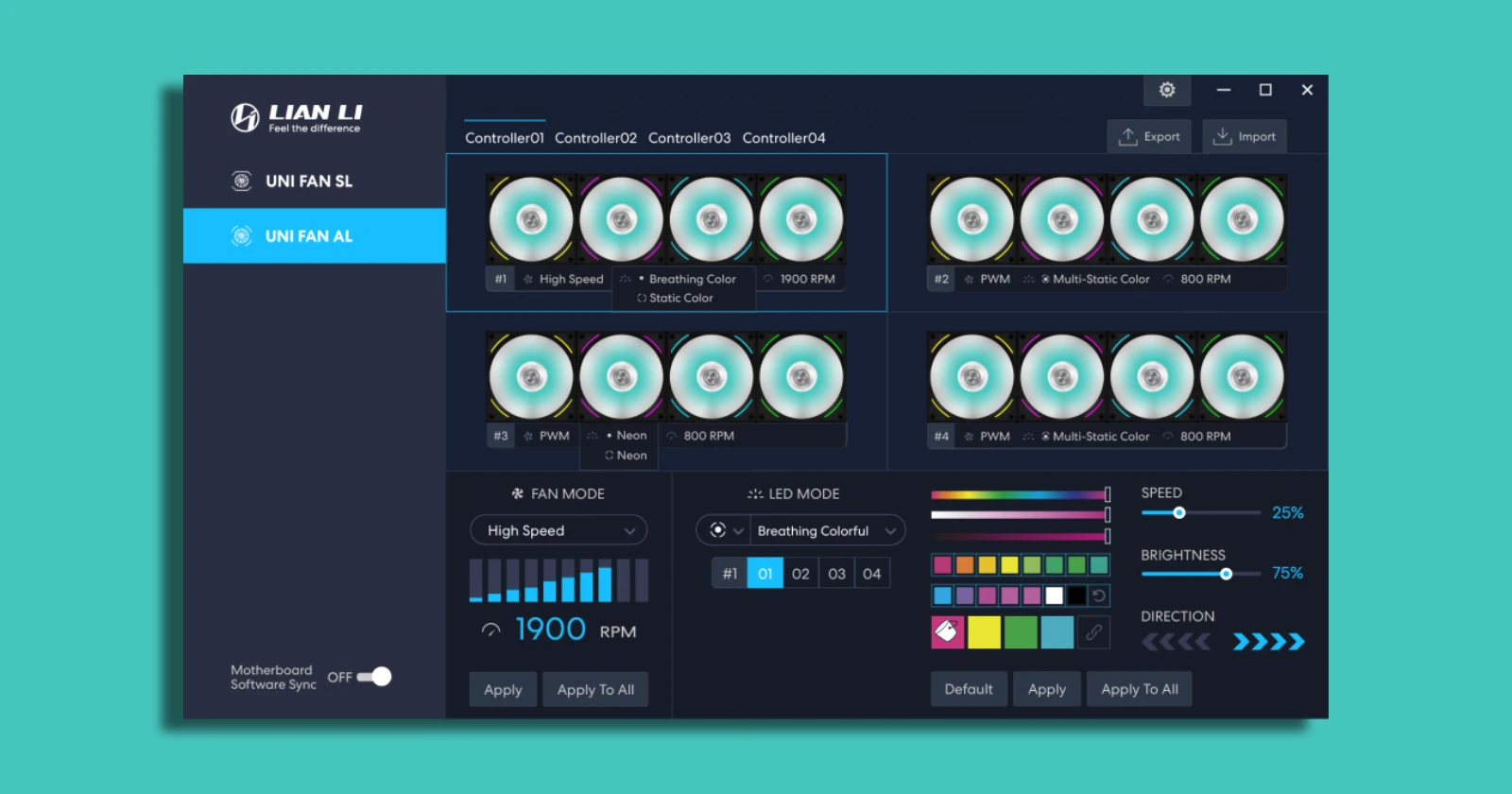
It seems that a recent Windows update isn’t playing nicely with Lian Li’s L-Connect 3 app. Reports online suggest that the app has stopped spotting their hardware, like fans, coolers, and controllers, even though everything shows up fine in Device Manager.
This popped up for folks mostly after the October 2025 cumulative update, tagged as KB5066835, which rolled out on Patch Tuesday. One user said their system ran smoothly for over a year until this hit, and they’d already tried the usual fixes like restarts and full app reinstalls. Their thread kick-started a big discussion about the issue.
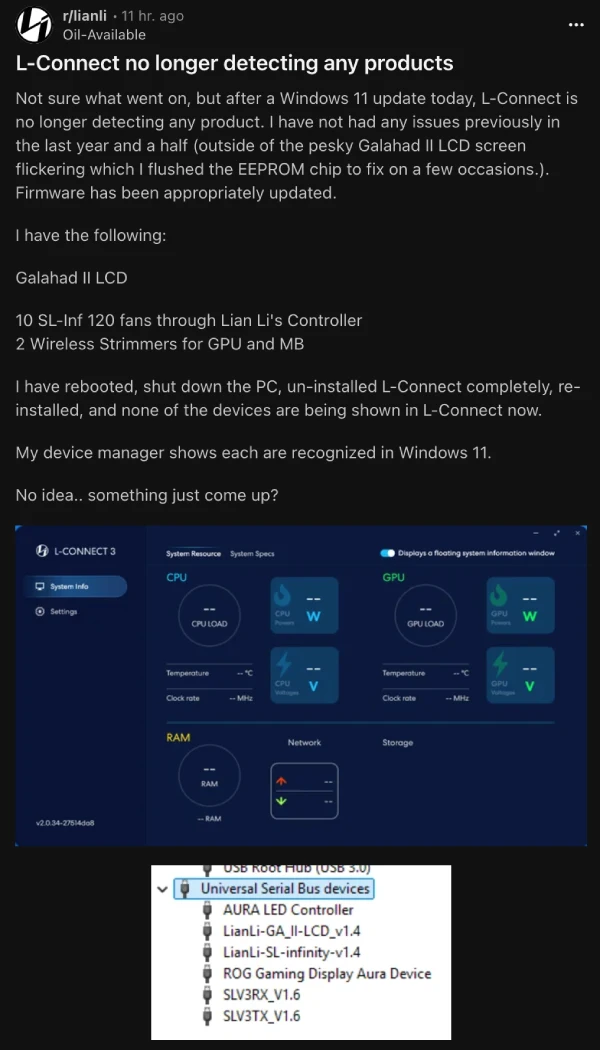
Some others in the thread were at first blaming it at first on a fresh NVIDIA driver drop, but it turns out AMD users got stung too, pointing straight at Windows. Some rolled back using system restore points and got temporary relief, only for the update to push back in on reboot.
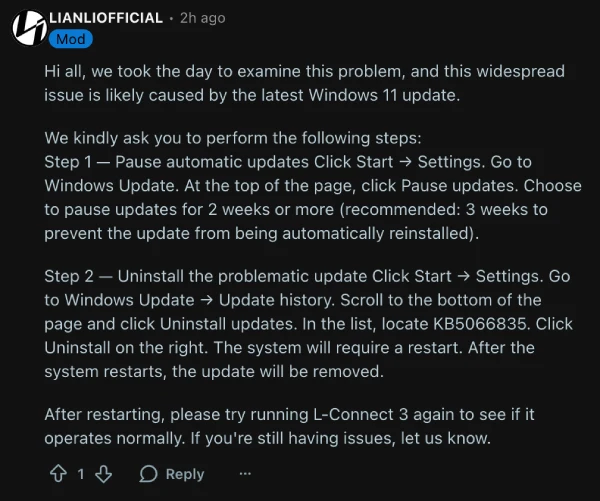
Luckily, Lian Li’s official team jumped in on the discussion, confirming it’s a widespread problem tied to that Windows update. They spent time digging into it and shared a straightforward workaround. First, head to your Windows settings to pause automatic updates for a couple of weeks — three if you want to play it safe — so the patch doesn’t sneak back in. Go to Start, then Settings, Windows Update, and hit Pause updates at the top.
Next, uninstall the troublesome update itself. Back in Windows Update, check Update history, scroll down to Uninstall updates, find KB5066835 in the list, and click Uninstall. Your PC will restart, and the update should be gone.
Fire up L-Connect 3 afterward to see if your devices pop up again. If not, Lian Li says it might be hiding elsewhere in your system, and they’re still hunting for a full fix.
In the meantime, some users found success by removing other recent updates too, or even resetting Windows software entirely, though that’s a bigger step.
So if you’re stuck, check out the main thread on Reddit for more details in the ongoing discussions. That said, give this potential workaround a shot and let us know if it helped you or not.


Dwayne Cubbins
3015 Posts
I cover fast-moving stories across apps, online platforms, and everyday tech — phones, wearables, consoles, and whatever else people are fighting with this week. Bugs, rollouts, scams, policy enforcement, and the occasional internet-culture rabbit hole are all fair game. My goal is simple — make confusing tech news readable. When I'm not working, I'm working out or chilling with my dog. Got a tip? You can find me on X @dcubbins.
Next article View Article
