





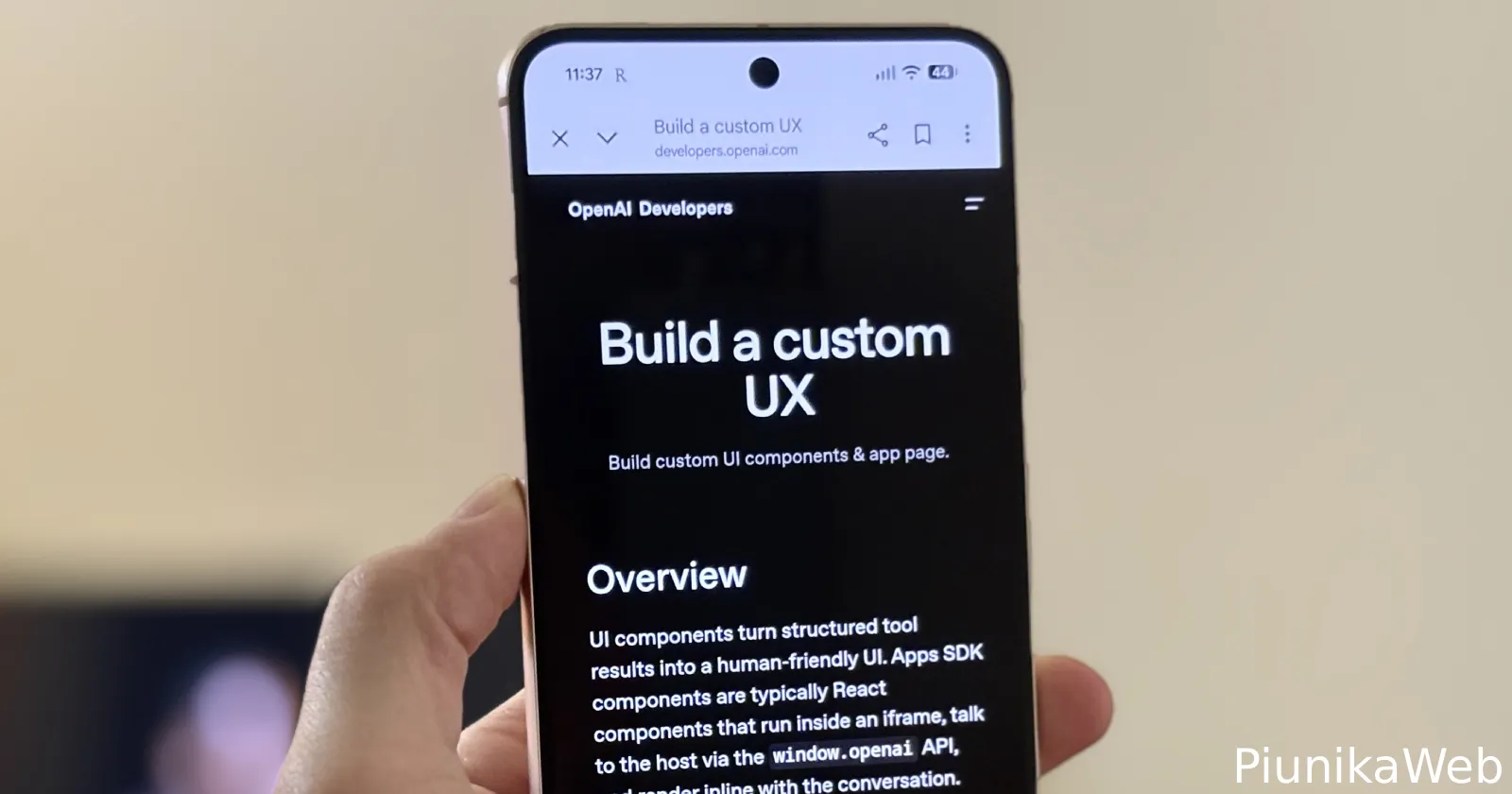
If you’re someone who’s switched your Android phone to dark mode for comfort, you’re likely familiar with that smooth, all-over dark interface — until you tap on a link in the Google app and get greeted by a blindingly white address bar right at the top.
It seems many users are facing this situation, and after poking around, I can confirm this bug only rears its head inside the Google app. Everywhere else, Chrome and WebView stick to their dark vibes just fine.
Multiple threads have popped up recently on Reddit and Google forums. One person said: “I have sensitive eyes and use dark mode comfort shield etc and out of nowhere Google decides to change the address bar for no apparent reason to a blaring uncomfortable white when everything else is cozy and dark and comfy.”

They’re not alone. Someone with a Pixel 9 Pro XL noticed that the white bar strikes only when opening links from Google’s app, but disappears if they use Gmail or Chrome directly.
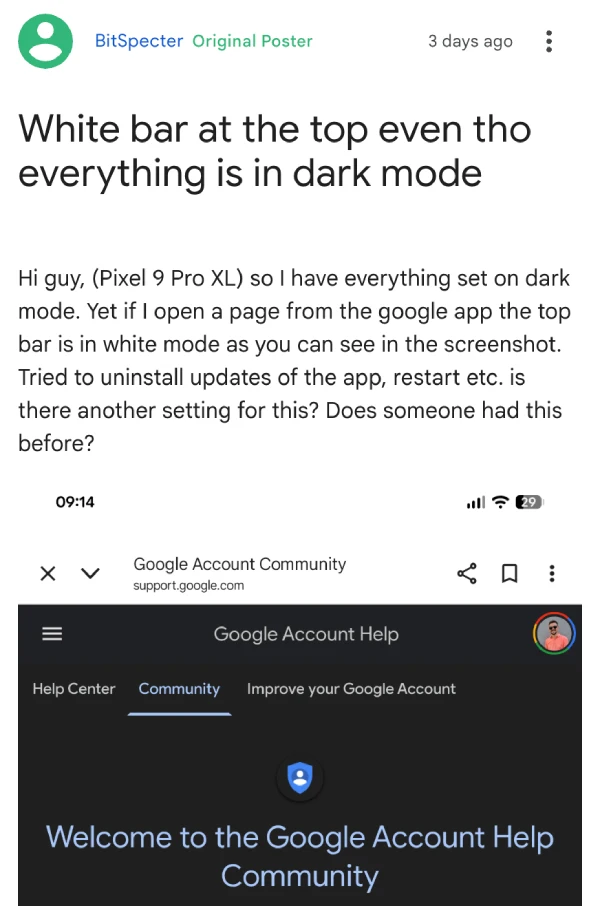
Digging through different suggestions, users have tried the whole laundry list: clearing caches, uninstalling updates, toggling every setting possible. No luck. There’s confusion in some threads about whether Chrome itself is at fault, but it’s clear this is all on the Google app. One Redditor initially blamed Chrome, but after some back-and-forth, they realized it’s specific to the embedded browser experience within Google’s feed.
I’m in the same boat. I’ve tried uninstalling all WebView updates (no dice), installed the latest developer version (nothing changed), and even swapped regular Chrome for the Chrome Canary build as the WebView backend — still stuck with the glaring white bar. It’s persistent, and none of the typical tricks seem to fix it.
People have mentioned that workarounds like the Chrome://flags menu can turn on dark mode, but — and this is key — those only apply to the main Chrome browser. They don’t affect how the Google app’s in-app browser renders the top bar.
I even installed the latest Google app beta build to see if that fixes the problem, but nope!
Bottom line: if you’re opening web links inside the Google app, expect your eyes to get flashbanged by that stubborn white bar, regardless of your phone’s settings. For now, the only workaround is manually opening those pages in Chrome itself or another browser, which sort of defeats the purpose of the convenient, in-app browsing most of us rely on.


Dwayne Cubbins
3092 Posts
I cover fast-moving stories across apps, online platforms, and everyday tech — phones, wearables, consoles, and whatever else people are fighting with this week. Bugs, rollouts, scams, policy enforcement, and the occasional internet-culture rabbit hole are all fair game. My goal is simple — make confusing tech news readable. When I'm not working, I'm working out or chilling with my dog. Got a tip? You can find me on X @dcubbins.
Next article View Article
