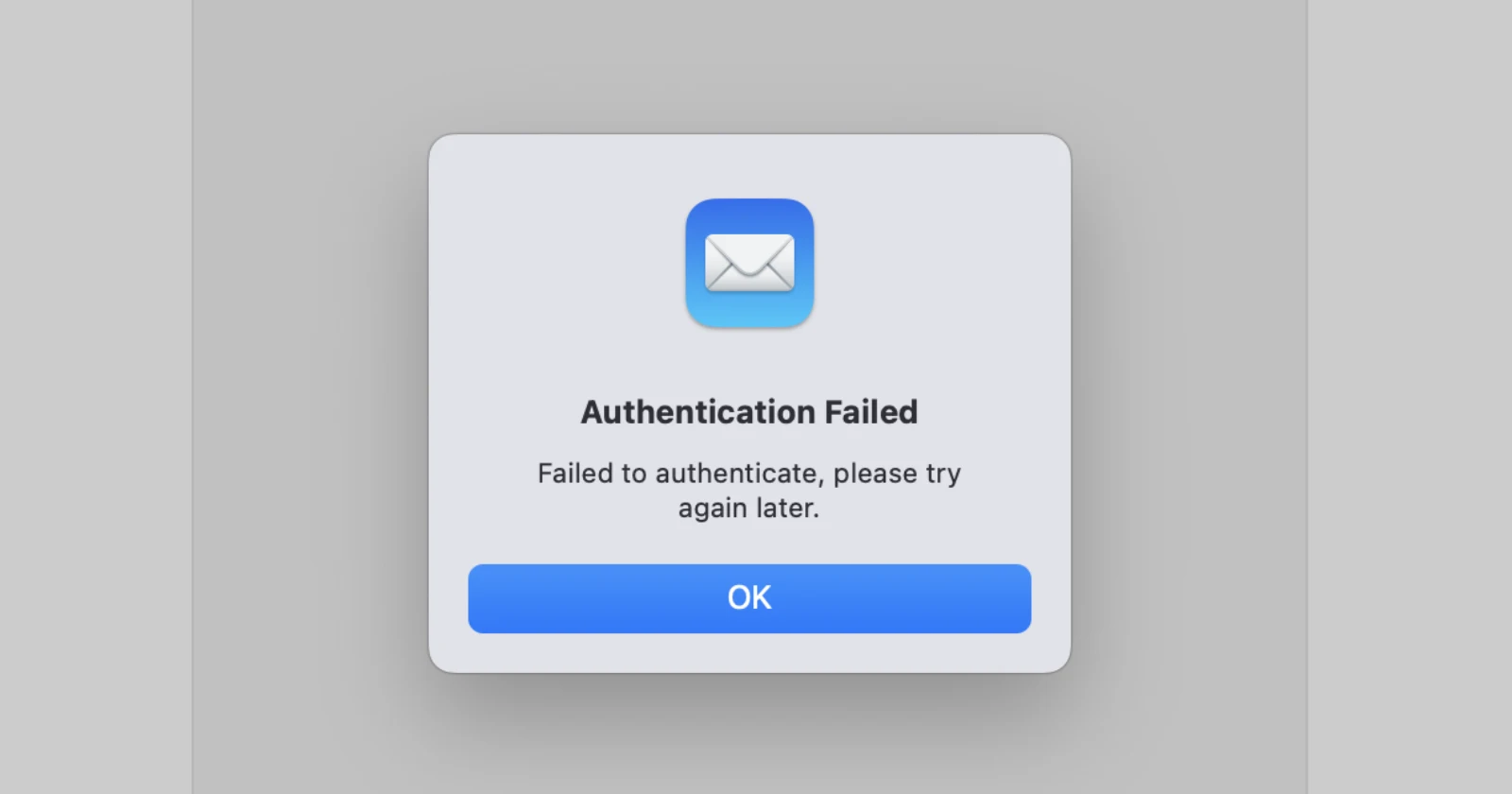
Mac users are running into trouble when trying to add their Outlook email accounts to Apple’s native Mail app, with multiple reports surfacing across forums and community discussions in recent days. The problem appears to affect both macOS Sequoia 15.7.1 and the newer macOS Tahoe 26.0.1, leaving people frustrated as they encounter persistent “Authentication Failed” messages when attempting to set up their accounts.
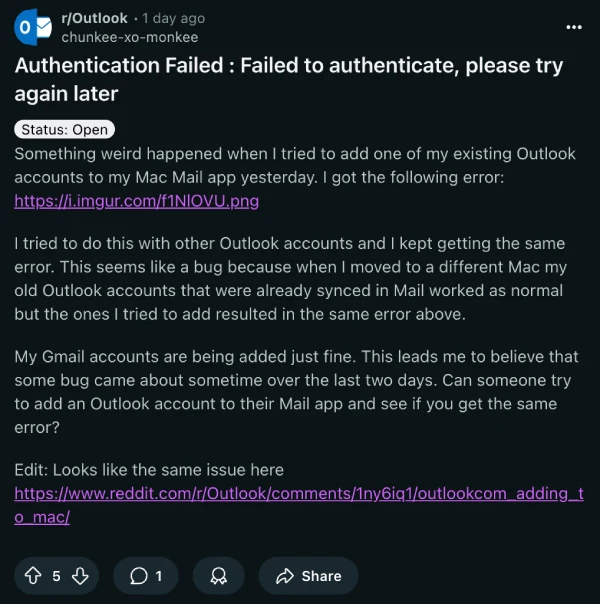
One Reddit user discovered the issue when trying to add an existing Outlook account to their Mac Mail app, receiving an error stating “Failed to authenticate, please try again later.” What makes this a bit odd is that their Gmail accounts were added without any hiccups, and Outlook accounts that were already synced on a different Mac continued working fine. It’s only the new account additions that hit a wall.
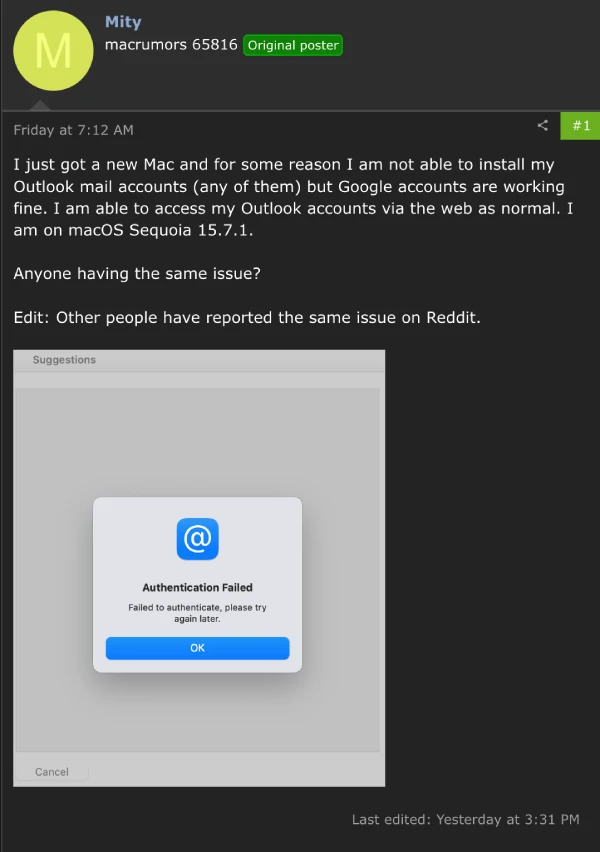
Over on the MacRumors forums, someone with a brand new Mac Mini M4 running Sequoia 15.7.1 spent over an hour on the phone with Apple support, only to be told to upgrade to Tahoe and try again. Even after a clean OS install, the same authentication error kept popping up. Another thread on MacRumors confirmed that multiple users are experiencing identical problems.
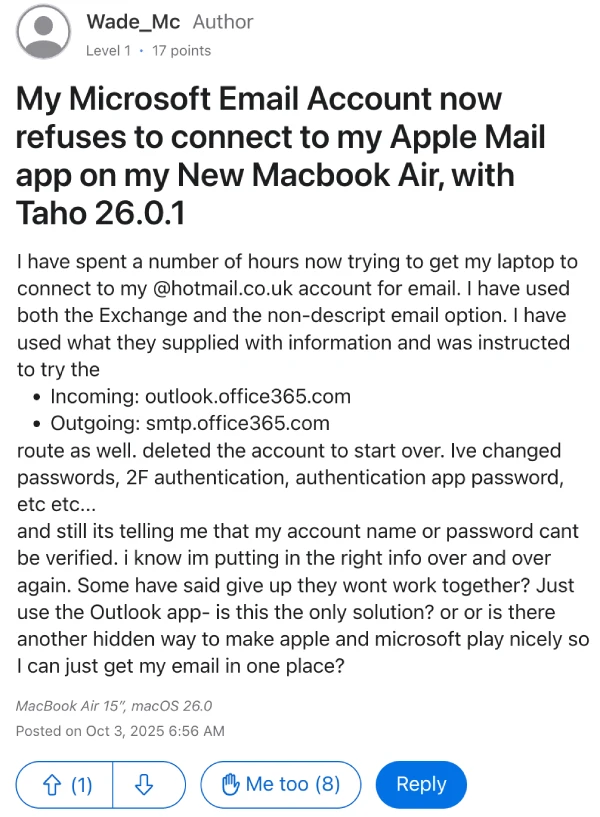
The issue extends to those who upgraded to macOS Tahoe as well. An Apple Discussions post from someone running Tahoe 26.0 explained that while their Outlook accounts work perfectly through webmail and the Outlook app, Apple Mail refuses to verify them. They tried the Microsoft Exchange option, IMAP settings, and even app-specific passwords, but nothing worked. Another user with a MacBook Air on Tahoe 26.0.1 tested multiple workarounds, including changing server addresses and resetting passwords, all without success.
One person noted that their iPhone handles Outlook accounts just fine, but their Mac after the Tahoe 26.0.1 update throws errors. Some users also mentioned that Microsoft 365 Exchange accounts seem to work, but personal Outlook.com and Hotmail accounts are the ones causing headaches.
People are currently working around this by either using the standalone Outlook app or switching to Gmail, though many prefer keeping all their email in one place. It’s possible that something changed either on Apple’s or Microsoft’s end that’s blocking the authentication handshake between personal Outlook accounts and Apple Mail.
We’ll keep an eye out for any further developments and will post an update if and when there’s something to share.


Dwayne Cubbins
3028 Posts
I cover fast-moving stories across apps, online platforms, and everyday tech — phones, wearables, consoles, and whatever else people are fighting with this week. Bugs, rollouts, scams, policy enforcement, and the occasional internet-culture rabbit hole are all fair game. My goal is simple — make confusing tech news readable. When I'm not working, I'm working out or chilling with my dog. Got a tip? You can find me on X @dcubbins.
Next article View Article