





Update 03/10/25 – 09:45 am (IST): Fresh reports pouring in over the past few hours indicate that the Instagram app is now crashing within seconds of opening it. Previously, users only experienced the problem when trying to view Reels. More details about the latest crashing commotion can be found here.
Original article published on October 2, 2025, follows:
If you fired up Instagram today and watched the app freeze the moment you tapped on a reel, you’re far from alone. Android users across Reddit and X have been reporting widespread crashes since yesterday, with the app becoming unresponsive whenever they try to access any video content.
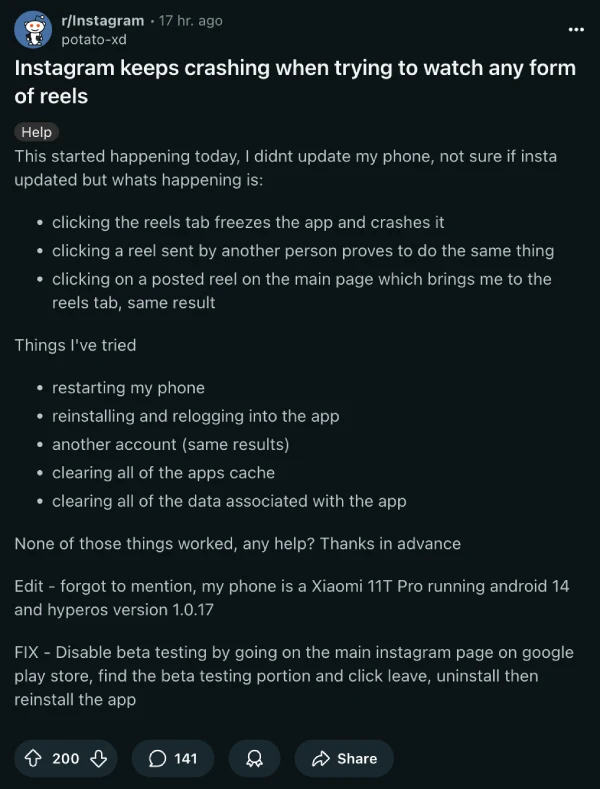
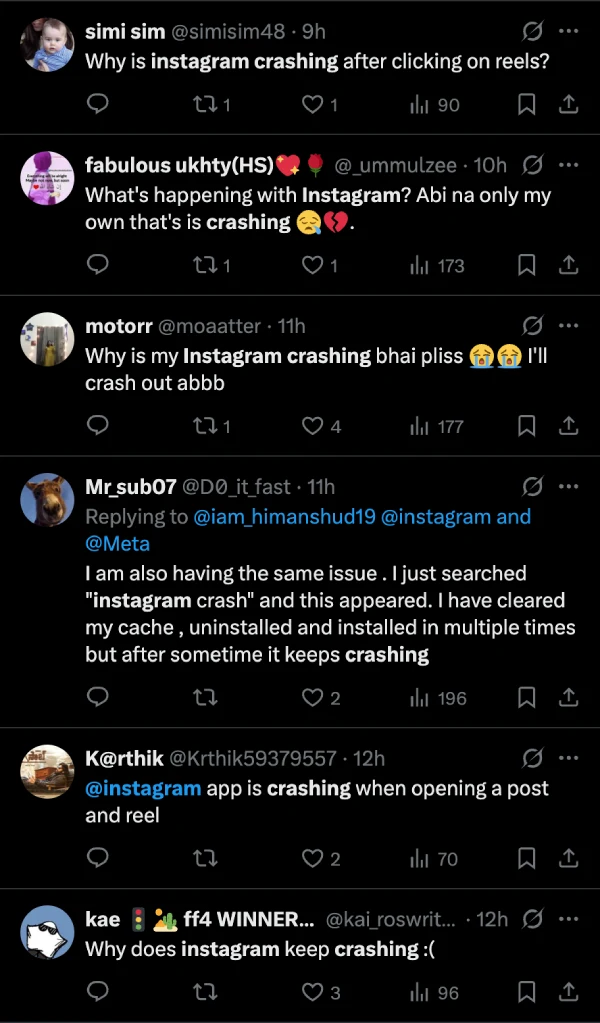
The problem appears most severe when opening the reels tab directly, clicking on reels sent by friends, or tapping video posts in the main feed. Users have reported trying the usual troubleshooting steps — clearing cache, reinstalling the app, even switching accounts — only to see the same frustrating freeze and crash happen again.
Here’s what seems to be working for affected users. The most reliable solution involves leaving Instagram’s beta program if you’re enrolled. Head to Instagram’s page on the Google Play Store, scroll down to find the beta testing section, and opt out. After leaving, wait about 5-10 minutes, then uninstall Instagram completely. Force stop the Play Store app, reopen it, and reinstall Instagram to ensure you’re getting the stable version rather than the beta build.
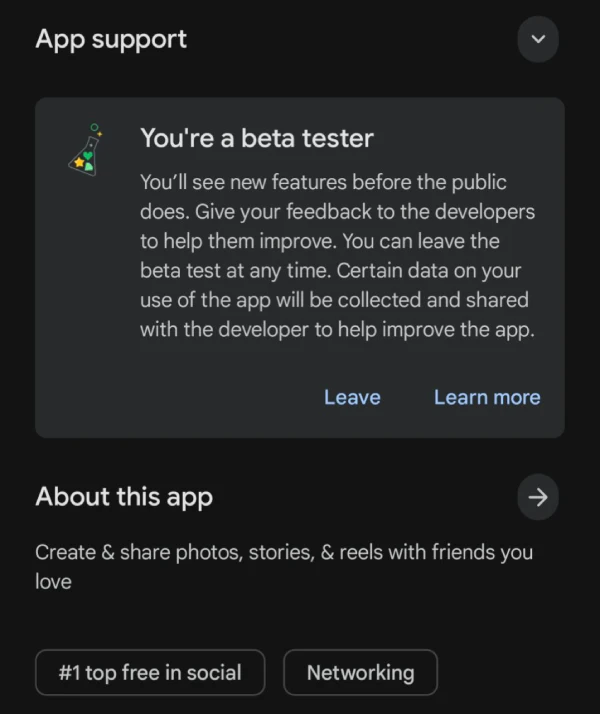
Some users who weren’t officially in the beta program found success by toggling off the “early access to features” switch within Instagram’s settings before uninstalling and reinstalling. A handful of people reported that joining the beta program actually fixed the issue for them, though this seems less consistent.
If the beta fix doesn’t apply to your situation or you’re having trouble leaving the program (some users are getting error messages when trying to opt out), downloading an older APK version of Instagram can work too. Installing version 399.0.0.51.85 from September 23 has reportedly resolved the crashes for a couple of users.
One creative workaround while waiting for a permanent fix: open reels through your notifications tab instead of the main reels section. If someone’s liked or replied to your comment on a reel, tapping that notification should let you access and scroll through videos without triggering the crash.
Hopefully, Instagram will fix the problem with the next release. And speaking of upcoming updates, the platform is also gearing up for a major UI revamp. You can read all the details here.

Dwayne Cubbins
1810 Posts
My fascination with Android phones began the moment I got my hands on one. Since then, I've been on a journey to decode the ever-evolving tech landscape, fueled by a passion for both the "how" and the "why." Since 2018, I've been crafting content that empowers users and demystifies the tech world. From in-depth how-to guides that unlock your phone's potential to breaking news based on original research, I strive to make tech accessible and engaging.
Next article View Article
