





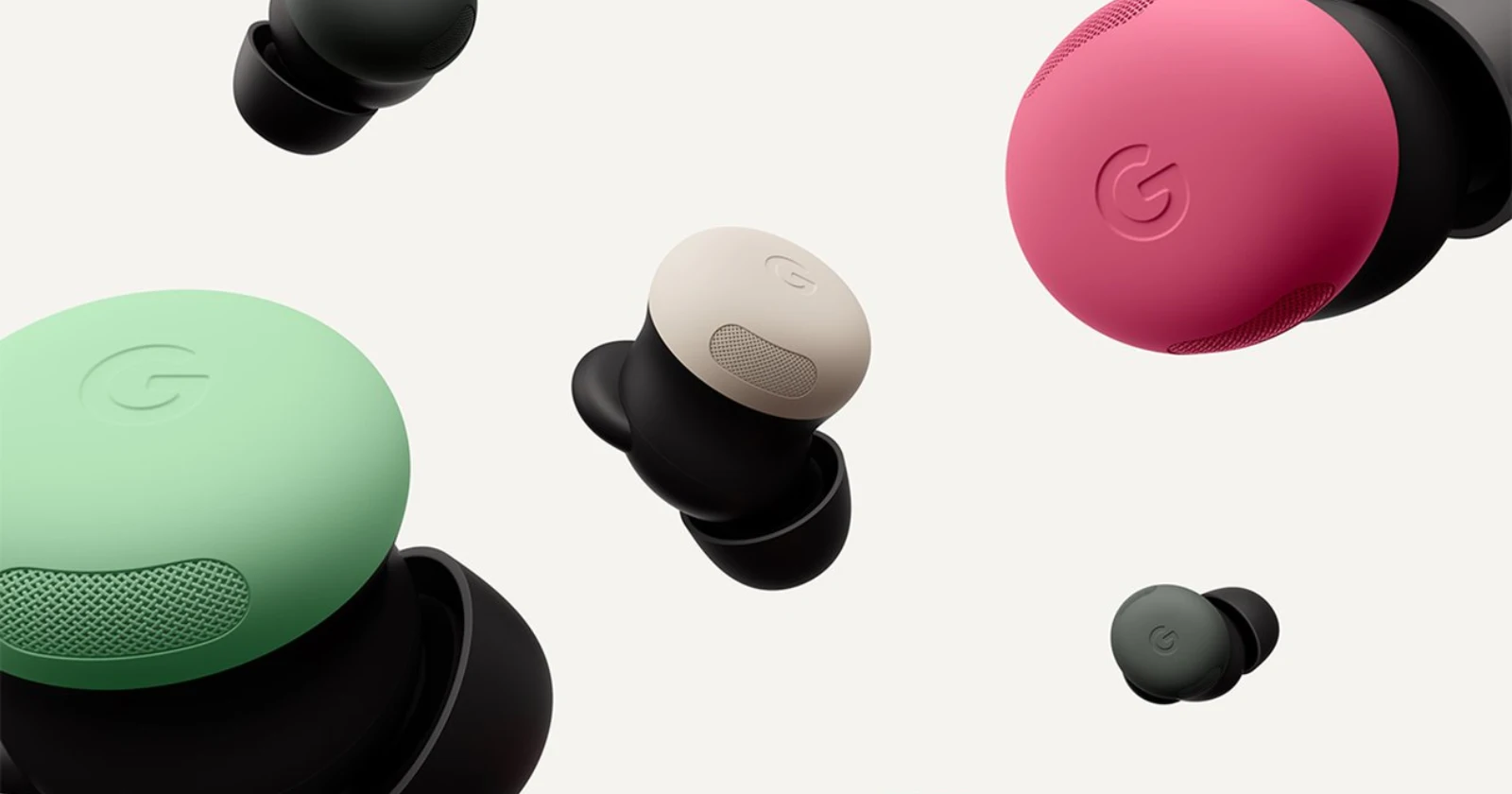
Google has started rolling out firmware version 4.467 for the Pixel Buds Pro 2, and this is one of those updates that changes how these earbuds feel day to day. It is a gradual release, so do not be surprised if it takes a bit to reach your pair. Keep the buds charged and connected, and make sure the Google app on your phone is current, since parts of this update rely on it.
The star addition is Adaptive Audio, which blends awareness with noise reduction on the fly. Instead of locking you into full noise cancellation or full transparency, the buds now analyze your surroundings and quietly trim the sounds you do not want while keeping you tuned in to the ones you do. Walking near traffic, riding the metro, or lifting at the gym, you can still hear what matters without your playlist getting drowned out. You will find the toggles in the Pixel Buds app, which is required for the feature to work.
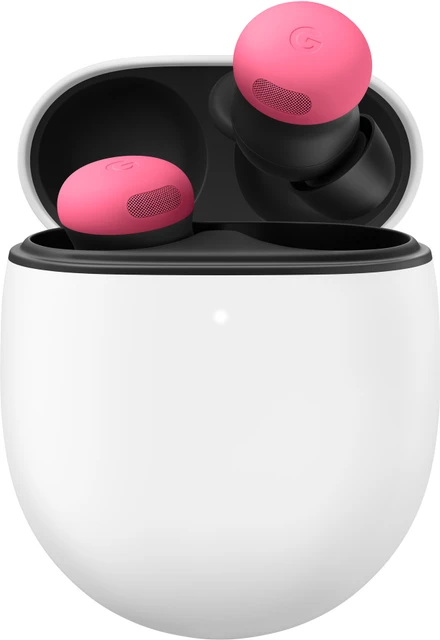
Alongside that, Loud Noise Protection steps in when a sudden blast hits, like a siren or a blender at close range. The earbuds pull down the volume to help protect your ears, then let things return to normal once the spike passes. Google does note this is not meant for sharp impulse sounds such as fireworks or explosions, so keep expectations realistic. Still, for everyday surprises, it is a smart safety net.
Head gestures are the most playful addition, and they are genuinely handy once you try them. A nod can answer a call or send a quick reply to a text, and a shake can decline. You get real hands‑free control when your phone is tucked away or your hands are busy. Look for the setting in the Buds app after installing 4.467, and make sure the Google app on your phone is version 16.36 or newer. Google says this one will appear over the next few weeks, so timing may vary by user.
If you are using Gemini Live on a compatible Android phone, the buds now do a better job picking out your voice in noisy spots. Advanced processing prioritizes your speech and suppresses chatter around you, so you can carry on without repeating yourself every sentence. As usual, you will need the Gemini app and a Google Account, and availability depends on country and language.
Getting the update is simple. When connected to a Pixel or any Android device on 6.0 or later, the firmware downloads in the background, which takes about ten minutes. It installs the next time you drop the earbuds into the case with enough charge, another ten minutes or so. If you prefer to take control, open the Pixel Buds app, head to More settings, then Firmware update, and tap Manual update available. Expect roughly fifteen minutes.
Taken together, Adaptive Audio, Loud Noise Protection, head gestures, and clearer Gemini interactions make the Pixel Buds Pro 2 more aware, more helpful, and easier to live with, all without changing the hardware in your ears. Seems like a sweet deal to me.
Feel free to share your thoughts on the new features in the comments below.

Dwayne Cubbins
1804 Posts
My fascination with Android phones began the moment I got my hands on one. Since then, I've been on a journey to decode the ever-evolving tech landscape, fueled by a passion for both the "how" and the "why." Since 2018, I've been crafting content that empowers users and demystifies the tech world. From in-depth how-to guides that unlock your phone's potential to breaking news based on original research, I strive to make tech accessible and engaging.
Next article View Article
