





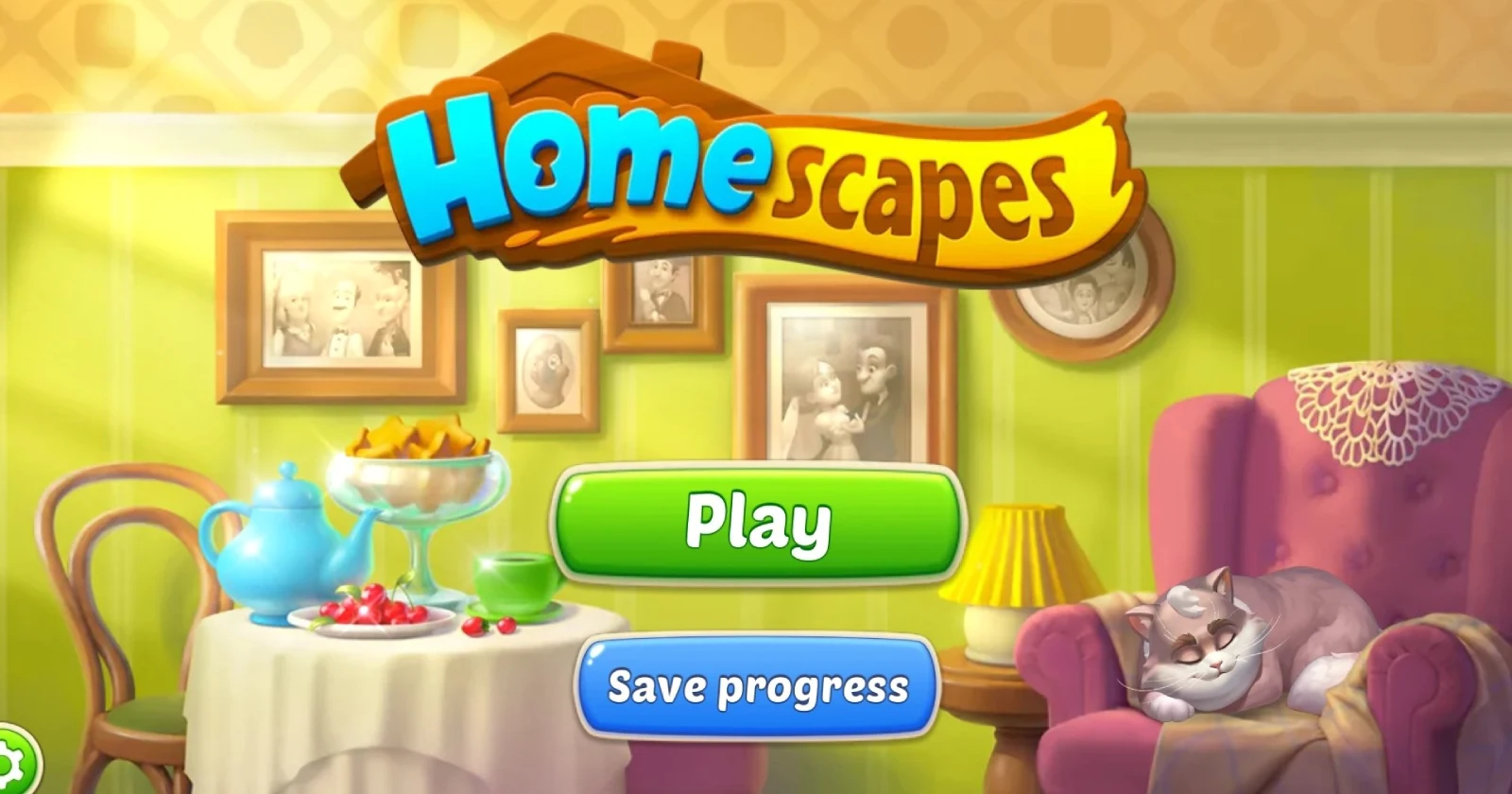
Open the app after the latest update, watch the loading bar sit there like it owns the place, and then nothing happens, that is the story many Homescapes players are telling today across Reddit, Facebook groups, and X as the game refuses to get past the splash screen or stalls right after “updating 100%.”
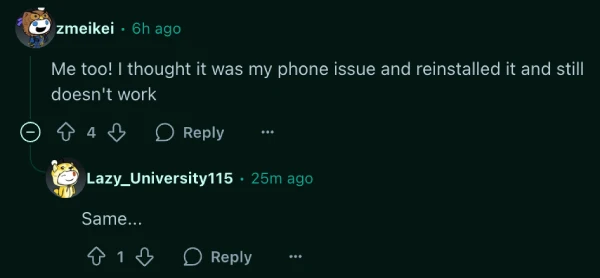
Scroll through r/HomescapesOfficial or check the Homescapes Fans & Friends Facebook group and you’ll see a parade of fresh posts, each detailing the same story. Players like u/Lazy_University115 and u/zmeikei say their game simply won’t open after the update, no matter how many times they try.
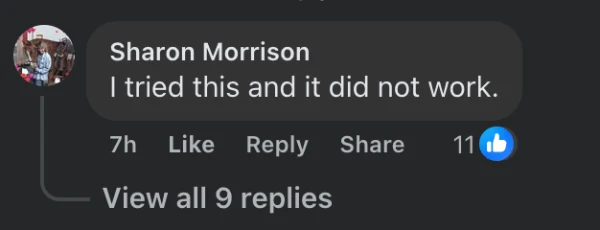
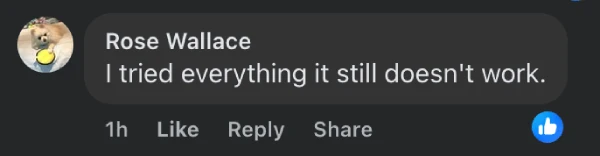
Over on Facebook, people like Sharon Morrison and Rose Wallace have tried everything from restarts to reinstalling, but still get nowhere. Meredith Ruth mentions uninstalling and reinstalling three times without a hint of progress — the game sits there, showing nothing but a frozen screen.
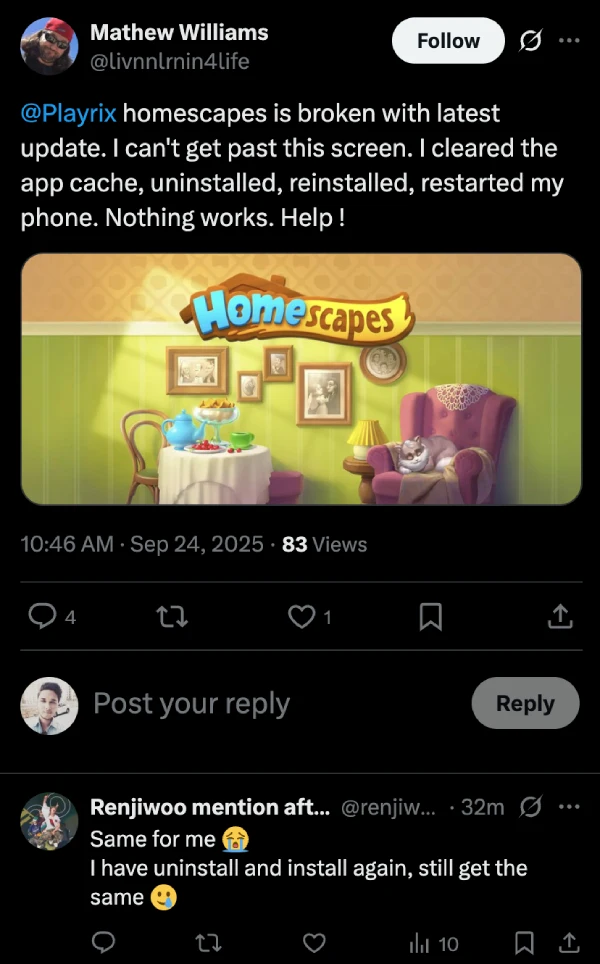
Some players are even sharing screenshots on X, highlighting the loading screen where they are stuck.
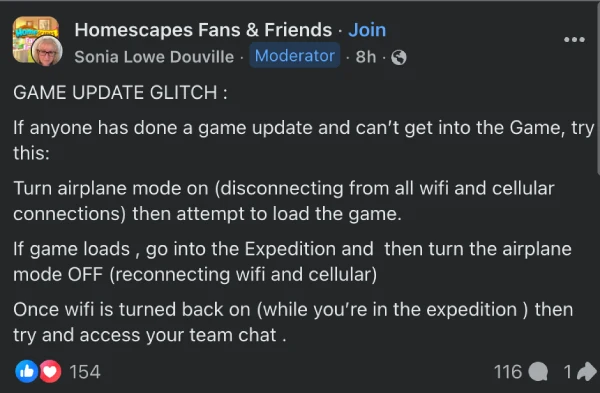
But it seems like there might be a temporary workaround that is helping some players, at least. A moderator on the Homescapes Fans & Friends group — Sonia Lowe Douville — shared this workaround.
Here’s the trick: first, turn on airplane mode and make sure Wi-Fi and cellular data are truly off; launch Homescapes, and if you’re lucky enough to get in, head straight to the Expedition. Once inside, you can reconnect the device, switch off airplane mode, and try to access team chat.
It’s not a silver bullet, but some users like Chris Kenney found this tip bought them a path back into the game (though they note the process has to be repeated each time you play). Mary Carroll reported needing to go a step further by restarting their Android phone after using the trick, while others found even the best workaround fell flat.
The developers are yet to acknowledge the issue publicly, but we’ll keep an eye out for any further details and will post an update if and when there’s somethign to share.


Dwayne Cubbins
3032 Posts
I cover fast-moving stories across apps, online platforms, and everyday tech — phones, wearables, consoles, and whatever else people are fighting with this week. Bugs, rollouts, scams, policy enforcement, and the occasional internet-culture rabbit hole are all fair game. My goal is simple — make confusing tech news readable. When I'm not working, I'm working out or chilling with my dog. Got a tip? You can find me on X @dcubbins.
Next article View Article
