





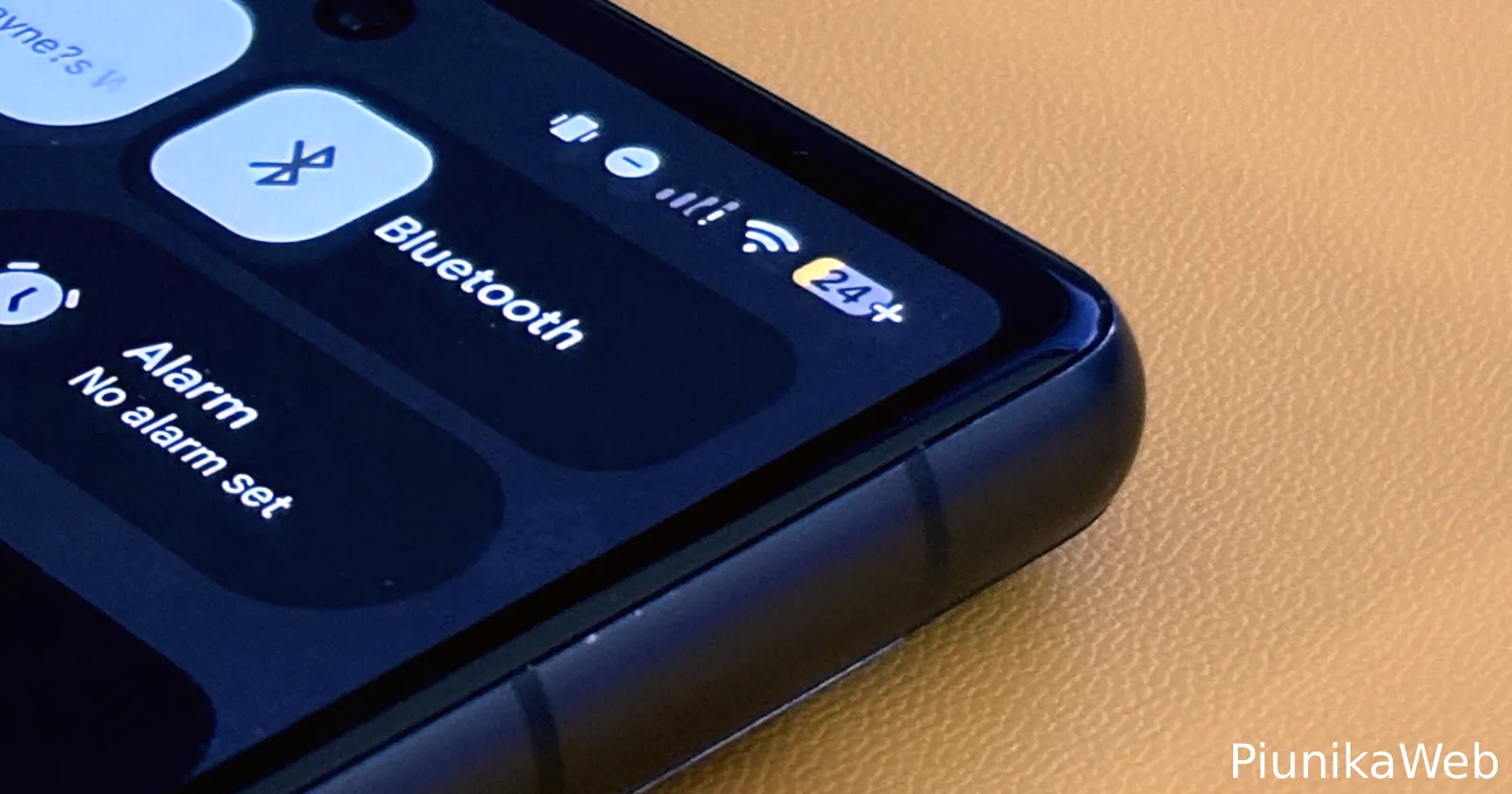
The new Android 16 QPR1 update has brought a change that has left some Pixel users a bit frustrated. Some users discovered that enabling Battery Saver mode now overrides the screen timeout settings and forces a 30-second timeout.
Multiple users across Google Support forums and Reddit have voiced their displeasure with this behavior change. Brad Waddell, who posted on Google’s official support forums, described setting his screen timeout to five minutes only to watch it revert to 30 seconds the moment Battery Saver kicks in. His post has attracted responses from several other frustrated users experiencing the same thing.
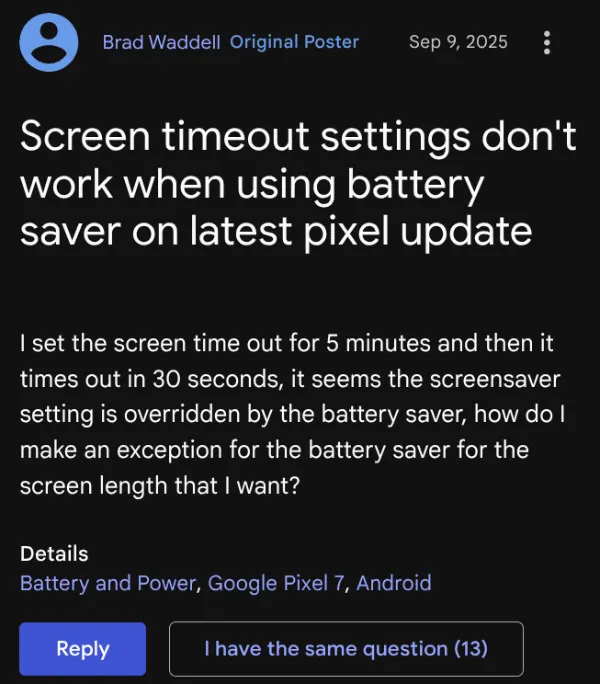
“This is a terrible change,” responded another user in the same thread. “I want battery saver on all the time for overall longer battery life but on the settings that I have set myself I do not want battery saver to override them.” The complaint highlights a key concern: many users prefer keeping Battery Saver enabled continuously rather than just during low battery situations.
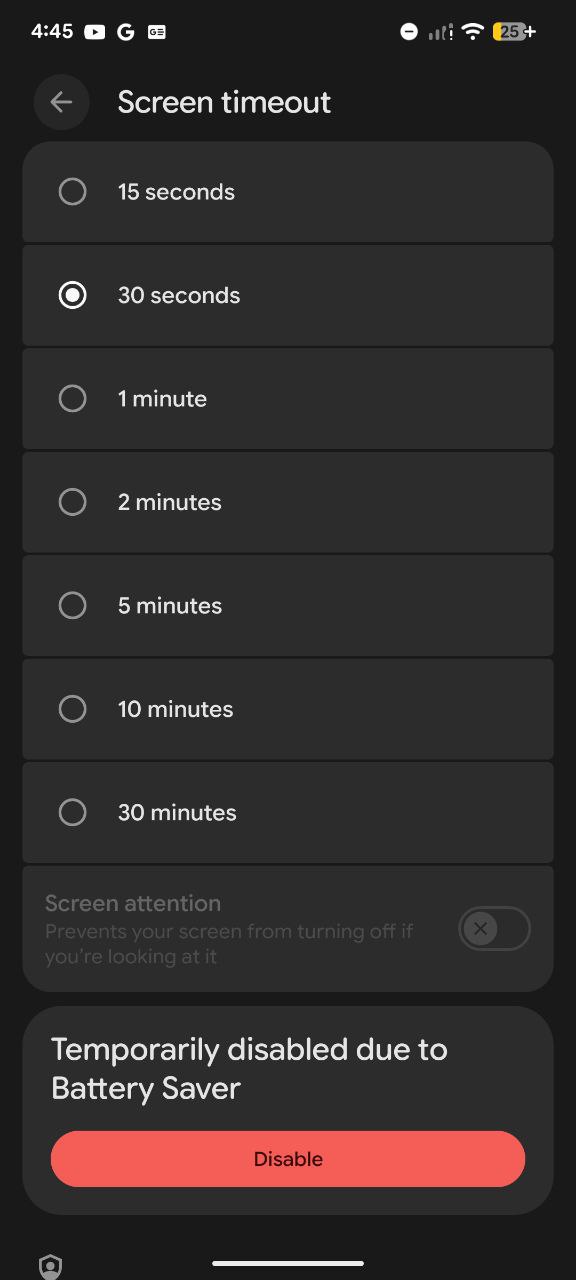
I tested this behavior on my own Pixel device and can confirm this is the current behavior. When Battery Saver is active, the screen timeout setting in System Settings gets disabled. Your preferred settings get enabled once you exit the low-power state.
Several people mentioned they use longer screen timeouts for specific activities like reading at the gym, following workout routines, or simply avoiding constant screen taps during regular use. The 30-second forced timeout disrupts these activities significantly.
One particularly frustrated Pixel 10 Pro owner on Google Support forums asked about permanently disabling the timeout override, only to receive a dismissive response from a Diamond Product Expert suggesting they simply avoid using Battery Saver entirely.

The change appears tied specifically to the Android 16 QPR1 update, as multiple users confirmed this behavior wasn’t present in previous versions. I, however, haven’t been able to independently verify this myself.
For now, Pixel users who want longer screen timeouts must choose between keeping Battery Saver enabled or maintaining their preferred display settings — a compromise that many find unacceptable given Android’s historically customizable nature.


Dwayne Cubbins
3123 Posts
I cover fast-moving stories across apps, online platforms, and everyday tech — phones, wearables, consoles, and whatever else people are fighting with this week. Bugs, rollouts, scams, policy enforcement, and the occasional internet-culture rabbit hole are all fair game. My goal is simple — make confusing tech news readable. When I'm not working, I'm working out or chilling with my dog. Got a tip? You can find me on X @dcubbins.
Next article View Article
