





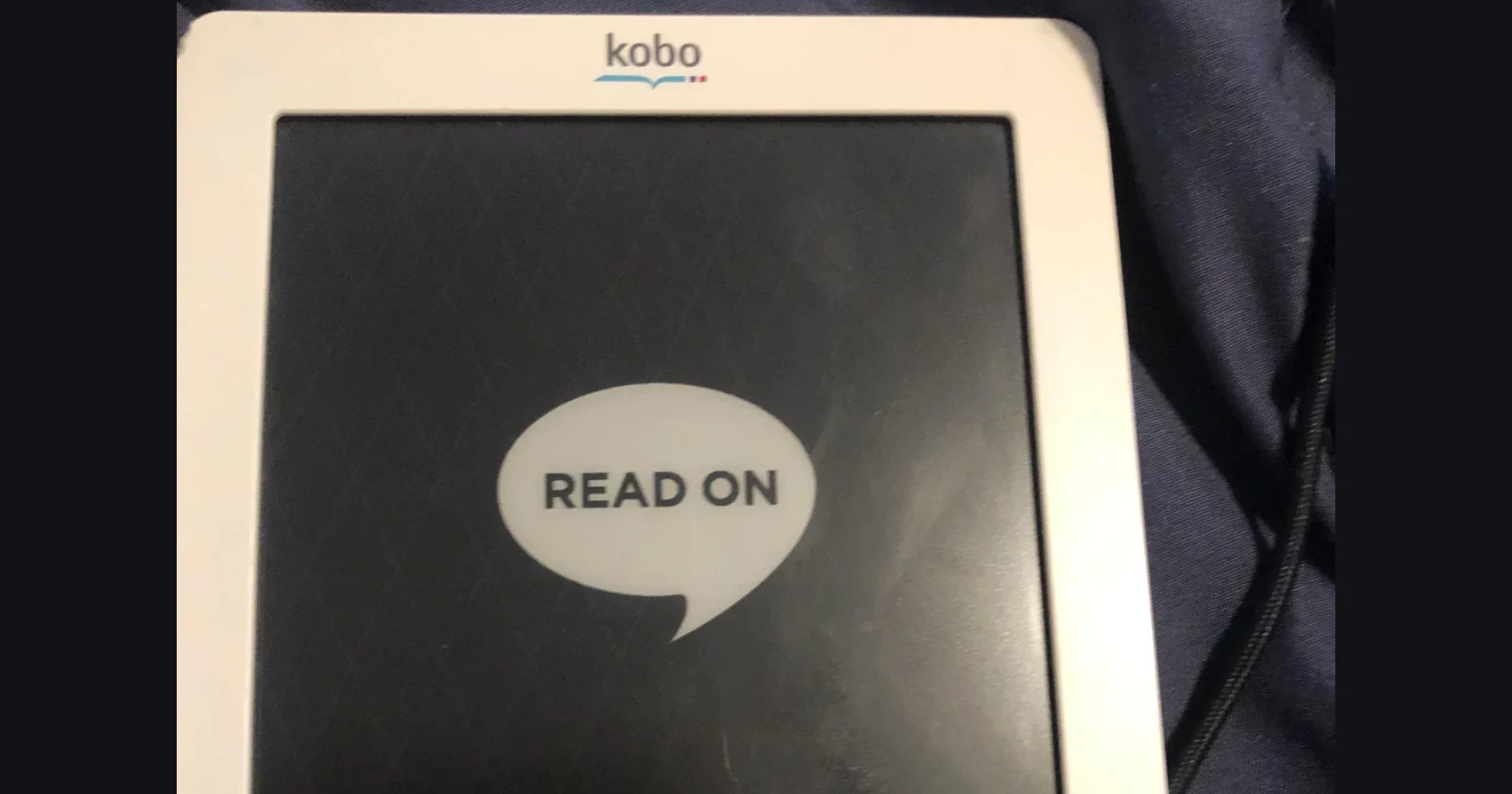
If you’ve been using a Kobo e-reader for years, you might want to think twice before hitting that update button. A recent firmware update has been turning perfectly good devices into expensive paperweights.
The whole mess started a few weeks back when Kobo pushed out what seemed like a routine update. Turns out, it wasn’t so routine. Users across Reddit have been sharing horror stories of their devices getting stuck on loading screens, going completely white, or just refusing to turn on at all. We’re talking about everything from ancient 2011 models to more recent ones like the Clara HD.
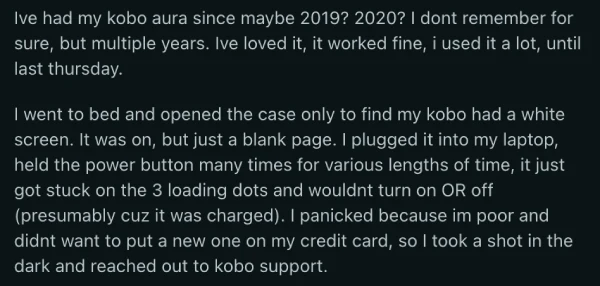
One user described going to bed with a working Kobo and waking up to find it displaying nothing but a blank white screen.
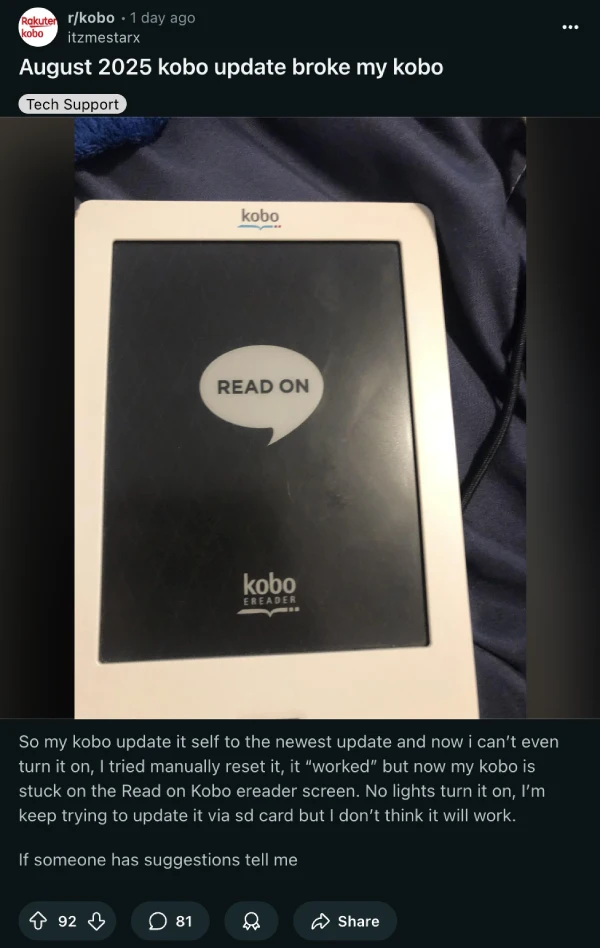
Another posted, “I can’t even turn it on, I tried manually reset it, it ‘worked’ but now my kobo is stuck on the Read on Kobo ereader screen.”
The common thread? Pretty much everyone tried the usual fixes – holding down power buttons, plugging into computers, even attempting manual firmware installations – and got nowhere.
What’s really frustrating people is that this wasn’t some experimental beta update. This was Kobo pushing an Instapaper integration feature to devices, including ones owned by people who couldn’t care less about Instapaper. Imagine having your reading device killed by a feature you’ll never use.
But here’s where things get interesting. Instead of telling customers “tough luck, your device is too old,” Kobo support has been doing something pretty remarkable. They’re replacing bricked devices for free, even ones that are way out of warranty.
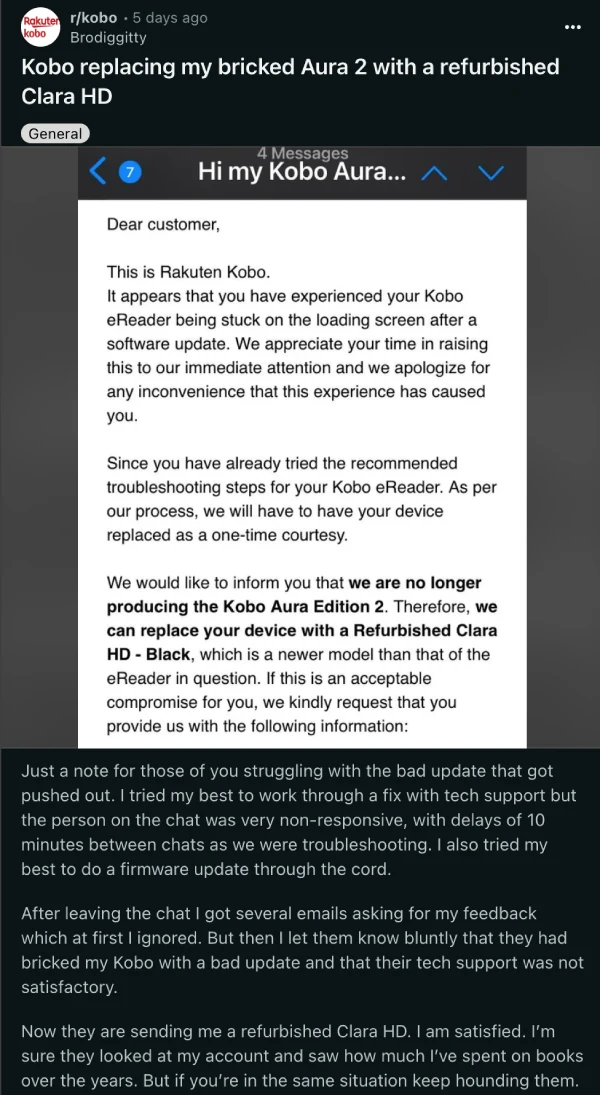
People are sharing stories that honestly sound too good to be true. Someone with a 2015 Aura got a free Clara 2e as a replacement. Another person saw their ancient device swapped for a brand new Clara BW. All with free shipping and surprisingly quick turnaround times.
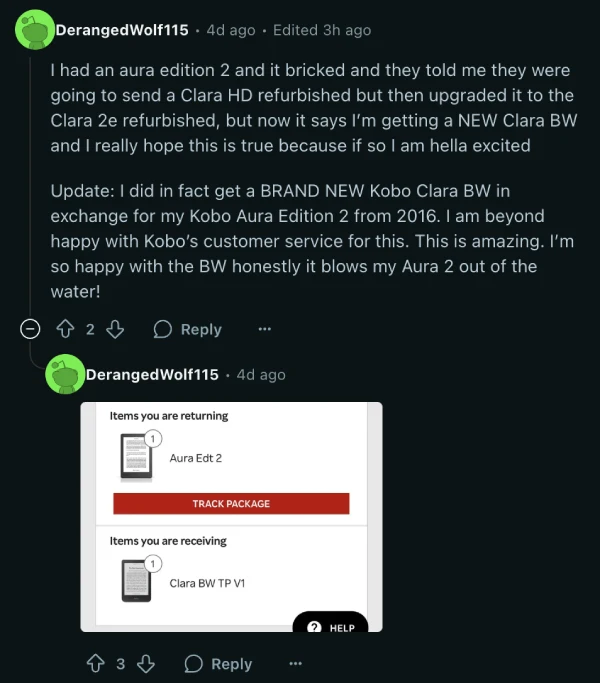
The key seems to be persistence and being upfront about the situation. Several users mentioned that support initially tried to walk them through troubleshooting steps, but once it became clear the device was genuinely bricked, replacements were offered without much hassle.
This makes sense when you think about it. Kobo doesn’t really make money selling hardware – they make it selling books. A customer with a dead e-reader can’t buy books, so keeping people happy and reading is worth more than the cost of a replacement device.
If you’re still using an older Kobo, the advice floating around is simple: turn off Wi-Fi and don’t update anything until this gets sorted out. And if your device is already bricked, don’t give up after one conversation with support. Multiple users have reported getting better results by calling rather than using chat.
It’s rare to see a tech company take this much responsibility for their screwups these days. Sure, Kobo created this problem in the first place, but their willingness to make it right – even for devices that are over a decade old – is pretty refreshing.


Dwayne Cubbins
3036 Posts
I cover fast-moving stories across apps, online platforms, and everyday tech — phones, wearables, consoles, and whatever else people are fighting with this week. Bugs, rollouts, scams, policy enforcement, and the occasional internet-culture rabbit hole are all fair game. My goal is simple — make confusing tech news readable. When I'm not working, I'm working out or chilling with my dog. Got a tip? You can find me on X @dcubbins.
Next article View Article
