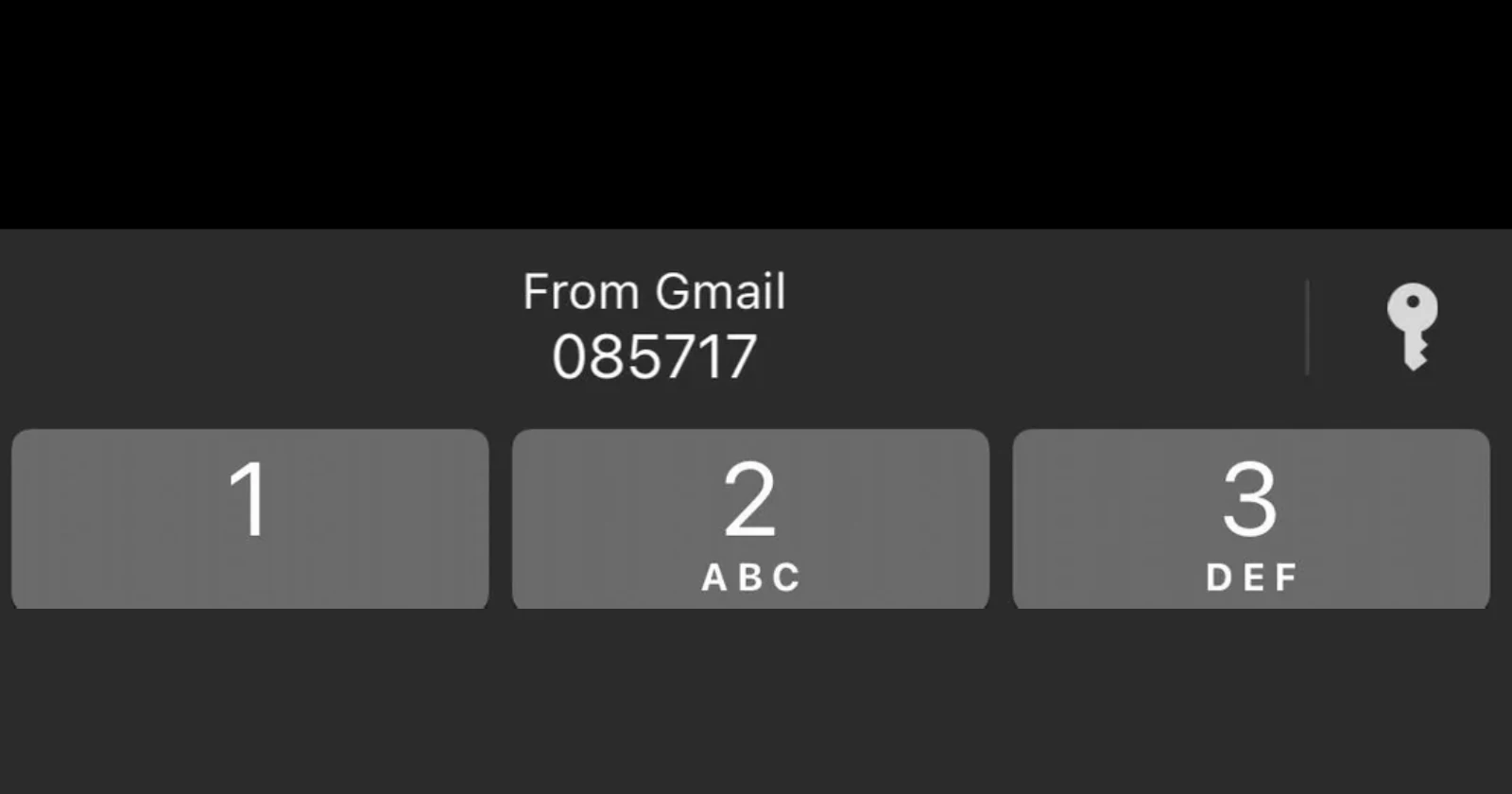
Apple has quietly rolled out one of those features that makes you wonder why it took so long. With iOS 26, iPhone users can now have their verification codes automatically filled in from Gmail notifications, plus a bunch of other email apps. No more fumbling between your Gmail app and whatever service is asking for that six-digit code.
The change works because of how Apple handles notifications on iPhones. Every notification that hits your phone passes through Apple’s system first, which means iOS can scan for verification codes in real-time. Whether it’s coming from Gmail, Outlook, Fastmail, or even Spark email, your phone will spot those codes and offer to fill them in automatically.
It was first spotted in June during the beta stages, but with iOS 26 rolling out today, everyone should have it working within just a few hours.
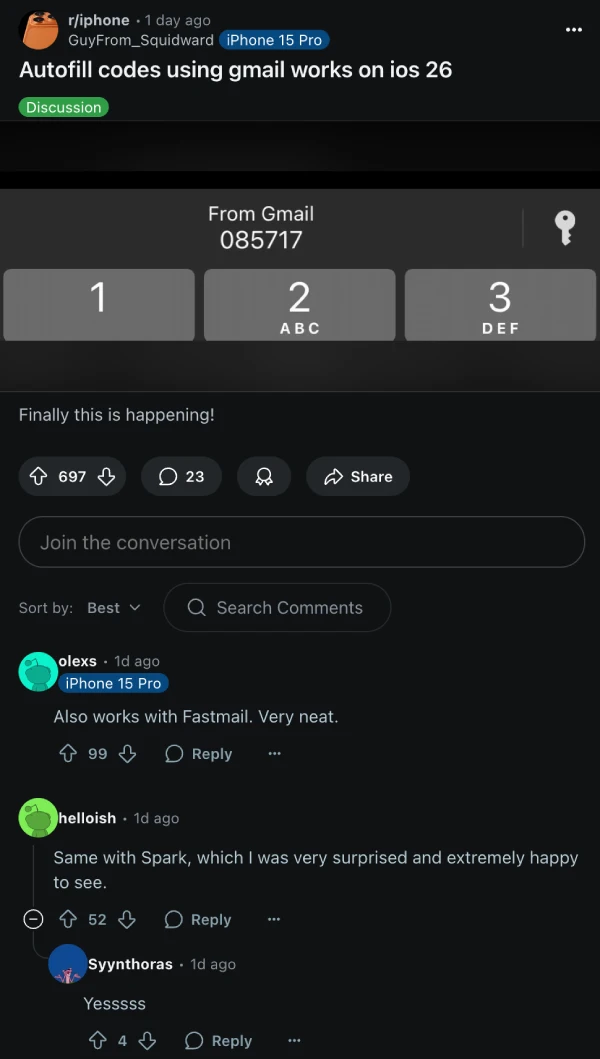
Reddit users have been celebrating the update, with one iPhone 15 Pro owner posting excitedly about Gmail codes finally working. The response has been overwhelmingly positive, with people mentioning it works across different email services. “Also works with Fastmail. Very neat,” commented one user, while another was surprised to see it functioning with Spark.
This isn’t just about Gmail getting special treatment. Apple’s approach is refreshingly universal – they’re scanning notification text for verification codes regardless of which app sent them. The system looks for patterns like “Your verification code is 123456” or similar phrases, then presents that code as an autofill option when you’re typing in an app.
For years, this feature only worked with SMS messages and Apple’s own Mail app. iPhone users with Gmail accounts had to either switch to Apple Mail or do the tedious copy-paste dance every time they needed a verification code from an email. Now that artificial barrier is gone.
The technical implementation is smart too. Since Apple controls the notification system, they can process this information without needing special permissions from individual apps. Your Gmail app doesn’t need to do anything different – iOS just reads the notification text as it comes through.
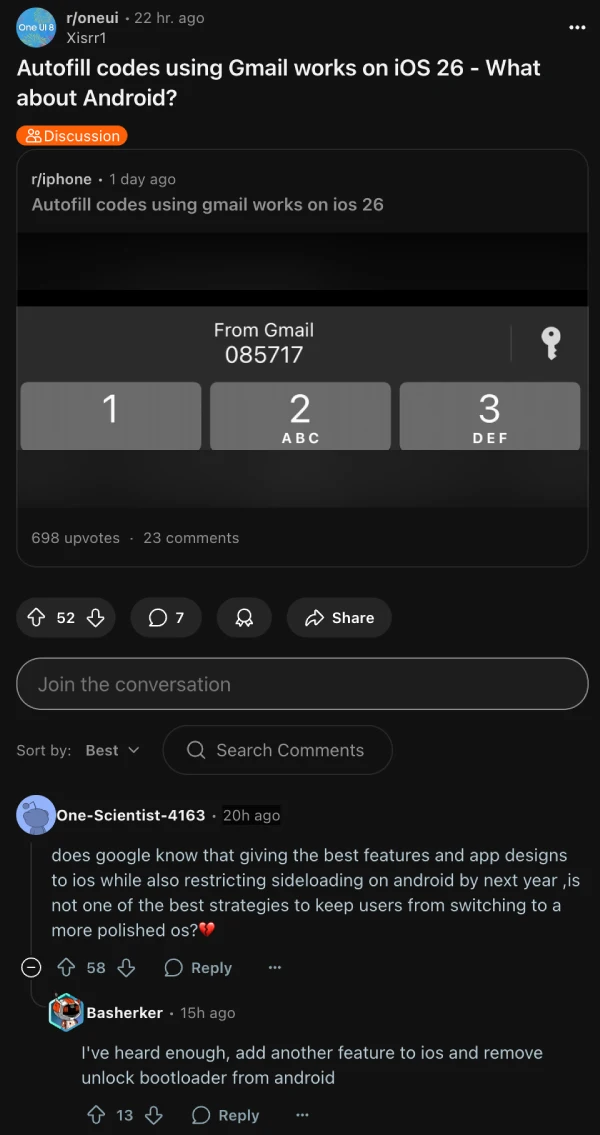
Some Android users who assumed that this was a feature Google worked on for Gmail on iOS weren’t thrilled about it. That said, Google can still at least work on implementing something similar on Android.
The timing feels right for this change. Two-factor authentication has become standard across most services, and email-based verification codes are increasingly common. Apple finally acknowledging that not everyone uses their Mail app feels like a small but meaningful step toward better user experience.
It’s one of those updates that doesn’t make headlines but genuinely improves daily phone use. No more screenshot-and-squint sessions or hoping you can remember a six-digit code long enough to type it in. Just tap, autofill, and move on with your day.

Dwayne Cubbins
1853 Posts
My fascination with Android phones began the moment I got my hands on one. Since then, I've been on a journey to decode the ever-evolving tech landscape, fueled by a passion for both the "how" and the "why." Since 2018, I've been crafting content that empowers users and demystifies the tech world. From in-depth how-to guides that unlock your phone's potential to breaking news based on original research, I strive to make tech accessible and engaging.
Next article View Article