





Some YouTuber users have recently started complaining about YouTube’s Theater mode suddenly looking bloated and oversized, like someone cranked up the UI scaling without warning. What caught my attention wasn’t just the complaints, but how widespread this appears to be.
One user on a 1080p 23-inch monitor captured exactly what many others are experiencing. The video controls, progress bar, and even right-click menu options have all gotten noticeably bigger.
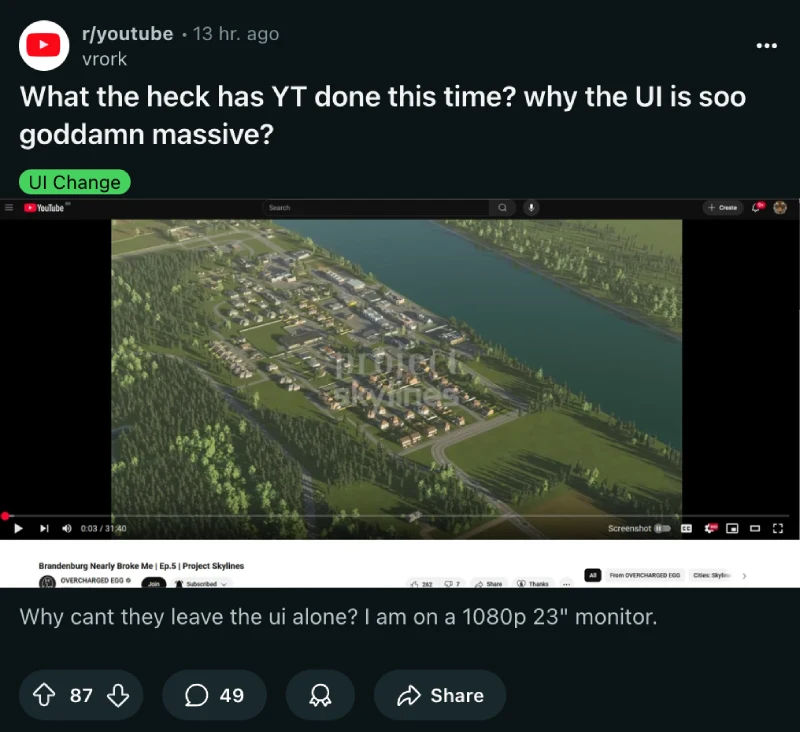
Another person described it as “the love child between the TV UI and the Desktop UI,” which honestly nails the awkward feeling this change brings.
The inconsistency in reports suggests YouTube is running another one of their famous A/B tests. I noticed reports from users saying they have one tab with normal controls and another with the enlarged version running simultaneously. This kind of split testing is classic YouTube behavior when they’re considering interface changes.
It’s worth noting that these enlarged controls only appear in Theater mode, which happens to be the preferred viewing method for many desktop users, and that includes me. But I’m probably lucky because I notice no such change in the UI, at least not yet.
Users say that after switching back to the regular player size, everything returns to normal dimensions. Full screen mode apparently makes things smaller, creating an inconsistent experience across different viewing modes.
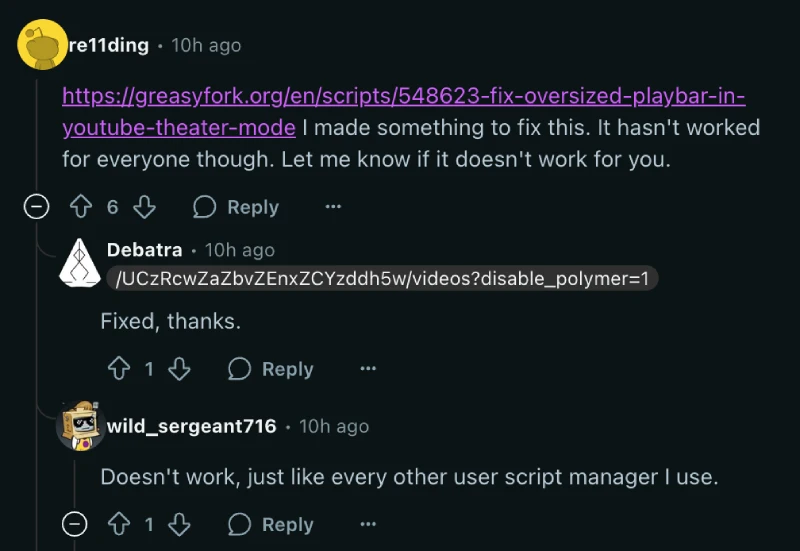
One person on Reddit even went as far as to create a Greasyfork script that removes the “ytp-big-mode” class YouTube is apparently applying to Theater mode viewers. The script has helped several people, though it doesn’t work universally across all browsers and setups.
This Theater mode experiment isn’t happening in isolation either. I found evidence that YouTube has been quietly testing miniplayer placement changes for at least two months now. Back in July, users started reporting that the miniplayer button had vanished entirely from the video controls. The button would disappear when users logged into their accounts but remain visible in private browsing sessions.
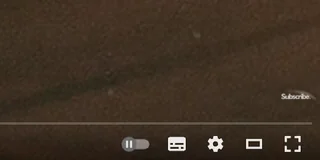
The miniplayer situation has been particularly confusing because the feature itself still works. The miniplayer shortcut still works. So you can still press the “i” key or right-click the video to access miniplayer mode, even without the visible button.
Recent threads show the miniplayer button continues to play hide and seek with users. Some report it appearing and disappearing randomly, while others say it’s been missing for weeks. The inconsistent rollout indicates this is still very much a work in progress rather than a finalized change.
User reactions have been overwhelmingly negative, with many calling the changes unnecessary and disruptive. The fact that someone felt compelled to create browser extensions to revert the changes speaks volumes about how unwelcome these modifications are for the existing user base.
That said, let me know if you’re seeing either of these changes too in the comments section below.


Dwayne Cubbins
3001 Posts
I cover fast-moving stories across apps, online platforms, and everyday tech — phones, wearables, consoles, and whatever else people are fighting with this week. Bugs, rollouts, scams, policy enforcement, and the occasional internet-culture rabbit hole are all fair game. My goal is simple — make confusing tech news readable. When I'm not working, I'm working out or chilling with my dog. Got a tip? You can find me on X @dcubbins.
Next article View Article
