





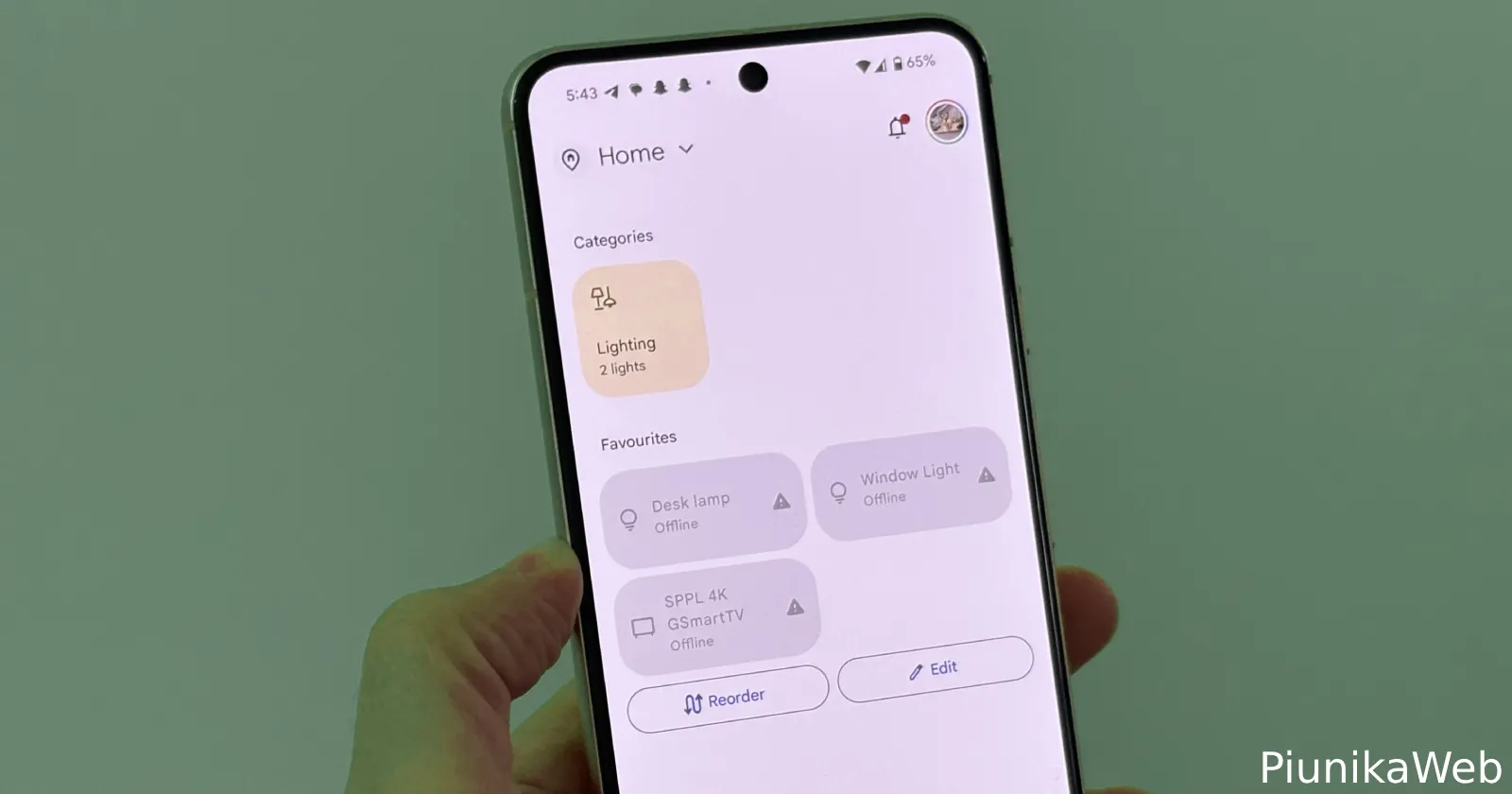
Pixel users running Android 16 QPR1 are dealing with a frustrating bug that’s blocking Google Home push notifications from reaching their phones. The issue seems particularly widespread among folks who’ve recently upgraded to the Pixel 10 series, though it’s hitting other Pixel models too.
The problem first caught attention on Reddit when users started noticing their Google Home apps weren’t sending notifications for camera events, doorbell rings, or motion detection. What makes this especially annoying is that many users report still getting these same notifications on their Pixel watches, just not on their actual phones.

Several Pixel 10 users described how notifications worked perfectly for the first few days after setting up their new phones, then suddenly stopped without warning. One user mentioned they initially thought restarting their Pixel 10 Pro would fix things, but that temporary solution eventually stopped working too.
The timing points to Android 16 QPR1 as a likely culprit. Multiple users specifically noted the issue started after installing the September security update. However, the situation gets more complex since one user says their daughter with a Pixel 9a had the same problem even before that update.
Granted that the app was last updated on August 12, according to the Play Store listing, the only other culprit might be a server-side problem, if it’s not the QPR1 build causing the bug.
Users have been sharing various workarounds with mixed success. The most commonly reported fix involves a multi-step process: force stopping the Google Home app, clearing its cache and data, uninstalling and reinstalling the app, then logging back in and switching presence sensing to the new device. Some users also found success by changing the Google Home app’s battery usage from “Optimized” to “Unrestricted”.
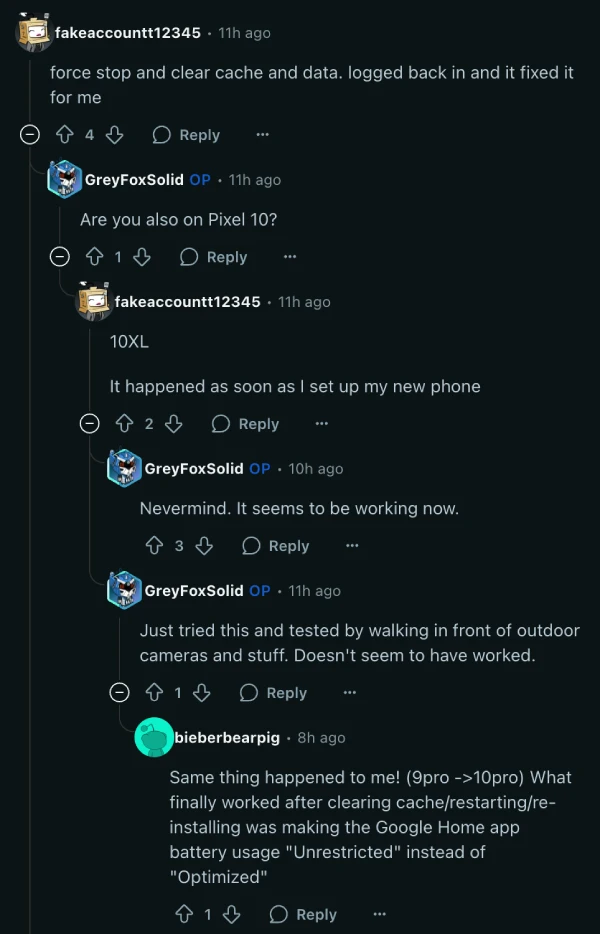
What’s particularly frustrating is how inconsistent these fixes prove to be. Several users report their notifications starting to work again after trying these steps, only to stop functioning after rebooting their phones. One person described having to clear the Home app’s storage and sign back in repeatedly, then reconfigure all notification settings each time their phone restarts.
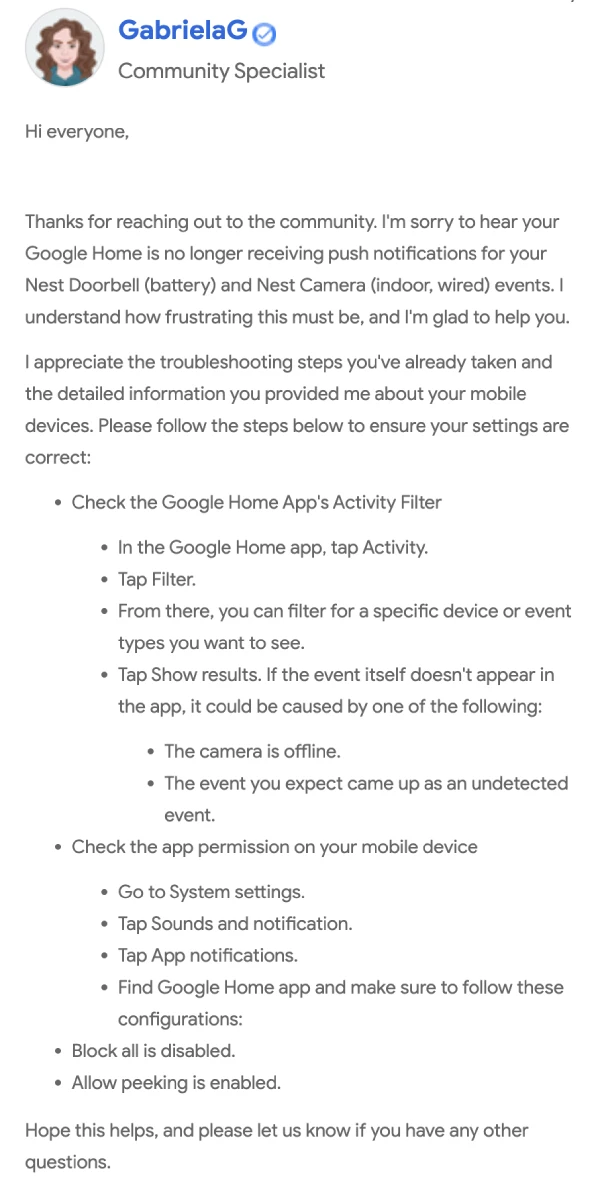
Google’s official support forums show similar complaints, with users detailing the same symptoms across multiple Pixel models. While Google support representatives have offered standard troubleshooting steps, users report that these basic fixes aren’t resolving the underlying problem.
We’ll keep an eye out for any further developments and will post an update if there’s something to share.


Dwayne Cubbins
2983 Posts
I cover fast-moving stories across apps, online platforms, and everyday tech — phones, wearables, consoles, and whatever else people are fighting with this week. Bugs, rollouts, scams, policy enforcement, and the occasional internet-culture rabbit hole are all fair game. My goal is simple — make confusing tech news readable. When I'm not working, I'm working out or chilling with my dog. Got a tip? You can find me on X @dcubbins.
Next article View Article
