Chrome 140 just dropped, and Linux users are getting screwed. What should have been a routine browser update broke things for people running Ubuntu, openSUSE, Fedora, and basically every other major distro.
Diving through the bug reports, there’s a clear pattern emerging. Users are describing symptoms like “font in Chrome looks terrible,” “renderer is completely broken,” and “pixelated or blank.” I’ve seen people trying everything — wiping browser profiles, reinstalling Chrome, updating graphics drivers, switching between X11 and Wayland sessions. One frustrated user mentioned they even messed around with Chrome’s hardware acceleration settings, but nothing worked.
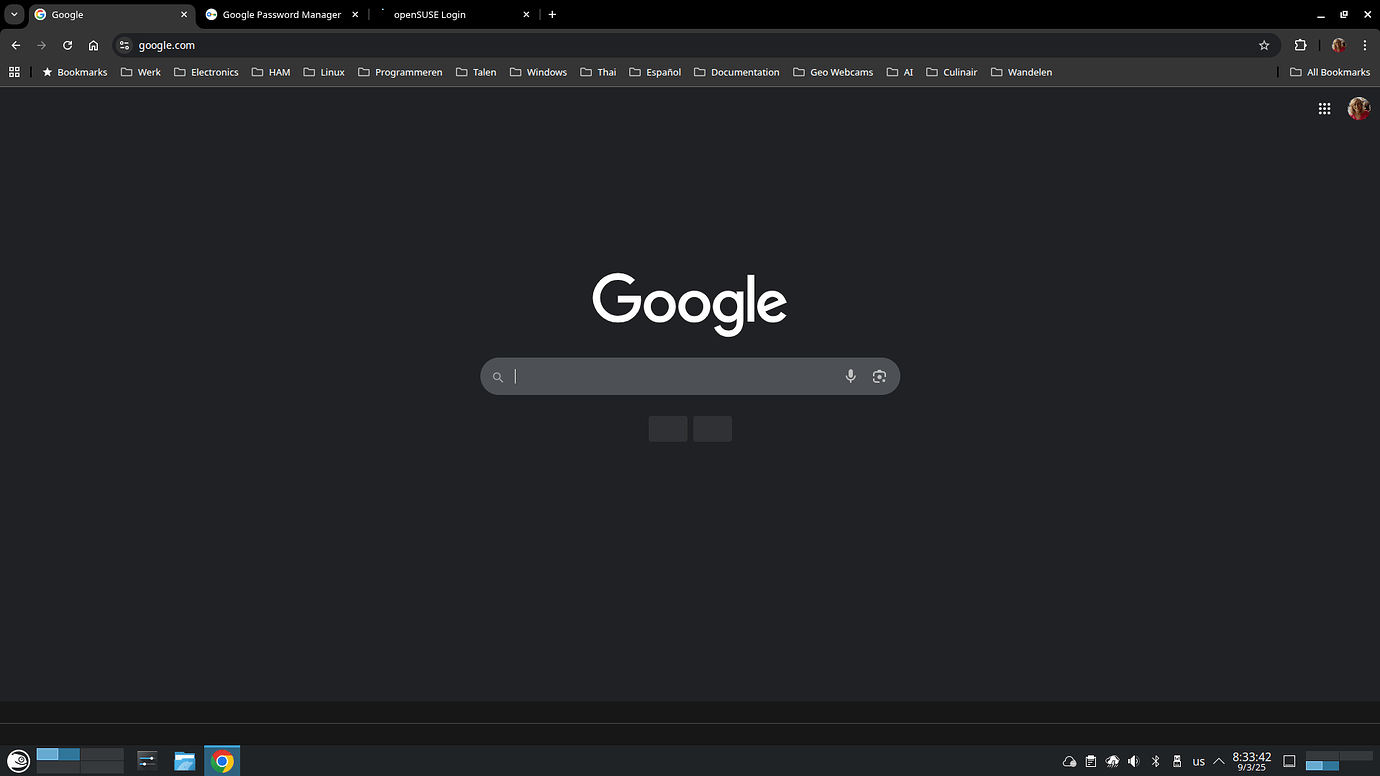
Here are a couple of screenshots of how pages look with the bug:

From what I’ve gathered reading through the thread on the Chromium bug tracker, Chrome 140 is choking on specific font files during its indexing process. I found a comment from a developer mentioning fonts like “Unit Web RB W03 Light,” “Unit Web RB W03 Medium,” “Panton Black,” and “HEJI2Text.otf” as culprits. If you’ve got any of these installed, Chrome just refuses to render text properly.
Apparently, Chrome 140 introduced a new “Fontations” font indexing system that trips over certain broken or incompatible font files. The developer specifically called out “HEJI2Text.otf” as a “seriously broken font file that many font tools have problems with.”
What’s particularly interesting is that the issue seems heavily tied to OpenSUSE systems. I noticed multiple reports mentioning that the texlive package on OpenSUSE Tumbleweed and Leap is a major source of the problem — Google even filed an upstream bug report with OpenSUSE about it.
What’s interesting is that I noticed Brave users complaining about the same issue around the same time, which makes sense since it’s also Chromium-based.
If you’re experiencing this issue, there’s actually a specific command Google’s developers recommend running to check if you have the problematic fonts:
fc-list -f "%{file}\n" | grep -Ei 'unitwebrbw03medium.ttf|unitwebrbw03light.ttf|panton_black.otf|heji2text.otf'
If this returns any results, those are likely the culprit files causing your Chrome to break.
I also spotted several users recommending rolling back to Chrome 139 and holding off on updates until Google fixes this mess. Others found success removing third-party font packages entirely. One user on Pop!_OS mentioned that switching to Chrome dev build (version 141) resolved the issue completely.
Interestingly, one Google employee mentioned they had to remove the “fonts-noto-color-emoji” package to fix the issue on their system.
Good news for affected users: Google’s developers have identified the root cause and developed a fix. From what I can see in the bug tracker, they’ve created a patch that disables the problematic Fontations font indexing system and clears out corrupted font caches.
The tricky part is that even temporarily disabling the feature isn’t enough — Chrome builds font cache files that persist even after the flag is turned off. That’s why the fix involves completely disabling the system and clearing existing caches.
The patch has been marked as ready and is being merged into both Chrome 140 (as a stability fix) and Chrome 141. So users should see relief in the upcoming updates.
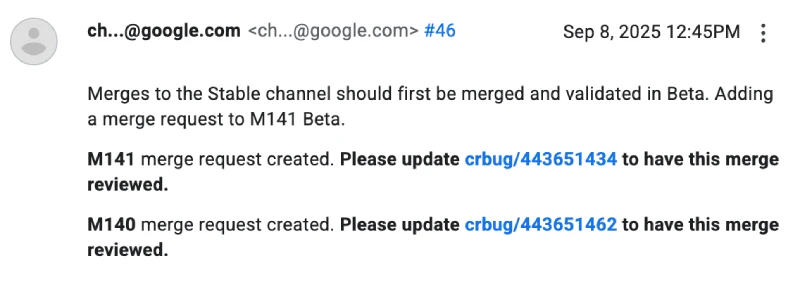
Chrome crashing after 140 update
At the same time, there are a few reports surfacing about the entire browser crashing when trying to access Chrome’s Appearance settings on Linux too. Users ran into the problem when they noticed issues with rendering in dark mode and wanted to switch to light mode.
But there’s a potential workaround that was shared by some on the support forums. Check it out below:
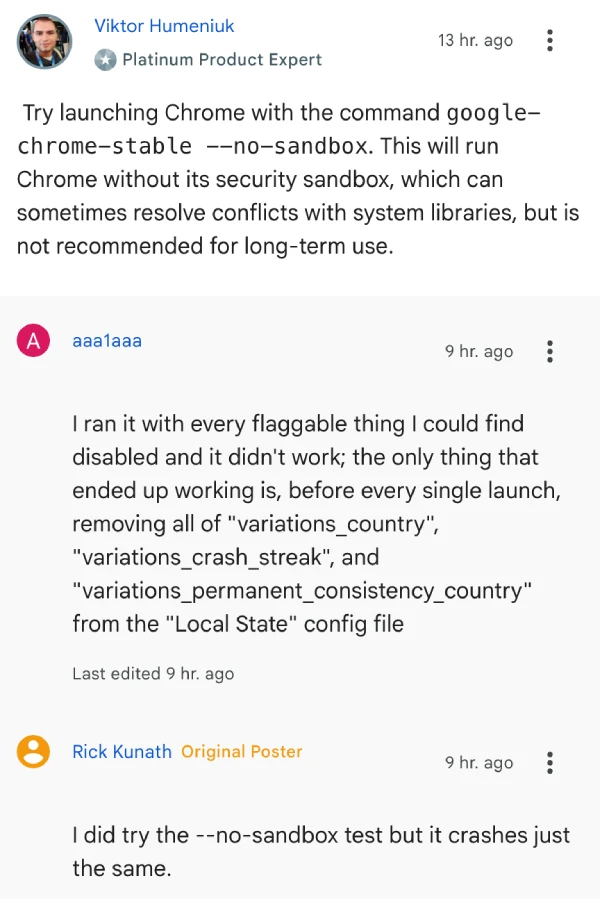
It’s unclear if this is linked to the font bug. But what’s clear is that Google needs to fix the problems ASAP. I’ll keep an eye out for any further developments and will post an update if there’s something to share.


Dwayne Cubbins
3105 Posts
I cover fast-moving stories across apps, online platforms, and everyday tech — phones, wearables, consoles, and whatever else people are fighting with this week. Bugs, rollouts, scams, policy enforcement, and the occasional internet-culture rabbit hole are all fair game. My goal is simple — make confusing tech news readable. When I'm not working, I'm working out or chilling with my dog. Got a tip? You can find me on X @dcubbins.
Next article View Article