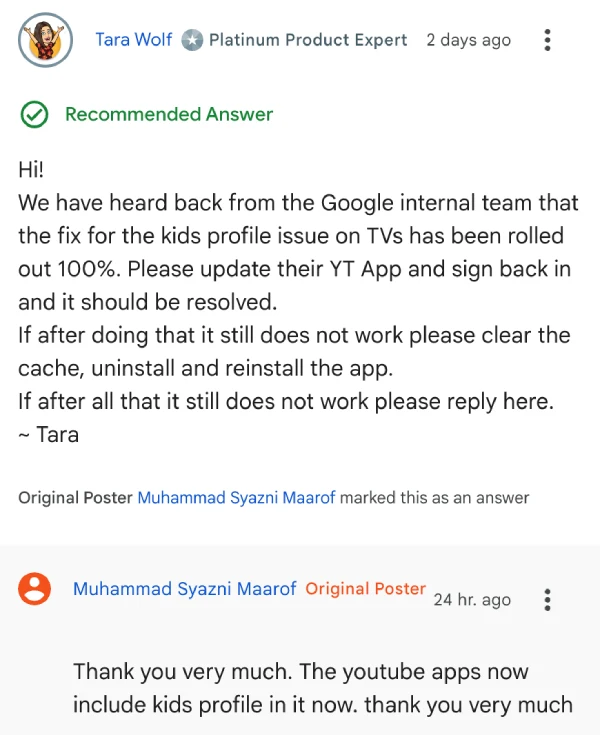
Update 01/10/25 – 09:05 am (IST): A product expert on Google’s support forums has confirmed that a fix for the kids profile bug is now live for everyone. They suggest that updating the YouTube app and signing back in should fix the problem. One user also mentioned that the kids’ profile now appears in the app.
Original article published on September 4, 2025, follows:
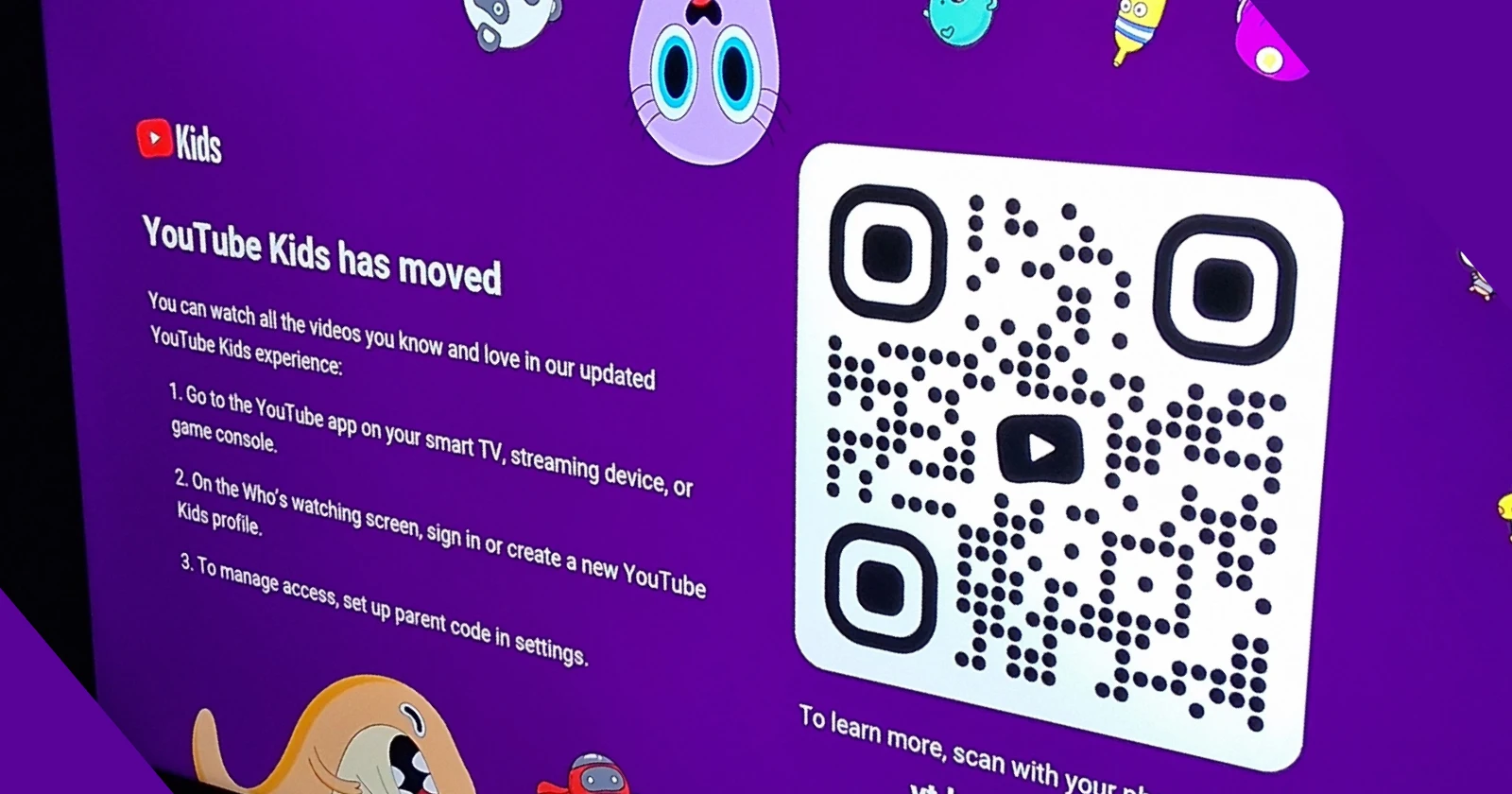
Parents trying to keep the TV on kid-safe videos are running into a stubborn loop, where the main YouTube app tells them to use YouTube Kids and the Kids app points straight back to YouTube, leaving nothing to watch under child profiles. Reports across Google’s help forums and Reddit describe attempts to switch to a child’s account on smart TVs that instantly bounce users between sign-in prompts and the “Kids will move” message, with no way to actually enter the child’s profile on the TV.
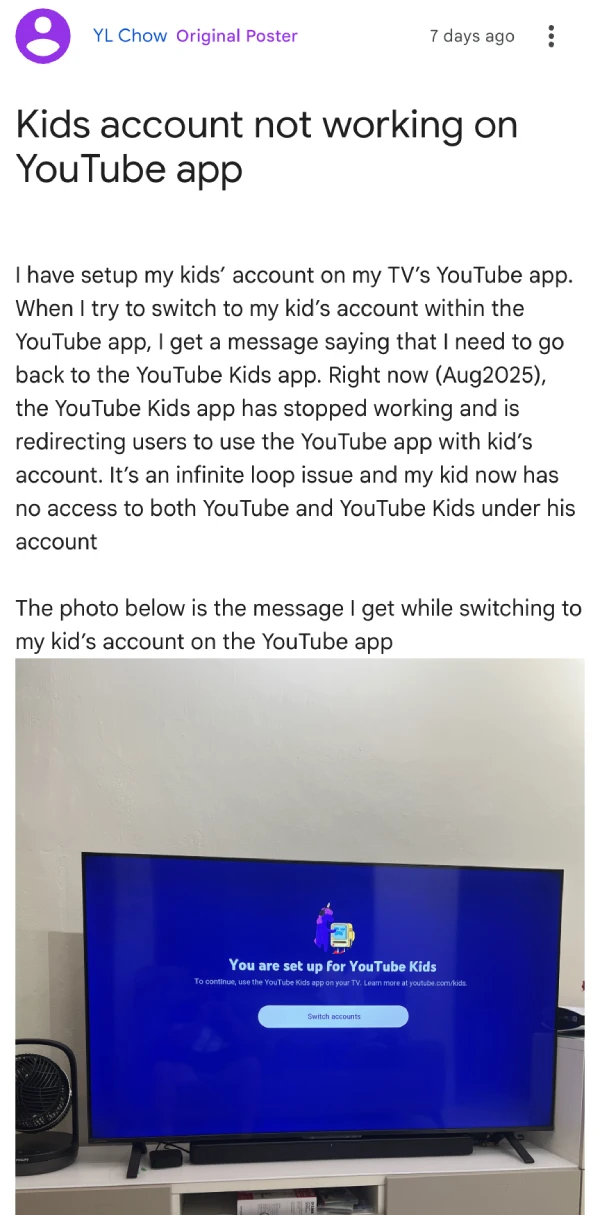
YL Chow discovered the issue when trying to set up viewing for their child on a Toshiba smart TV. “When I try to switch to my kid’s account within the YouTube app, I get a message saying that I need to go back to the YouTube Kids app,” Chow explained in a Google support forum. “Right now, the YouTube Kids app has stopped working and is redirecting users to use the YouTube app with kid’s account. It’s an infinite loop issue and my kid now has no access to both YouTube and YouTube Kids under his account.”
The bug affects numerous smart TV brands and streaming devices. Users have reported identical problems on Xiaomi TVs, Skyworth TVs, Amazon Fire Stick devices, JVC smart TVs, and various Android TV systems. But it seems Google might be aware already. A product expert on Google’s support forums acknowledged the issue, stating they are “currently looking into this as several similar concerns have been noted.”
Last year, Google announced that YouTube Kids would be migrating into the main YouTube app for TV viewing, but the app still worked. Companies like Sony even published help documentation explaining that “the YouTube Kids experience is moving into the YouTube app” and that families should “access YouTube Kids by simply selecting your child’s profile in the YouTube app.”
But it seems Google might not have fully thought this through. The old YouTube Kids app tells users to switch to the main YouTube app, but when parents try to access their child’s account in the main app, it redirects them back to YouTube Kids. This creates what one parent called “an infinite loop” that leaves children completely locked out of both platforms.
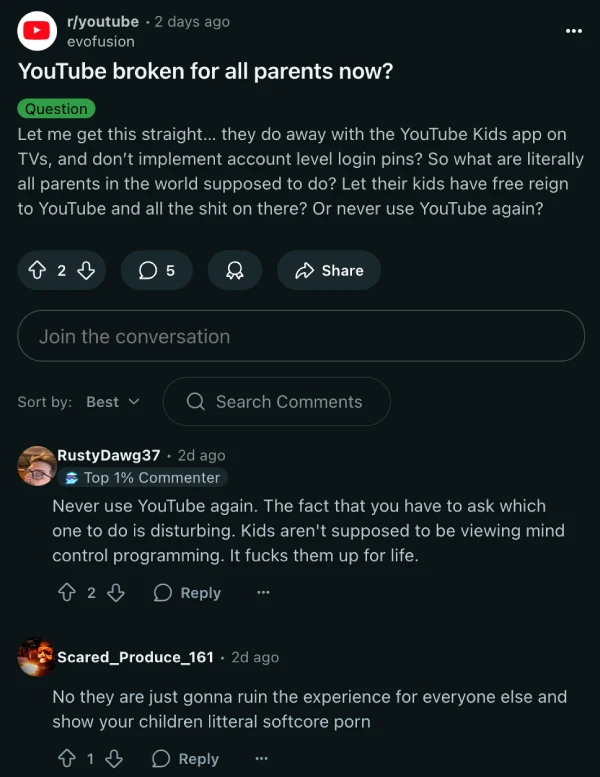
Reddit user evofusion voiced concerns shared by many: “Let me get this straight… they do away with the YouTube Kids app on TVs, and don’t implement account level login pins? So what are literally all parents in the world supposed to do? Let their kids have free reign to YouTube and all the s**t on there?”
Currently, some families have found a workaround by casting content from their phones to their TVs, but this defeats the purpose of having dedicated smart TV apps. Others have simply deleted the broken YouTube Kids app from their devices, leaving them without any child-safe viewing options.
For now, parents will just have to wait for Google to fix this major problem. We’ll keep an eye out for any further developments and will post an update if there’s something to share.


Dwayne Cubbins
3047 Posts
I cover fast-moving stories across apps, online platforms, and everyday tech — phones, wearables, consoles, and whatever else people are fighting with this week. Bugs, rollouts, scams, policy enforcement, and the occasional internet-culture rabbit hole are all fair game. My goal is simple — make confusing tech news readable. When I'm not working, I'm working out or chilling with my dog. Got a tip? You can find me on X @dcubbins.
Next article View Article